

SteamGlobal· Key
Wish: tale of the sixteenth night of lunar month
€1.20
+€0.12 cashback eligibility in Relic Coins
Check before you play
- Platform
- Steam
- Region
- Global
- Product type
- Key
- Supplier release date
- 2016-08-20
- Genres
- Adventure, Indie, Casual
SteamGlobal· Key
€1.20
+€0.12 cashback eligibility in Relic Coins
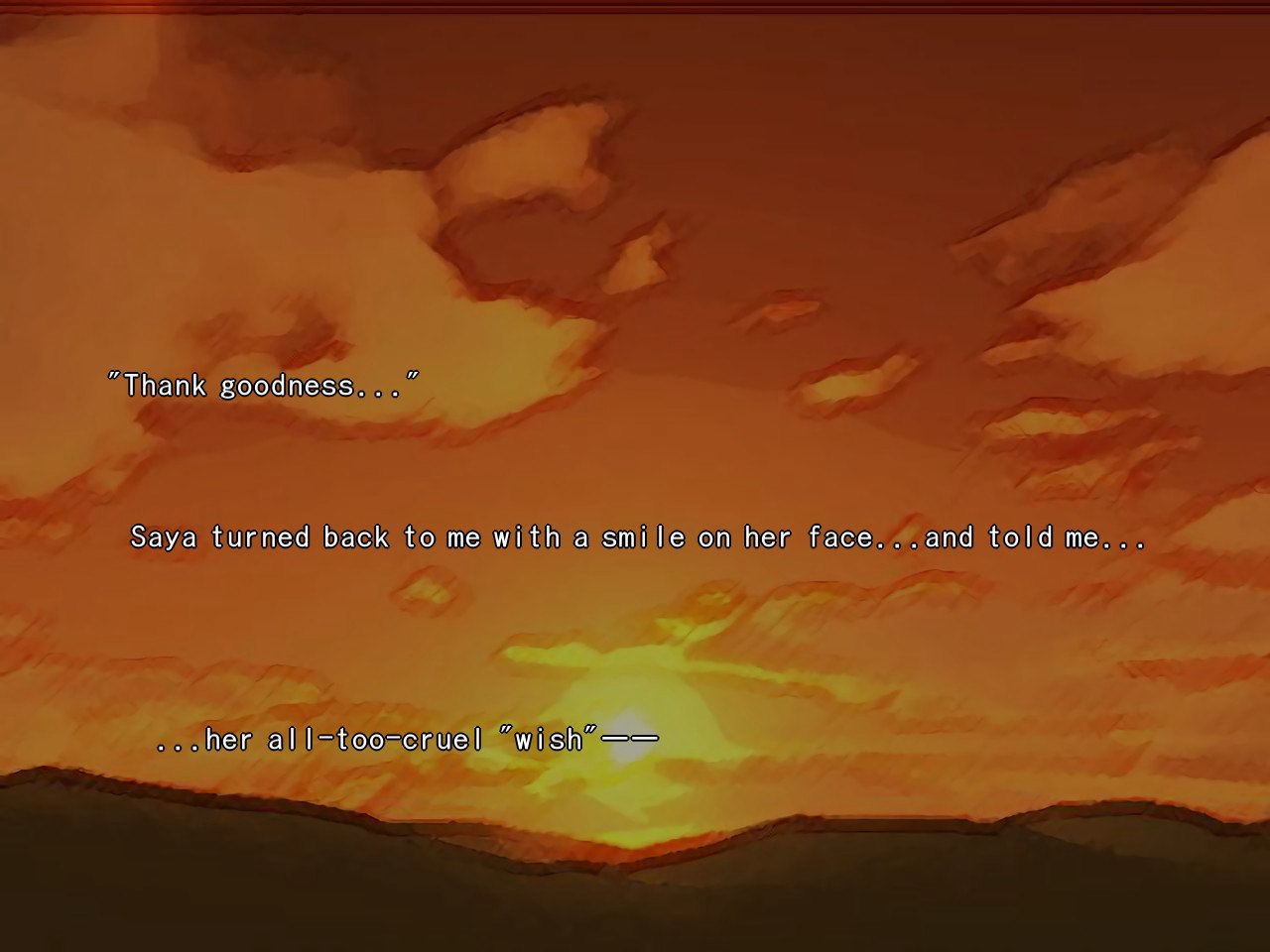
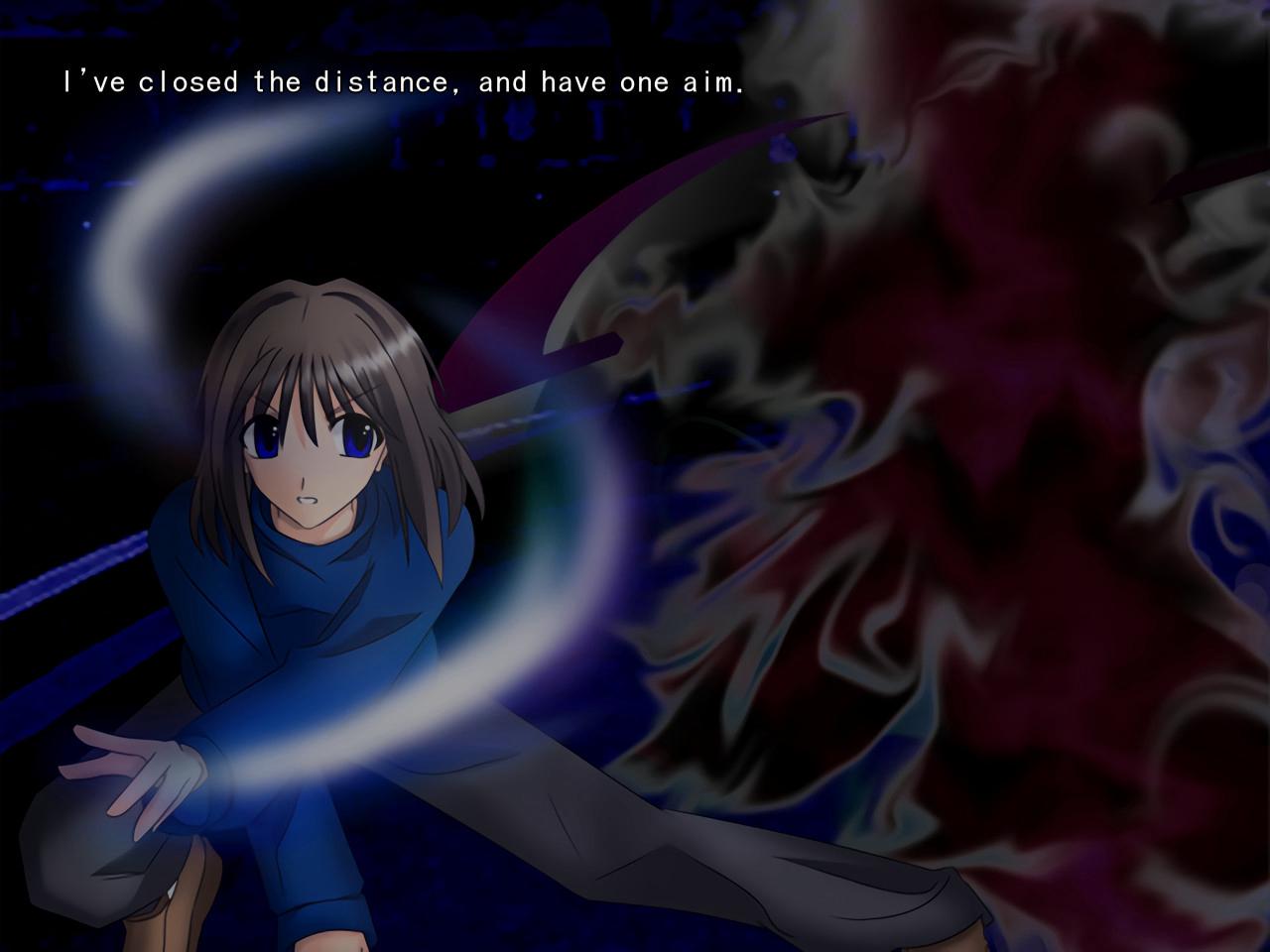
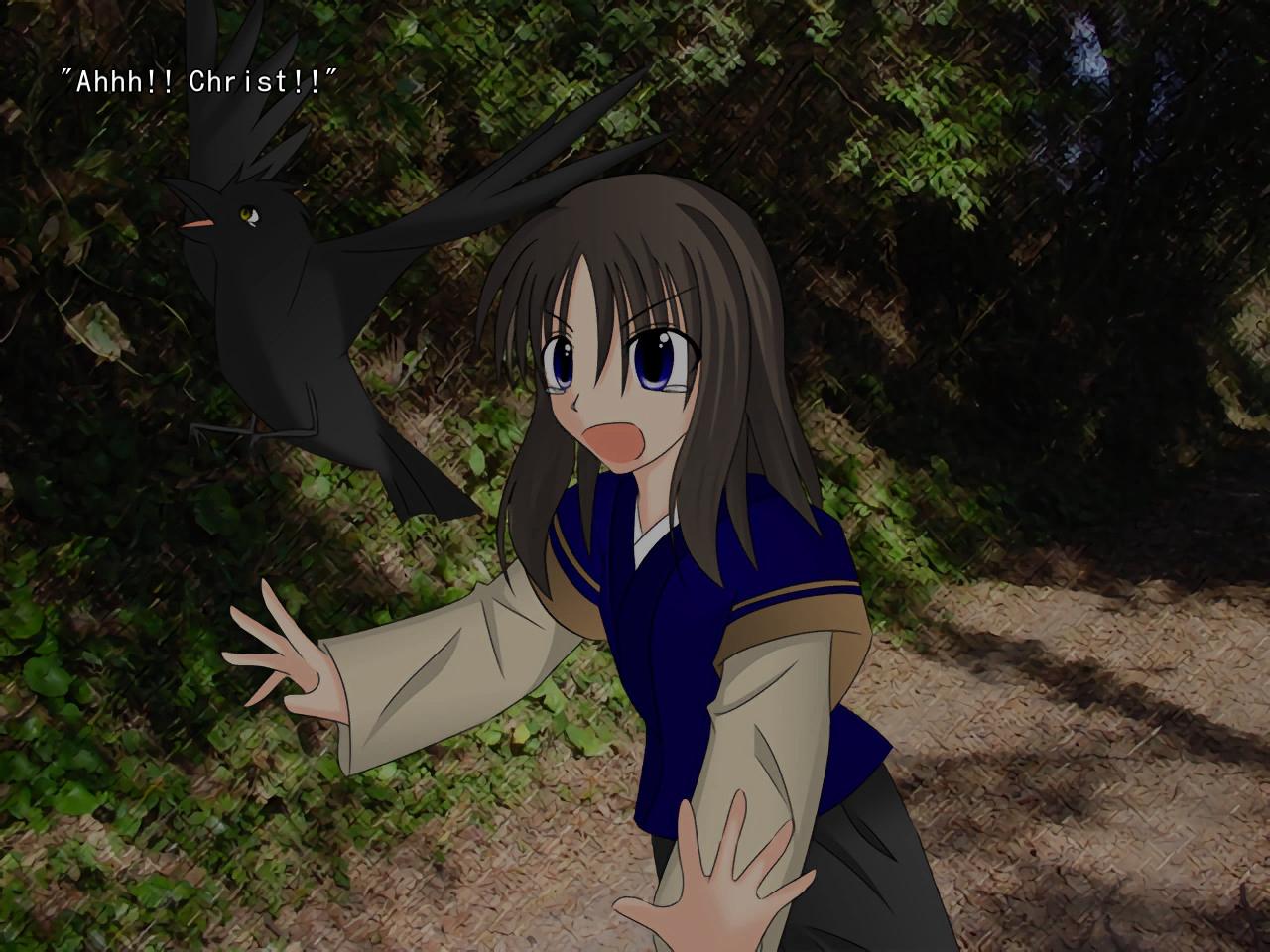
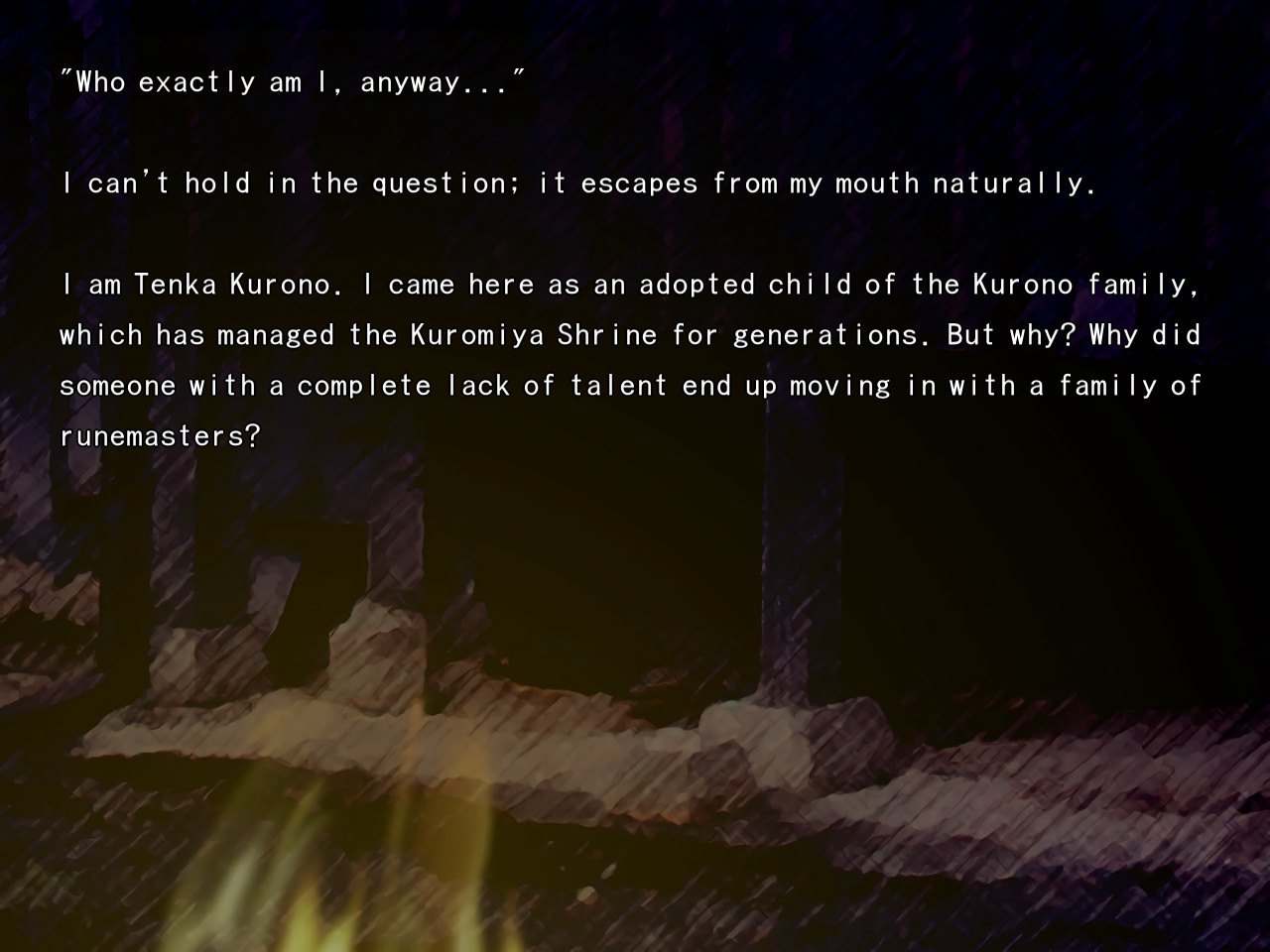
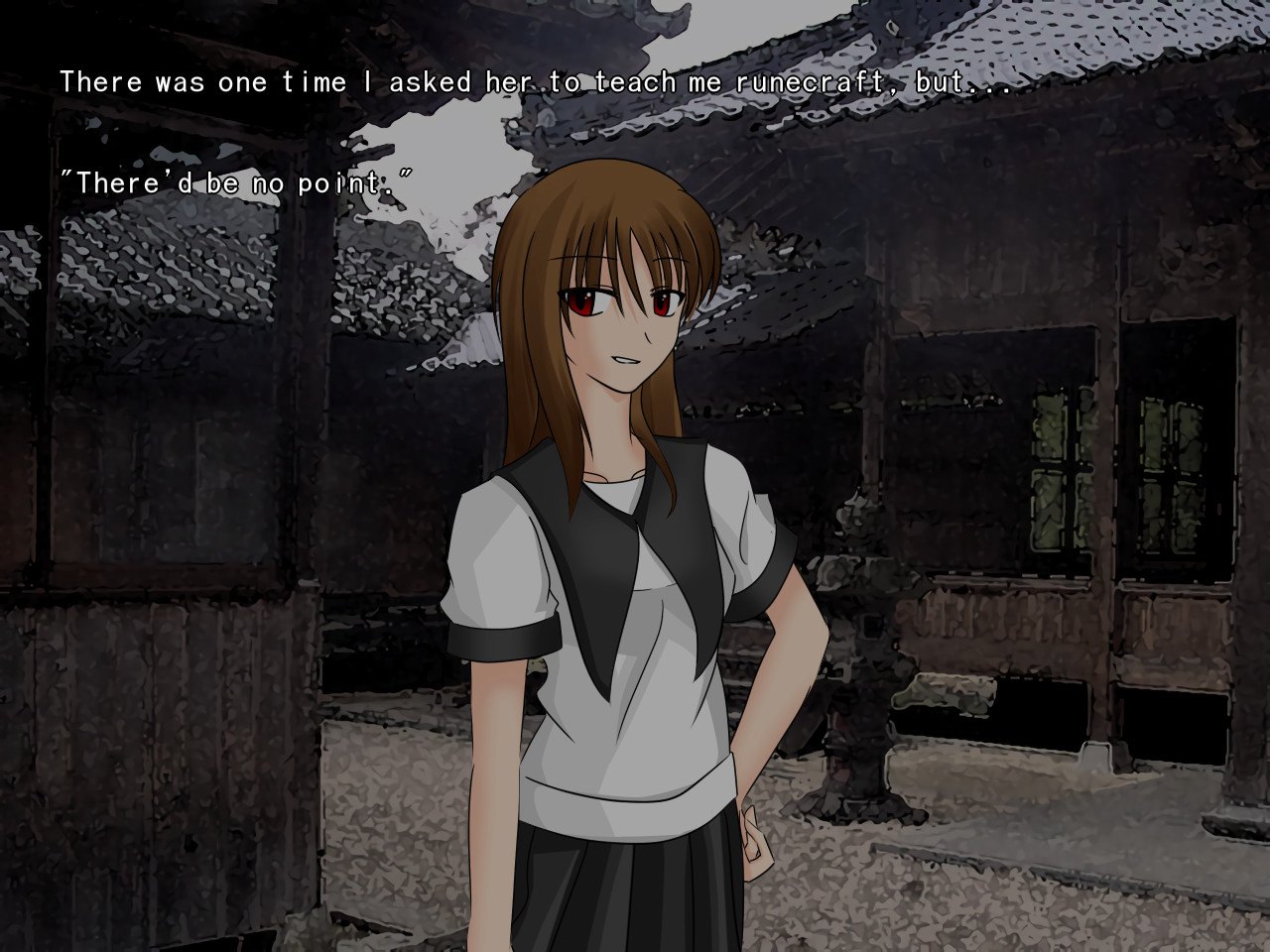
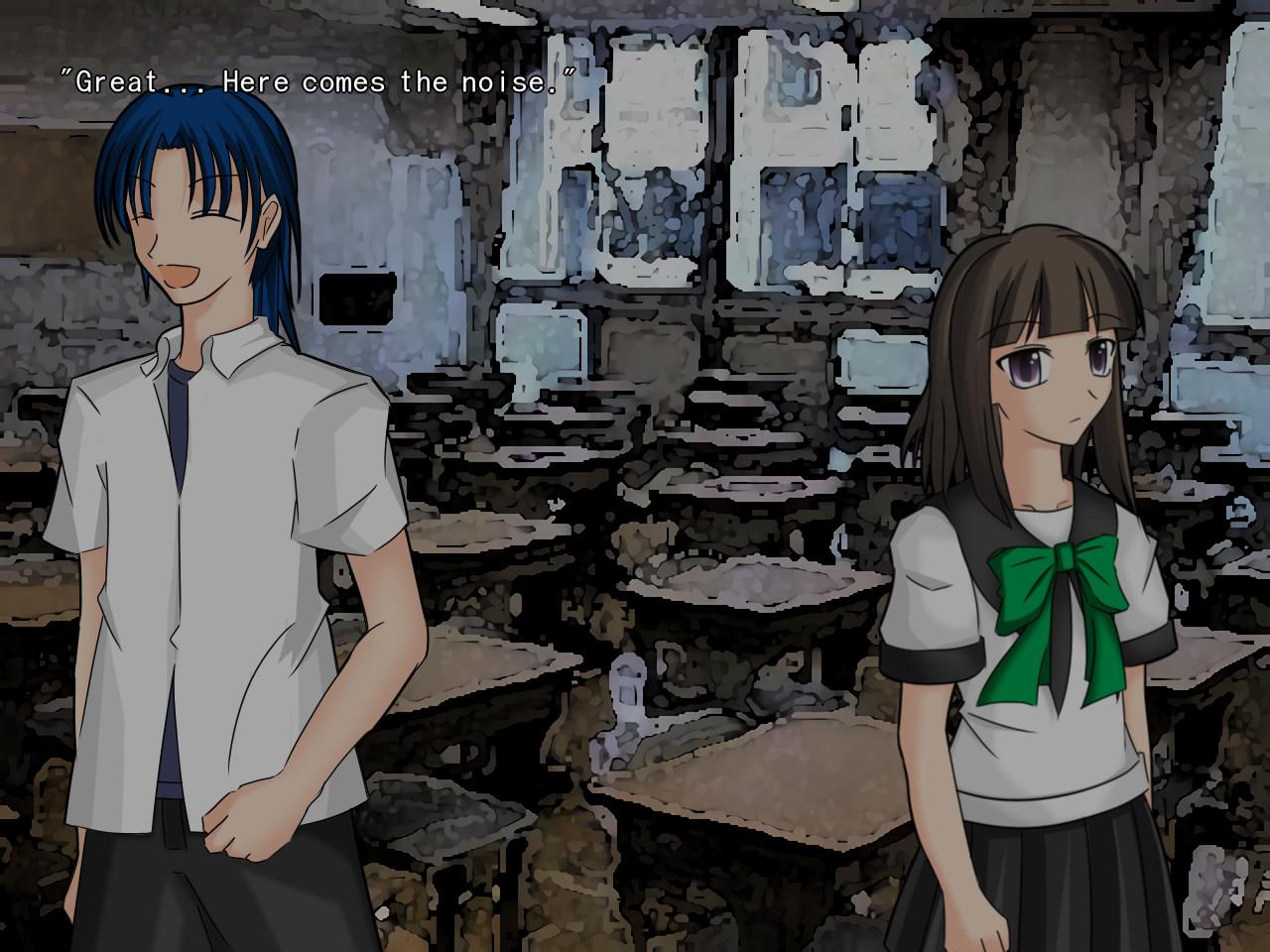
The protagonist, Tenka Kurono, is an adopted son of the Kurono family, who has been managing the Kuromiya Shrine for several generations. His older sister Mutsuki and upperclassman Rinna are runemasters - prana users who have been defending the land of commoners since ancient times. Alas, Tenka himself has no special powers, but his daily life is about to be shattered when he starts hearing his name being called in a dream... Wish is a doujin game, or Indie game, coming to you straight from the fan and story-telling community of Japan! An “Eastern romance visual novel, ” Wish combines the best of supernatural, battle, and human elements in order to create an awesome visual novel. It was Studio Migiha's first title, and if it's well received we may localize more episodes of this title!
Go to: http://store.steampowered.com/ and download STEAM client Click "Install Steam" (from the upper right corner) Install and start application, login with your Account name and Password (create one if you don't have). Please follow these instructions to activate a new retail purchase on Steam: Launch Steam and log into your Steam account. Click the Games Menu. Choose Activate a Product on Steam... Follow the onscreen instructions to complete the process. After successful code verification go to the "MY GAMES" tab and start downloading.