Get 10% back in Relic Coins on every order
Tom Clancy's The Division 2 - Year 1 Pass DLC cover

Xbox One Europe - All Countries· DLC

Tom Clancy's The Division 2 - Year 1 Pass DLC

€11.14

+€1.11 cashback eligibility in Relic Coins

Check before you play

Platform
Xbox One
Region
Europe - All Countries
Product type
DLC

Check the required base game and edition before purchasing this add-on.

Developer
Massive Entertainment
Publisher
Ubisoft Entertainment
Supplier release date
2019-03-15
Genres
Action, RPG, Third-Person Shooter

About this product

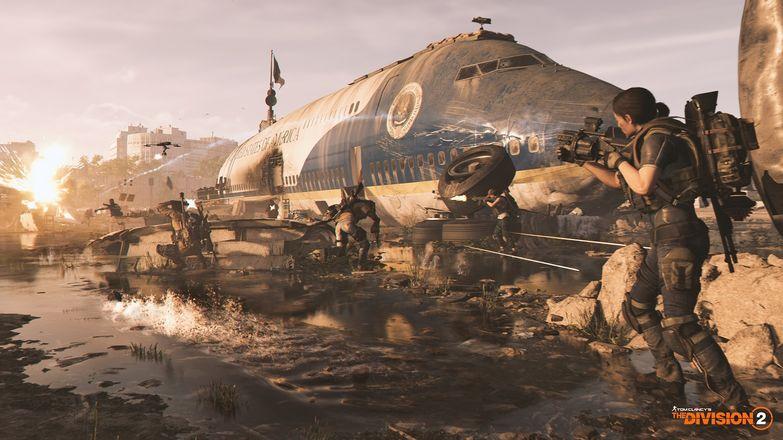
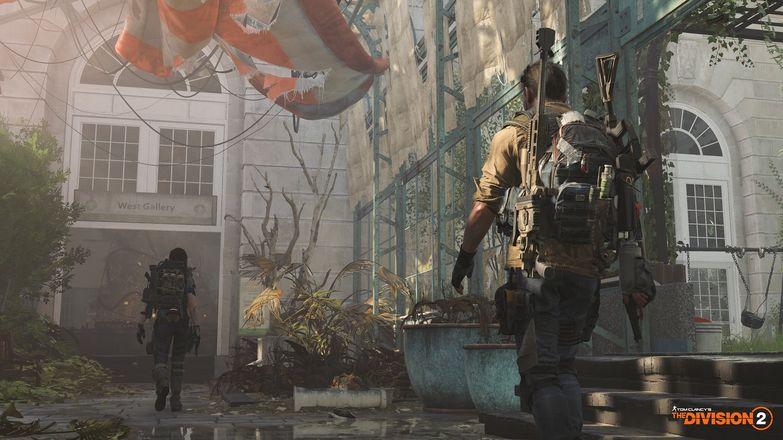
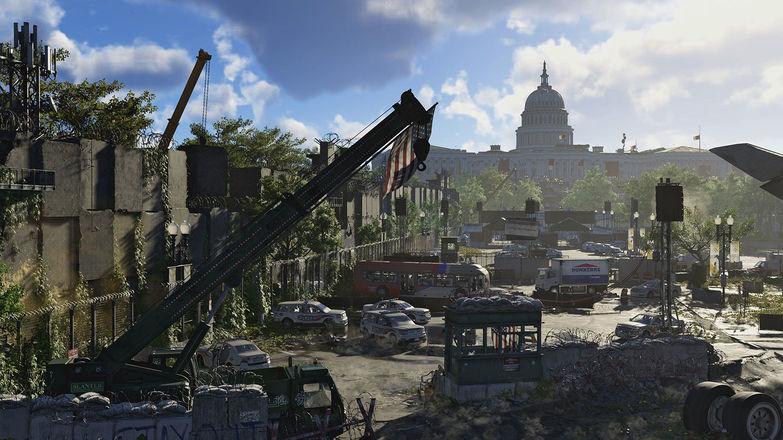
Includes: Year 1 Pass DLC The Year 1 Pass includes: Instant unlock of all Year 1 Specializations 7-days early access to all Year 1 Episodes 8 exclusive narrative missions "Classified Assignments: the Fall of D.C." A VIP status during Year 1, including additional assignments, rewards and discounts Year 1 Pass benefits ends March 14, 2020. Washington D.C. is on the brink of collapse. Lawlessness and instability threaten our society, and rumors of a coup in the capitol are only amplifying the chaos. All active Division agents are desperately needed to save the city before it's too late.You are a member of the Division, an elite group of civilian agents charged with being the last line of defense. With DC at risk, it's time to gear up and use your unique skills to take on this new threat.Unlike anything before it, The Division 2's Washington D.C. is a 1:1 representation of the real city, making the game world more authentic than ever. The game's map offers up-close-and-personal views of landmarks, natural landscapes, neighborhoods, and enemy hideouts.Various factions, vying for power in the wake of the crisis, are aiming to claim DC’s future for themselves. Only Division agents are equipped to take on these new threats and protect the civilians that remain.

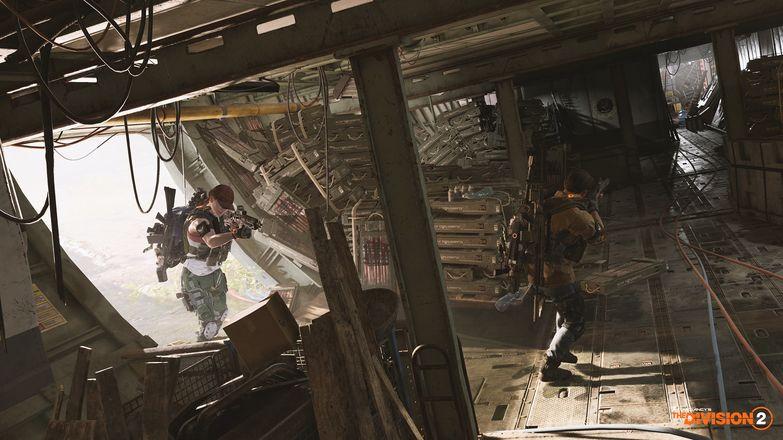
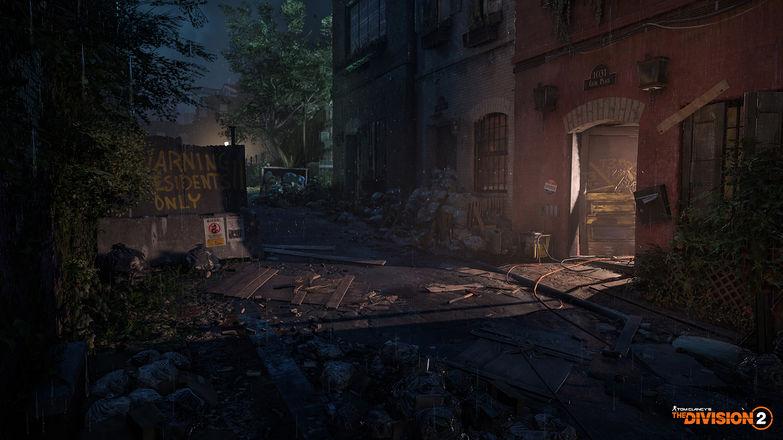
Tom Clancy's The Division 2 - Year 1 Pass DLC screenshotTom Clancy's The Division 2 - Year 1 Pass DLC screenshotTom Clancy's The Division 2 - Year 1 Pass DLC screenshotTom Clancy's The Division 2 - Year 1 Pass DLC screenshotTom Clancy's The Division 2 - Year 1 Pass DLC screenshotTom Clancy's The Division 2 - Year 1 Pass DLC screenshot

How to redeem

  1. 1Check the required base game, platform and edition before purchasing.
  2. 2Find the code or supplier activation instructions in your confirmed order.
  3. 3Redeem on Xbox One using the supplied instructions, then install the add-on with the compatible base game.

Supplier instructions

Go to https://www.xbox.com Login to your account Hover over your account link (the top right of the screen) a menu will appear, click on the "Redeem Code" button. On the next page, click "Redeem" Enter your code Click "Confirm" Click "Confirm" again to assign the key to your account.

You might also like