Get 10% back in Relic Coins on every order
Skyworld: Kingdom Brawl cover

SteamGlobal· Key

Skyworld: Kingdom Brawl

€10.38

+€1.04 cashback eligibility in Relic Coins

Check before you play

Platform
Steam
Region
Global
Product type
Key
Developer
Vertigo Games
Publisher
Vertigo Games
Supplier release date
2019-04-02
Genres
Strategy, Indie, VR Games

About this product

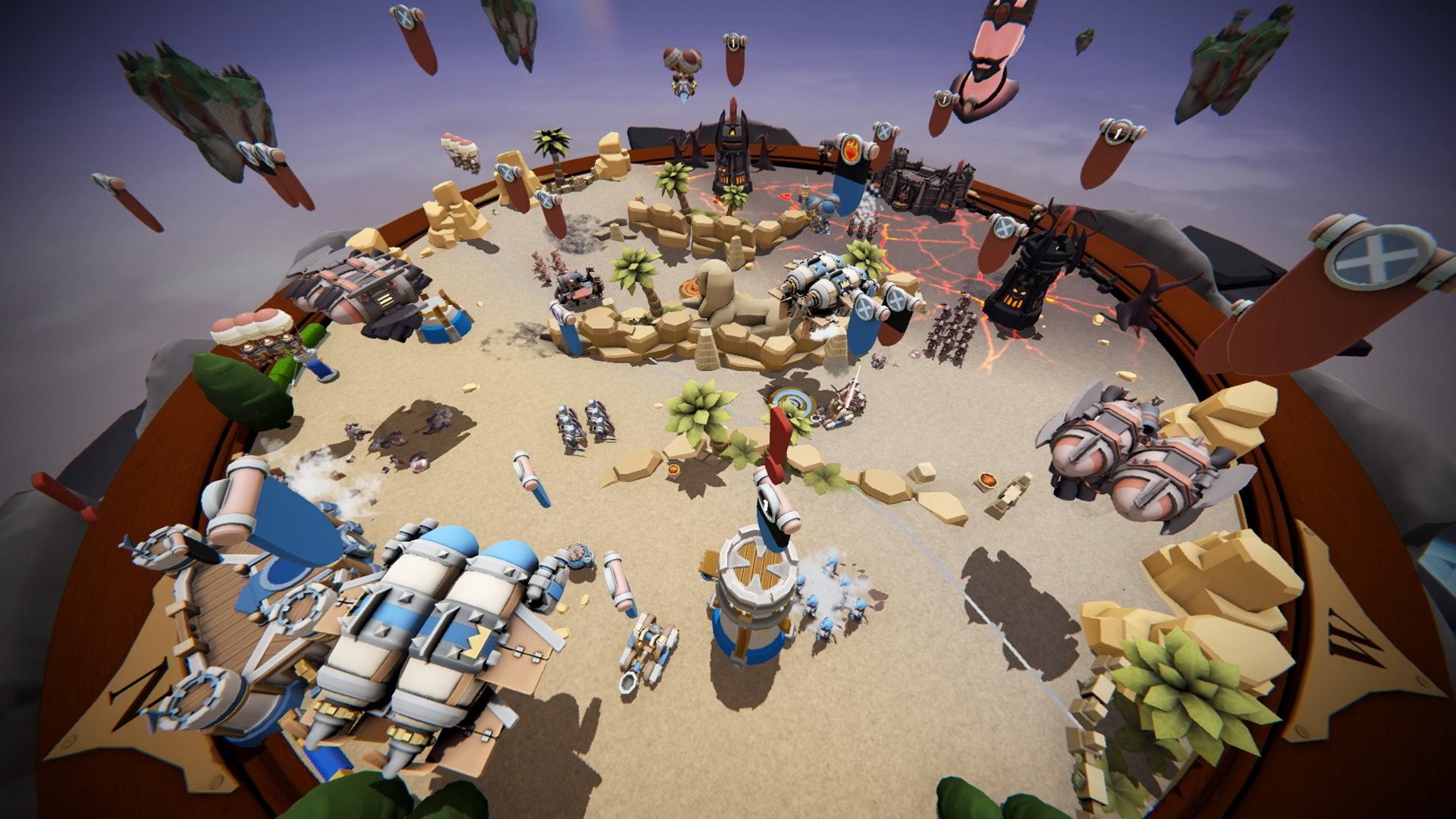
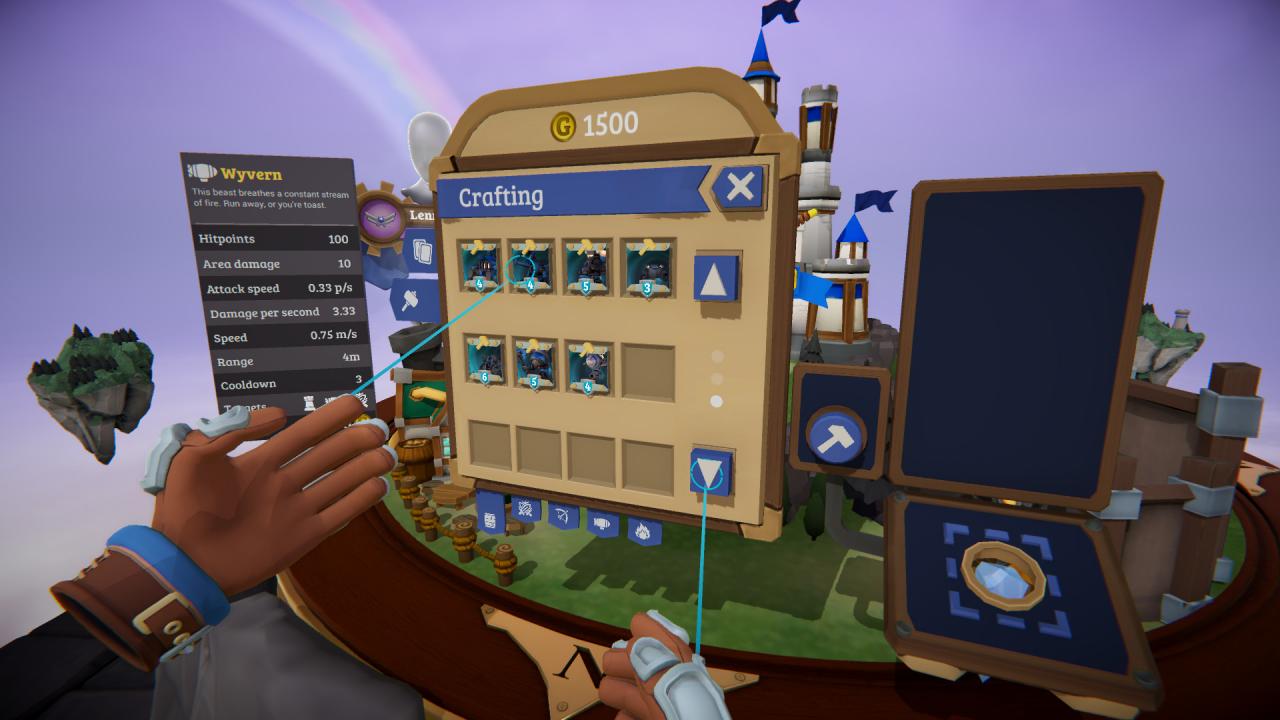
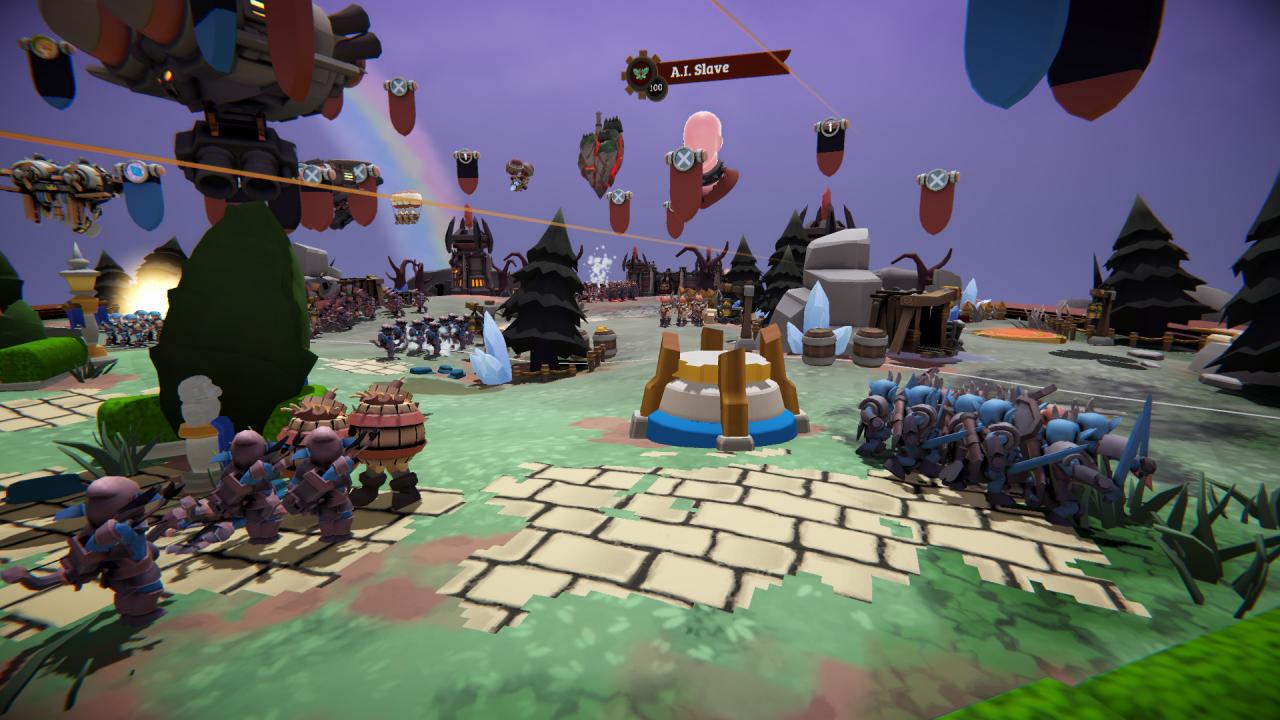
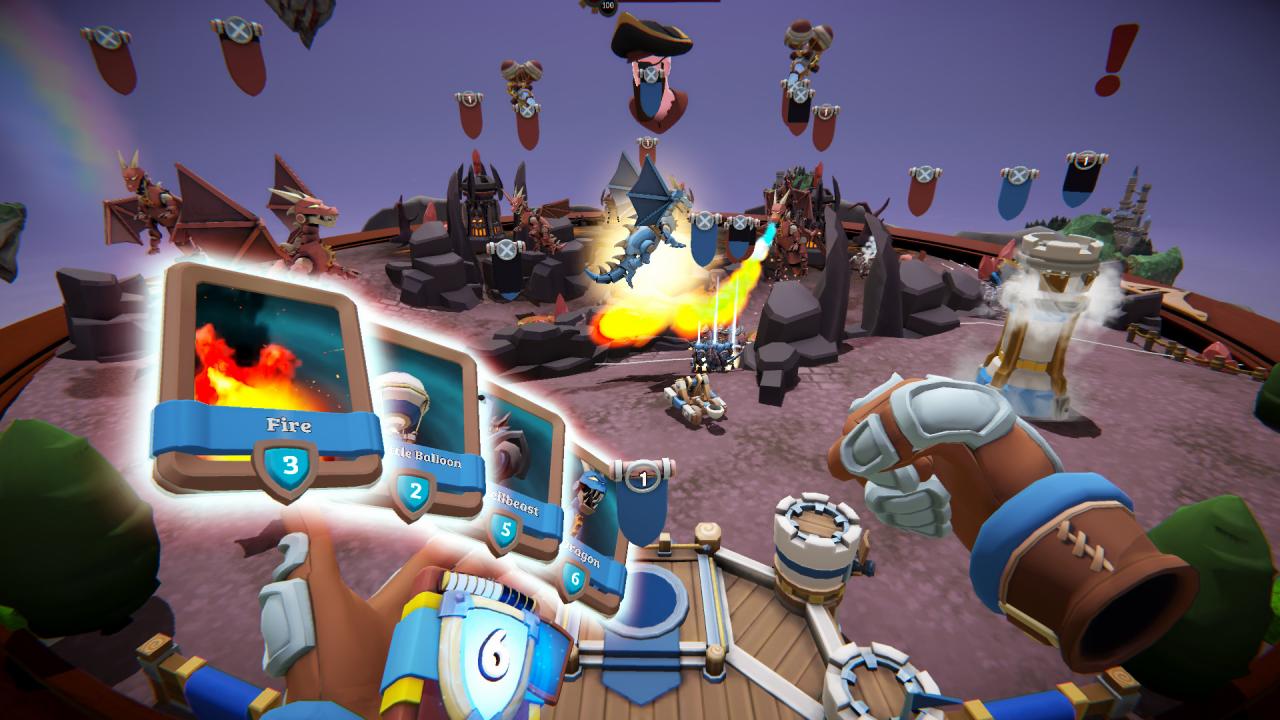
All is fair in love and VR! Friends turn foe as you set foot in the VR battle arenas of Kingdom Brawl. From the creators of Arizona Sunshine, set in the universe of Skyworld, comes an action-packed real-time multiplayer game, exclusively for VR.In Kingdom Brawl, you collect and upgrade dozens of cards to build a powerful deck, and watch your cards come to life as you cast spells and summon forces to wipe your enemy off the map. Join a clan, take on opponents from around the globe in regular online tournaments, and claim your place on the global leaderboards. This is no friendly battle… this is war! Features Play dozens of cards to deploy troops and cast spells Challenge friends worldwide in cross-platform multiplayer Compete in over 20 unique battle arenas Join a clan, battle for glory and claim your rewards! Claim a place on the global leaderboards Make name for yourself in regular tournaments Vanquish your enemies with dragons and fireballs! Wage war and be victorious!

Skyworld: Kingdom Brawl screenshotSkyworld: Kingdom Brawl screenshotSkyworld: Kingdom Brawl screenshotSkyworld: Kingdom Brawl screenshotSkyworld: Kingdom Brawl screenshotSkyworld: Kingdom Brawl screenshot

How to redeem

  1. 1Check your Steam account and the listed region before purchasing.
  2. 2Find your code and supplier activation instructions in your confirmed order.
  3. 3Open the redeem-code section on Steam, enter the code and follow the platform’s prompts.

Supplier instructions

Go to: http://store.steampowered.com/ and download STEAM client Click "Install Steam" (from the upper right corner) Install and start application, login with your Account name and Password (create one if you don't have). Please follow these instructions to activate a new retail purchase on Steam: Launch Steam and log into your Steam account. Click the Games Menu. Choose Activate a Product on Steam... Follow the onscreen instructions to complete the process. After successful code verification go to the "MY GAMES" tab and start downloading.

You might also like