Get 10% back in Relic Coins on every order
Fight the Horror cover

SteamGlobal· Key

Fight the Horror

€11.58

+€1.16 cashback eligibility in Relic Coins

Check before you play

Platform
Steam
Region
Global
Product type
Key
Developer
4D Creativity Limited
Publisher
4D Creativity Limited
Supplier release date
2019-04-09
Genres
Action, Indie

About this product

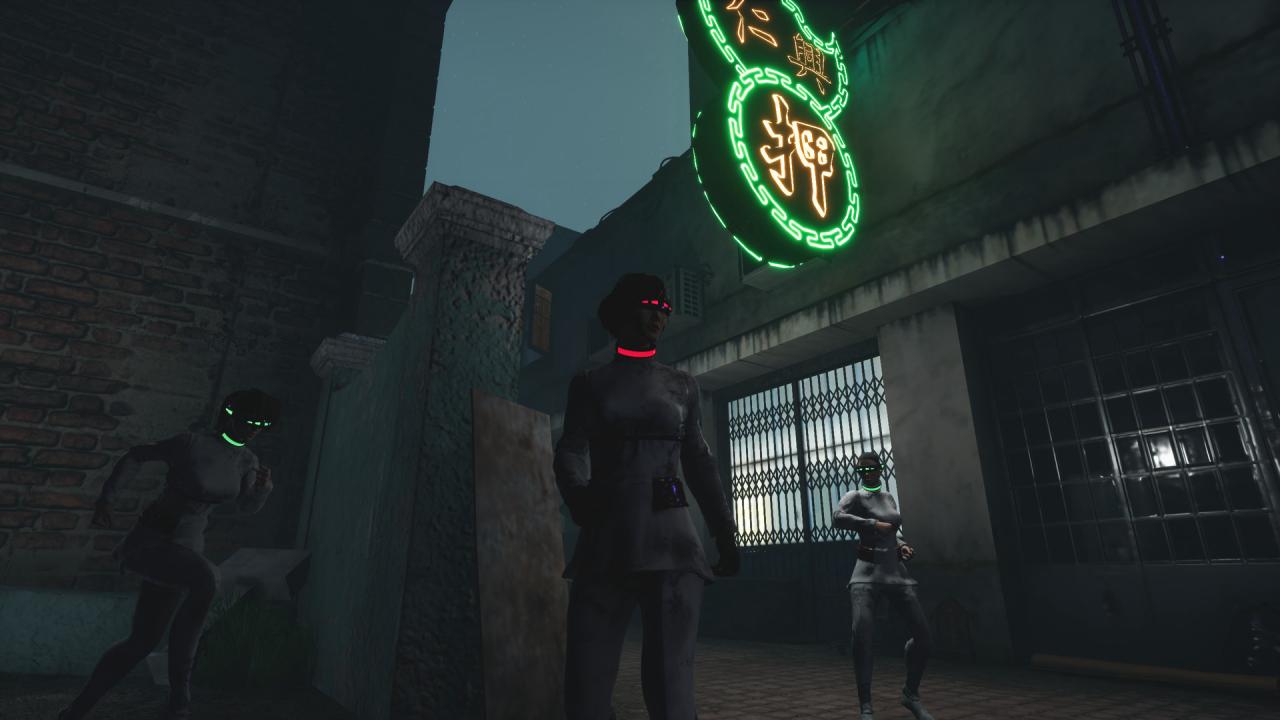
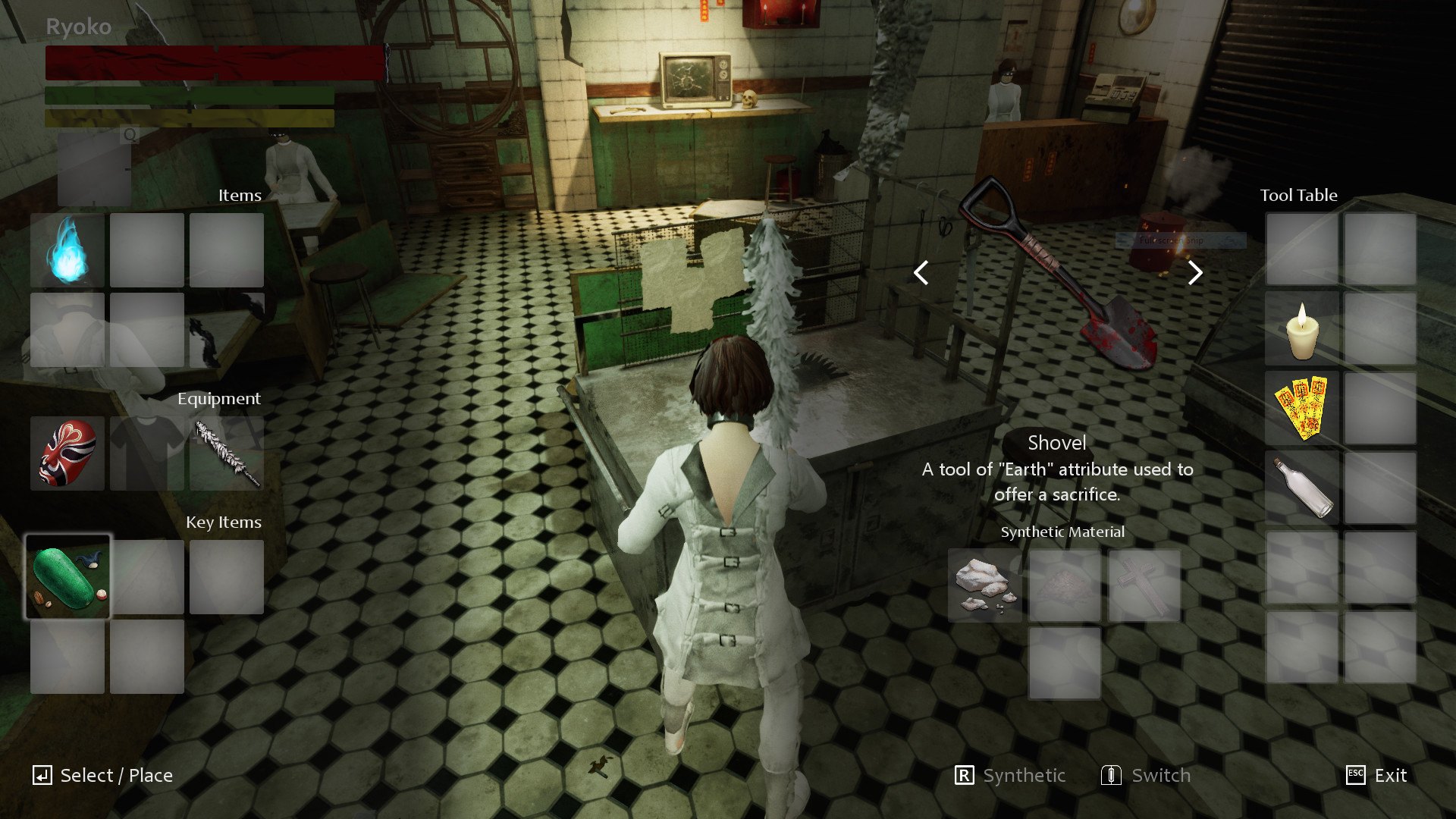
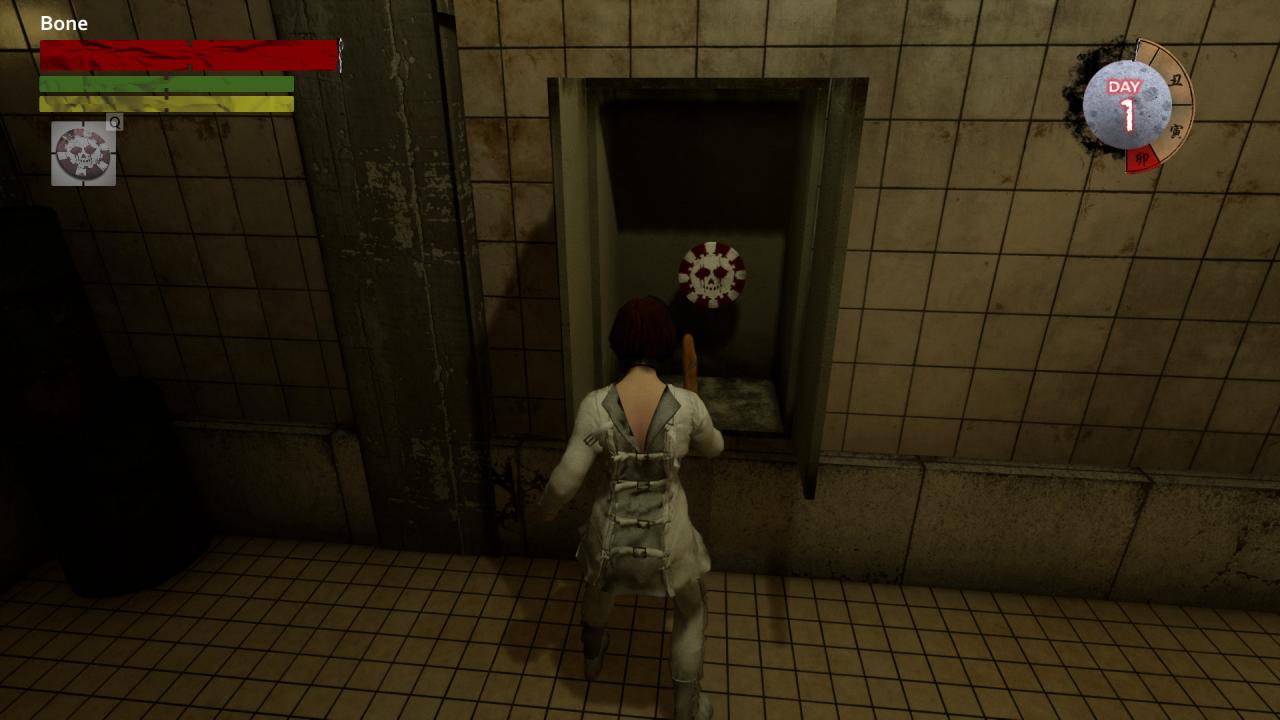
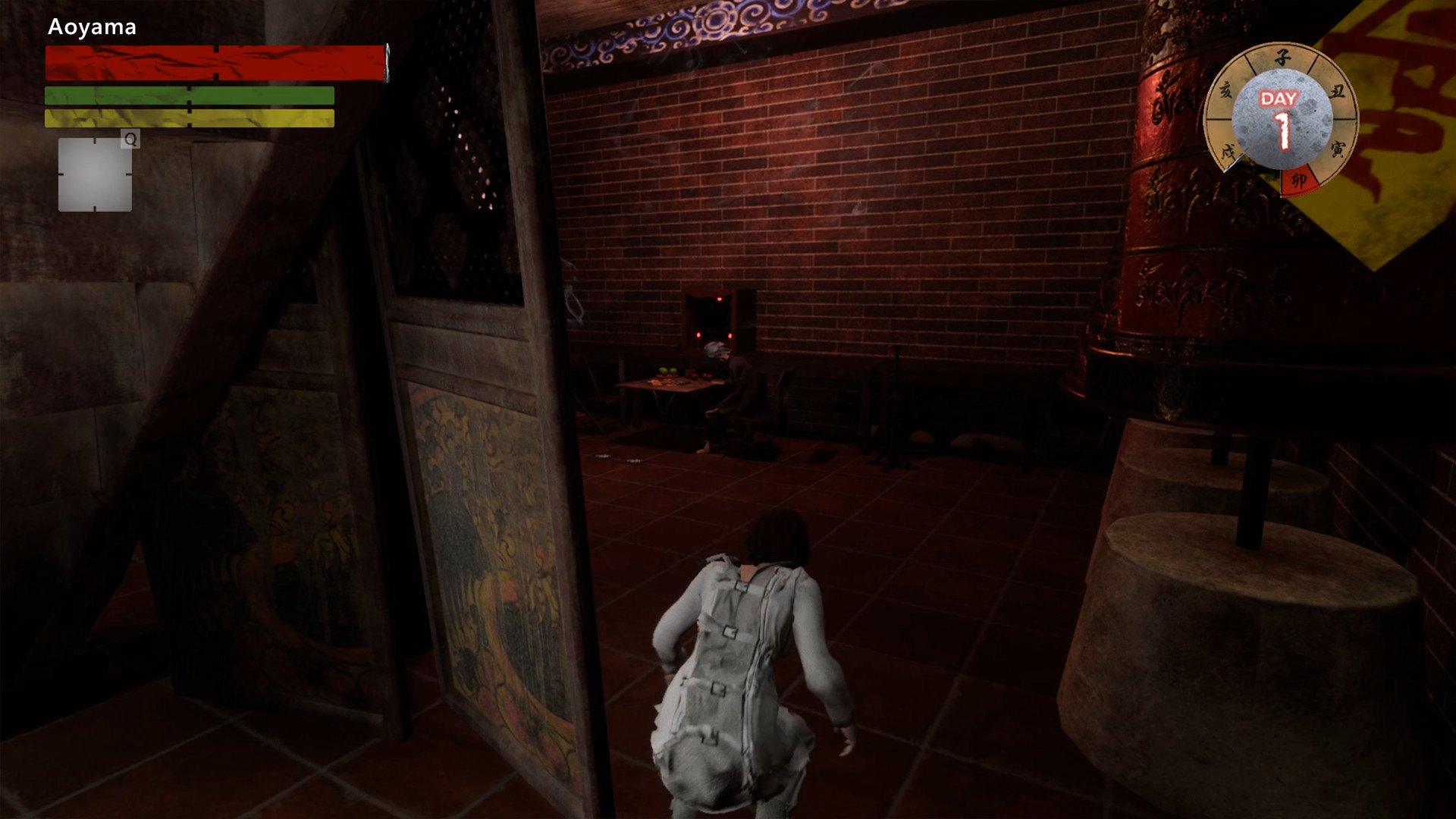
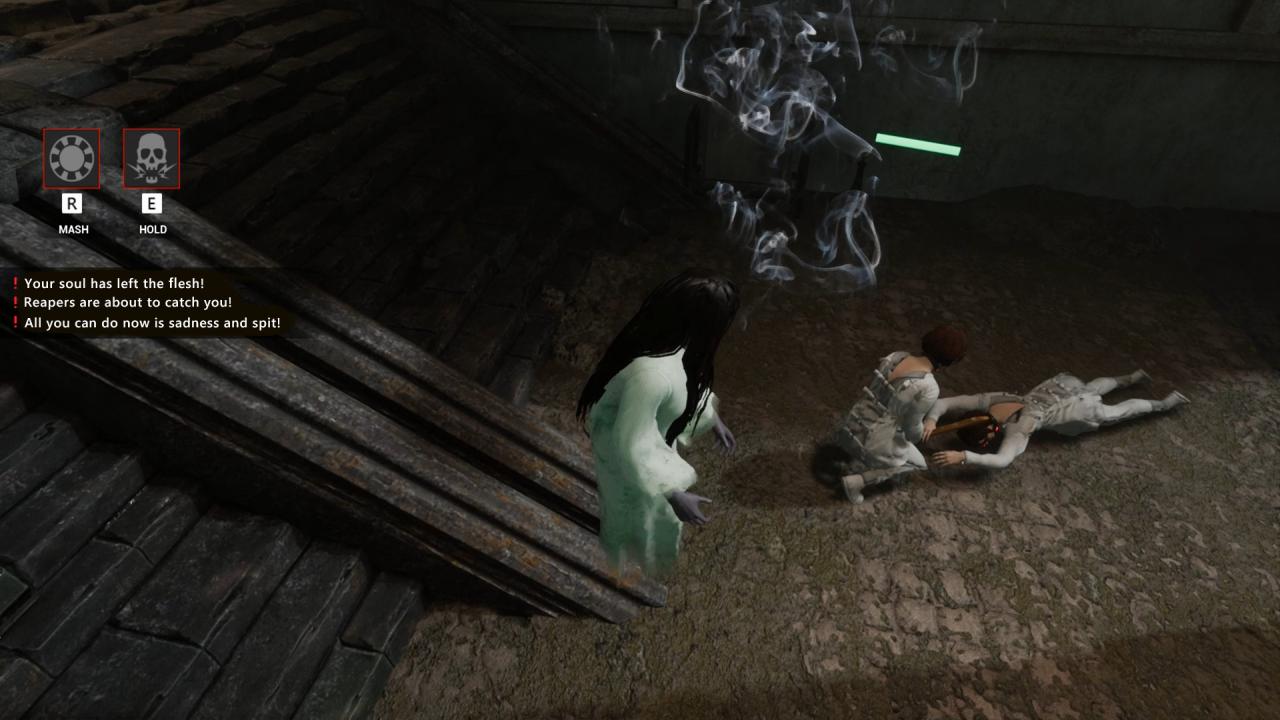
Fight the Horror: A multiplayer, heart-thumping, survival horror role-playing thriller game that you can’t miss! Dizzy and stumbling, you are corralled into a pitch-black room with other people. You recognize a few of them, but you are not sure. They sit in the room, distant and detached. A screen flickers to life and a strange, illusory story starts and enrapture you and your fellow captives. One and all hold on their breath… Suddenly, you find yourself in the middle of a city you seem to remember from your past. Something isn’t right. To survive in this strange timeline and have a chance to escape, you have to solve all puzzles and defeat the insidious boss lurking behind all this! The situation is dire and dangerous, but you are no longer alone! Features Online multiplayer mode for nine players: Three people work in a team and three teams total will compete against each other. A suspense game based on real stories: Adapted from seven historical events in Macao with various endings depending on player’s choices. Diversified gameplay: To solve suspenseful puzzles, kill powerful monsters, and survive suspicious mechanisms. Unique worship and burial system: death is not the end, but the beginning of another chapter.


Fight the Horror screenshotFight the Horror screenshotFight the Horror screenshotFight the Horror screenshotFight the Horror screenshot

How to redeem

  1. 1Check your Steam account and the listed region before purchasing.
  2. 2Find your code and supplier activation instructions in your confirmed order.
  3. 3Open the redeem-code section on Steam, enter the code and follow the platform’s prompts.

Supplier instructions

Go to: http://store.steampowered.com/ and download STEAM client Click "Install Steam" (from the upper right corner) Install and start application, login with your Account name and Password (create one if you don't have). Please follow these instructions to activate a new retail purchase on Steam: Launch Steam and log into your Steam account. Click the Games Menu. Choose Activate a Product on Steam... Follow the onscreen instructions to complete the process. After successful code verification go to the "MY GAMES" tab and start downloading.

You might also like