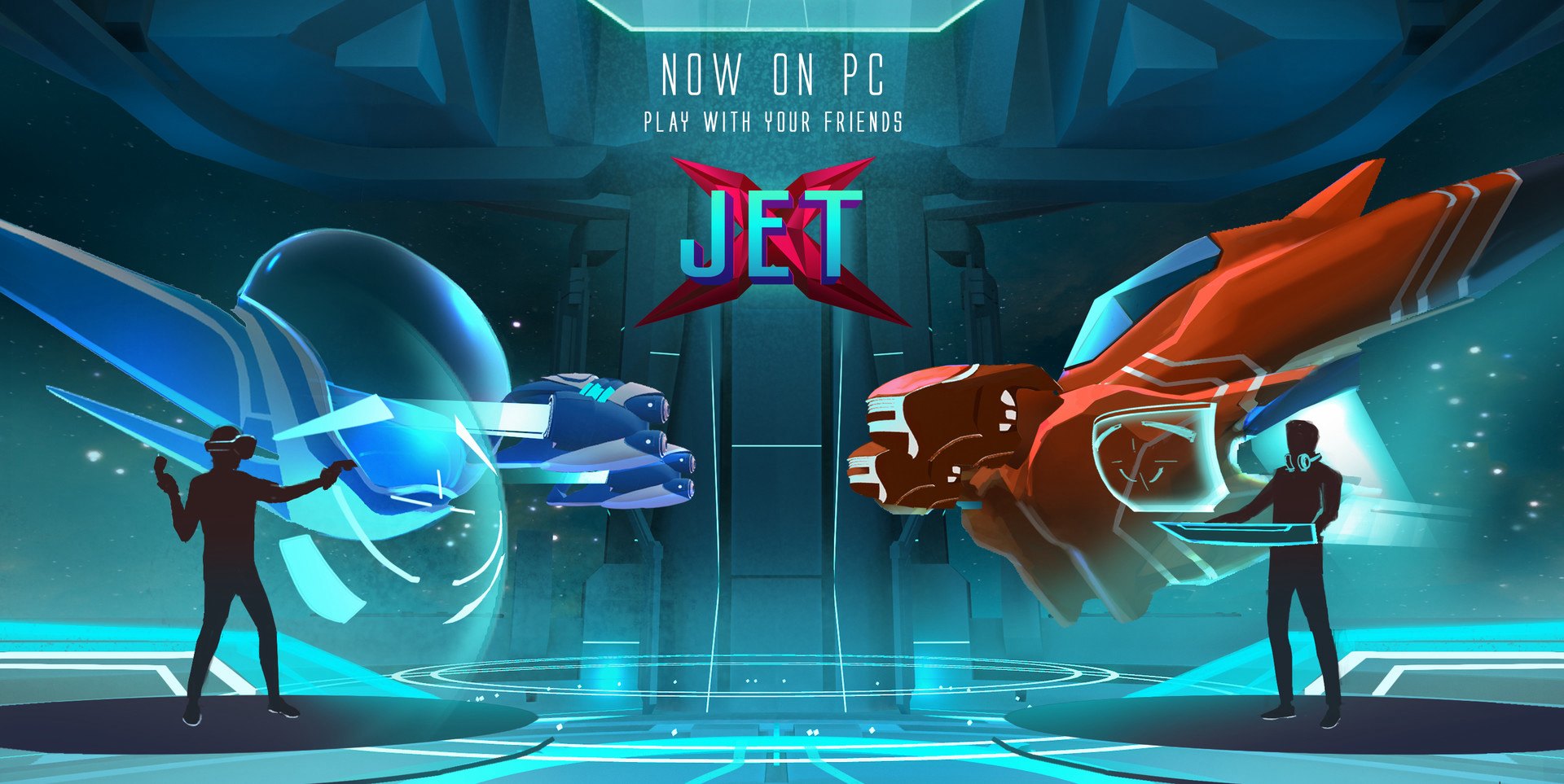
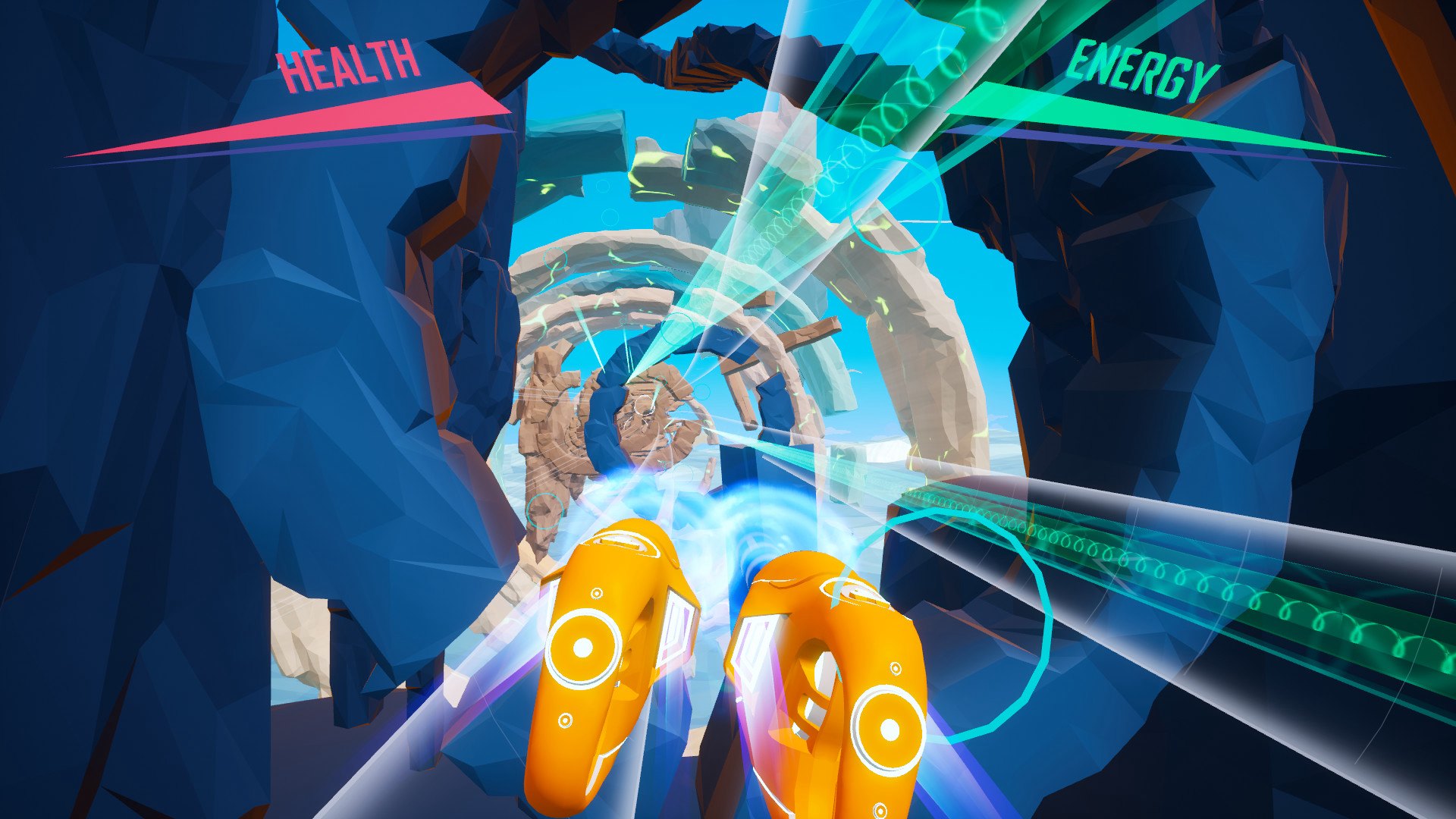
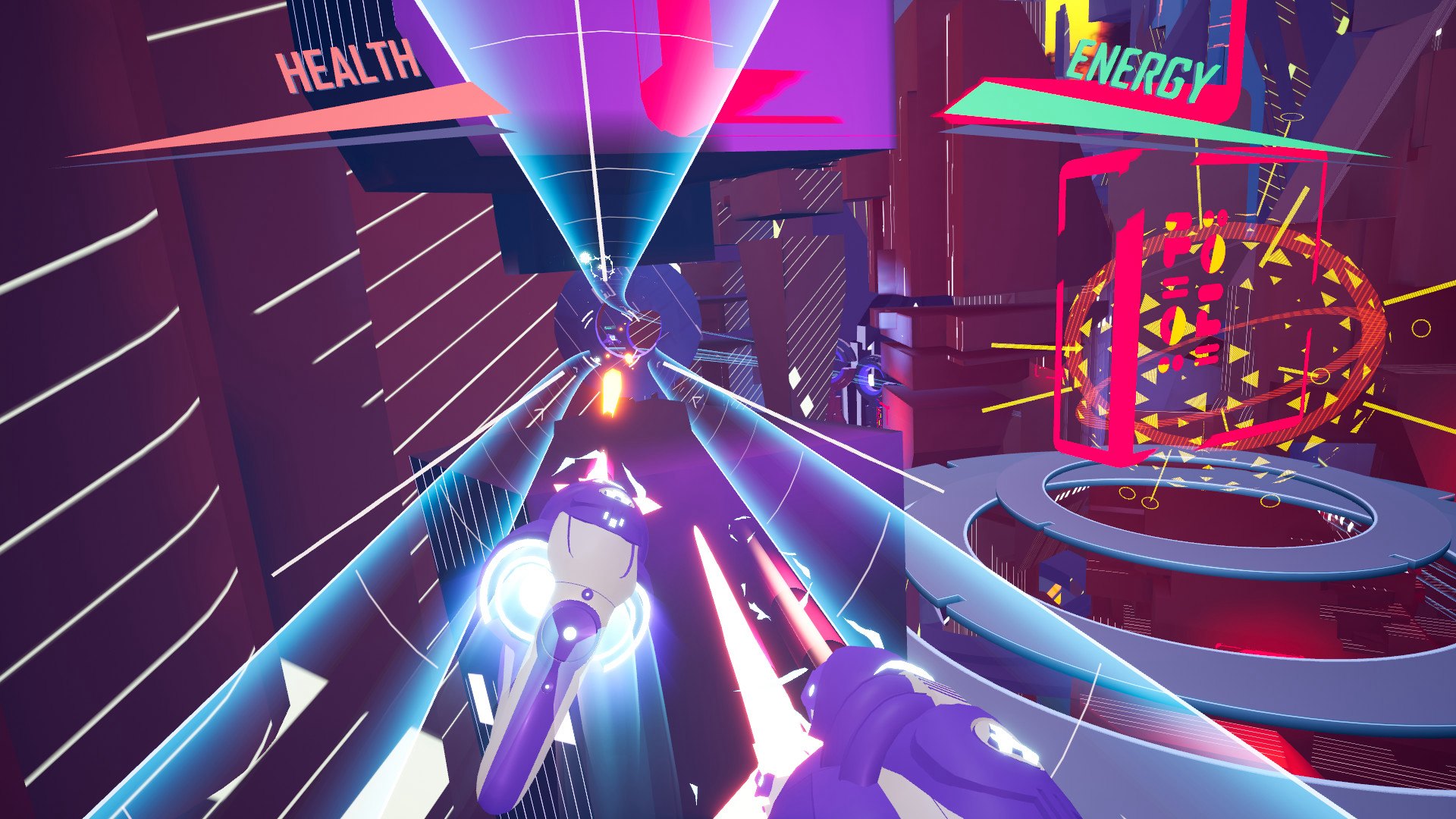
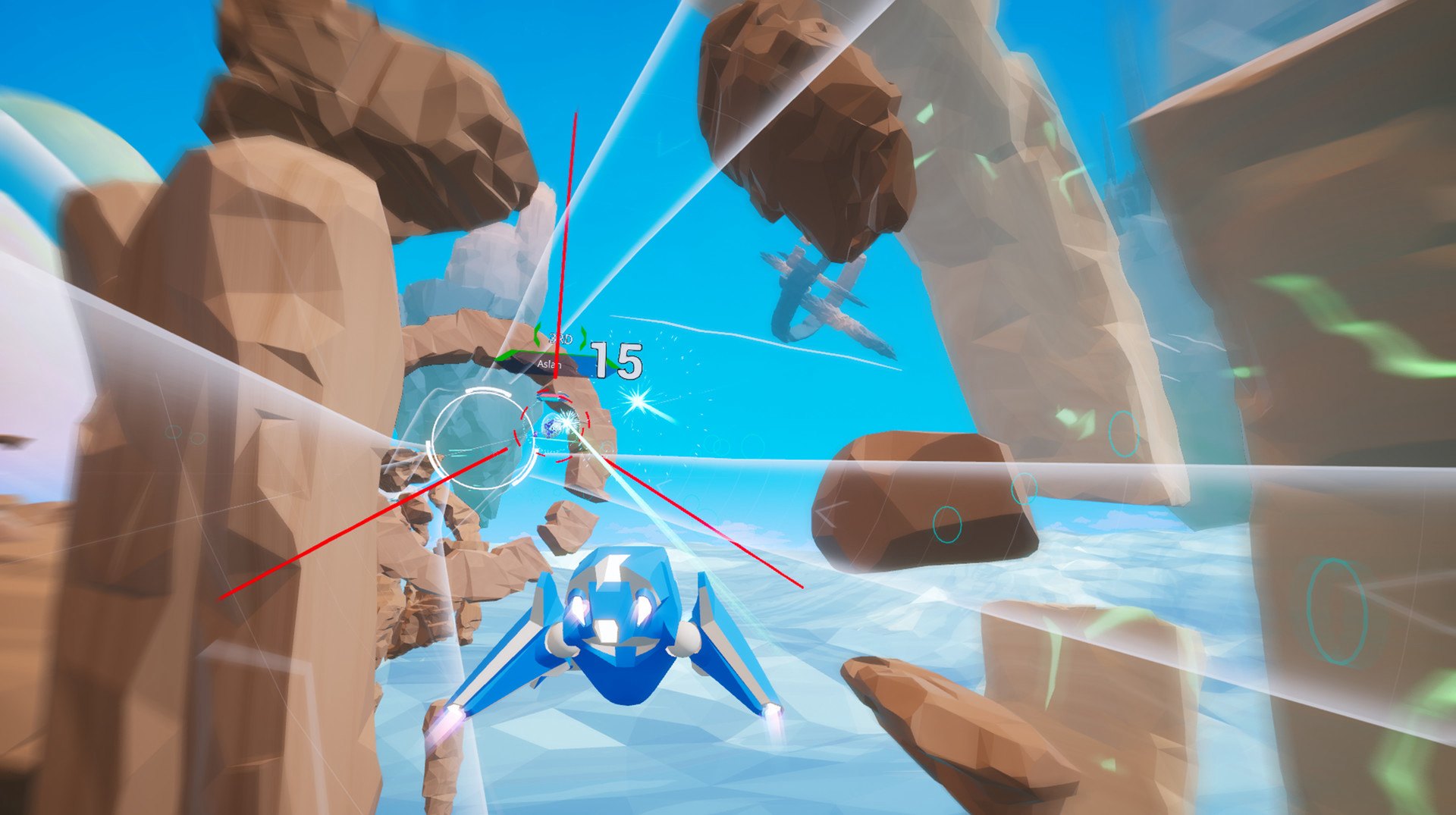
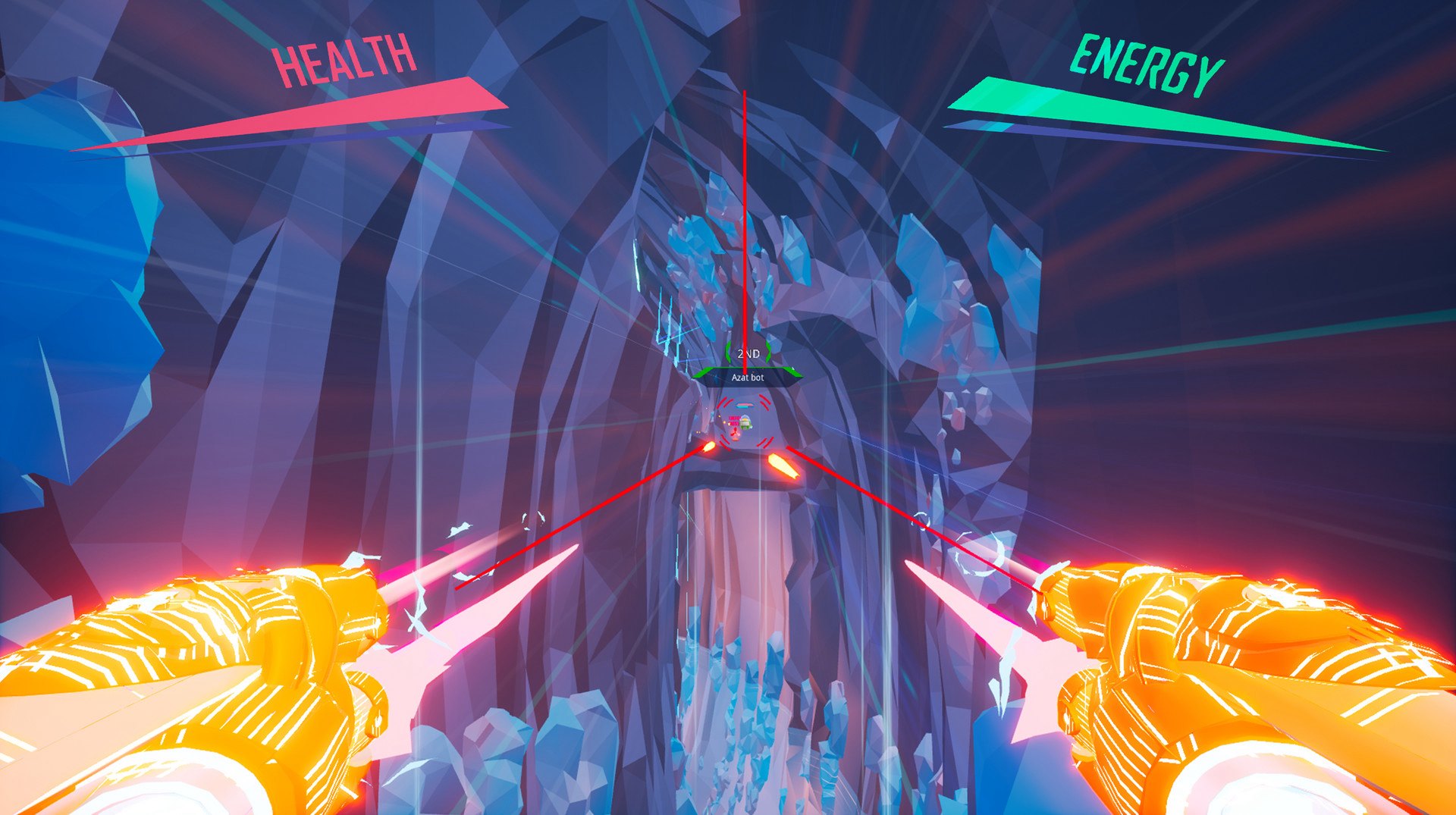
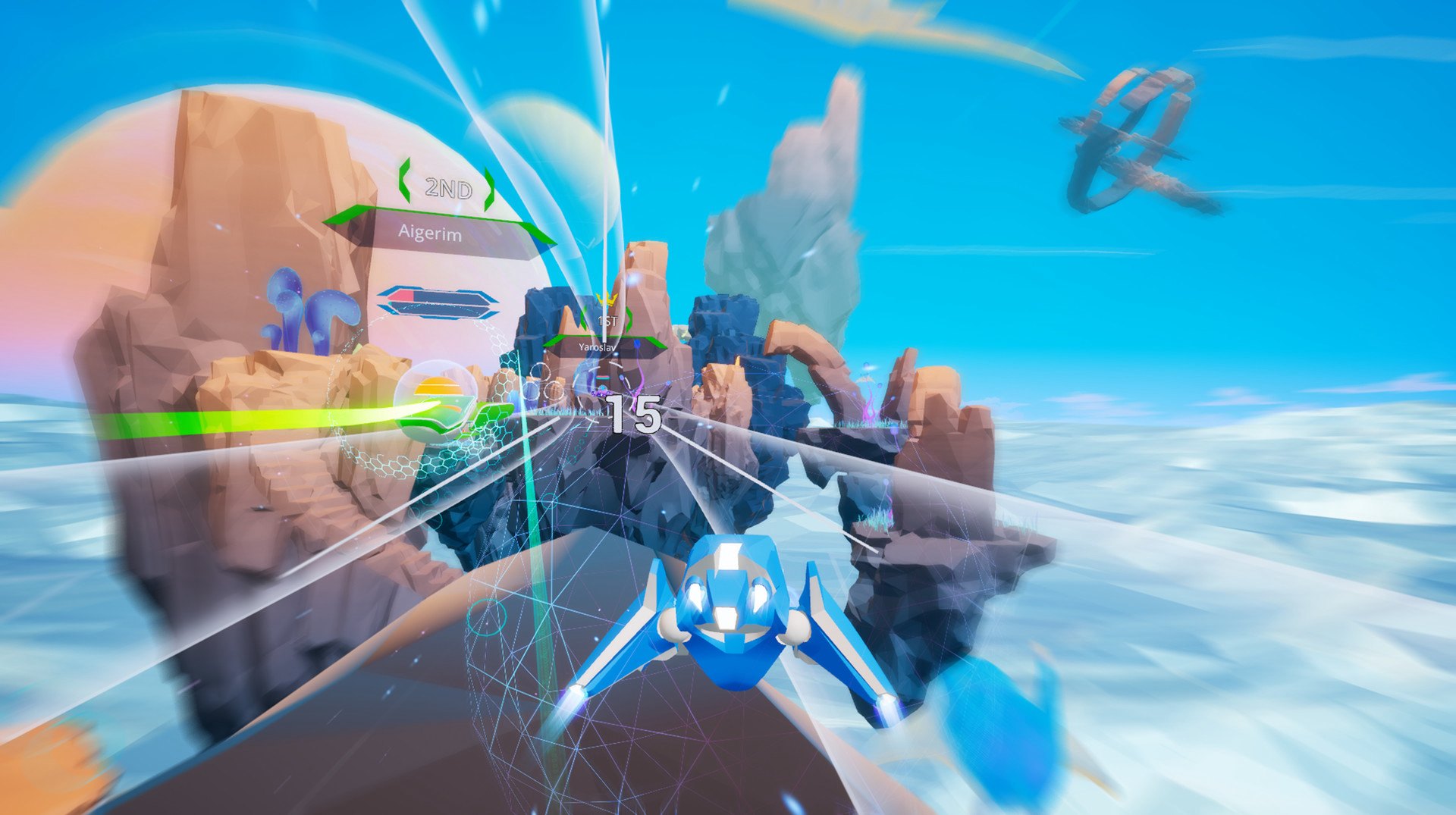
JetX features an arcade racing, epic battles in the arena and a rich variety of modes. Players can race with friends or compete against the bots to reach for the first place in the online leaderboard. Our game is an inviting challenge originally built for Virtual Reality, now also available for PC.Crystal caves, otherworldly landscapes, space wastes in a sharp low-polygon aesthetics. Arm yourself, collect power-ups and go ahead to the victory! Features Motion Is Life - Designed from scratch for VR to minimize motion-sickness, JetX features a powerful, unique flight system that gives you extensive control and impressive freedom. Immersive VR - JetX is the fastest VR game ever made. PC\VR Multiplayer - Race and battle against HTC Vive, Oculus Rift and PC players together, regardless of your platform of choice. VR support is optional. Dynamic PvP battles - Carefully crafted combat mechanics and a variety of impactful power-ups always ensure no two fights feel the same. Clever Bots - Never feel alone and even play offline: Designed to challenge and push you to your limits, our bots are not to be underestimated. Multiple Weapons - Swap weapons on the fly or master your favorites; with multiple guns to choose from, you are sure to find a fit for your playstyle. Game Modes - Pick from our expanding list of game types, including Race, Arena, Boss Battle, Energy Core and more to come! Live Leaderboard - Veni, vidi, vici!