Get 10% back in Relic Coins on every order
Kerbal Space Program & Making History Bundle cover

SteamGlobal· Key

Kerbal Space Program & Making History Bundle

€9.45

+€0.95 cashback eligibility in Relic Coins

Check before you play

Platform
Steam
Region
Global
Product type
Key
Developer
Squad
Publisher
Private Division
Supplier release date
2015-04-27
Genres
Simulation, Indie

About this product

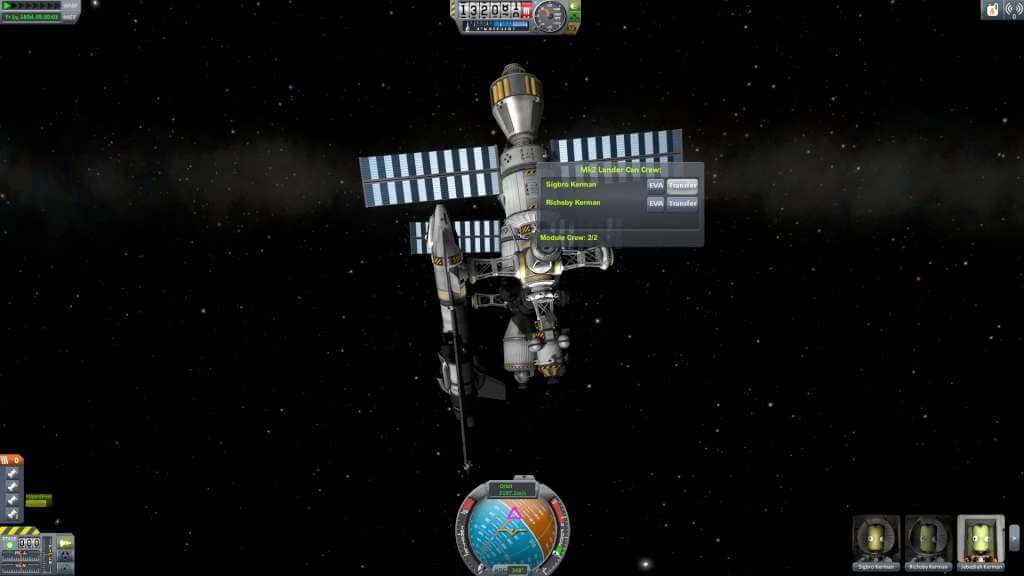
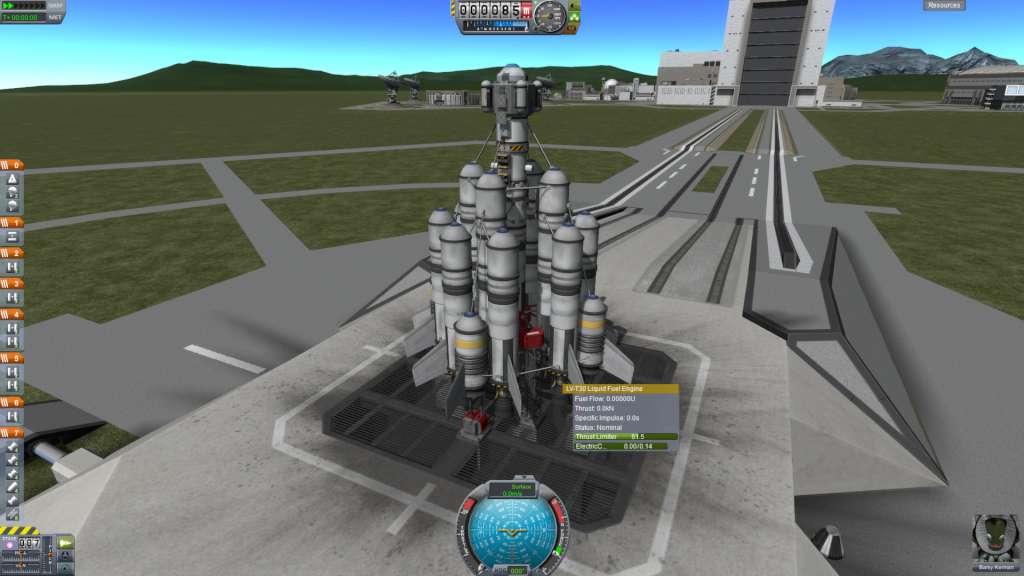
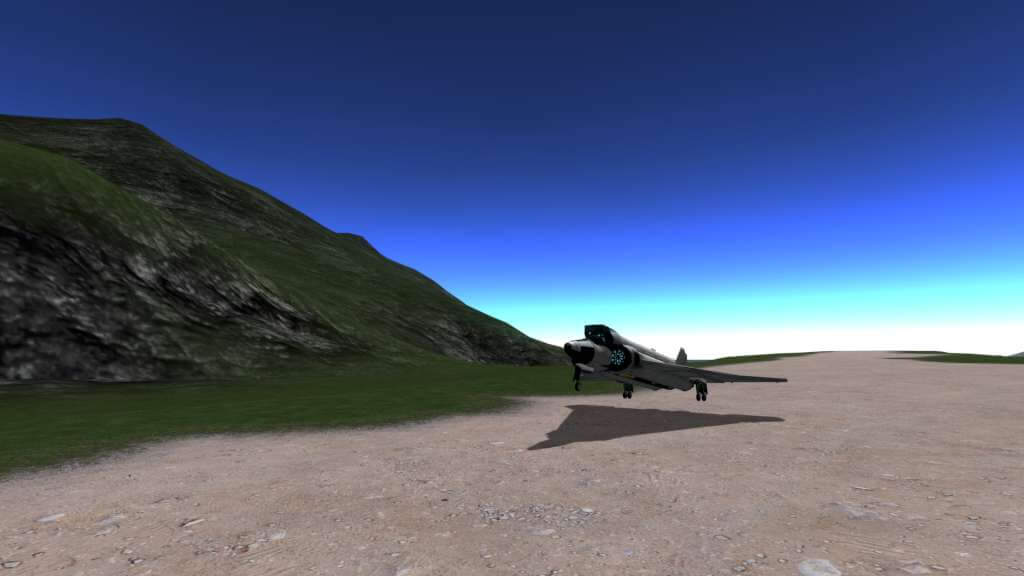
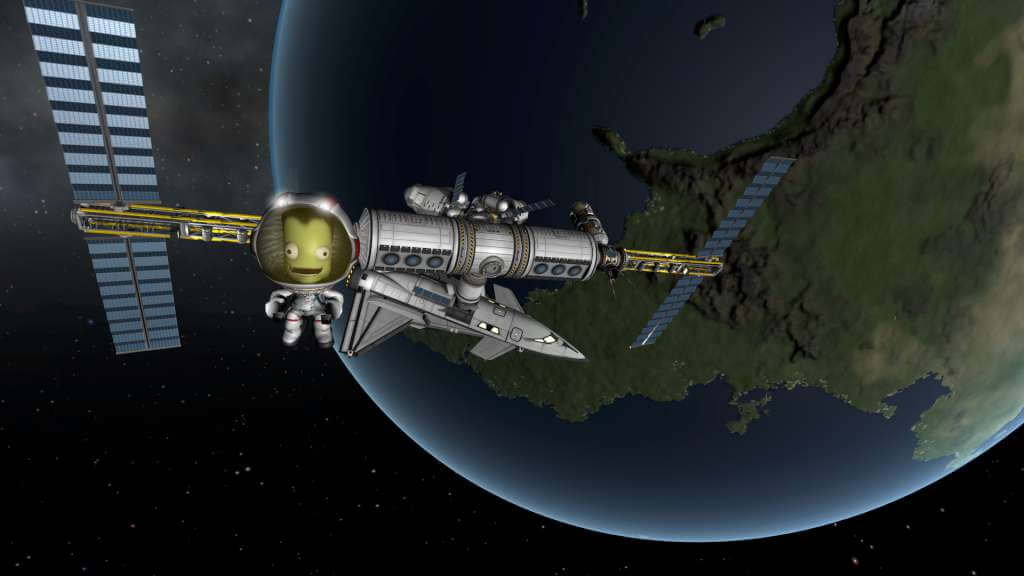
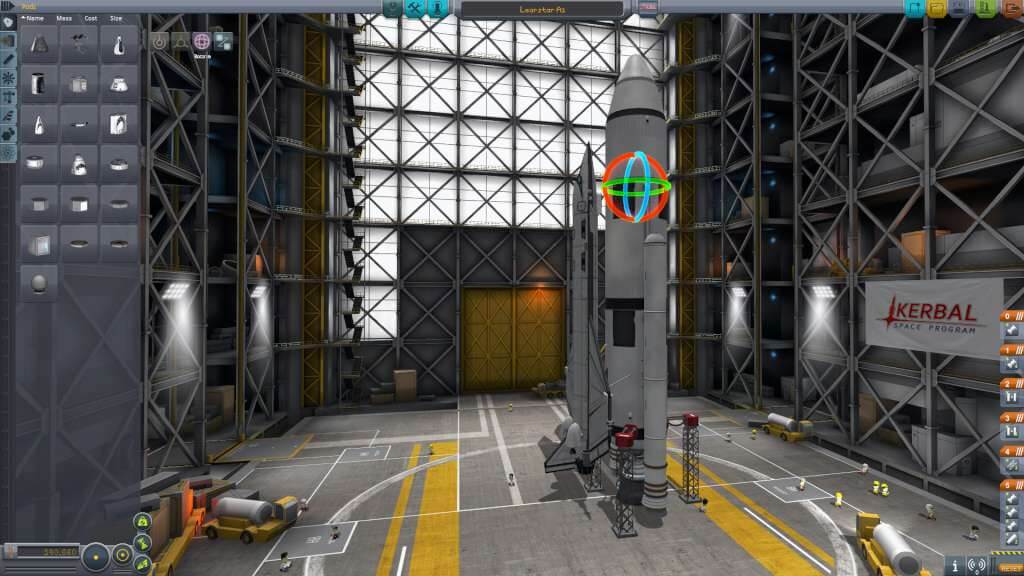
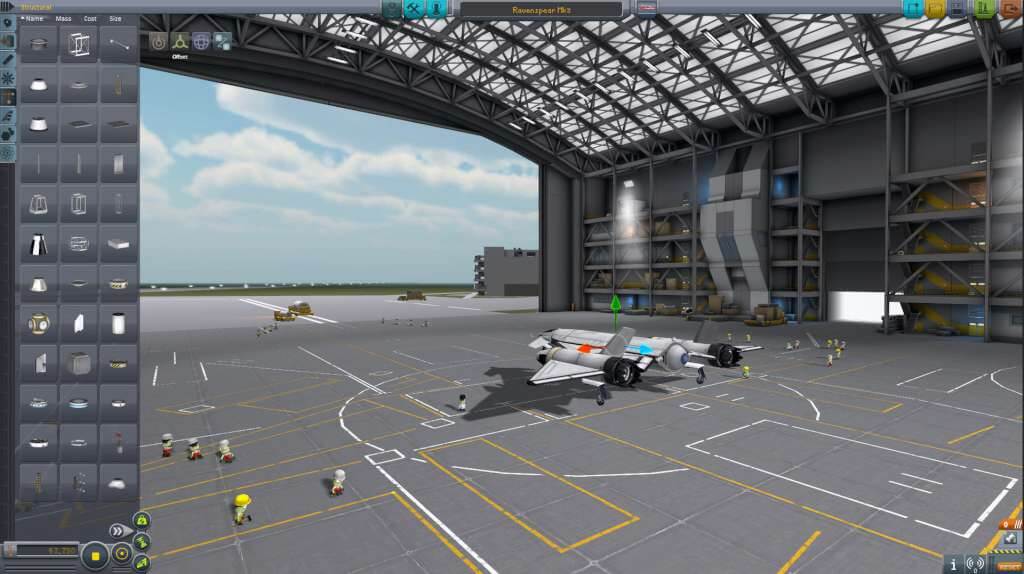
Includes: Base game Making History Expansion The Kerbal Space Program & Making History Bundle includes the heavily-awarded and ever evolving space simulation game Kerbal Space Program as well as the Making History expansion for a bundled discount. In Kerbal Space Program, take charge of the space program for the alien race known as the Kerbals. You have access to an array of parts to assemble fully-functional spacecraft that flies (or doesn’t) based on realistic aerodynamic and orbital physics. Launch your Kerbal crew into orbit and beyond (while keeping them alive) to explore moons and planets in the Kerbal solar system, constructing bases and space stations to expand the reach of your expedition. Kerbal Space Program features three gameplay modes. In Science Mode, perform space experiments to unlock new technology and advance the knowledge of Kerbalkind. In Career Mode, oversee every aspect of the space program, including construction, strategy, funding, upgrades, and more. In Sandbox, you are free to build any spacecraft you can think of, with all parts and technology in the game.

Kerbal Space Program & Making History Bundle screenshotKerbal Space Program & Making History Bundle screenshotKerbal Space Program & Making History Bundle screenshotKerbal Space Program & Making History Bundle screenshotKerbal Space Program & Making History Bundle screenshotKerbal Space Program & Making History Bundle screenshot

How to redeem

  1. 1Check your Steam account and the listed region before purchasing.
  2. 2Find your code and supplier activation instructions in your confirmed order.
  3. 3Open the redeem-code section on Steam, enter the code and follow the platform’s prompts.

Supplier instructions

Go to: http://store.steampowered.com/ and download STEAM client Click "Install Steam" (from the upper right corner) Install and start application, login with your Account name and Password (create one if you don't have). Please follow these instructions to activate a new retail purchase on Steam: Launch Steam and log into your Steam account. Click the Games Menu. Choose Activate a Product on Steam... Follow the onscreen instructions to complete the process. After successful code verification go to the "MY GAMES" tab and start downloading.

You might also like