Get 10% back in Relic Coins on every order
All-Star Fruit Racing - Yogscast Exclusive DLC cover

SteamGlobal· DLC

All-Star Fruit Racing - Yogscast Exclusive DLC

€0.08

+€0.01 cashback eligibility in Relic Coins

Check before you play

Platform
Steam
Region
Global
Product type
DLC

Check the required base game and edition before purchasing this add-on.

Developer
3DClouds
Publisher
PQube
Supplier release date
2017-12-01
Genres
Action, Racing, Indie

About this product

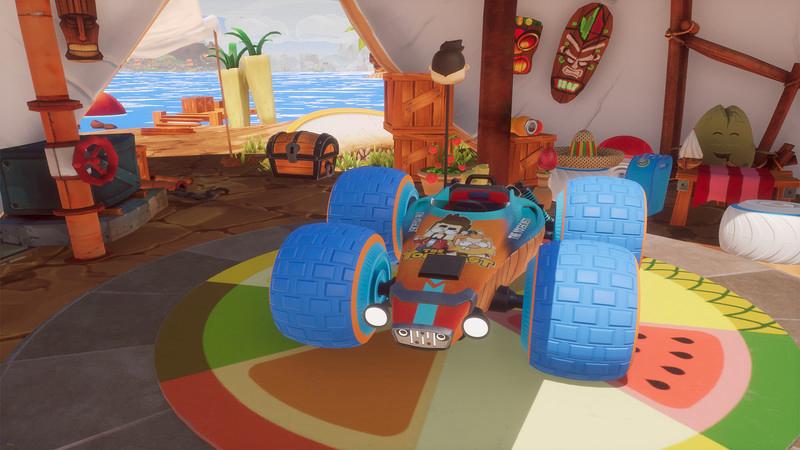
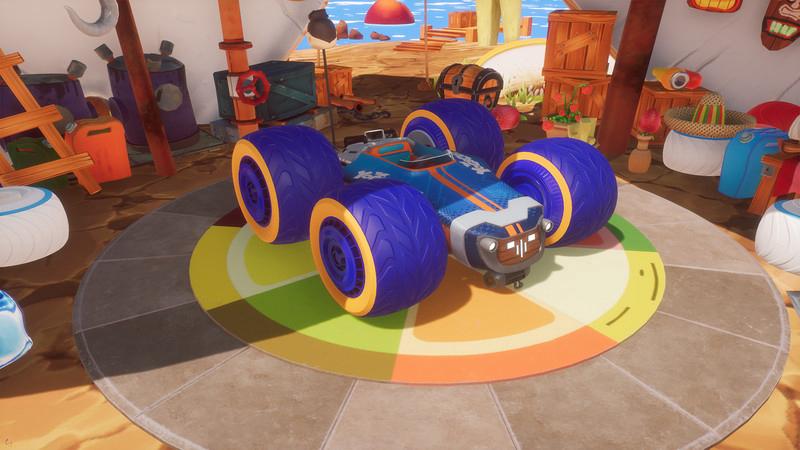
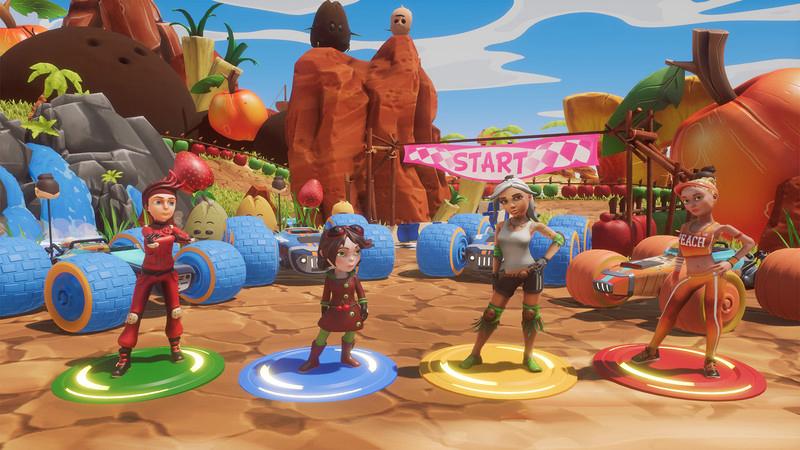
All-Star Fruit Racing - Yogscast Exclusive DLC is an exclusive content for the base game as a tribute to The Yogscast Channel. All-Star Fruit Racing is the kart racing game you’ve been waiting for! Easy to learn but hard to master, choose your character, customize your kart and play the way that tempts you most!The exclusive DLC contains: 2 kart medium size body mask. 1 kart small size body mask. 1 kart large size body mask. THE JUICER: Together with the incredible artwork the hook of All-Star Fruit Racing is the strategic element when using The Juicer. “The Juicer” is a liquidiser positioned on the back of each kart that contains four separate tanks to be filled by collecting fruit on the track. Once you have filled a tank you can unleash a power up, if you have two or more tanks full then you can choose to use a combo power up, the more tanks you fill the stronger the combo move, wait until all four tanks are full and you can throw a “Mega-Juice” power up. Each pilot has its own unique “Mega-Juice” power up which if used right can turn a race on its head!

All-Star Fruit Racing - Yogscast Exclusive DLC screenshotAll-Star Fruit Racing - Yogscast Exclusive DLC screenshotAll-Star Fruit Racing - Yogscast Exclusive DLC screenshotAll-Star Fruit Racing - Yogscast Exclusive DLC screenshot

How to redeem

  1. 1Check the required base game, platform and edition before purchasing.
  2. 2Find the code or supplier activation instructions in your confirmed order.
  3. 3Redeem on Steam using the supplied instructions, then install the add-on with the compatible base game.

Supplier instructions

Go to: http://store.steampowered.com/ and download STEAM client Click "Install Steam" (from the upper right corner) Install and start application, login with your Account name and Password (create one if you don't have). Please follow these instructions to activate a new retail purchase on Steam: Launch Steam and log into your Steam account. Click the Games Menu. Choose Activate a Product on Steam... Follow the onscreen instructions to complete the process. After successful code verification go to the "MY GAMES" tab and start downloading.

You might also like