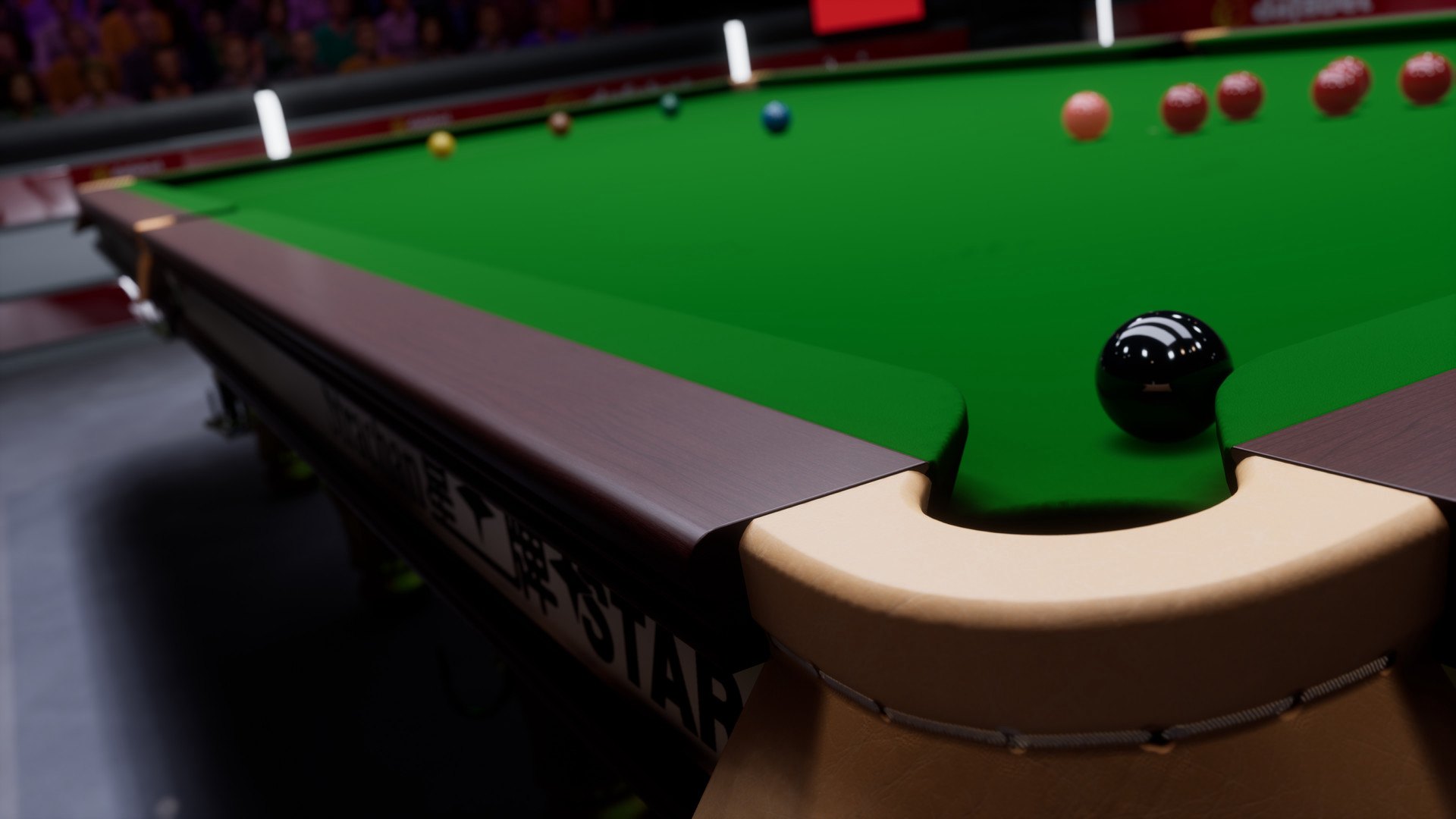
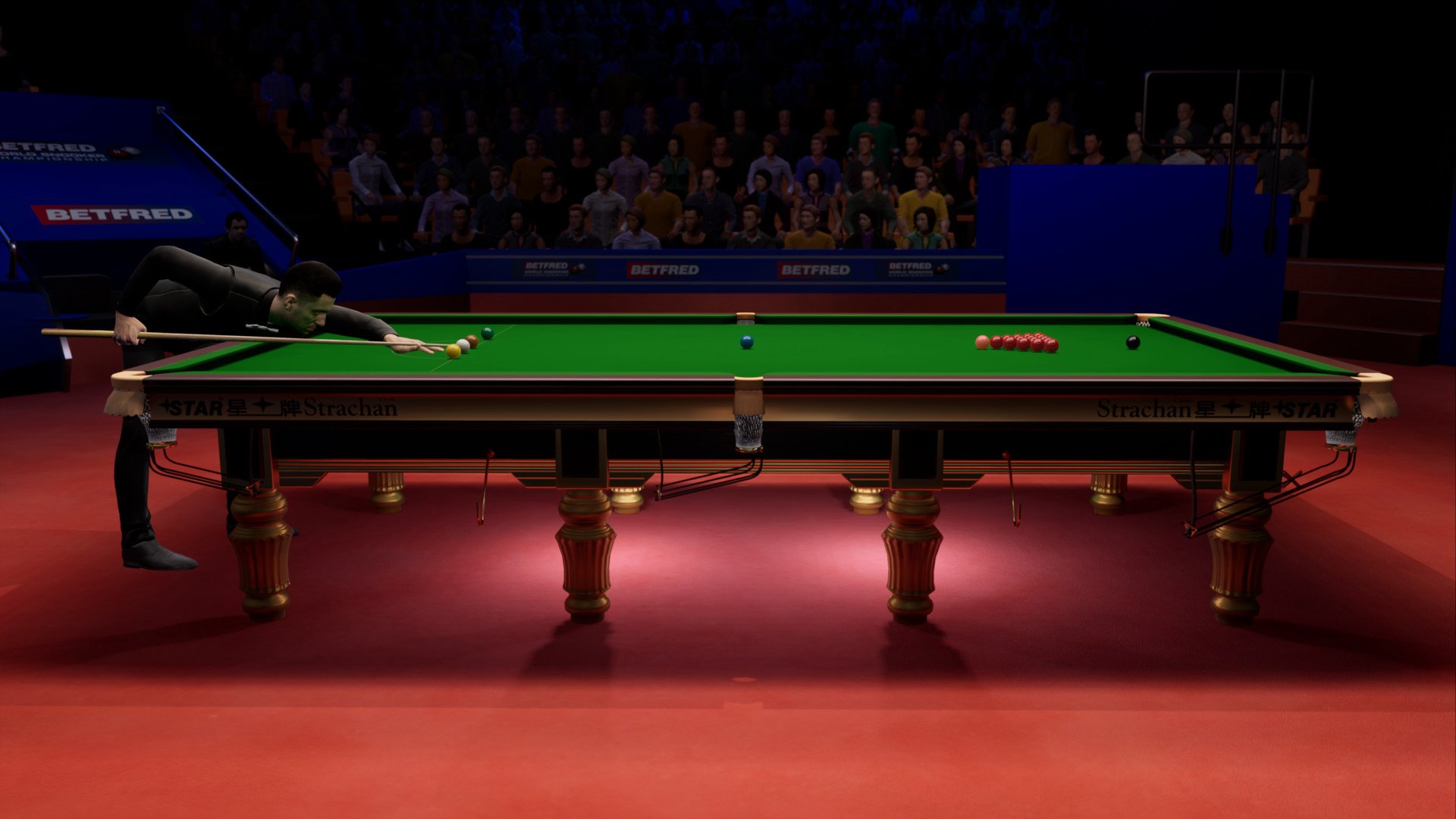
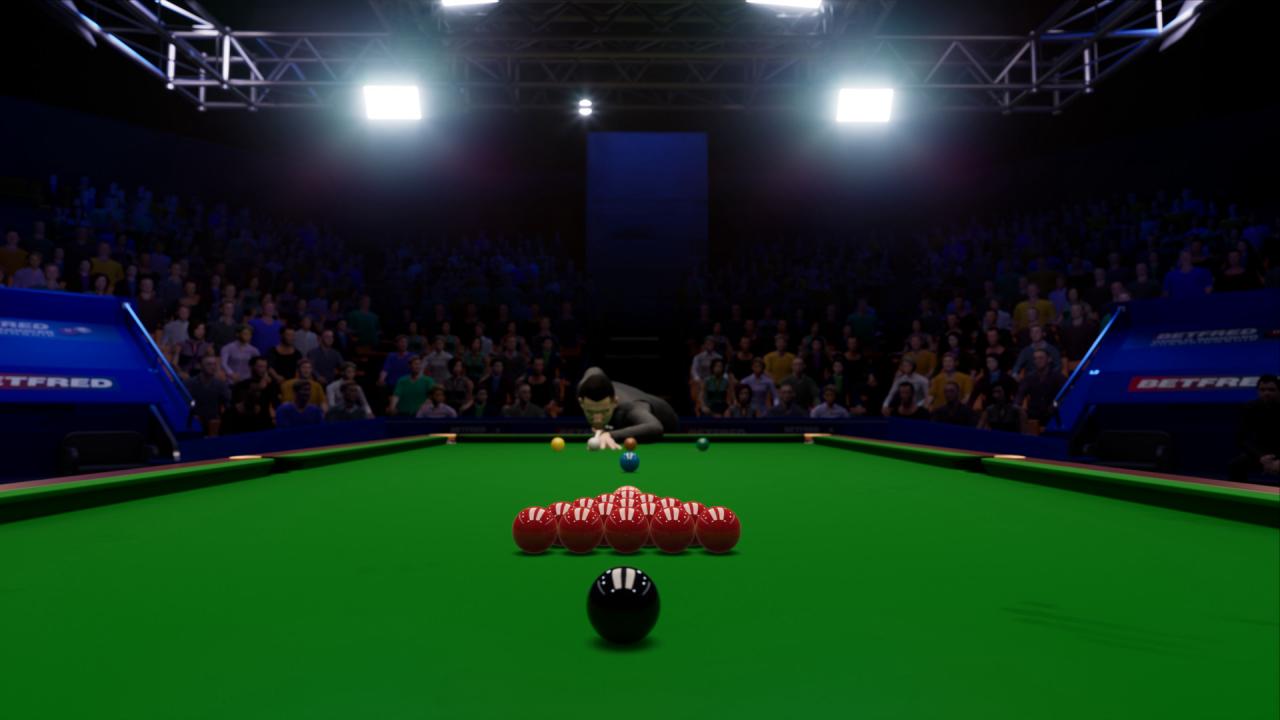
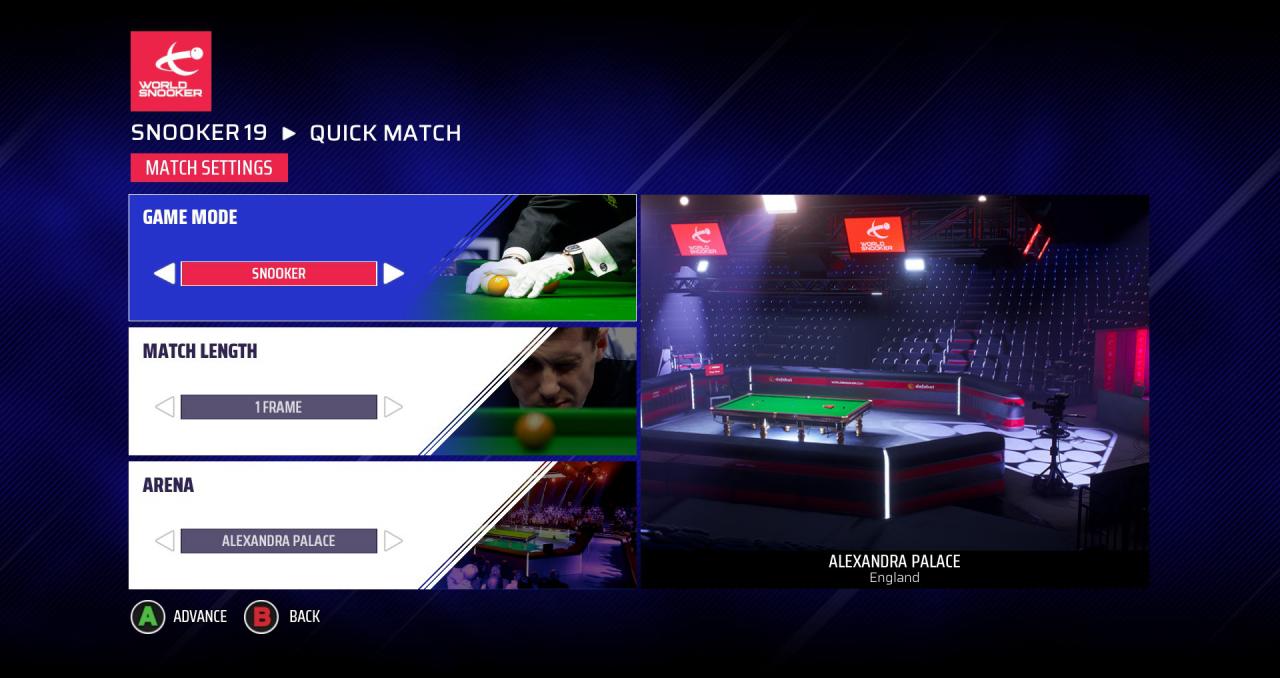
Snooker 19 - The official videogame of World Snooker. Features THE BIGGEST STARS IN WORLD SNOOKERPlay in every officially licensed tournament as any of the top 128 players in the world including: Mark Selby, Ronnie O’Sullivan, Ding Junhui and legends of the sport like Ken Doherty and Jimmy White. UNPRECEDENTED REALISMThis is the most authentic simulation of the sport ever created, with TV-style presentation and commentary, true-to-life physics and advanced artificial intelligence. BECOME A LEGENDMake history and break records as you assume the career of your favourite snooker pro, or start a brand new journey fresh from the Q-School academy. Rise through the rankings, earn prize money, fill your trophy cabinet and unlock rewards on your way to the Hall of Fame. EVERY OFFICIAL TOURNAMENTTour all 25 major snooker tournaments around the world in all of the venues, including the China Open at Beijing’s Olympic Gymnasium, The Masters at Alexandra Palace, and the pinnacle World Snooker Championship at the legendary Crucible Theatre. ONLINE & OFFLINE MULTIPLAYERChoose from a full suite of offline and online modes, from quick play online match-making to global online tournaments that link in real-time with the live World Snooker calendar. Plus fully customised matches of full snooker, 6-red and Shoot Out for both online and offline competition.