

SteamGlobal· Key
ArchMMO 2
€1.09
+€0.11 cashback eligibility in Relic Coins
Check before you play
- Platform
- Steam
- Region
- Global
- Product type
- Key
- Supplier release date
- 2019-04-12
- Genres
- Action, RPG, Indie
SteamGlobal· Key
€1.09
+€0.11 cashback eligibility in Relic Coins
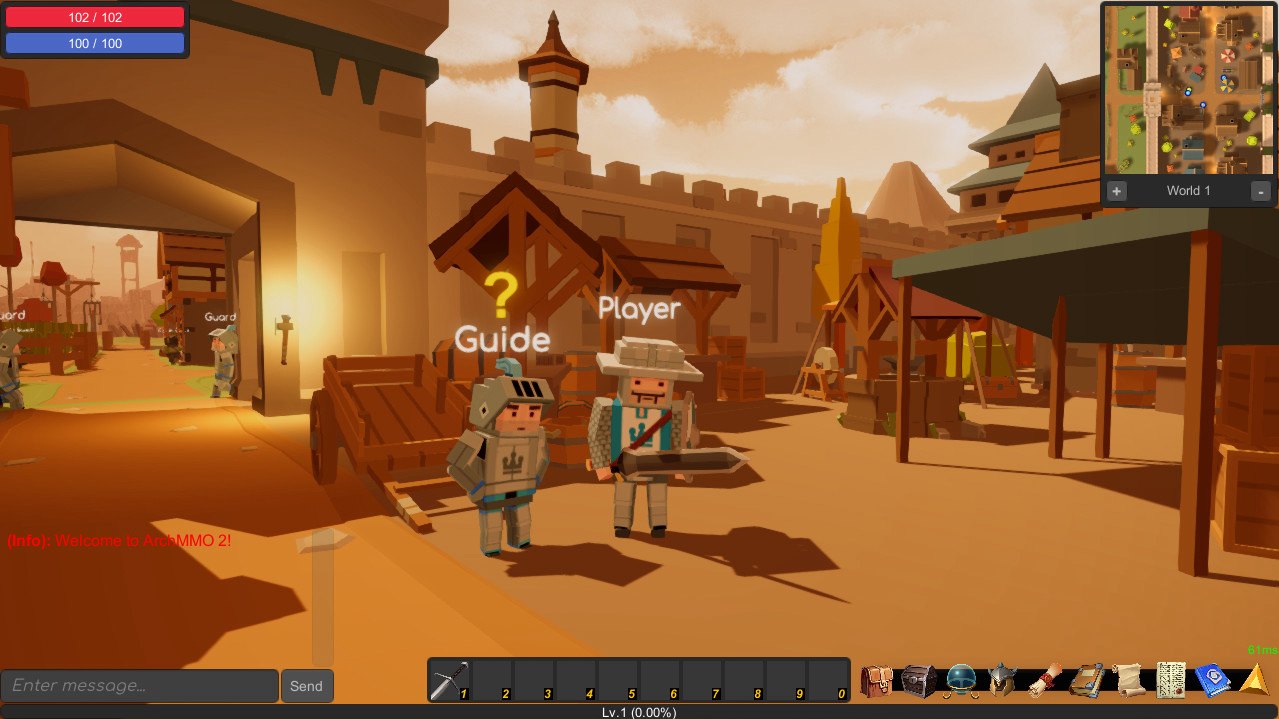
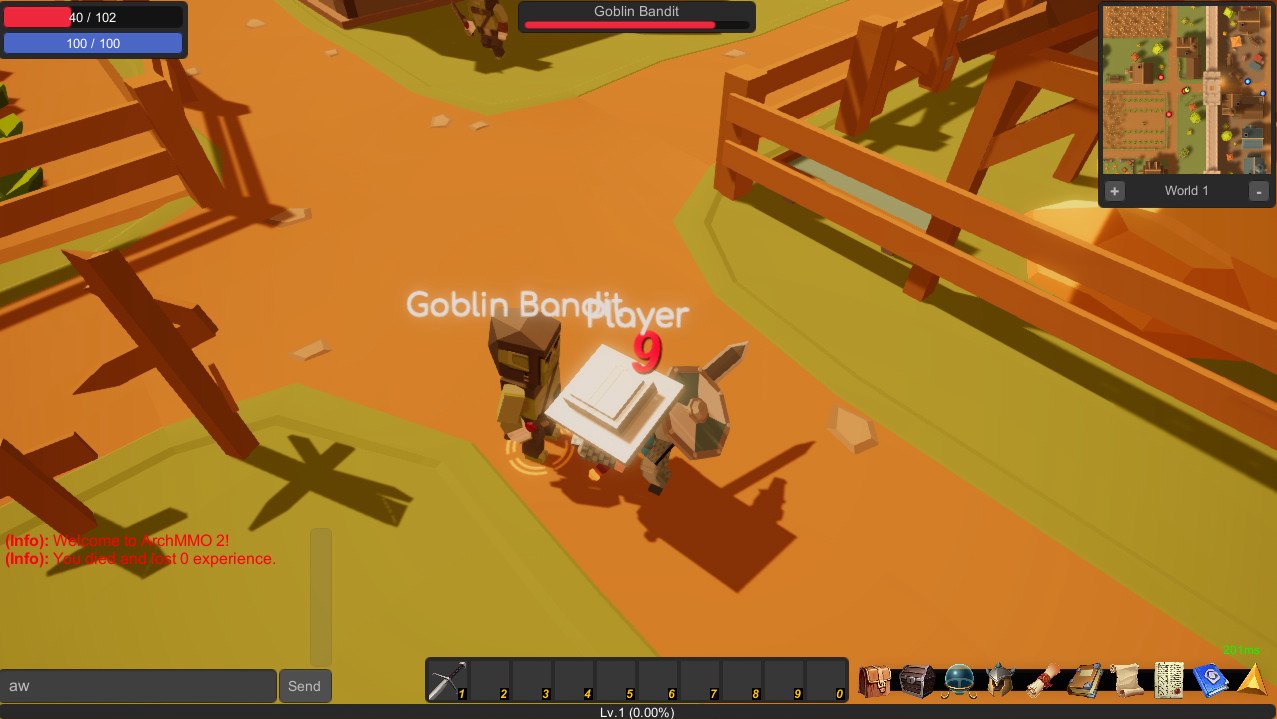
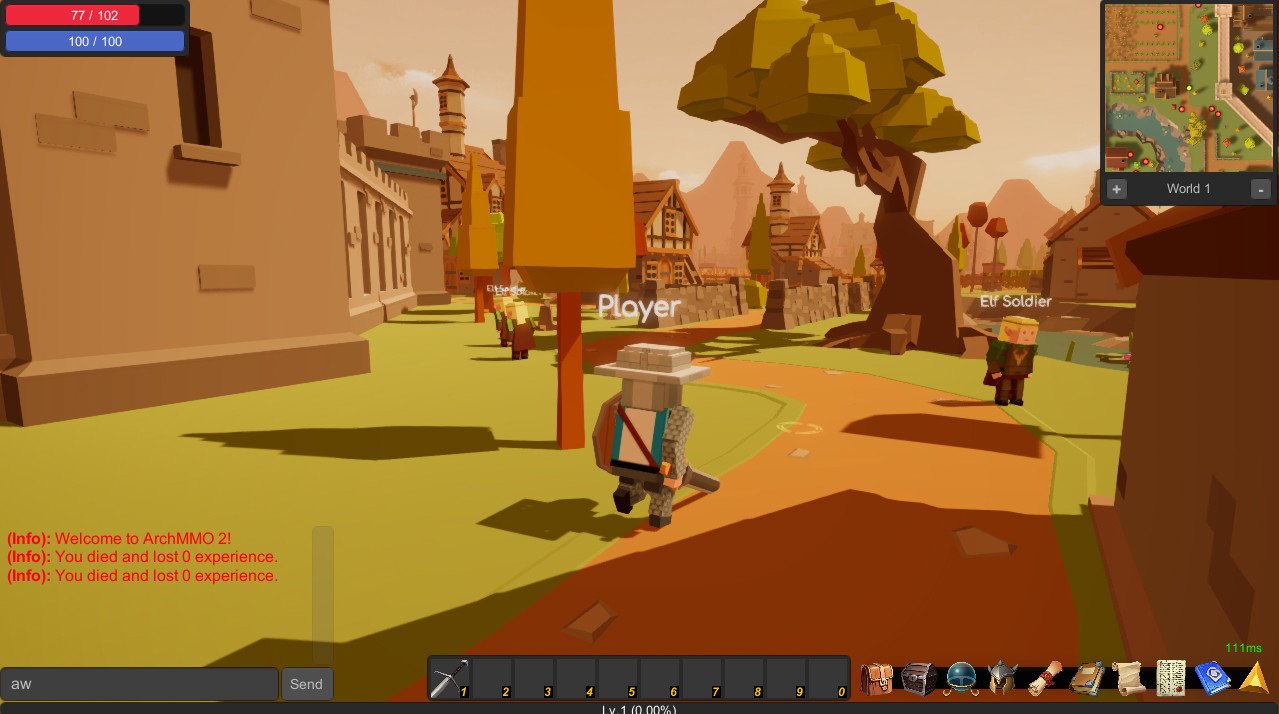
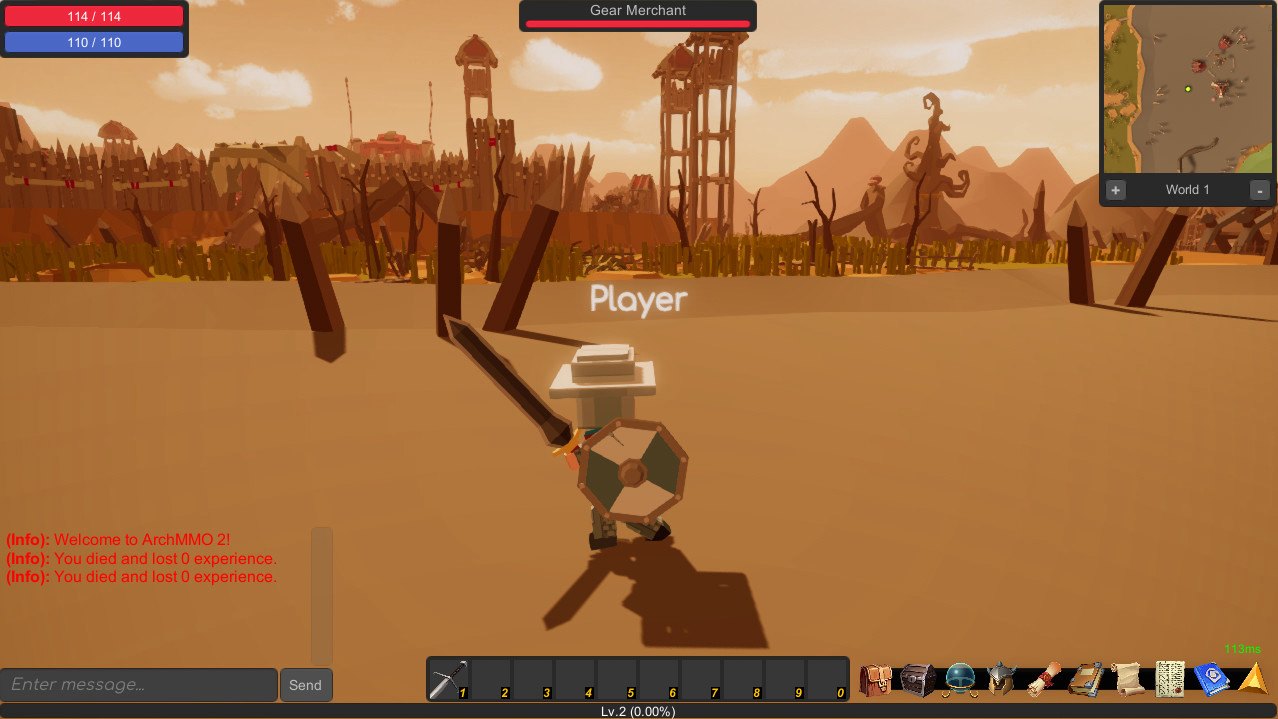
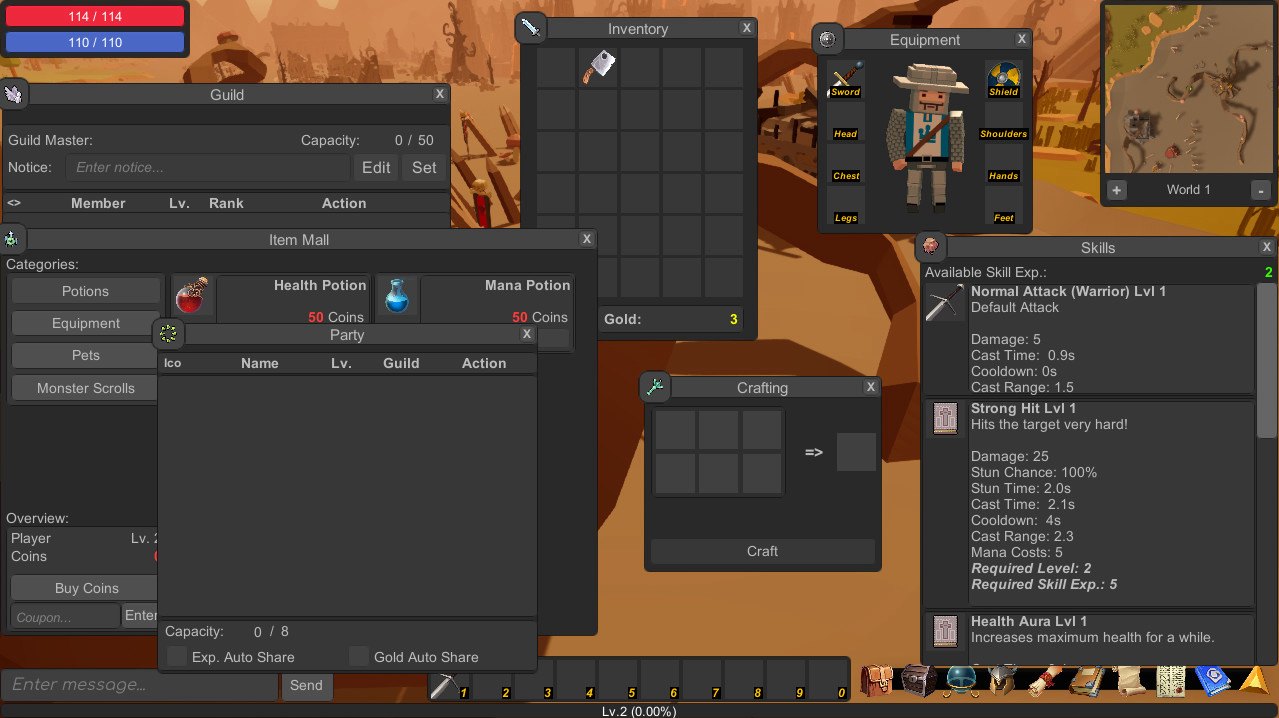
This game is currently in Alpha 0.7.0ArchMMO 2 is a Voxel 3D MMORPG with races, factions, guilds, parties, pets, mounts, PvP, PvE, quests, and an open-world map! Explore the world of Arch todaArchMMO 2 is being upgraded and developed every day, and now, it's on Steam. Steam is the best platform for an indie game to gather attention. Thank you for playing ArchMMO 2, and I can't wait to see what's going to happen in the future!Currently, Weapons are a big thing I want to keep adding to. Every update will include new weapons, up to level 50! This will increase a large amount of gameplay! GOALS Quests, quests, quests! A needed addition to all MMO's. I am working extra hard on creating meaningful quests for the Human class in the game. Currently, the human class is the only fully supported class. The Undead will be after at-least 50+ quests are made for the human race. More quests = more enemies, more items, more weapons, and more people.Magic and Skills are also a hugely important part of the game. I want to have some creative buffs, debuffs, and castings. This is all being implemented in a later update. Quests and items are the priority right now.
Go to: http://store.steampowered.com/ and download STEAM client Click "Install Steam" (from the upper right corner) Install and start application, login with your Account name and Password (create one if you don't have). Please follow these instructions to activate a new retail purchase on Steam: Launch Steam and log into your Steam account. Click the Games Menu. Choose Activate a Product on Steam... Follow the onscreen instructions to complete the process. After successful code verification go to the "MY GAMES" tab and start downloading.