Get 10% back in Relic Coins on every order
Overcooked! 2 - Campfire Cook Off DLC cover

SteamRest of the world· DLC

Overcooked! 2 - Campfire Cook Off DLC

€1.27

+€0.13 cashback eligibility in Relic Coins

Check before you play

Platform
Steam
Region
Rest of the world
Product type
DLC

Check the required base game and edition before purchasing this add-on.

Developer
Ghost Town Games Ltd., Team17 Digital Ltd
Publisher
Team17 Digital Ltd
Supplier release date
2019-04-18
Genres
Action, Indie, Casual

About this product

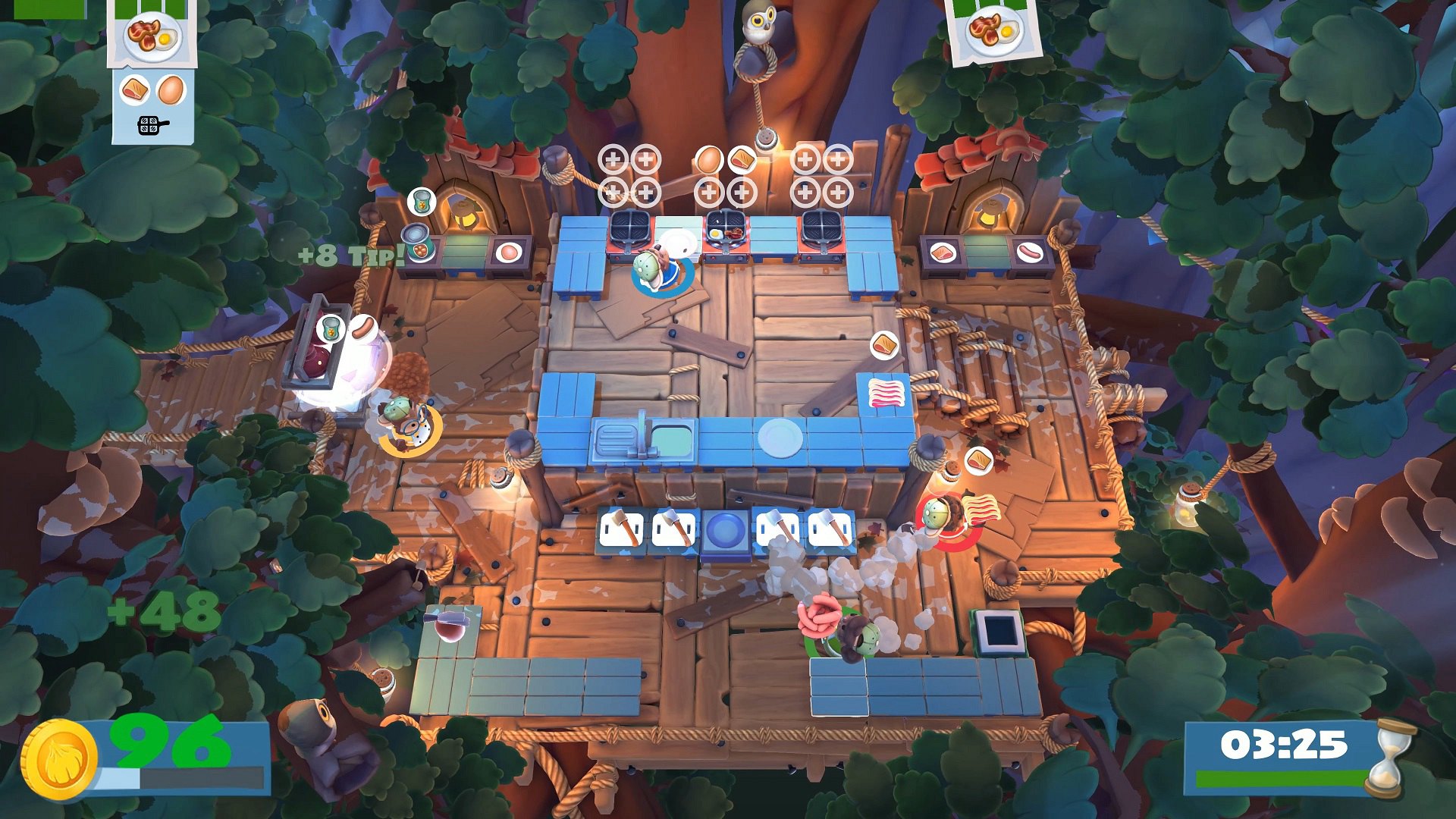
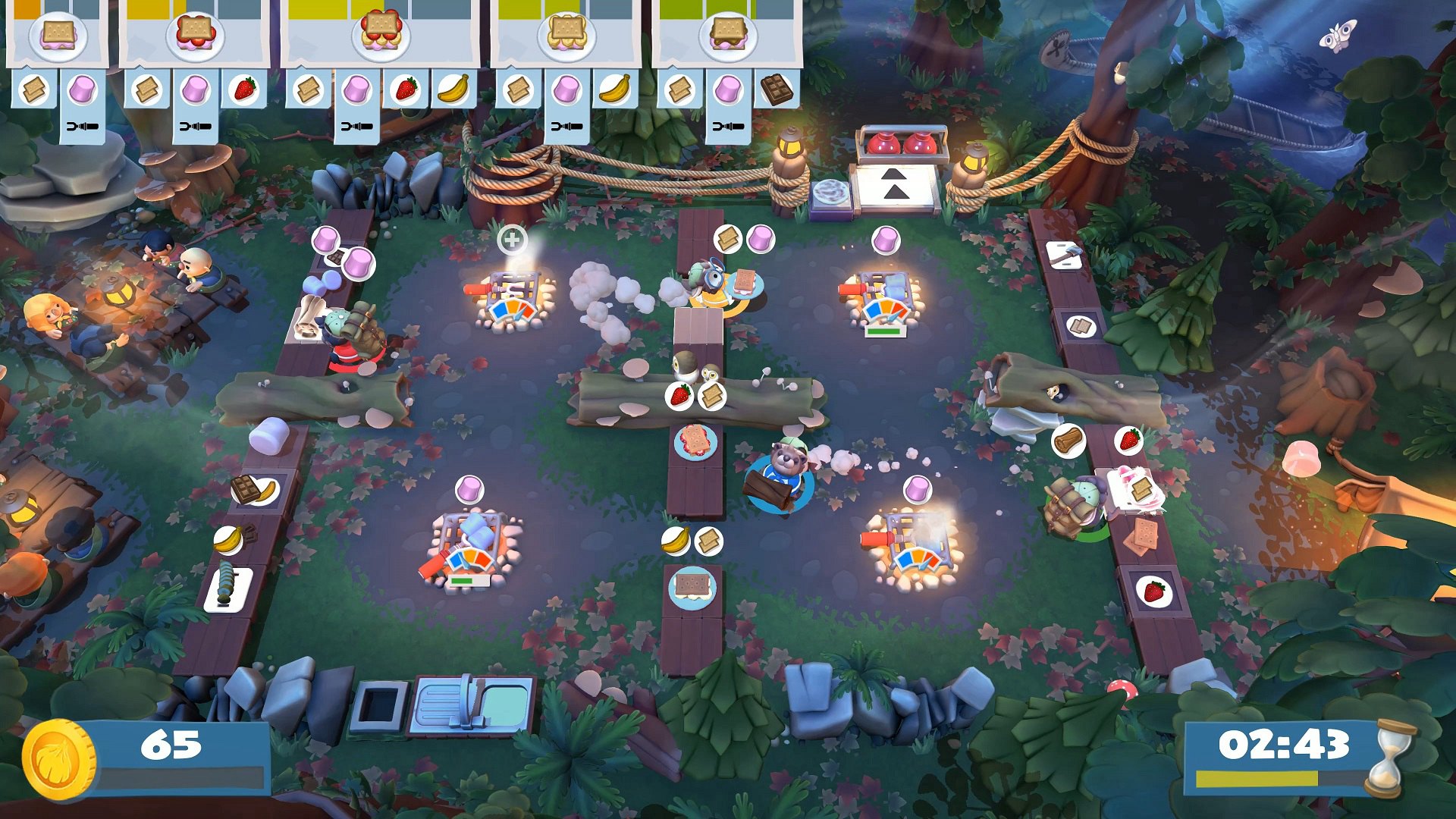
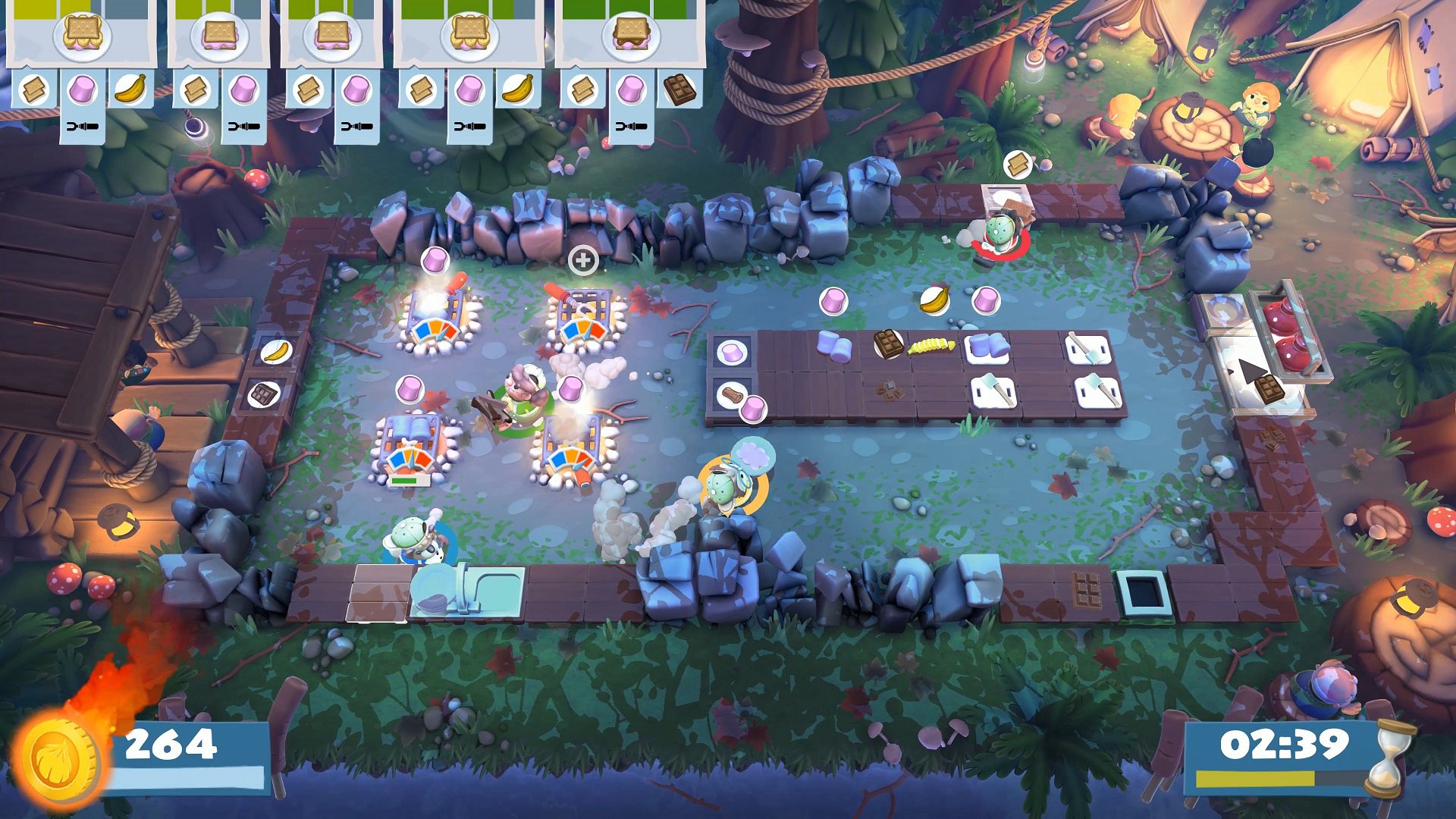
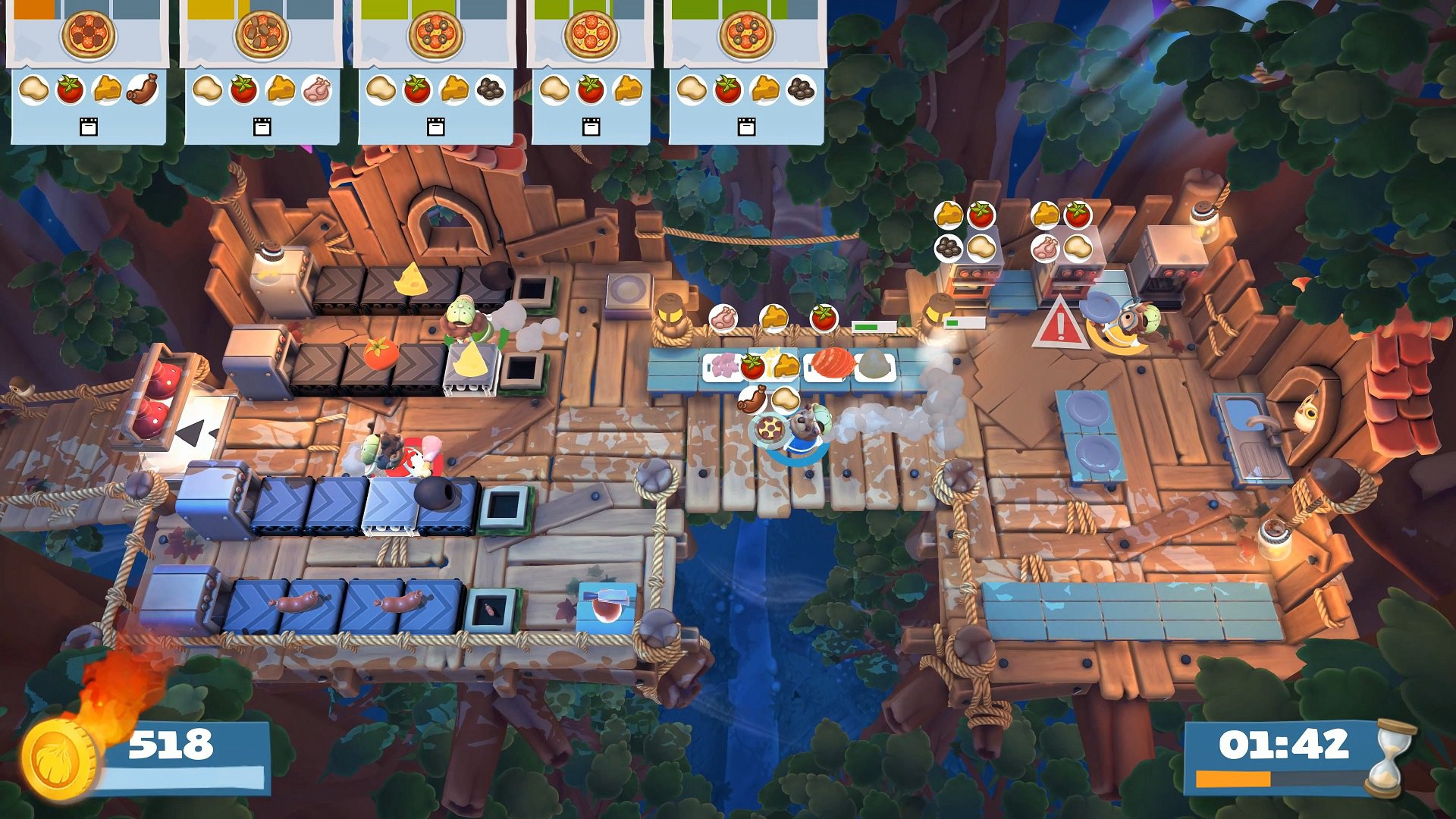
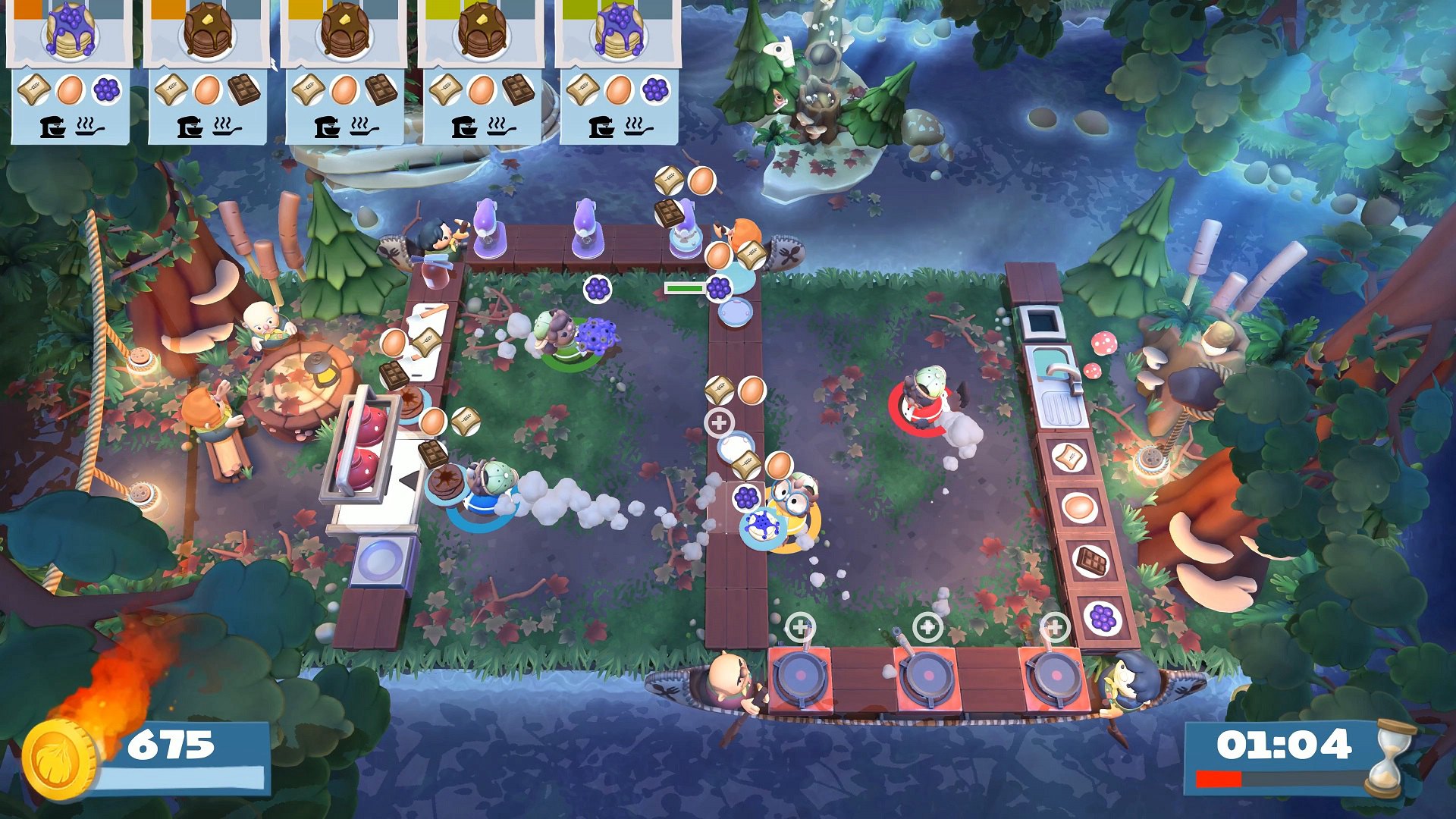
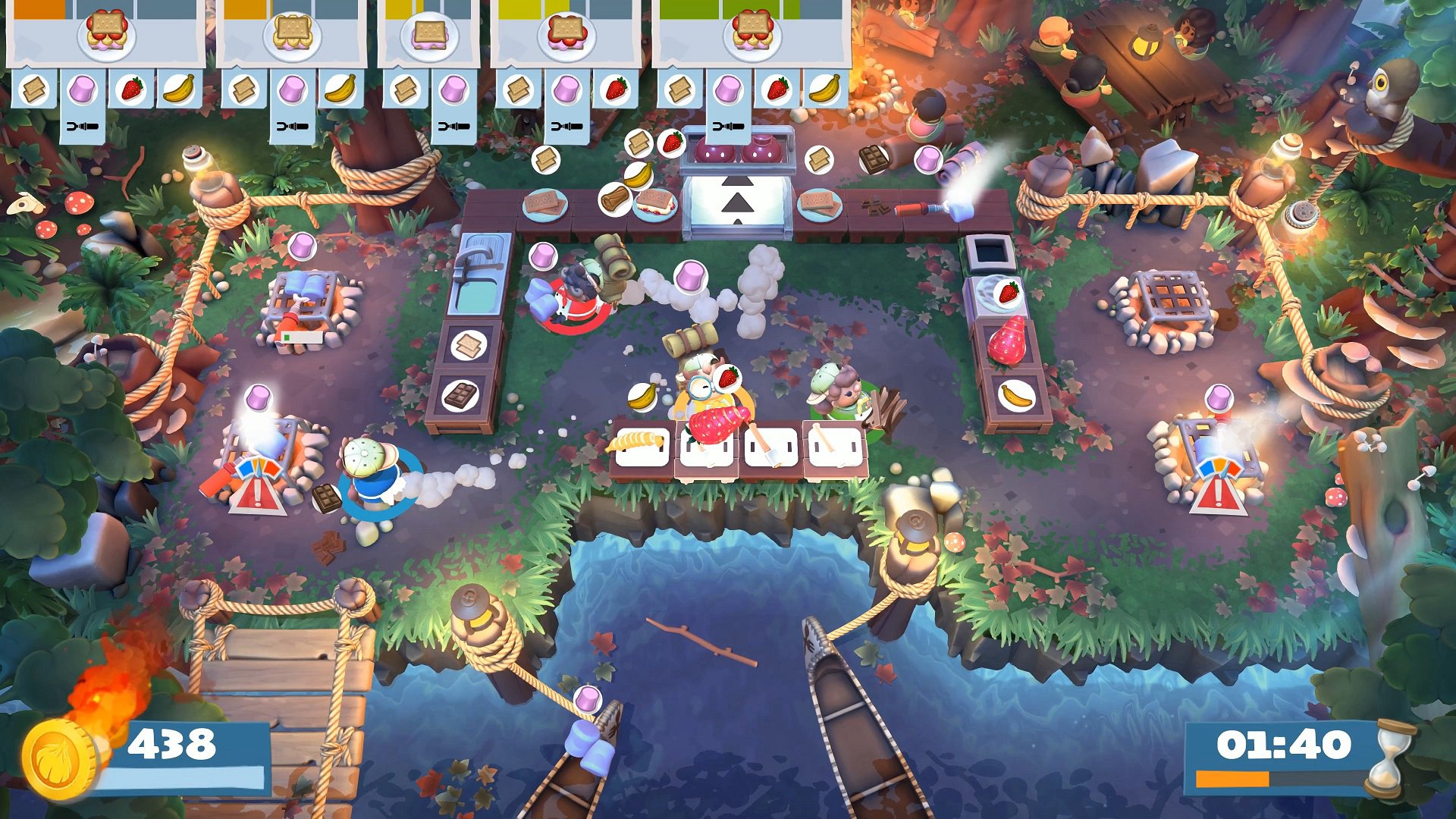
Includes: Overcooked! 2 - Campfire Cook Off (DLC) Gather round the campfire for S’More Overcooked 2!It’s time for some camping capers as you take a trek through the forests of the Onion Kingdom. Joining Kevin and the Onion King are 4 new chefs that are right at home in the woodland kitchens; Explorer Chef, Bear Chef, Beaver Chef and the bespectacled Owl Chef.You’ll need to chop wood to keep the fires burning as you fry up a hearty breakfast, or toast tasty S’mores across 15 new levels set amongst tree-tops and campsites. Fresh levels of co-operation will be needed for the new wearable backpacks that hold the ingredients the team of chefs need to serve the hungry campers.

Overcooked! 2 - Campfire Cook Off DLC screenshotOvercooked! 2 - Campfire Cook Off DLC screenshotOvercooked! 2 - Campfire Cook Off DLC screenshotOvercooked! 2 - Campfire Cook Off DLC screenshotOvercooked! 2 - Campfire Cook Off DLC screenshotOvercooked! 2 - Campfire Cook Off DLC screenshot

How to redeem

  1. 1Check the required base game, platform and edition before purchasing.
  2. 2Find the code or supplier activation instructions in your confirmed order.
  3. 3Redeem on Steam using the supplied instructions, then install the add-on with the compatible base game.

Supplier instructions

Go to: http://store.steampowered.com/ and download STEAM client Click "Install Steam" (from the upper right corner) Install and start application, login with your Account name and Password (create one if you don't have). Please follow these instructions to activate a new retail purchase on Steam: Launch Steam and log into your Steam account. Click the Games Menu. Choose Activate a Product on Steam... Follow the onscreen instructions to complete the process. After successful code verification go to the "MY GAMES" tab and start downloading.

You might also like