Get 10% back in Relic Coins on every order
Demon Hunter 5: Ascendance cover

SteamGlobal· Key

Demon Hunter 5: Ascendance

€3.68

+€0.37 cashback eligibility in Relic Coins

Check before you play

Platform
Steam
Region
Global
Product type
Key
Developer
Brave Giant LTD
Publisher
Artifex Mundi
Supplier release date
2019-04-04
Genres
Adventure, Casual

About this product

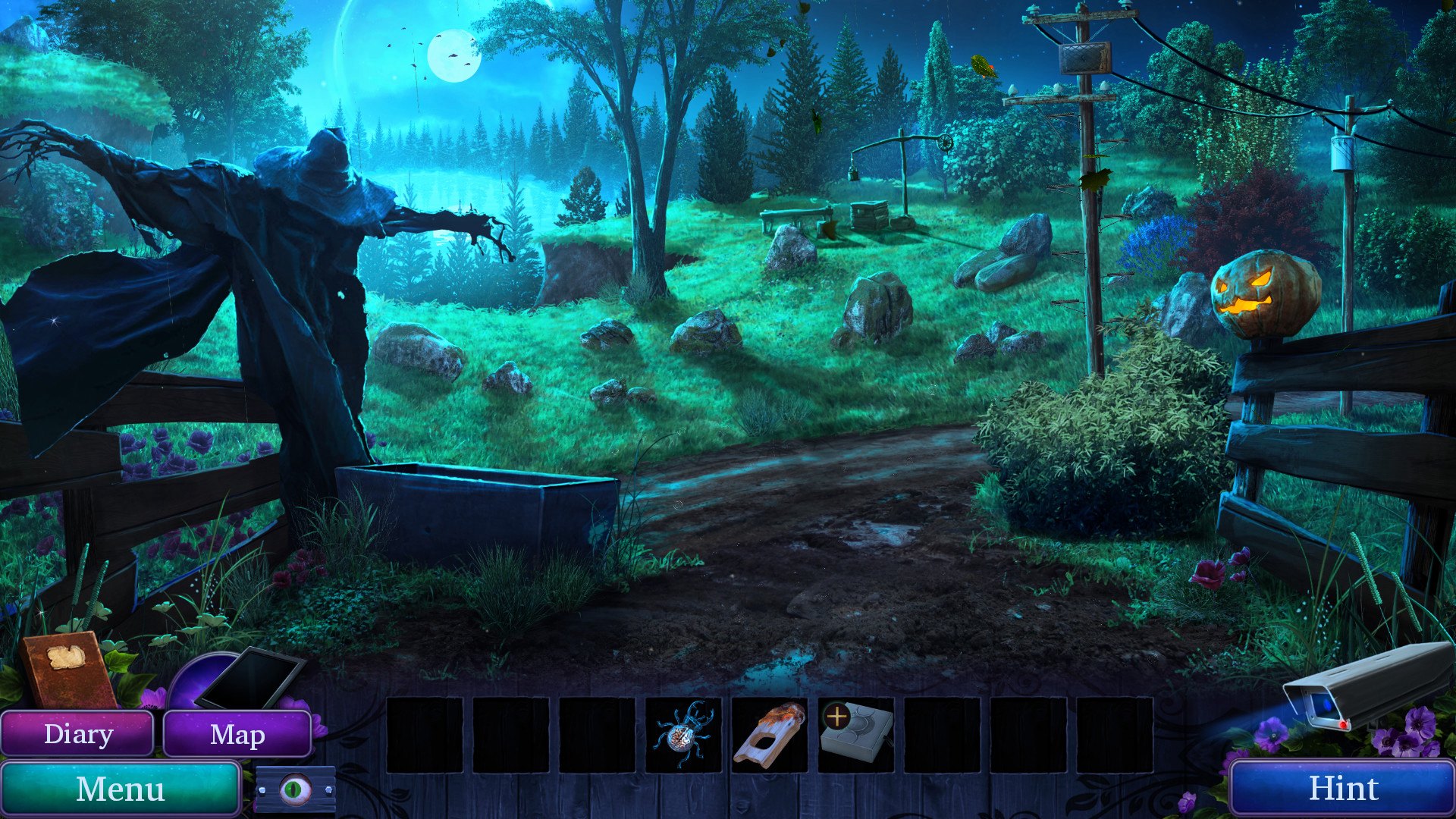
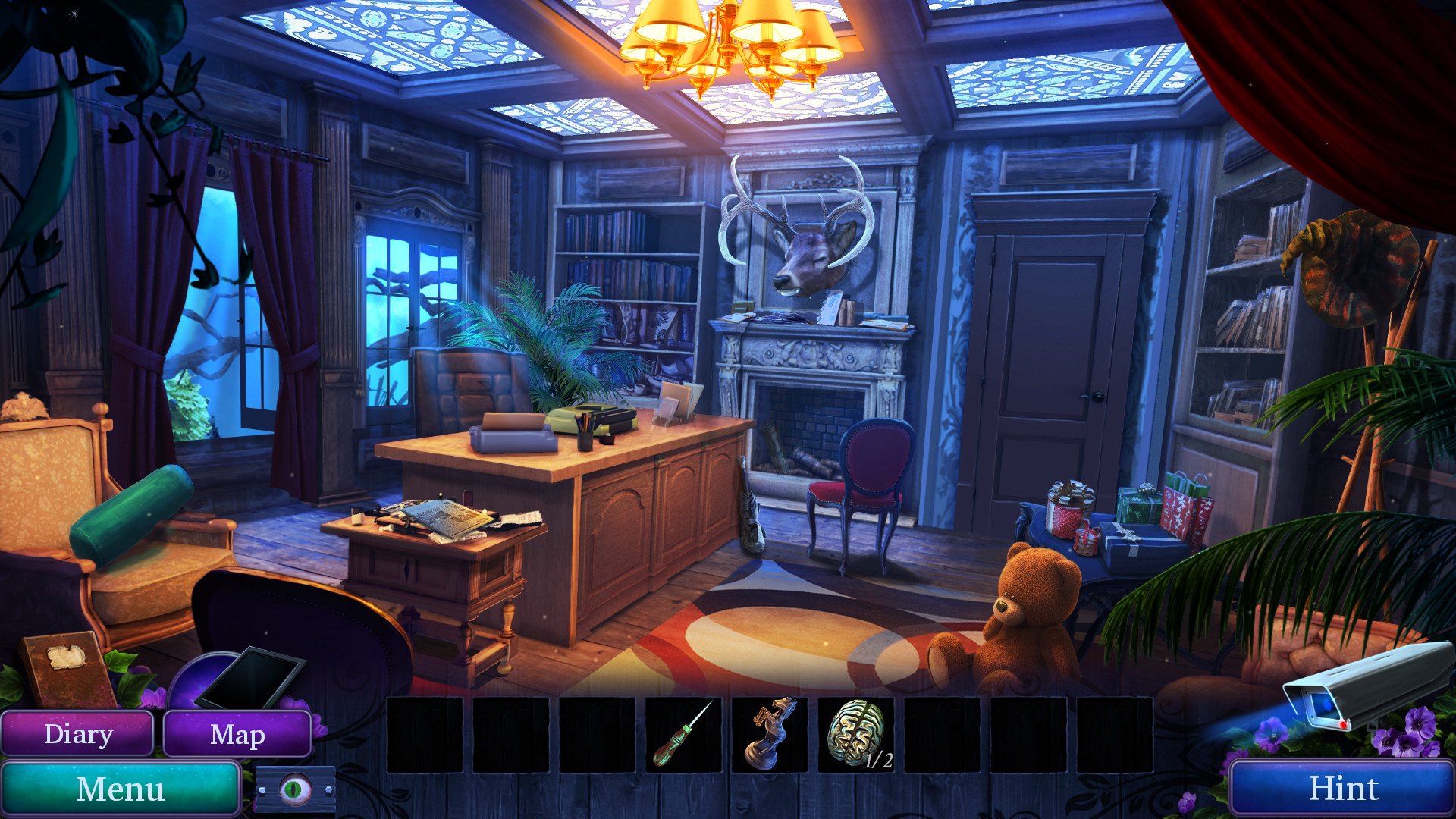
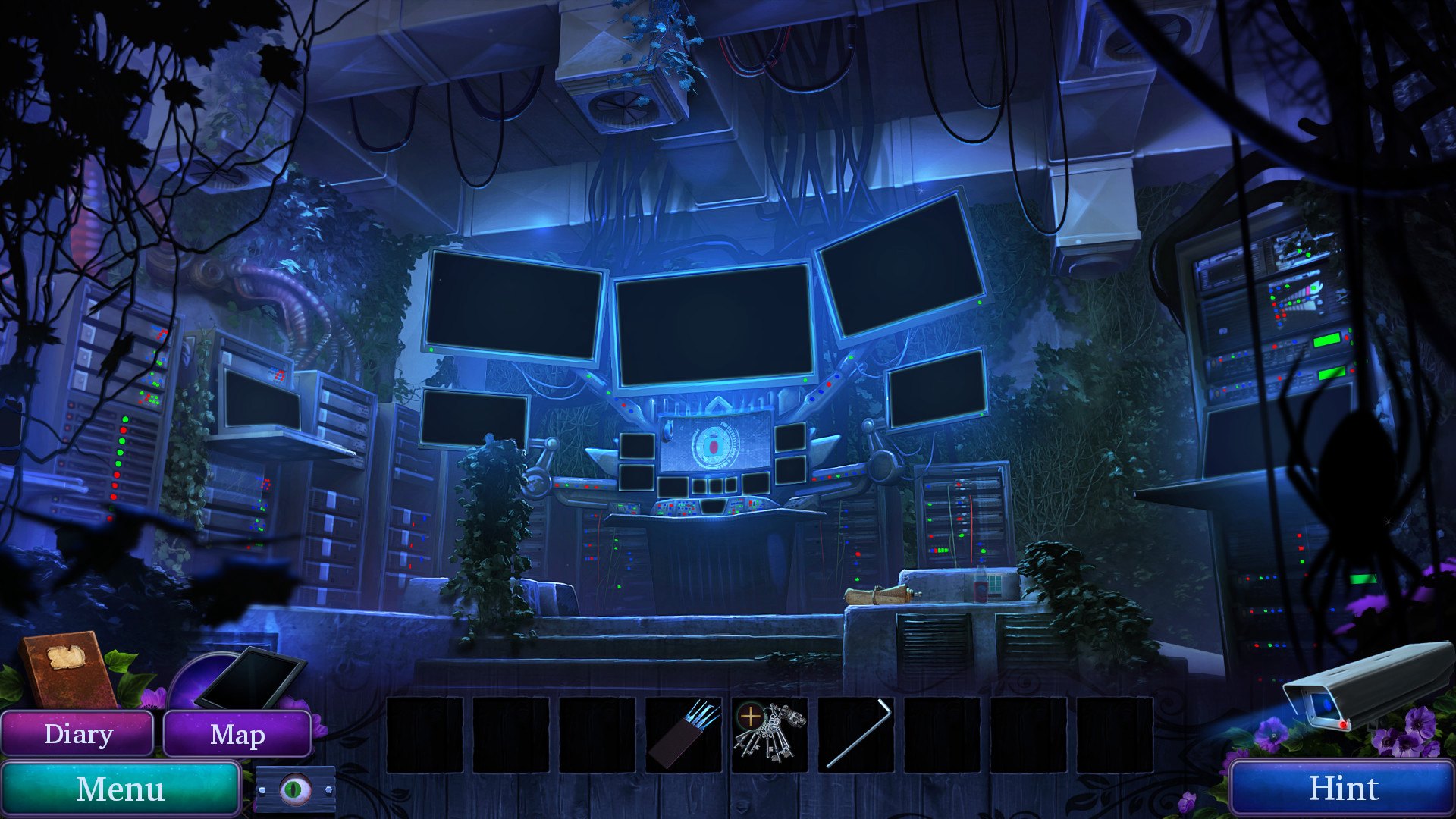
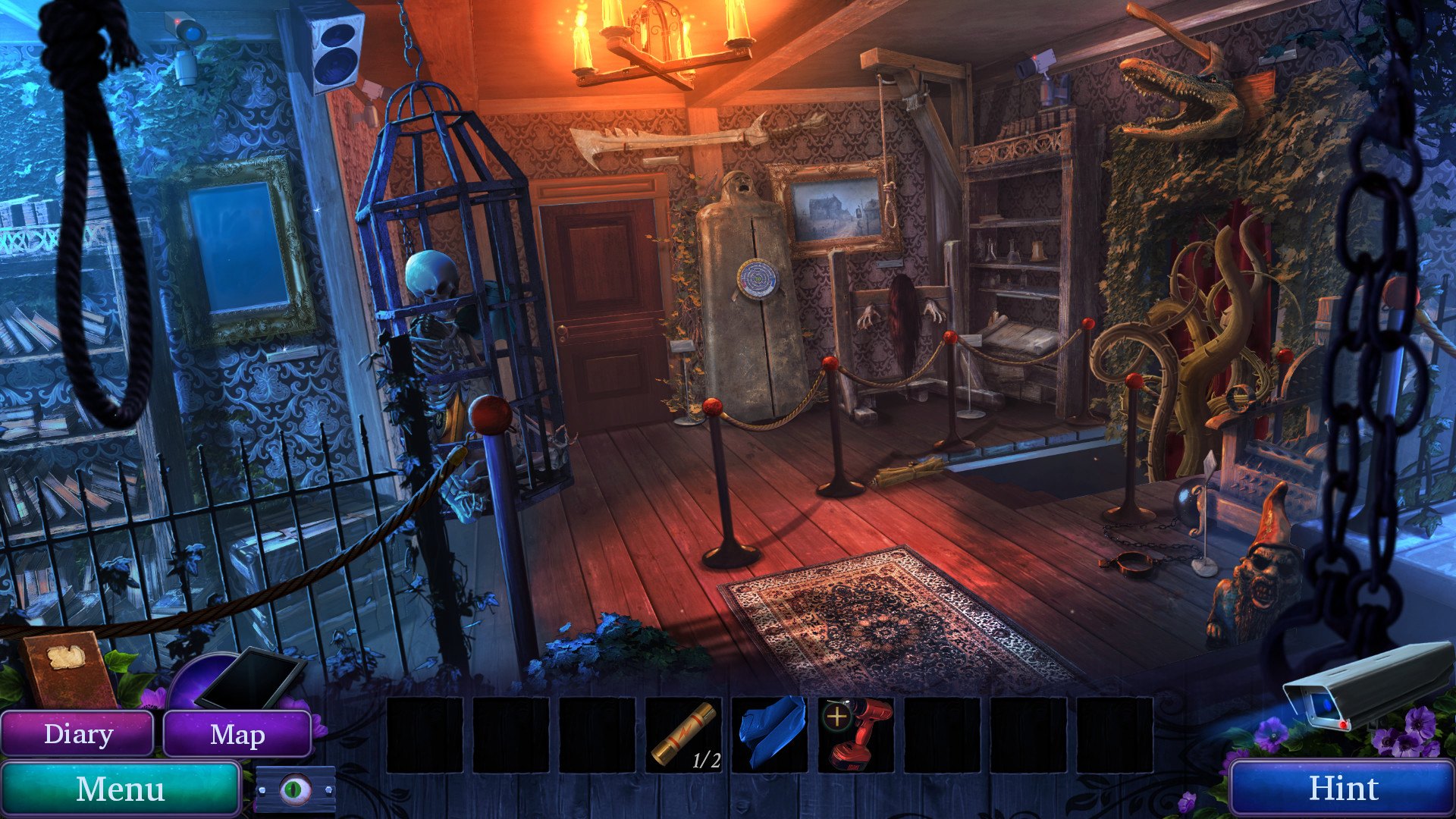
You are Hector Cole, member of a long-forgotten order and a freelance Demon Hunter. As a specialist in paranormal investigations, your skills are highly sought-after by those with problems of an otherworldly nature. One such a person is Edmund Strange, the owner and curator of The Museum of Mysticism and Monstrosity. Not long ago, a visitor to the museum vanished under mysterious circumstances. Now that all rational methods of finding him have been exhausted, you are the curator’s last hope before word of this disaster reaches the media. It falls upon you to solve this mystery and banish any horrors, ghosts or monsters that plague that place. You have bested evil before, yet as you arrive at the scene you feel a tingling sensation of being watched by someone... or something. Features Once again step into the shoes of a Demon Hunter Immerse yourself in the eerie Museum with 35 hand-drawn locations Discover the fate of the missing tourist by solving 26 Puzzles An adventure for hidden-object game enthusiasts and newcomers alike Unlock the prequel to the original story

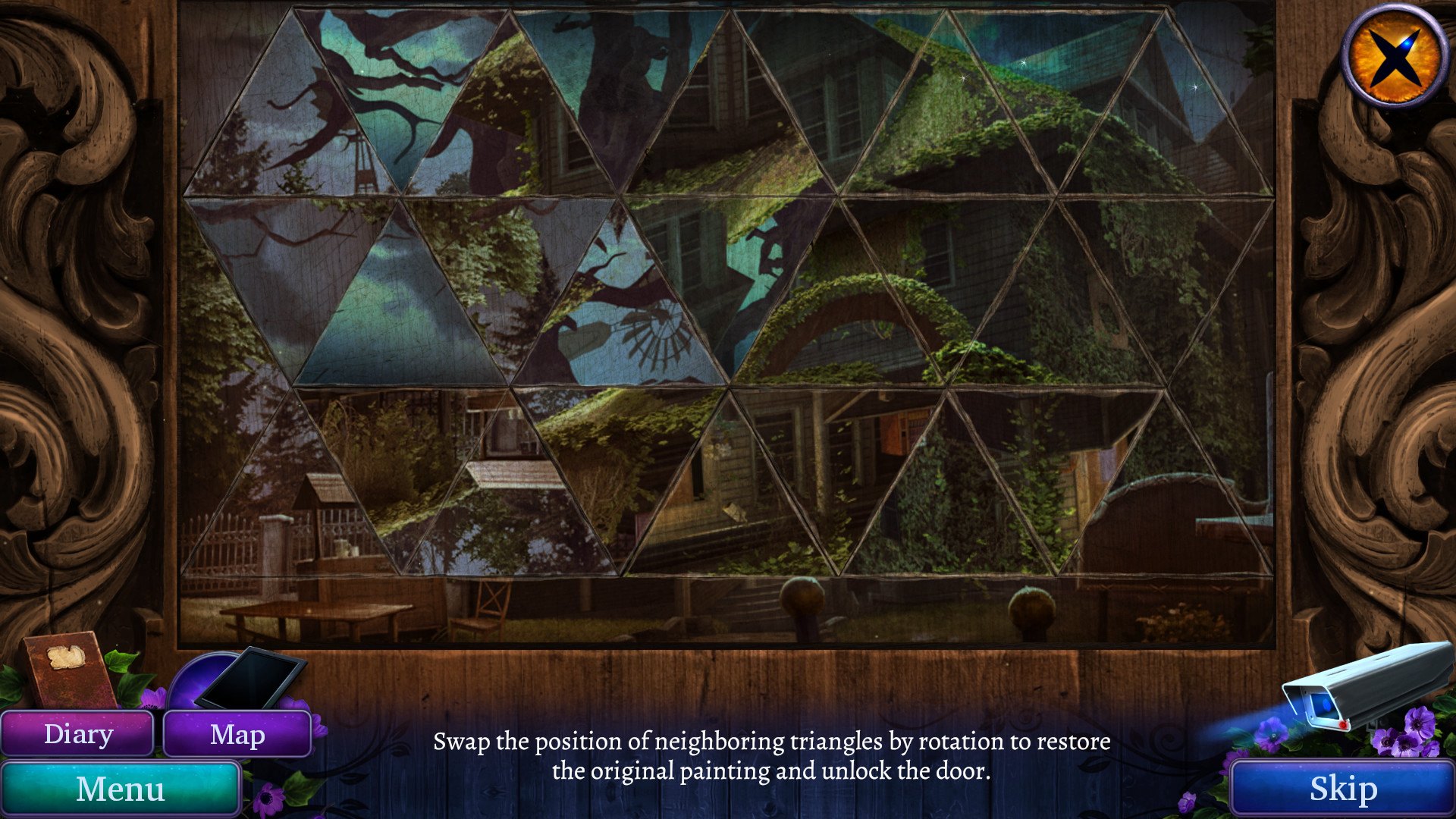
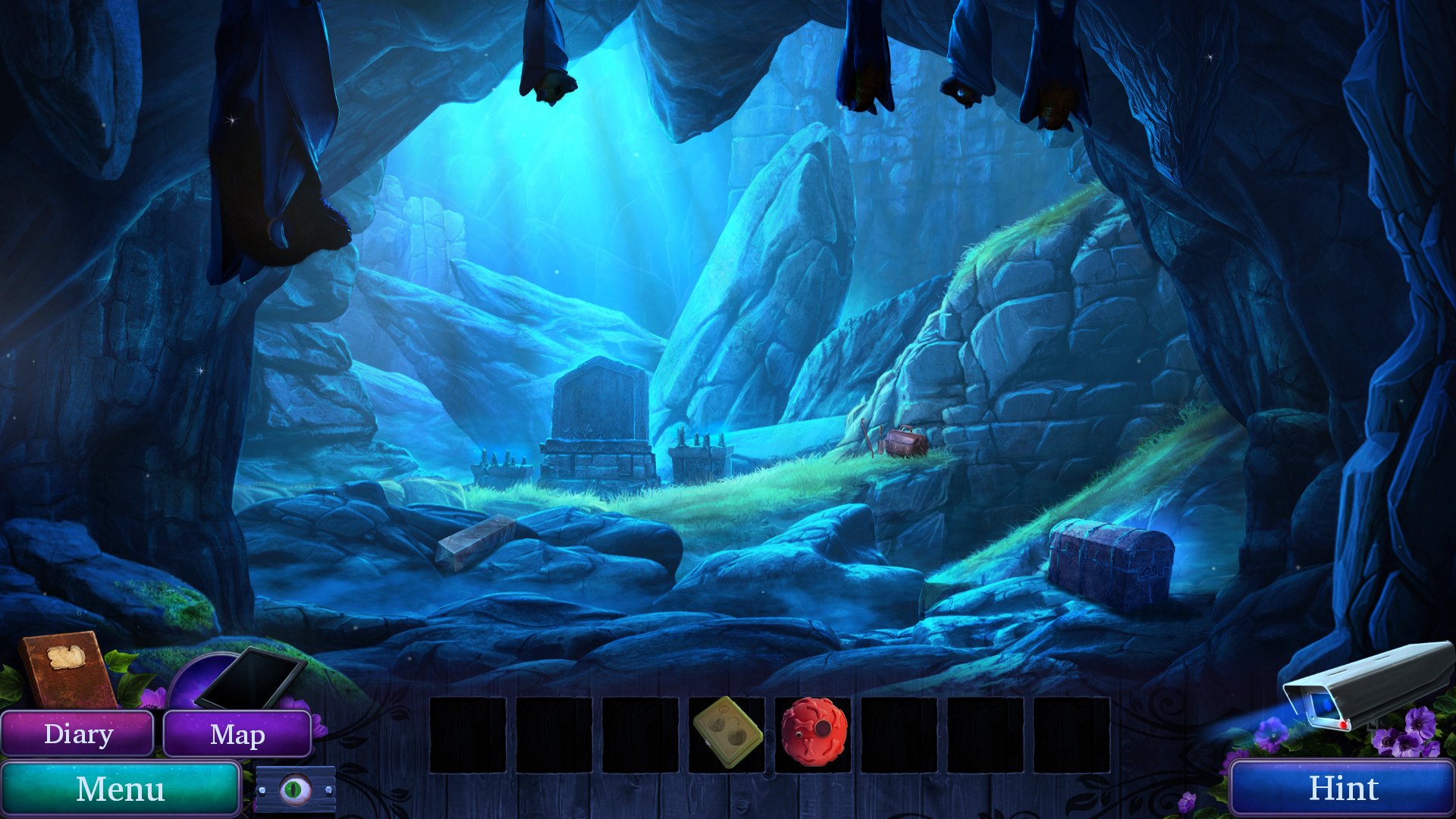
Demon Hunter 5: Ascendance screenshotDemon Hunter 5: Ascendance screenshotDemon Hunter 5: Ascendance screenshotDemon Hunter 5: Ascendance screenshotDemon Hunter 5: Ascendance screenshotDemon Hunter 5: Ascendance screenshot

How to redeem

  1. 1Check your Steam account and the listed region before purchasing.
  2. 2Find your code and supplier activation instructions in your confirmed order.
  3. 3Open the redeem-code section on Steam, enter the code and follow the platform’s prompts.

Supplier instructions

Go to: http://store.steampowered.com/ and download STEAM client Click "Install Steam" (from the upper right corner) Install and start application, login with your Account name and Password (create one if you don't have). Please follow these instructions to activate a new retail purchase on Steam: Launch Steam and log into your Steam account. Click the Games Menu. Choose Activate a Product on Steam... Follow the onscreen instructions to complete the process. After successful code verification go to the "MY GAMES" tab and start downloading.

You might also like