

SteamGlobal· Key
Grimind
€0.84
+€0.08 cashback eligibility in Relic Coins
Check before you play
- Platform
- Steam
- Region
- Global
- Product type
- Key
- Developer
- Pawl Mogila
- Publisher
- KISS ltd
- Supplier release date
- 2014-02-13
- Genres
- Indie
SteamGlobal· Key
€0.84
+€0.08 cashback eligibility in Relic Coins
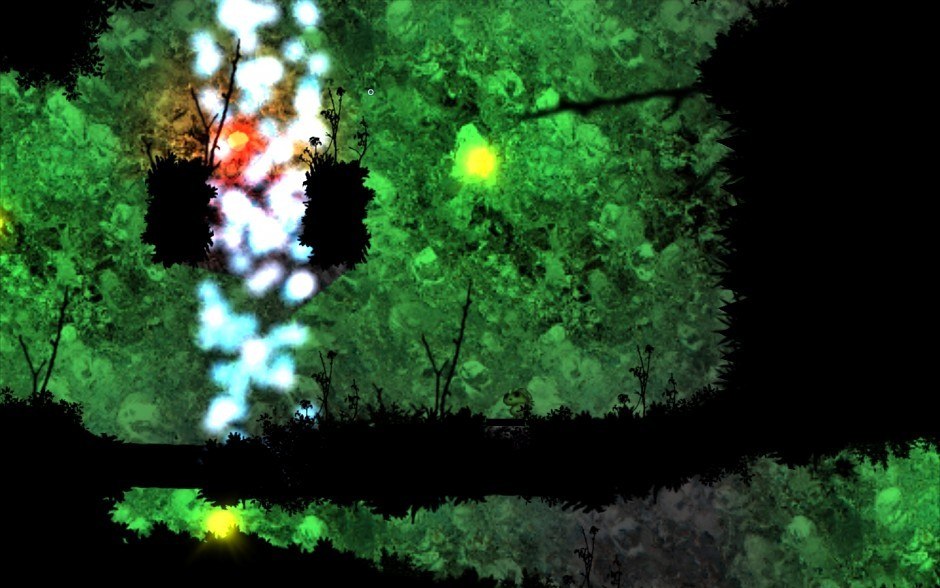
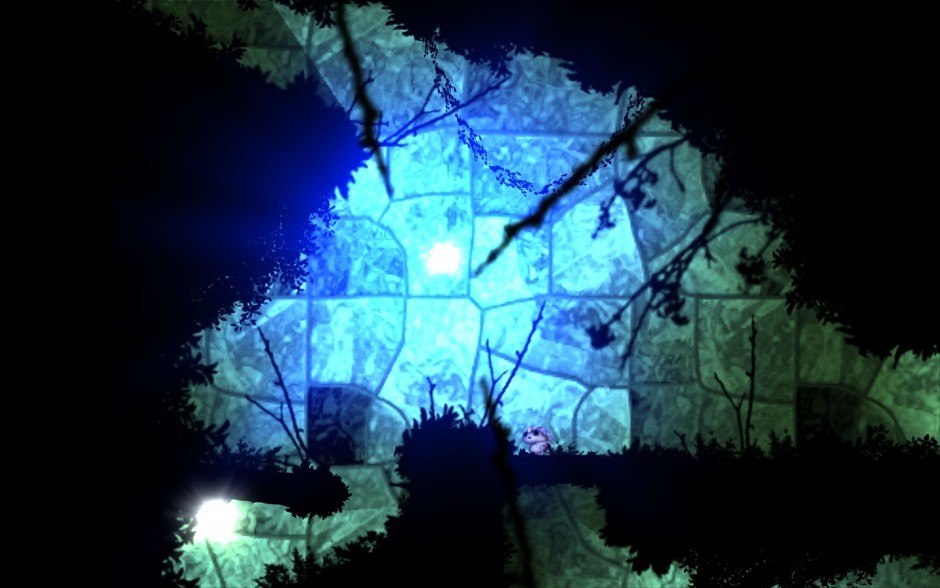
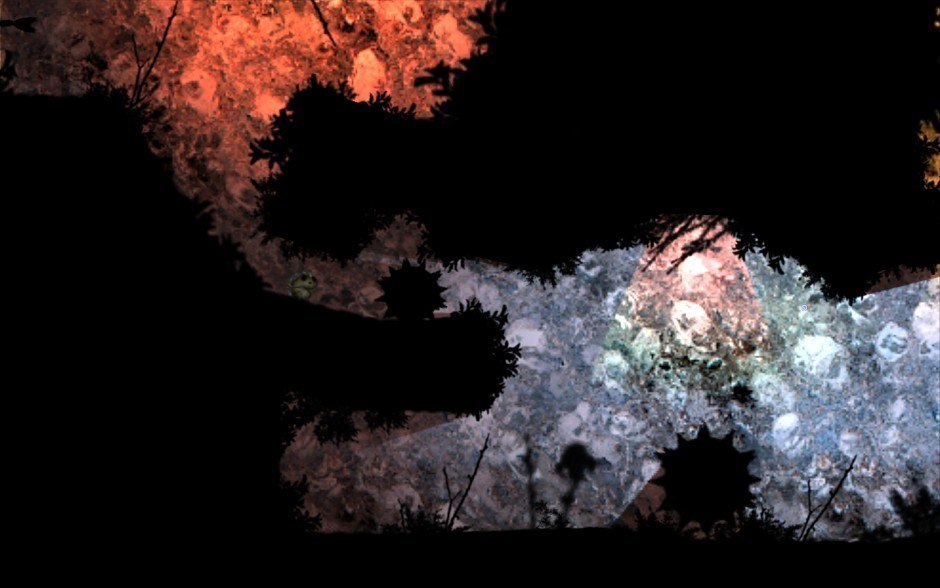
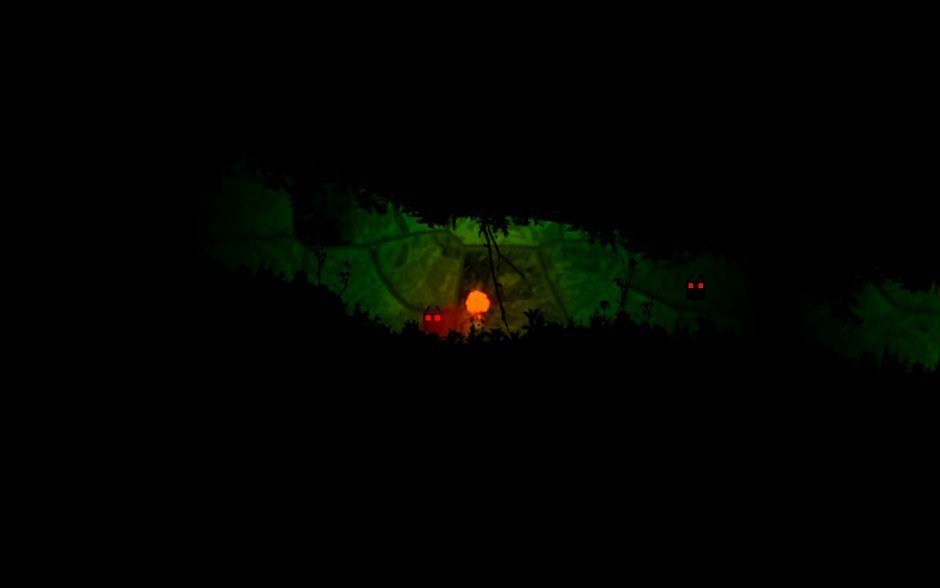
Grimind is a 2D physics based adventure, platform game in horror/creepy theme. Grimind casts you into forgotten caves and ancient crypts, without memories. While being there you must to demonstrate big manual skills to pass obstacles and solve non trivial puzzles to get out of scary environment and additionally remind yourself or even discover who you really are and what are doing there alone – but is it sure… that you are there, alone? Features Dynamic gameplay combined with a frightening experience Physics based gameplay - It gives you the possibility to do whatever you want. Every single dynamic object can be dragged, carried or thrown which gives you enormous freedom. Narration - While playing, the character is talking, telling the player what he feels, if he's scared, or what he thinks about the current situation. Challenge! - Grimind isn't an easy game, so you can forget about holding just one key and passing through the levels. Besides dexterity and input skills, there is also a large number of logic puzzles to solve. Your brain will be tested and you'll not get bored.

Go to: http://store.steampowered.com/ and download STEAM client Click "Install Steam" (from the upper right corner) Install and start application, login with your Account name and Password (create one if you don't have). Please follow these instructions to activate a new retail purchase on Steam: Launch Steam and log into your Steam account. Click the Games Menu. Choose Activate a Product on Steam... Follow the onscreen instructions to complete the process. After successful code verification go to the "MY GAMES" tab and start downloading.