
SteamGlobal· Key
Rubber Ducky and the Rainbow Gun
€0.83
+€0.08 cashback eligibility in Relic Coins
Check before you play
- Platform
- Steam
- Region
- Global
- Product type
- Key
- Developer
- John Szymanski
- Supplier release date
- 2015-12-15
- Genres
- Action, Indie
SteamGlobal· Key
€0.83
+€0.08 cashback eligibility in Relic Coins
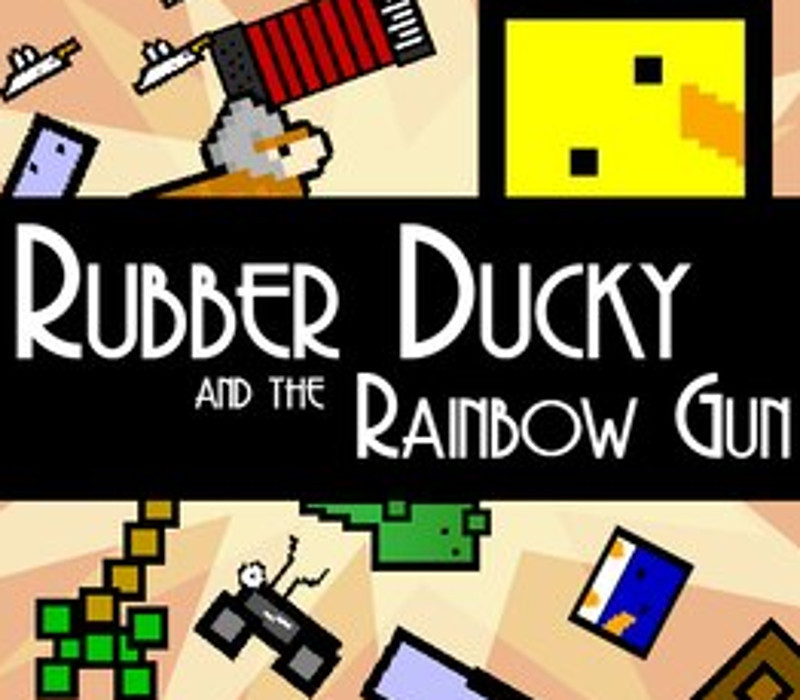
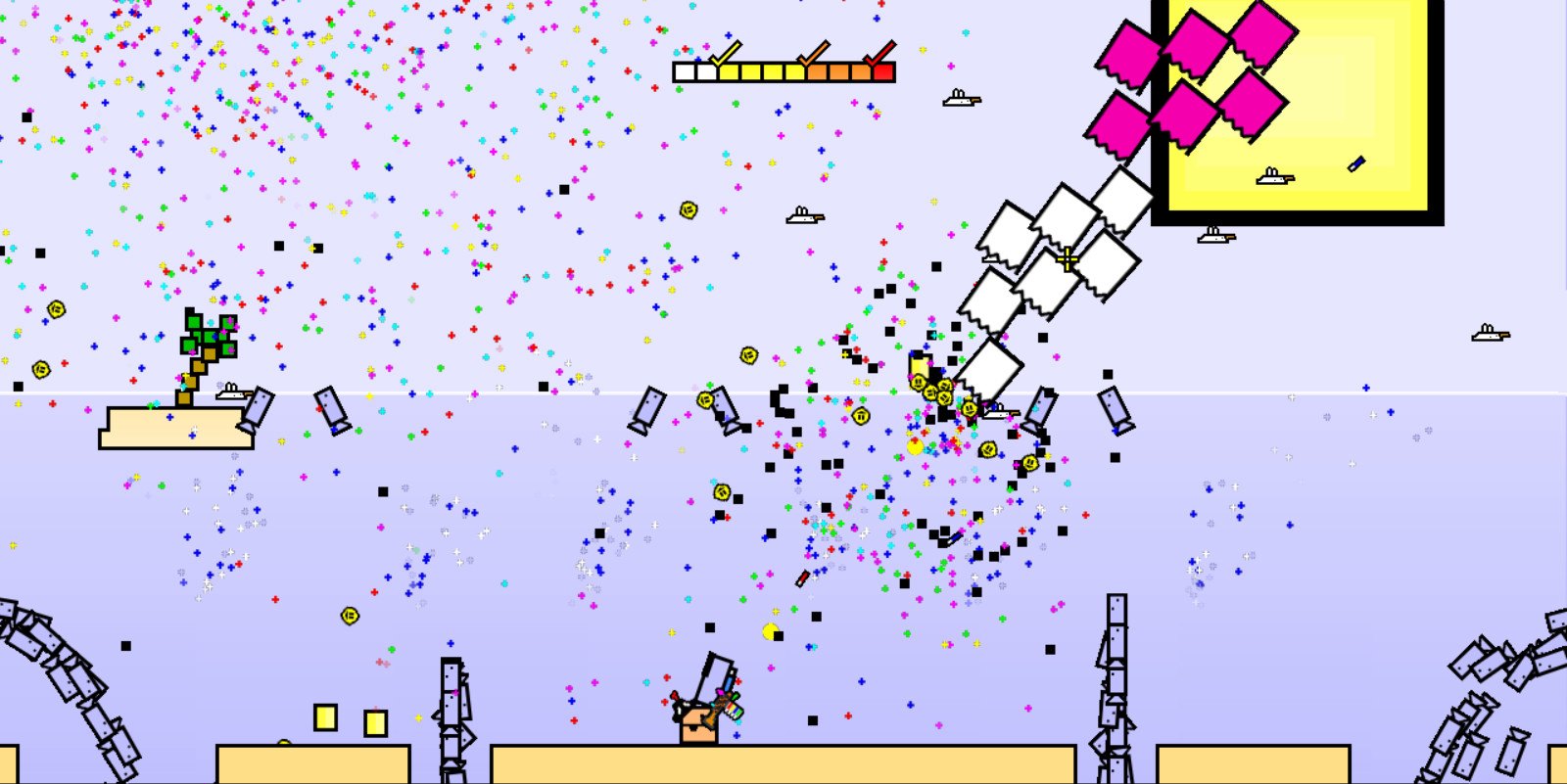
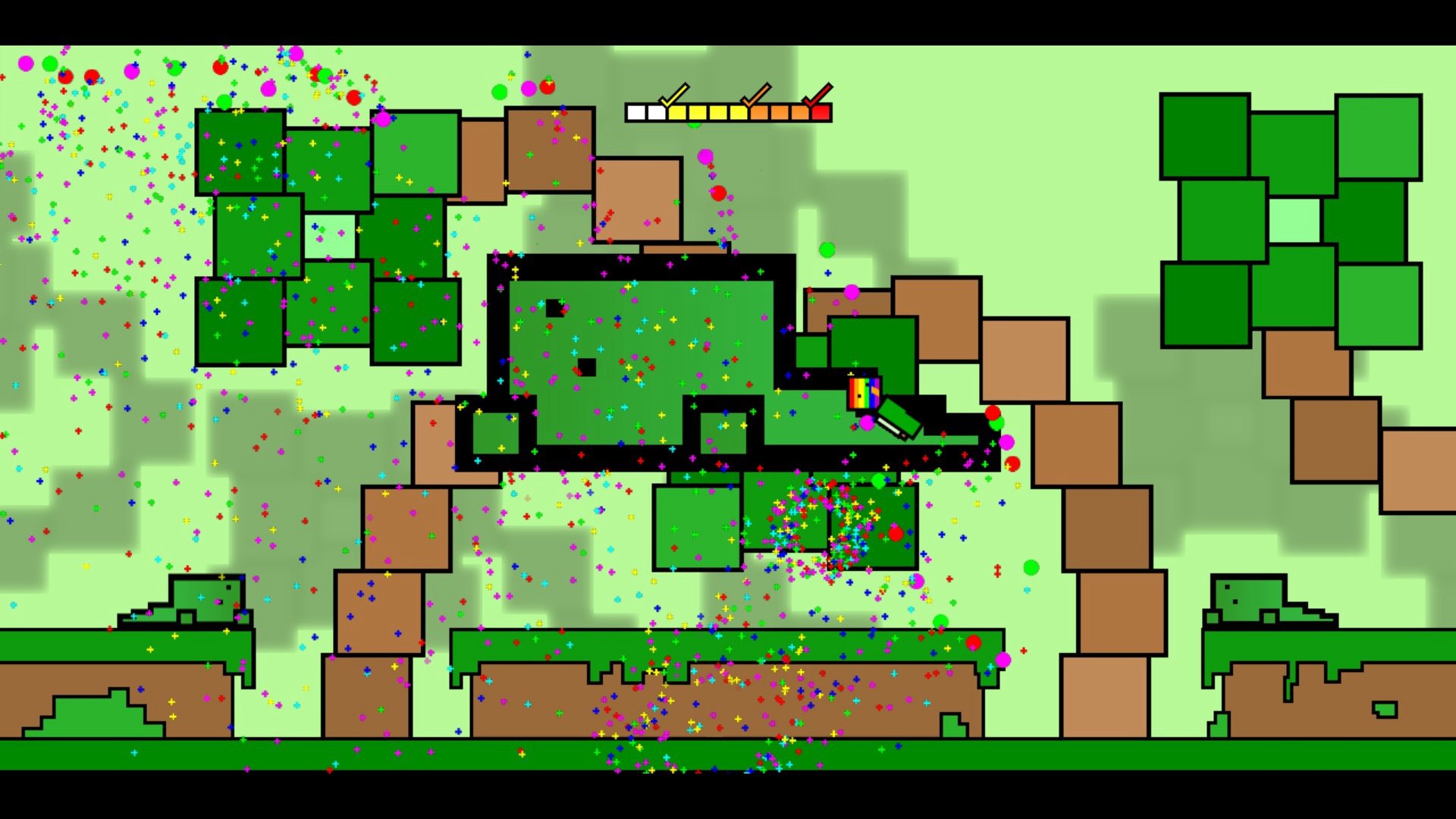
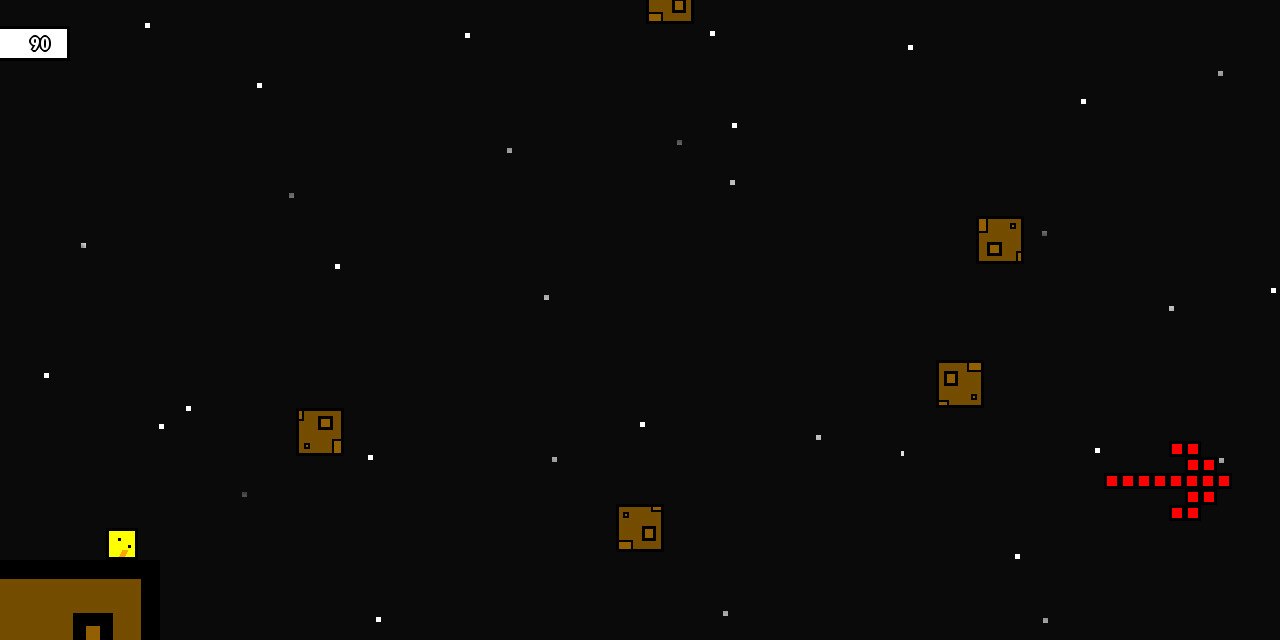
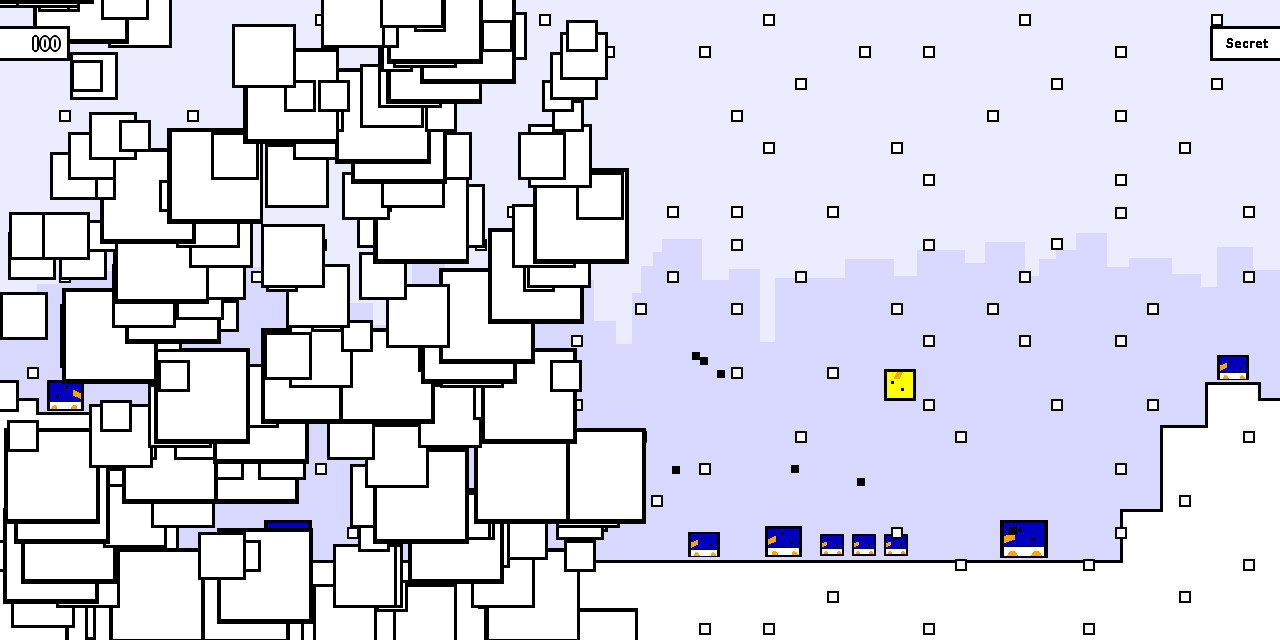
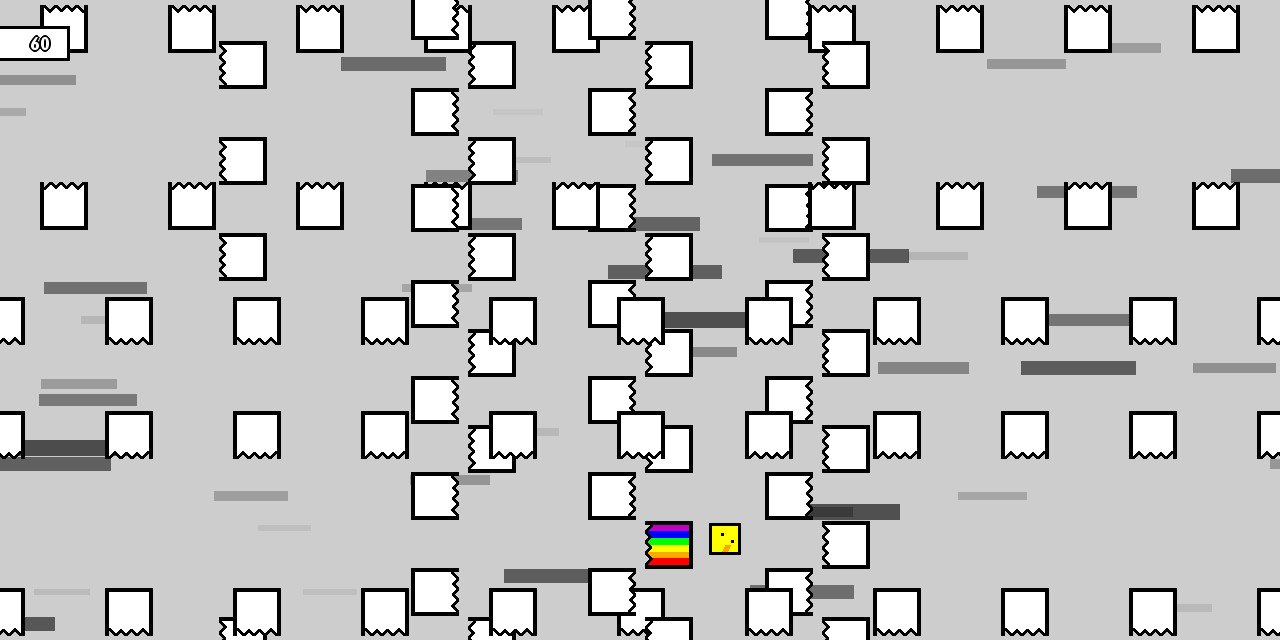
He's Got a Story!Rubber Ducky is a quiet individual who has had the fortune of finding a Rainbow Gun during a rainstorm of colored weaponry. Mr The Tree informs him that the Spikies love to be zapped with Rainbow Guns. Being rather genial, Rubber Ducky decides to spend his day going around and zapping things.He's a Duck, you're a Duck!Control Rubber Ducky, a square version of everyone's favorite fowl, as he spreads his laser-joy!The Rubber Ducky Gameplay!Take Rubber Ducky through some pretty spunky places, like the Digital Place, the Home of the Teleporting Penguins, and the Rather Spunky Badlands with frenetic side-scrolling action!Meet the Characters!Rubber Ducky knows a lot of people, like the Floating Lizards, the Accordion, Mr. The Tree, and the Teleporting Penguins!Some Rubber Ducky Sounds!Crazy beats are everywhere! And are those backgrounds dancing along in time?Outfit your Duck!'Dat's right! Get some swag goin' by changing up your costume!Great as a Virtual Stocking-Stuffer!With the gift-giving season right on us, pick up some Rubber Ducky copies to give out to the friends you like at least a bit, but not a ton!
Go to: http://store.steampowered.com/ and download STEAM client Click "Install Steam" (from the upper right corner) Install and start application, login with your Account name and Password (create one if you don't have). Please follow these instructions to activate a new retail purchase on Steam: Launch Steam and log into your Steam account. Click the Games Menu. Choose Activate a Product on Steam... Follow the onscreen instructions to complete the process. After successful code verification go to the "MY GAMES" tab and start downloading.