Get 10% back in Relic Coins on every order
Teenage Mutant Ninja Turtles: Out of the Shadows cover

SteamGlobal· Gift

Teenage Mutant Ninja Turtles: Out of the Shadows

€1,018.50

+€101.85 cashback eligibility in Relic Coins

Check before you play

Platform
Steam
Region
Global
Product type
Gift
Developer
Red Fly Studio
Publisher
Activision
Genres
Action, Fighting

About this product

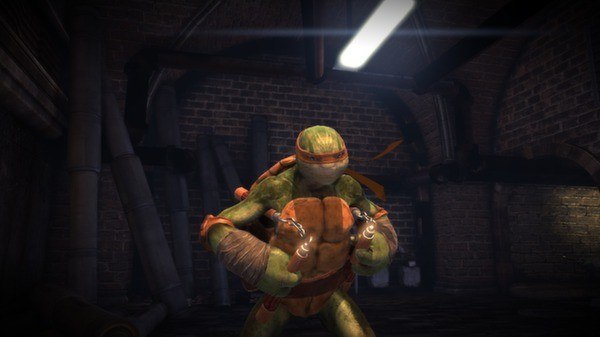
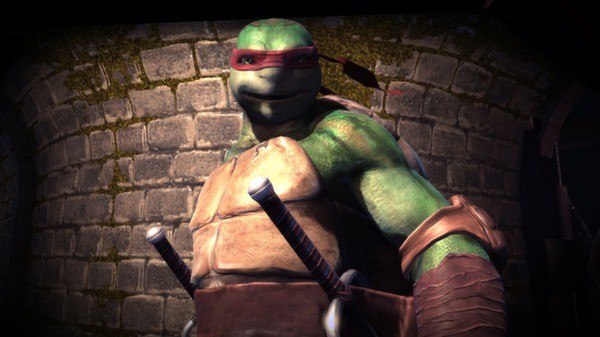
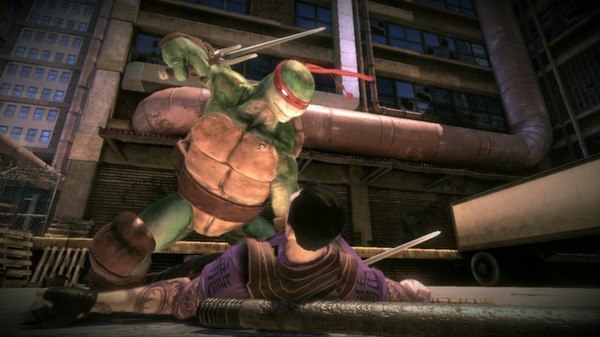
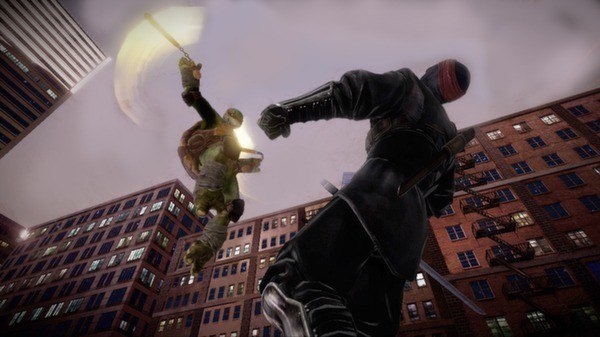
Teenage Mutant Ninja Turtles: Out of the Shadows Steam Gift Platform: Steam Release Date: 28 Aug 2013 Product Description Teenage Mutant Ninja Turtles: Out of the Shadows takes you back to how it all began. Be the four Turtles Leonardo, Donatello, Michelangelo, and Raphael in the fight to save New York City from mutants, the Foot and Shredder. With seamless co-op, along with team combo moves and relentless combat, this is the game fans have been waiting for. Features Turtle Power! Switch between all 4 Turtles anytime! 4 Dynamic Modes: Campaign, Arcade Mode, Challenge Mode and Dojo Training. Multiplayer: Seamless 4-player Co-Op Online Multiplayer to allow you to truly play as TMNT! Team TMNT: Engaging group-based combat system with synchronized combo attacks. BONUS Original Red Bandana Code! Enter this code to unlock all four red bandanas from the original TMNT comic books! ALT+yabbayabba System Requirements OS: Windows 8, Windows 7, Windows Vista, Windows XP Processor: Intel Core 2 Duo E6600 @ 2.40 GHz/AMD Phenom X3 8750 @ 2.4 Ghz Memory: 2 GB RAM Graphics: GeForce 8800 GT series with 512 MB RAM or ATI Radeon HD3870 with 512MB RAM DirectX: Version 9.0c Network: Broadband Internet connection Hard Drive: 5 GB available space Sound Card: DirectX® 9.0c or later Compatible Card Additional Notes: Internet connection for Steam activation and multiplayer functionality.

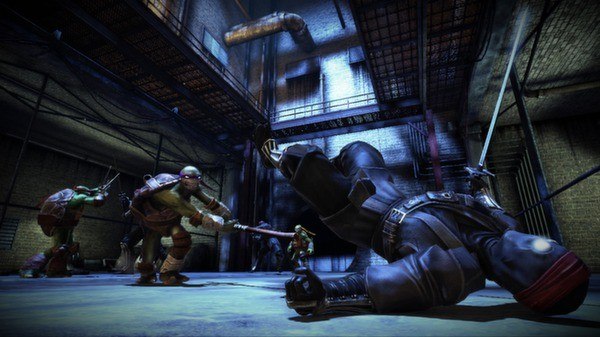
Teenage Mutant Ninja Turtles: Out of the Shadows screenshotTeenage Mutant Ninja Turtles: Out of the Shadows screenshotTeenage Mutant Ninja Turtles: Out of the Shadows screenshotTeenage Mutant Ninja Turtles: Out of the Shadows screenshotTeenage Mutant Ninja Turtles: Out of the Shadows screenshotTeenage Mutant Ninja Turtles: Out of the Shadows screenshot

How to redeem

  1. 1Check that your Steam account can receive gifts in the listed region.
  2. 2Open the confirmed order and follow the supplier’s gift-delivery instructions.
  3. 3Accept the gift on the required platform account and add it to your library.

Supplier instructions

"Please remember that we are NOT responsible for any problems that may arise from purchasing and using Steam Gifts. You are doing it at your own risk. "Please note, that due to recent Valve Steam Gift policy update Steam Gifts for games that are covered by VAC ban program can no longer be added to Inventory. Make sure that you are logged in to the proper account before entering the link as Steam Gifts can be only added to your library or rejected. How do I use a Steam gift given to me? If you do not already have Steam, download and install Steam here. Once you have Steam installed, you will be prompted to create an account or login to an existing Steam account. If you do not have an account, please create one. You will receive an e-mail containing a link that will open Steam allowing you to redeem your gift. After clicking the link, you will receive a notification at the top right corner in the Steam client informing that you have a new gift.

You might also like