
SteamGlobal· Key
STUMPER
€8.90
+€0.89 cashback eligibility in Relic Coins
Check before you play
- Platform
- Steam
- Region
- Global
- Product type
- Key
- Supplier release date
- 2019-04-28
- Genres
- Action, Indie, Casual, VR Games
SteamGlobal· Key
€8.90
+€0.89 cashback eligibility in Relic Coins
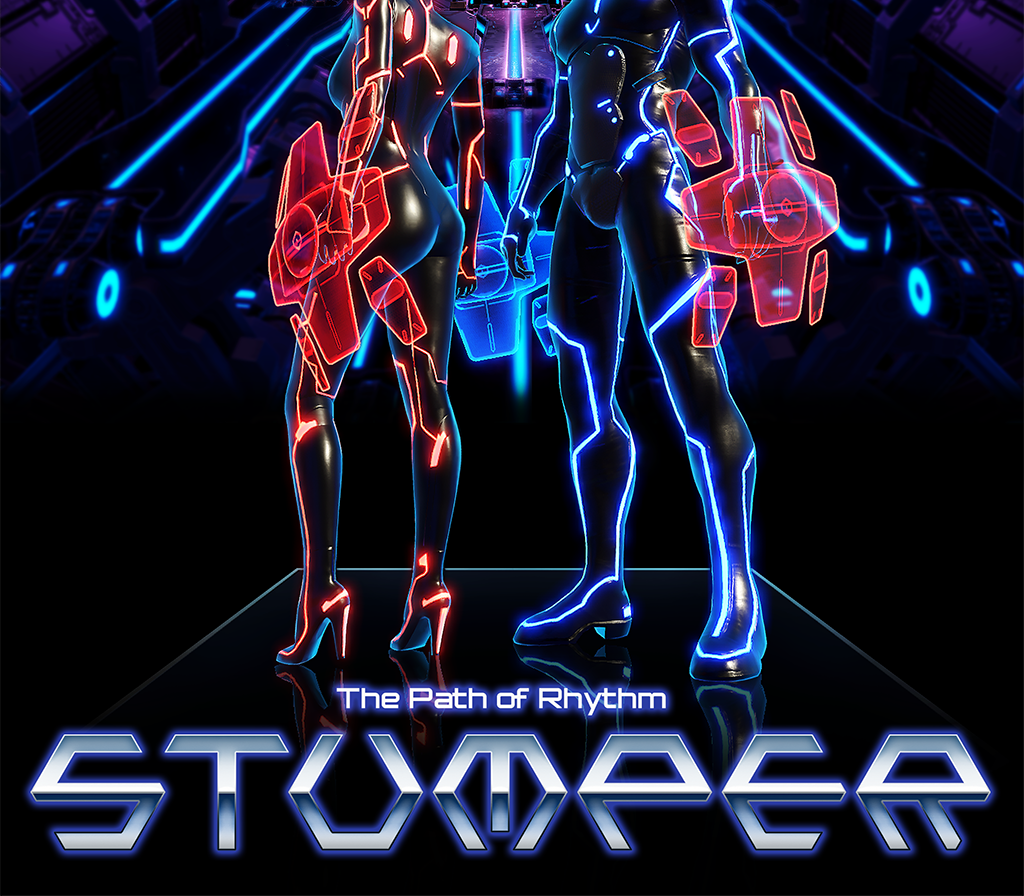
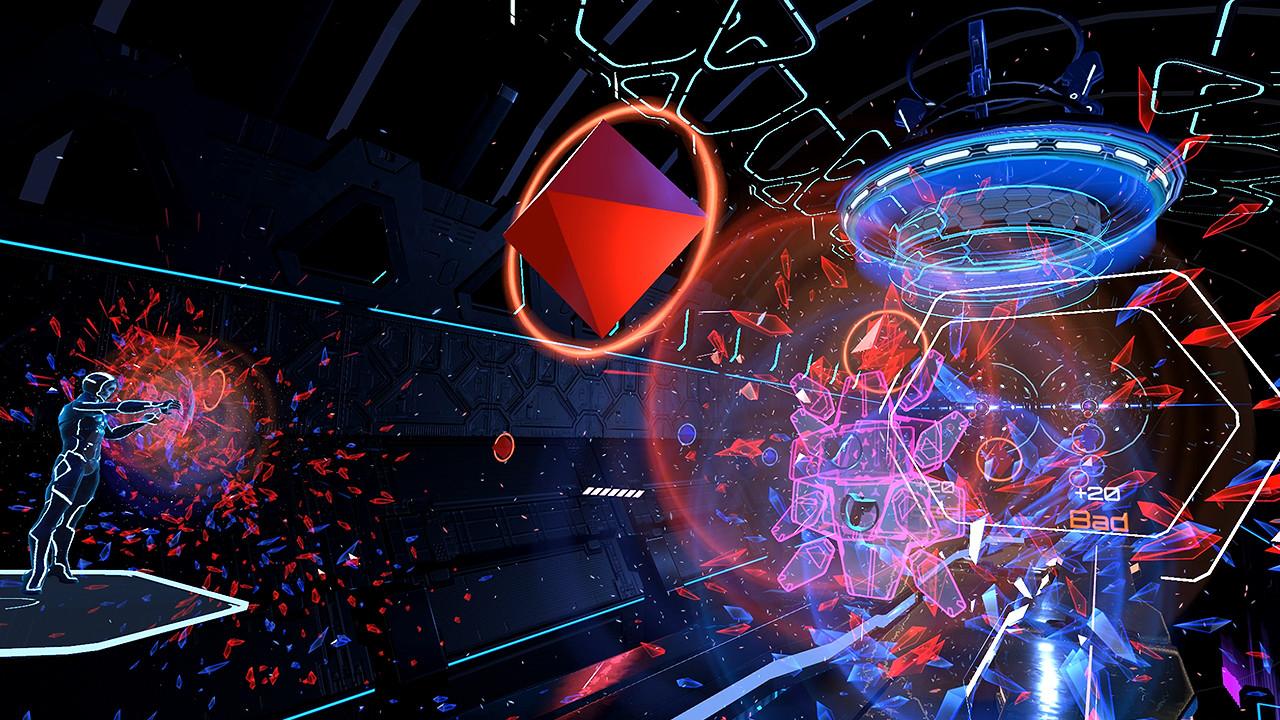
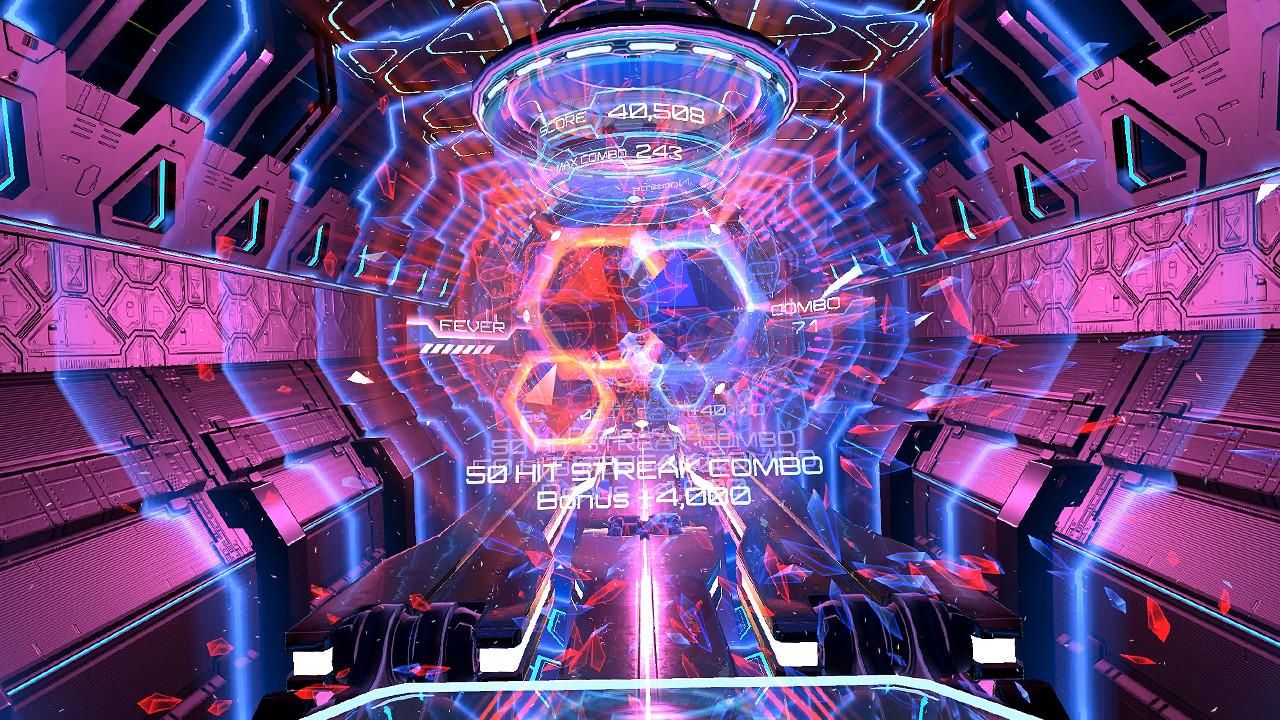
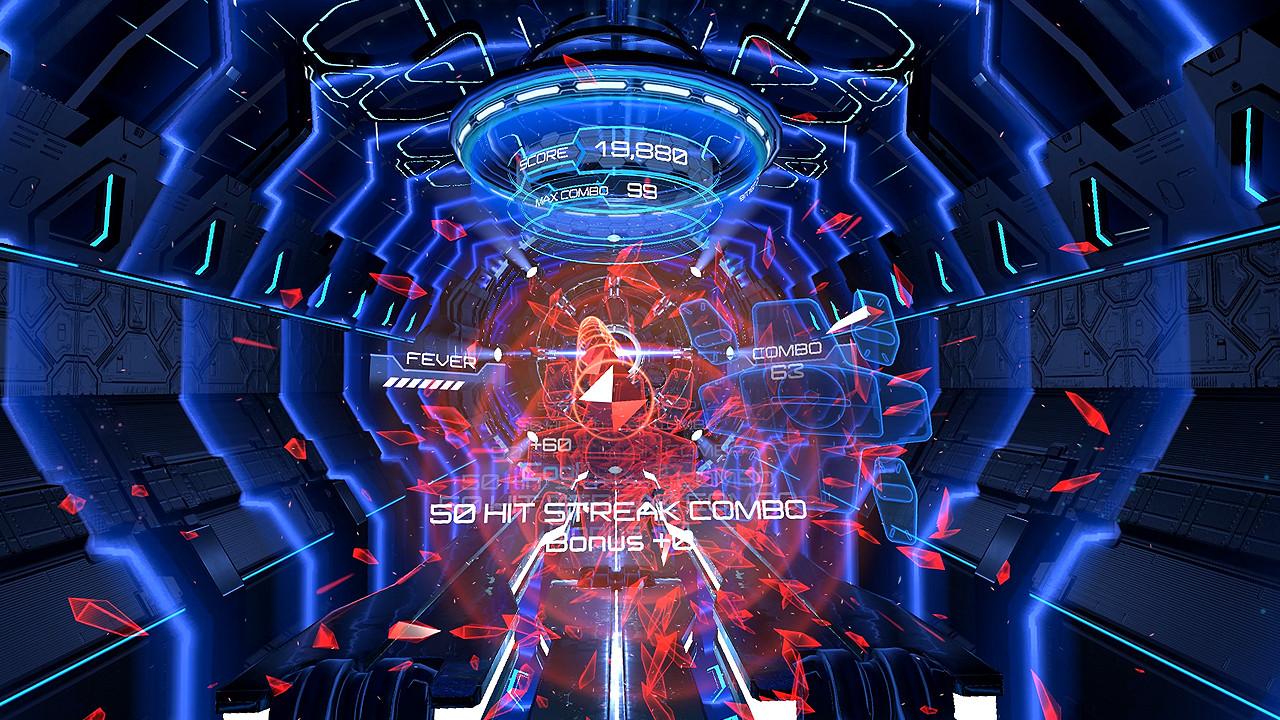
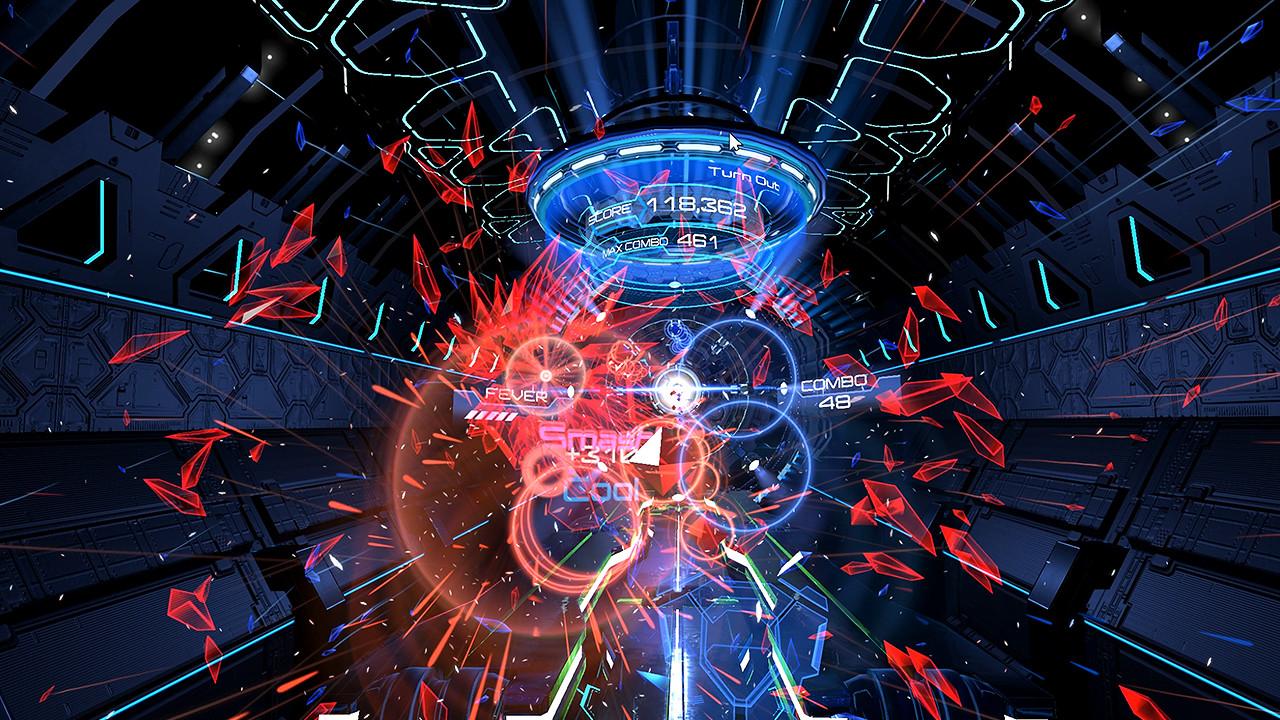
Dive into a digital world with STUMPER, a new VR rhythm action game brought to you by THIRTEENTH FLOOR. STUMPER is a VR rhythm action game that puts you into the music. More than 800 songs to be added to our library.Compete against your friends using "1 vs 1 match" play.Battle through a path of dynamic crystals flying towards you from various directions with the aid of only two shields. Make sure to match the crystal’s color with the same colored shield to achieve a high score. Features Diverse genres of music (EDM, Hip-hop, Jazz, Pop etc.) : Find your favorite song and explore new genres. 1 vs 1 battle mode provided with a real-time ranking system : You will have a chance to compare your STUMPER skills by competing against other players in our battle mode. Immerse yourself in music : Following the crystals will make you dance and make your heart beat in rhythm. Character customization : Choose from various helmet and shield options to make you feel like a new character and start a new adventure. Game accessibility: Anyone can learn how to play STUMPER within a few minutes, but it takes time to become a master.


Go to: http://store.steampowered.com/ and download STEAM client Click "Install Steam" (from the upper right corner) Install and start application, login with your Account name and Password (create one if you don't have). Please follow these instructions to activate a new retail purchase on Steam: Launch Steam and log into your Steam account. Click the Games Menu. Choose Activate a Product on Steam... Follow the onscreen instructions to complete the process. After successful code verification go to the "MY GAMES" tab and start downloading.