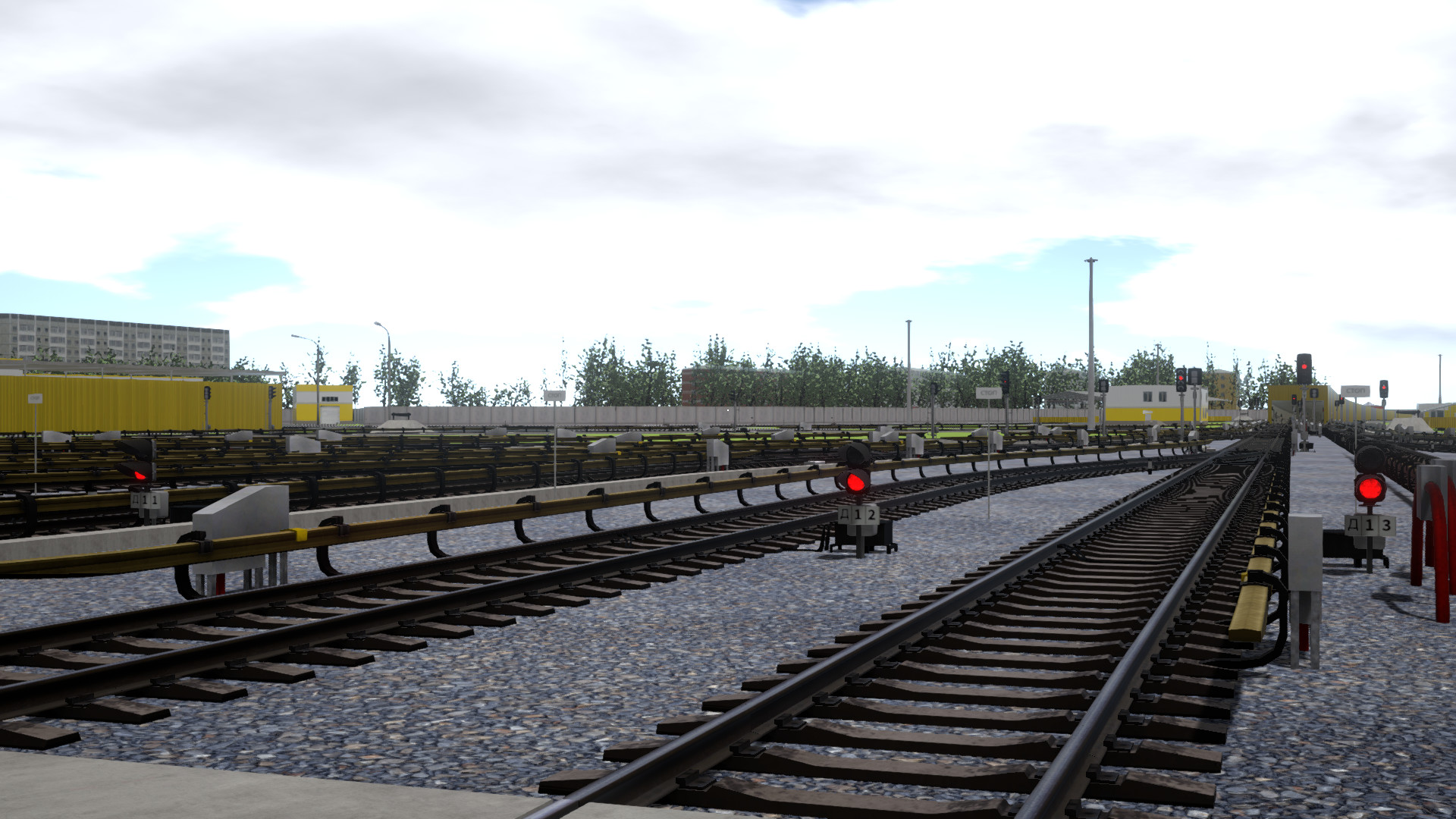
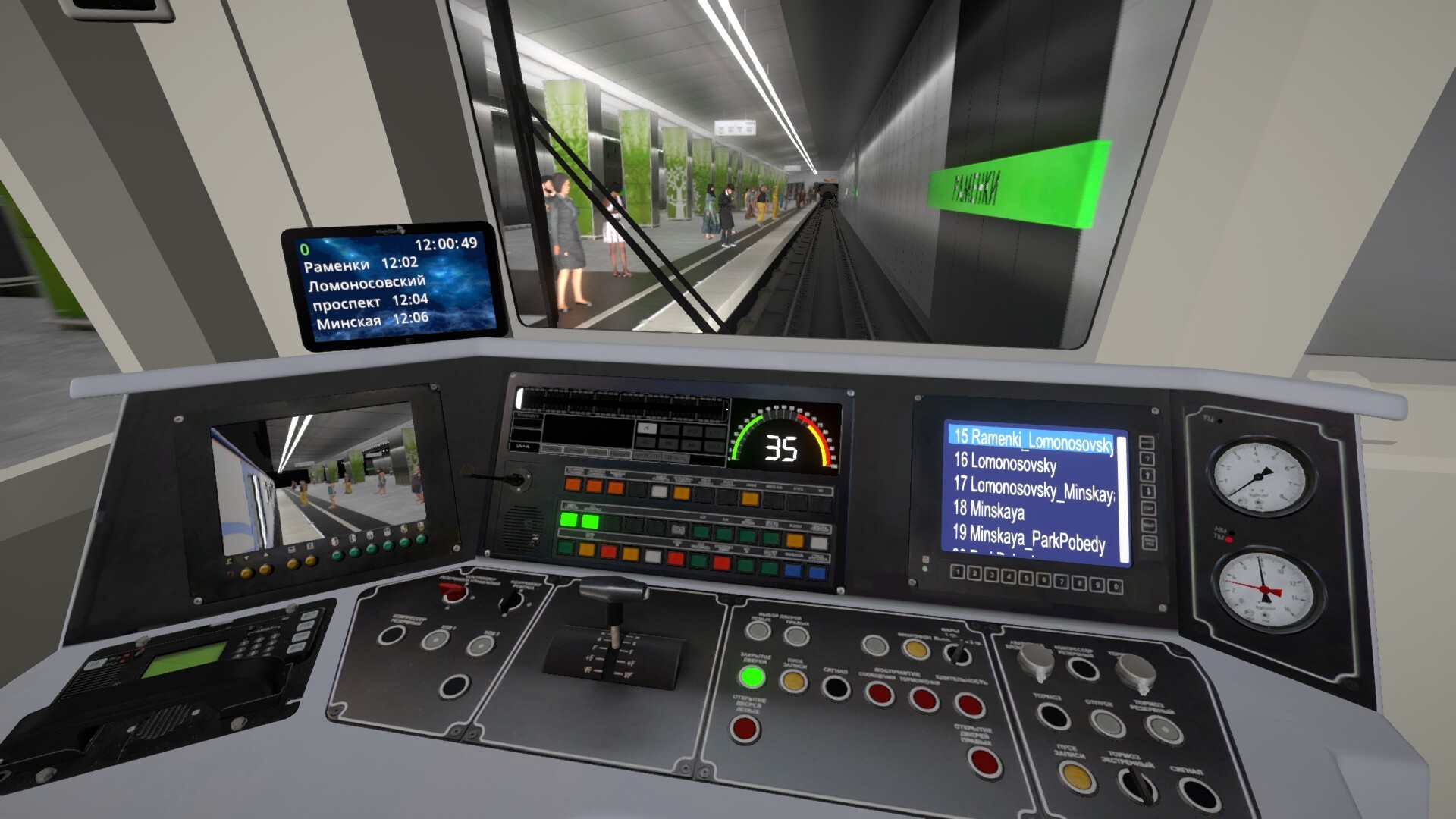
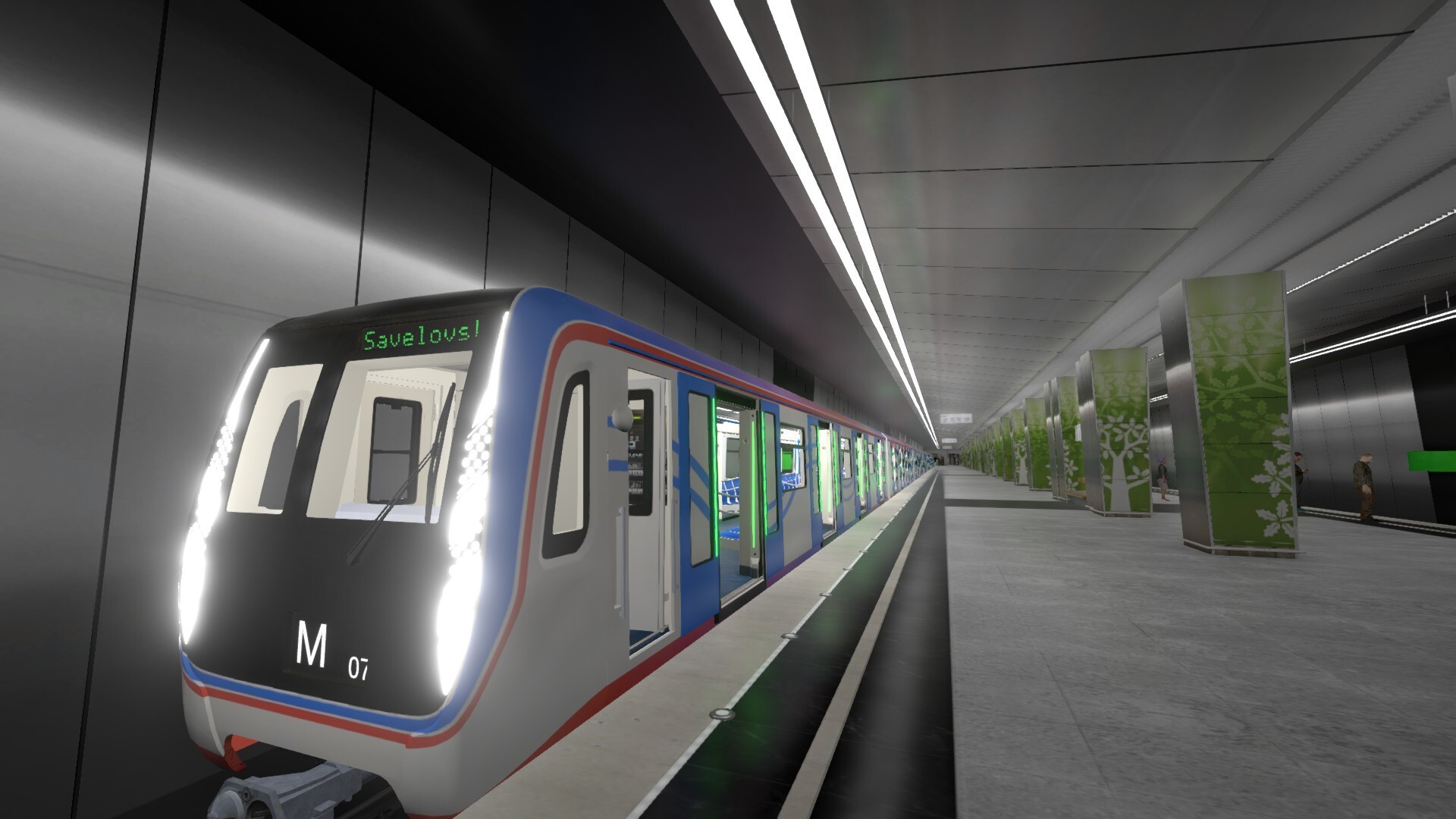
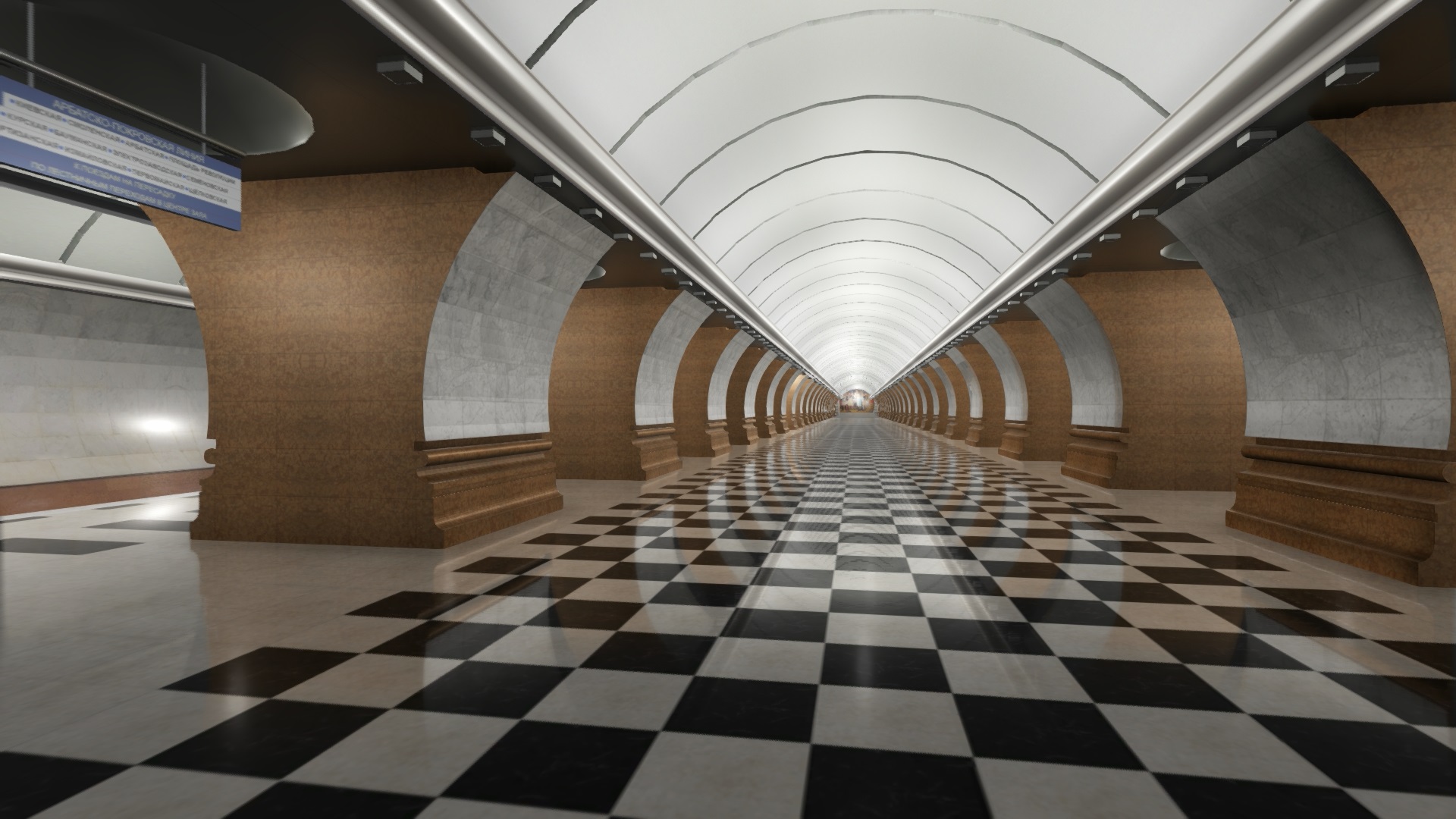
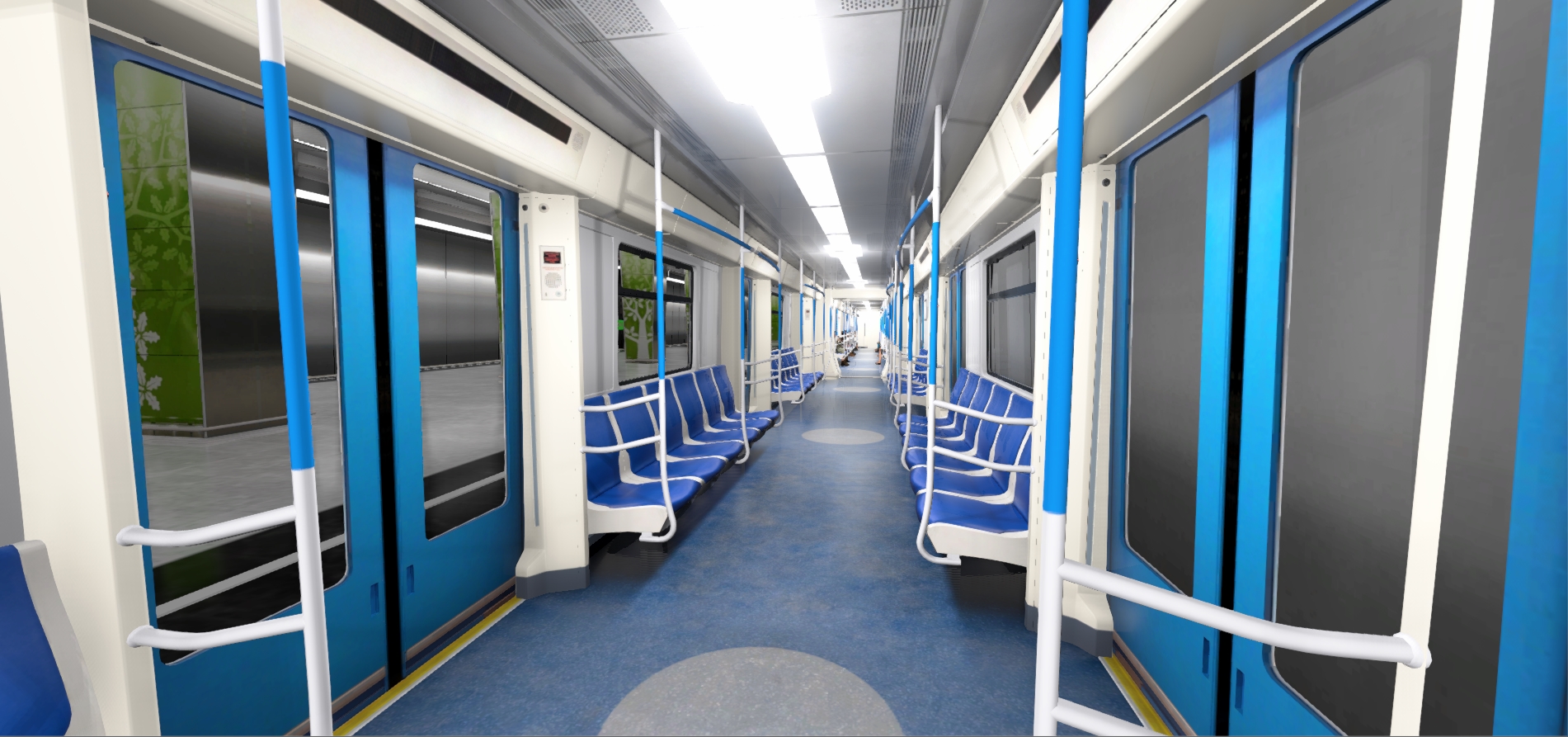
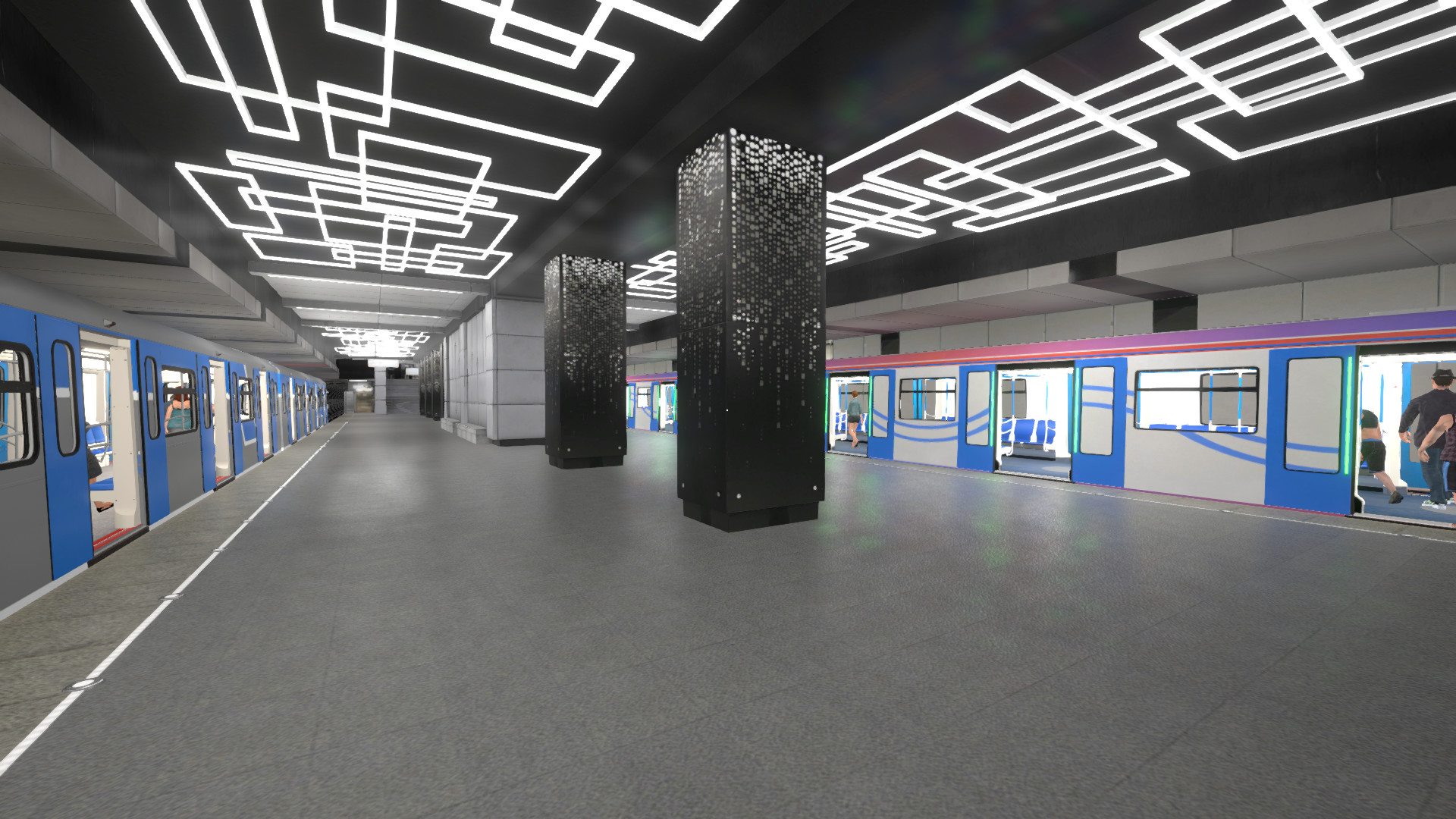
Don't lose your unique chance to take a look at the subway system in a new way - now you can become a train driver!The train control is made in accordance with reality - speed increase and braking, you can open doors, switch cameras, change train announcers and lots of other features. A very important part of each subway and railroad are railway traffic lights. In the game, the mechanics of traffic lights is implemented, and the player is able to switch arrows. Passengers look like real. They react train arriving, get on it and choose available seats in the car. If passengers see that the train is arriving at the station they need, they are standing near the doors in advance for exit. You also have an opportunity to see the game the passenger's eyes. At any time you can leave the train to take a look at the stations. You will see the world's most beautiful subway - the Moscow Metro. The stations and tunnels are created as accurately as possible in accordance with reality. On the rail sections, all slopes and turns are observed. For sharing this game as Early Access we prepared 2 lines - 8A (Solntsevskaya Line) and 11 (Big Circle Line). There are two types of trains are available initially: "Oka" and "Moscow". During the Early Access we are planning on adding some new types of trains and also other metro lines. Besides, we are considering the possibility of including in this game other subway systems of different countries. Which subway will we add next? It depends on the wishes of our players.