

SteamEurope· Gift
Trainz Railroad Simulator 2019
€9.18
+€0.92 cashback eligibility in Relic Coins
Check before you play
- Platform
- Steam
- Region
- Europe
- Product type
- Gift
- Supplier release date
- 2019-01-08
- Genres
- Simulation, Co-op
SteamEurope· Gift
€9.18
+€0.92 cashback eligibility in Relic Coins
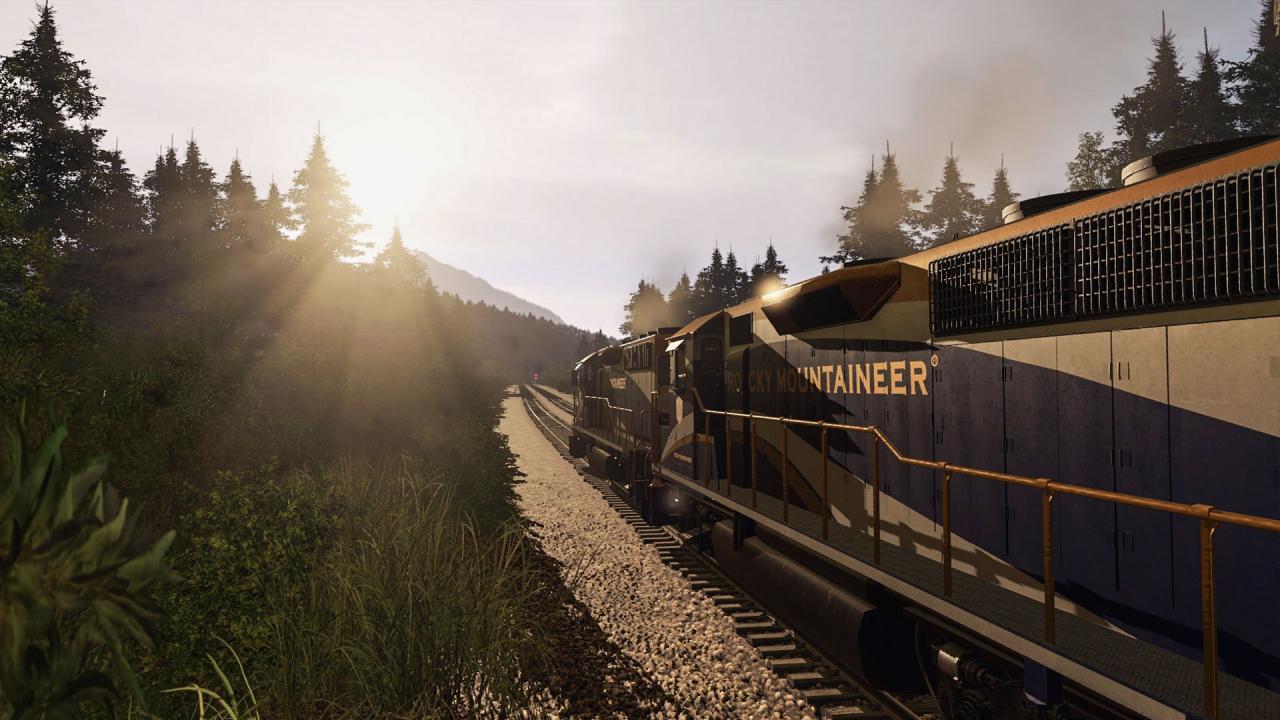
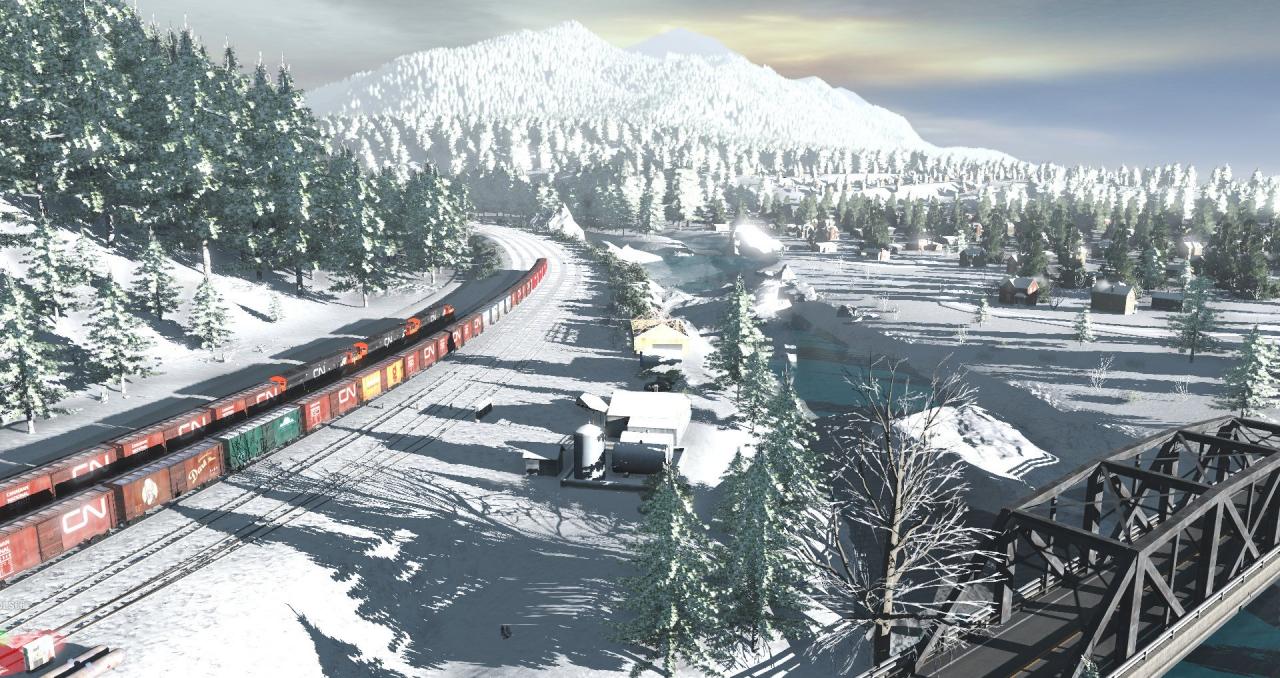
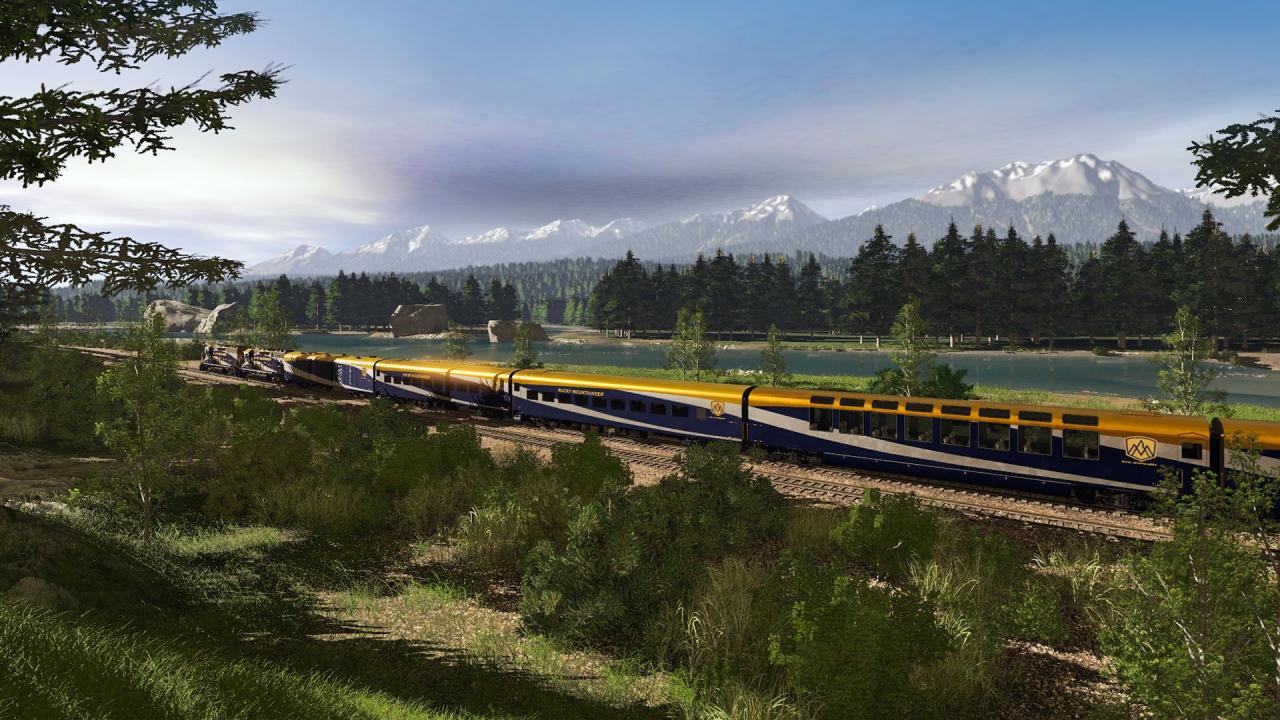
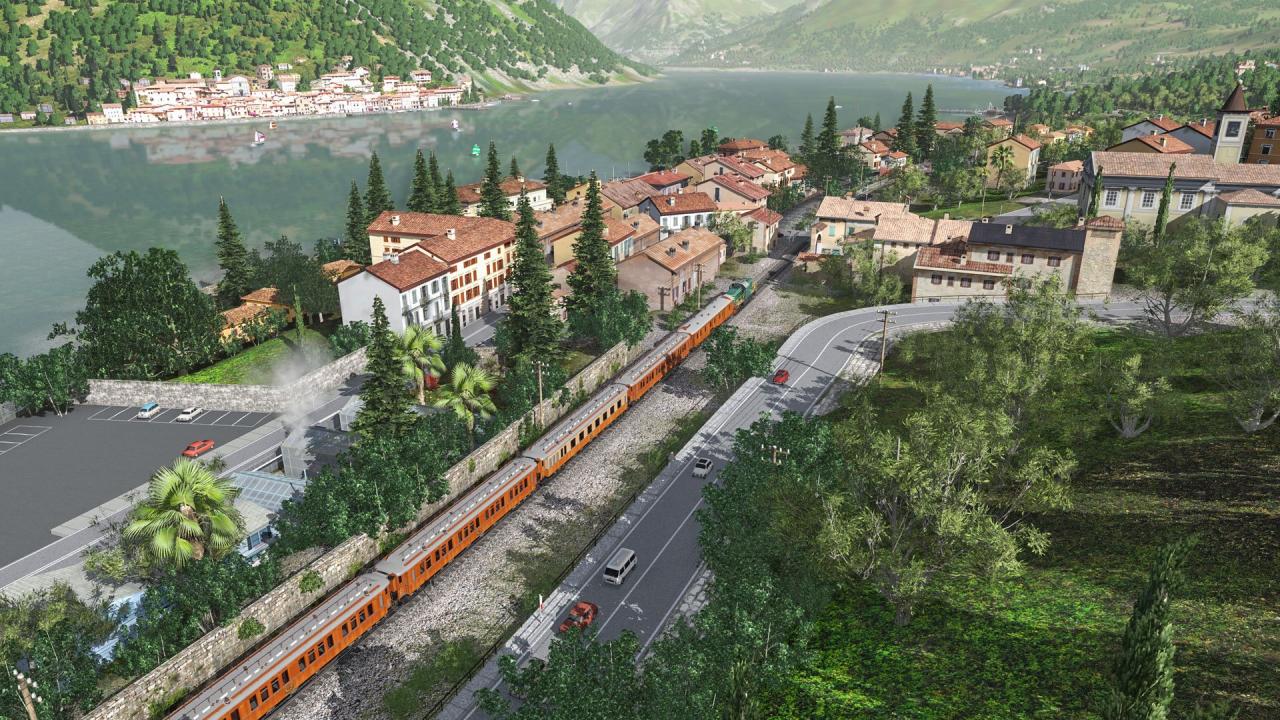
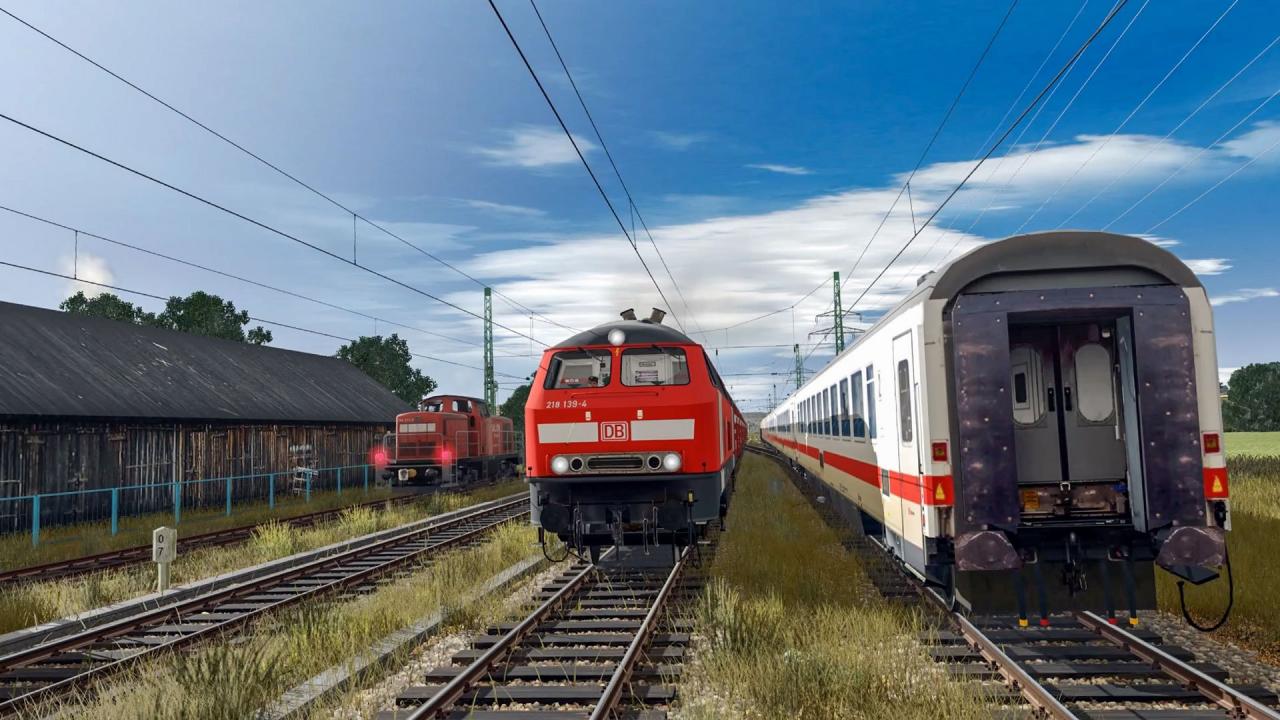
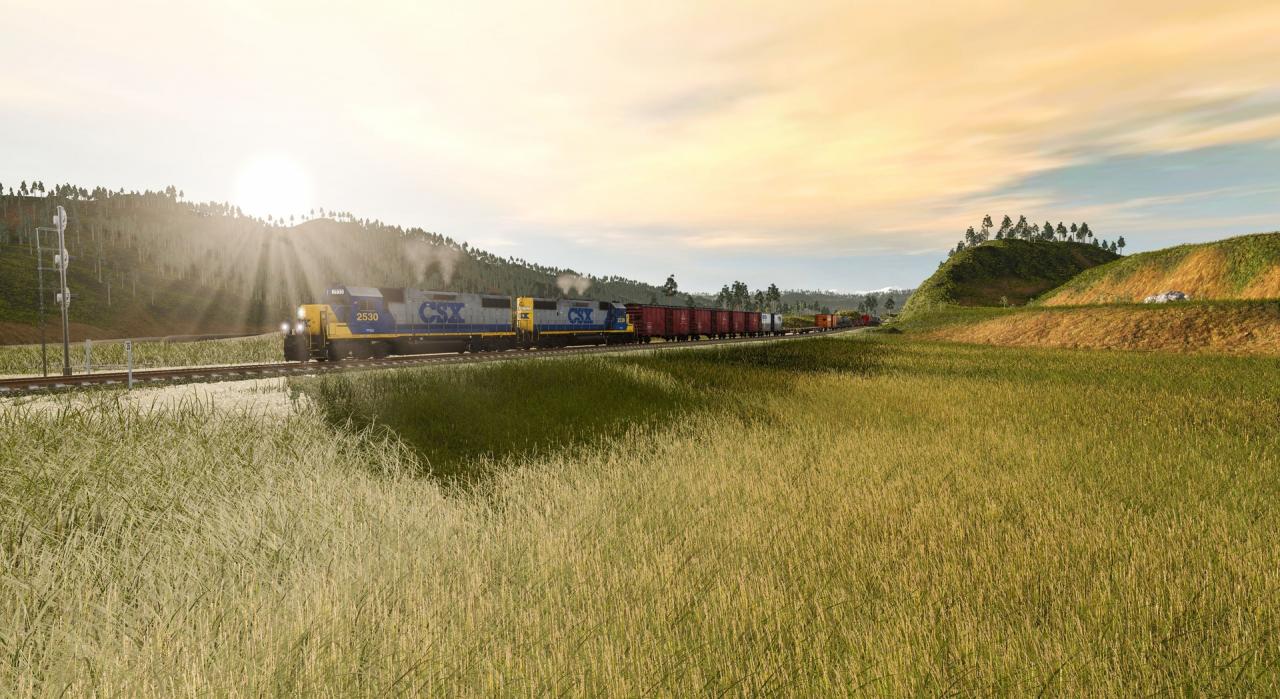
Includes: 6 built-in routes* Over 40 interactive sessions 130+ drivable locos 500+ rolling stock items Over 17, 000 items in total * One route is installed in the base install. The 5 additional routes (plus any previously purchased Trainz DLC items) are available, free, for in-game download. Welcome to the latest release of the long running Trainz Simulator franchise, first released back in 2001!The team from N3V Games have been busy for the past three years working on making sure TRS19 is the best Trainz version ever. We've listened to feedback from our community, we've tweaked and polished, and put together a massive improvement over previous Trainz editions. Features Drive over 130 different locos Choose simple or realistic control modes Issue Driver Commands to your AI Drivers to run dozens of trains Edit the existing routes or create your own masterpiece Download more free content from the Trainz Download Station It also features: updated graphics smoother performance better stability new tools support for your existing Trainz content WHAT'S NEW IN TRS19? MORE REALISM A massive engine upgrade delivers more realistic graphics: Physically-Based Rendering allows accurately simulated lighting for photorealistic graphics, all in real-time. Parallax Mapping provides extreme detail made possible by textured heightmaps. Detail Maps enhance visuals with macro or micro surface detail. Environment Lighting gives greater control for direct, indirect and High Dynamic Range lighting.
Turf Effects empowers route builders to simulate realistic ground cover on a vast scale. Lay down Animated Ground Cover that waves in the wind. Customisable Ground Clutter fills your route with micro-detailed objects. Enhanced Bulk-Replace tool to quickly update your existing routes to new standards.
Easier access and better visualisation while you're driving: Track Navigation Profile displays key information for improved driving accuracy. Train Control Mode toggle to change instantly between Simple, Realistic and AI Command modes. Driver Control Center to control and manage dozens of AI Drivers. Command Properties editable in real-time to update your Driver AI Commands on the fly.
My Collection allows you to view all your installed locos and rolling stock quickly and easily. Search Routes, Sessions and Rolling Stock in the new menu UI. Filter by Content Type, Source, Region and more. Tag your "Favorites" for easy display and selection. Search and download from the Trainz Download Station directly in-game.
In TRS19, you can edit and update all the built-in and "DLC" routes and sessions. Customise the terrain and ground textures. Add or bulk replace track and trackside objects. Increase or decrease the density of scenery assets. Share your edits with other content owners via the Trainz Download Station.
Picklists - add selected items to your selected picklist. Raildriver Support - TANE and TRS19 both support Raildriver controllers. Seasonal Support for procedural track. In-game help systems. FBX mesh support providing support for more 3D art tools, and PBR materials. Note for Mac Users:TurfFX is a feature that provides animated ground covers and currently works only on PC systems in DirectX mode. Your version will therefore operate the same as the PC version with "TurfFX disabled".
In order to receive and activate the game: You will receive a gift link to a website. Open that link in your web browser. Depending on the prompt please provide your Steam profile link or login via Steam If needed choose the same country as your store country found in Steam account details. You can check this setting https://store.steampowered.com/account/. Automated bot system will add your Steam account to friendlist. After you accept the friend request from bot, it will send you your purchased game as a gift.