Get 10% back in Relic Coins on every order
Blade Arcus from Shining: Battle Arena cover

SteamGlobal· Gift

Blade Arcus from Shining: Battle Arena

€6.94

+€0.69 cashback eligibility in Relic Coins

Check before you play

Platform
Steam
Region
Global
Product type
Gift
Developer
Studio Saizensen
Publisher
Studio Saizensen
Supplier release date
2016-07-29
Genres
Action, Fighting

About this product

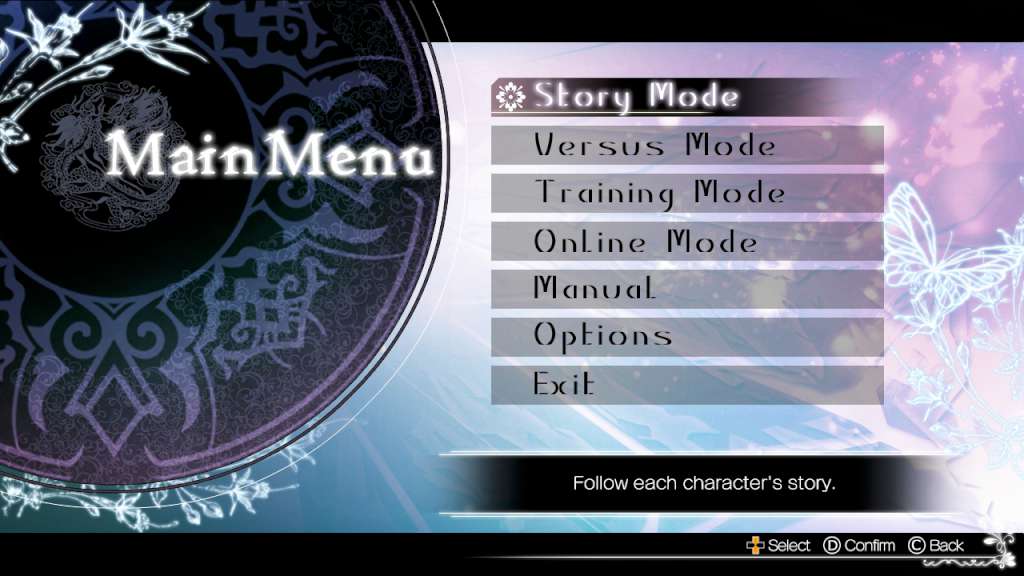
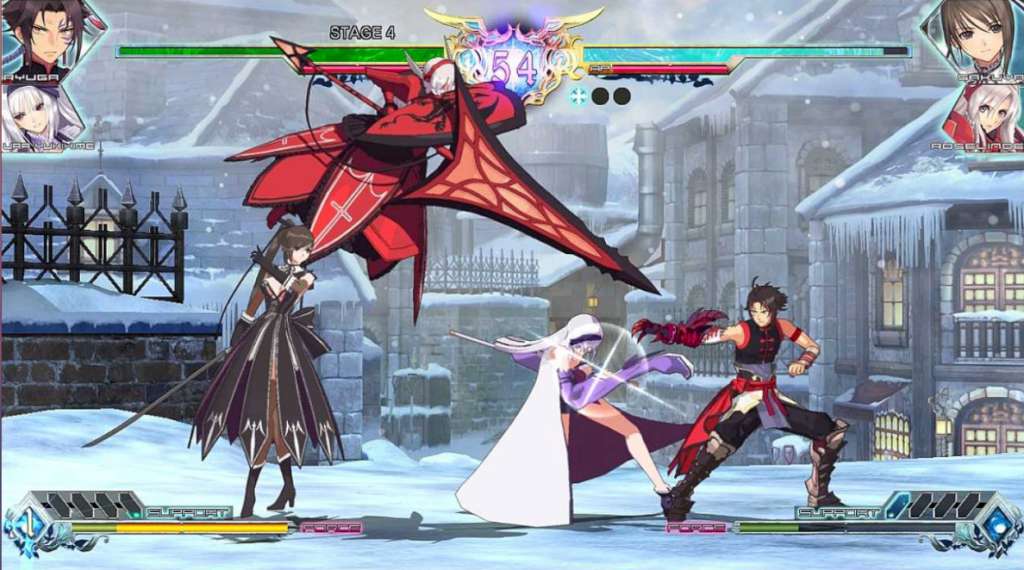
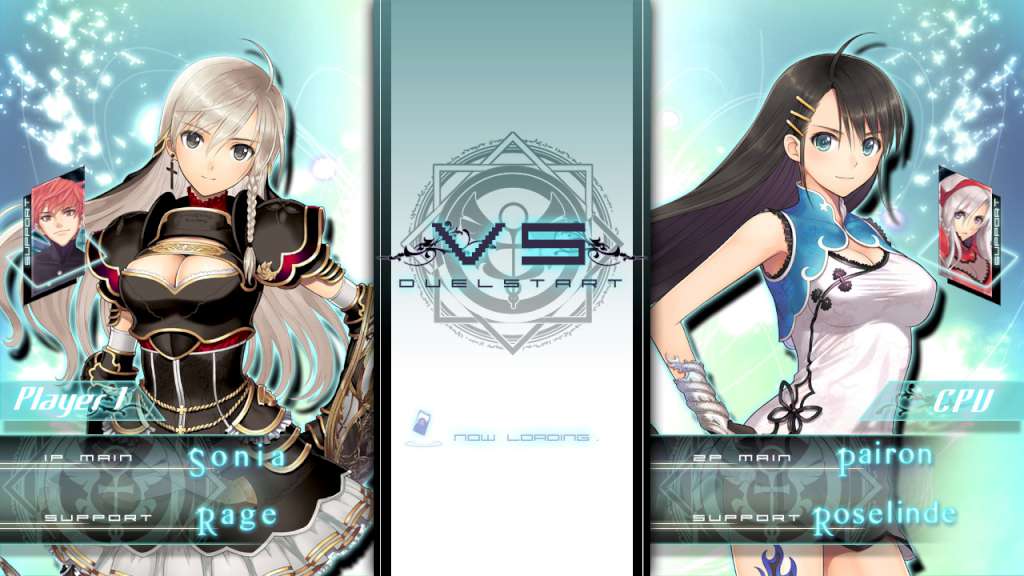
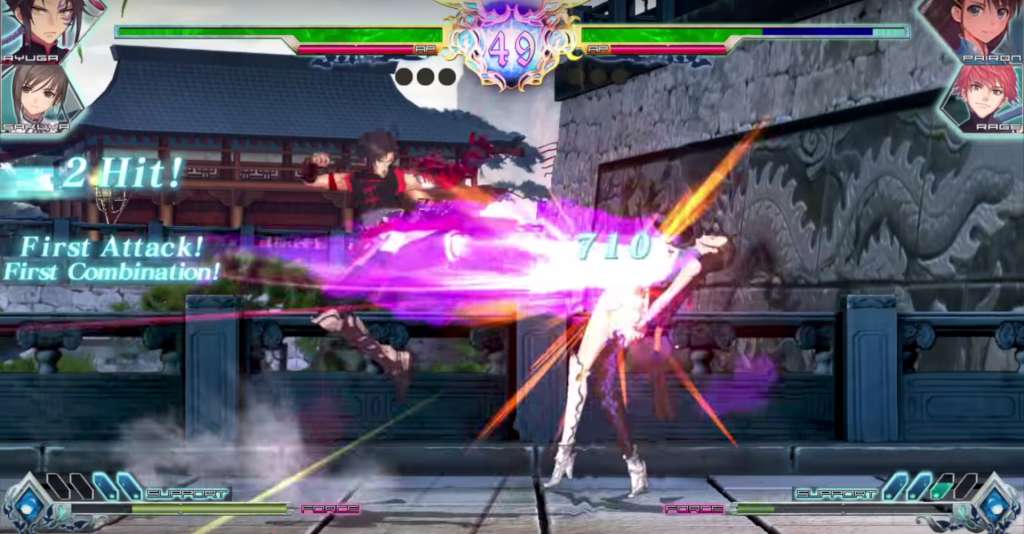
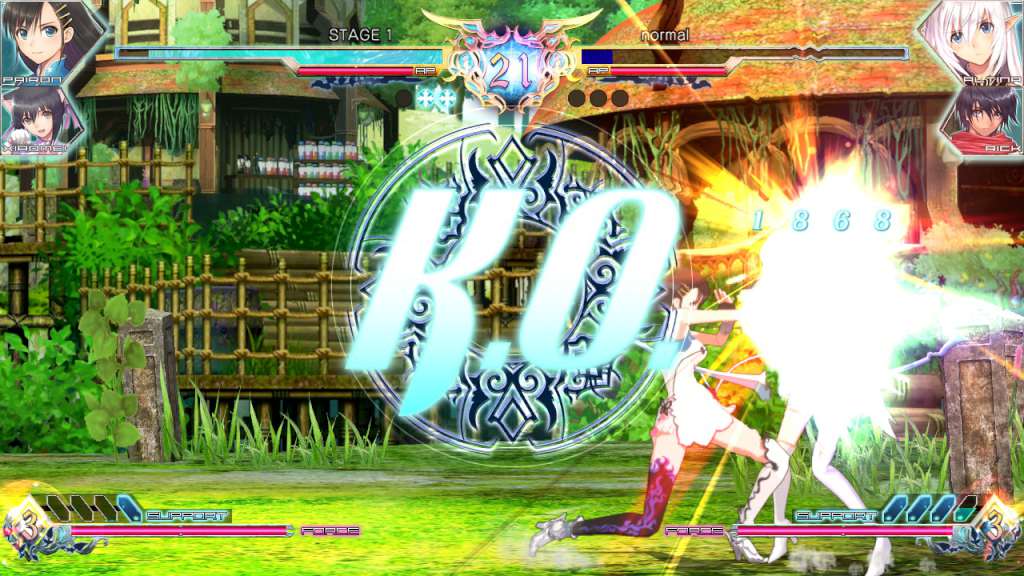
In a world controlled by blade, magic, and fist, diverse warriors gather for battle! This is a 2D fighting game featuring characters from Shining Blade and Shining Hearts. Beautiful Artwork and Voice Acting Tony (AlbionWorks) has created some incredibly beautiful artwork for this game. We’ve also brought on an incredible cast of voice actors including Yukari Tamura, Nana Mizuki and Rie Kugimiya. Battle System Originally from Japanese game centres/arcades, Blade Arcus from Shining features unique battle and game balance systems. Play online, defeat your rivals, and become the very best! You’ll utilize tag-based mechanics by selecting a primary character and a secondary character. You can switch characters between rounds as well as call on your partner for help using “Link Attacks”. 4 Different Game Modes Explore the characters stories in an RPG style with full voice acting in Story Mode! Go head to head with your friends in Versus mode. Hone your skills in Training Mode. Take on Blade Arcus Battle Arena players from all around the world with Online mode. Features Story Mode with full voice acting Hone your skills in Traning Mode! Go head to head with your friends in Versus Mode! Online mode Defeat your rivals from all over the world with Online Leaderboards/Ranking System!

Blade Arcus from Shining: Battle Arena screenshotBlade Arcus from Shining: Battle Arena screenshotBlade Arcus from Shining: Battle Arena screenshotBlade Arcus from Shining: Battle Arena screenshotBlade Arcus from Shining: Battle Arena screenshot

How to redeem

  1. 1Check that your Steam account can receive gifts in the listed region.
  2. 2Open the confirmed order and follow the supplier’s gift-delivery instructions.
  3. 3Accept the gift on the required platform account and add it to your library.

Supplier instructions

In order to receive and activate the game: You will receive a gift link to a website. Open that link in your web browser. Depending on the prompt please provide your Steam profile link or login via Steam If needed choose the same country as your store country found in Steam account details. You can check this setting here. Automated bot system will add your Steam account to friendlist. After you accept the friend request from bot, it will send you your purchased game as a gift.

You might also like