Get 10% back in Relic Coins on every order
Age of Wonders III - Eternal Lords Expansion + Golden Realms Expansion Pack DLC cover

SteamGlobal· DLC

Age of Wonders III - Eternal Lords Expansion + Golden Realms Expansion Pack DLC

€181.22

+€18.12 cashback eligibility in Relic Coins

Check before you play

Platform
Steam
Region
Global
Product type
DLC

Check the required base game and edition before purchasing this add-on.

Developer
Triumph Studios
Publisher
Triumph Studios
Supplier release date
2015-04-14
Genres
Strategy, RPG

About this product

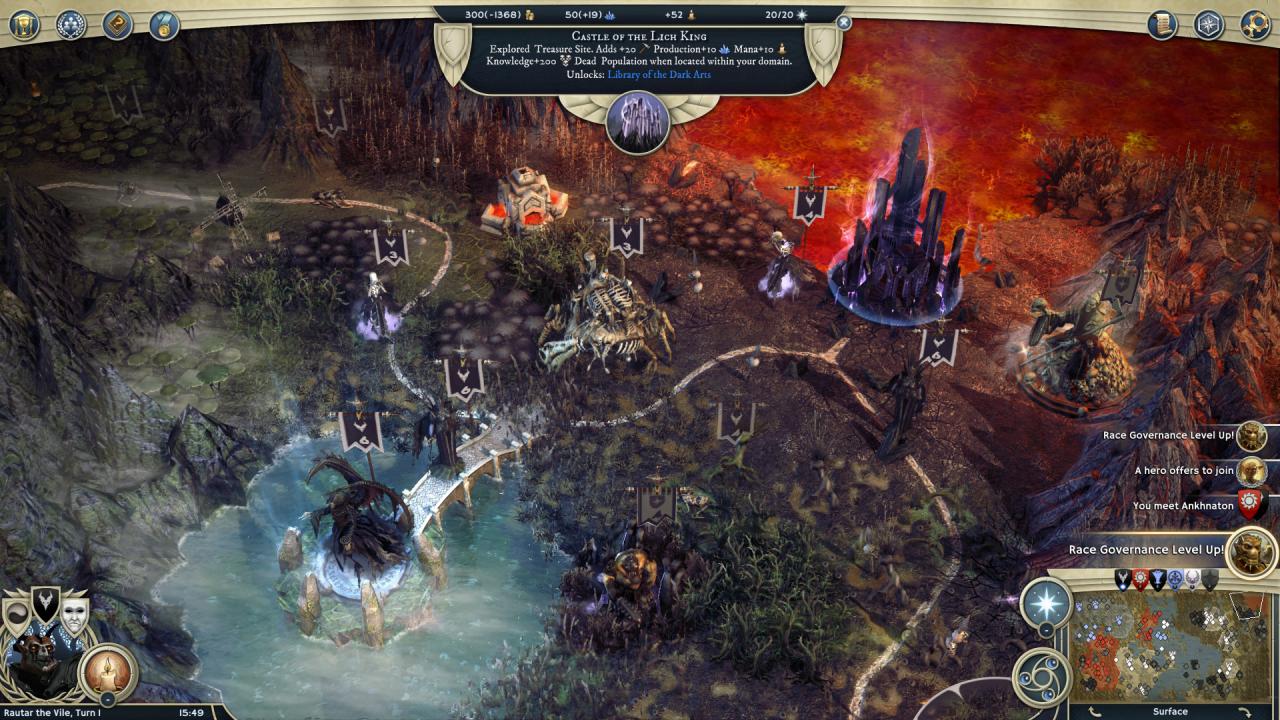
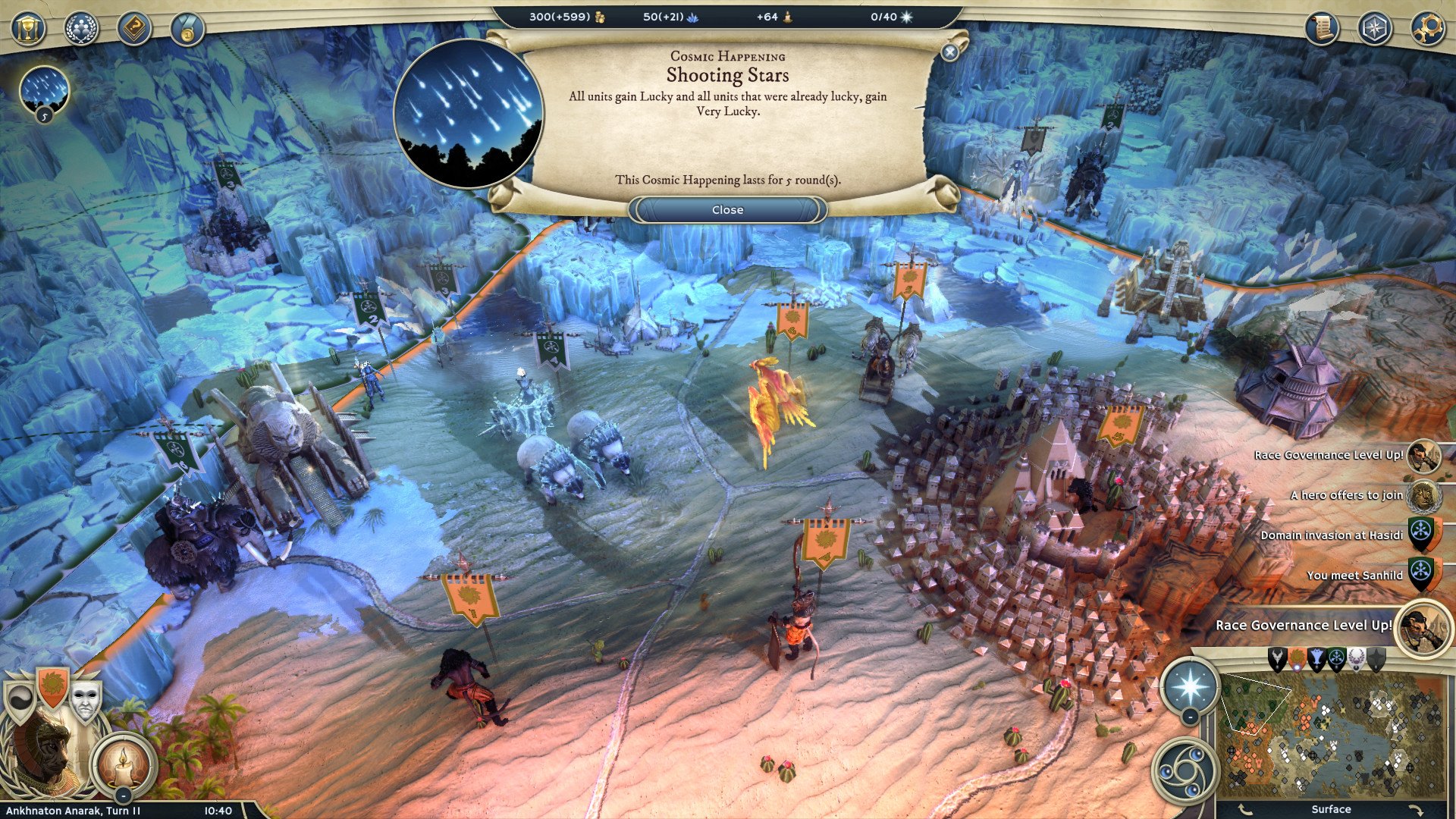
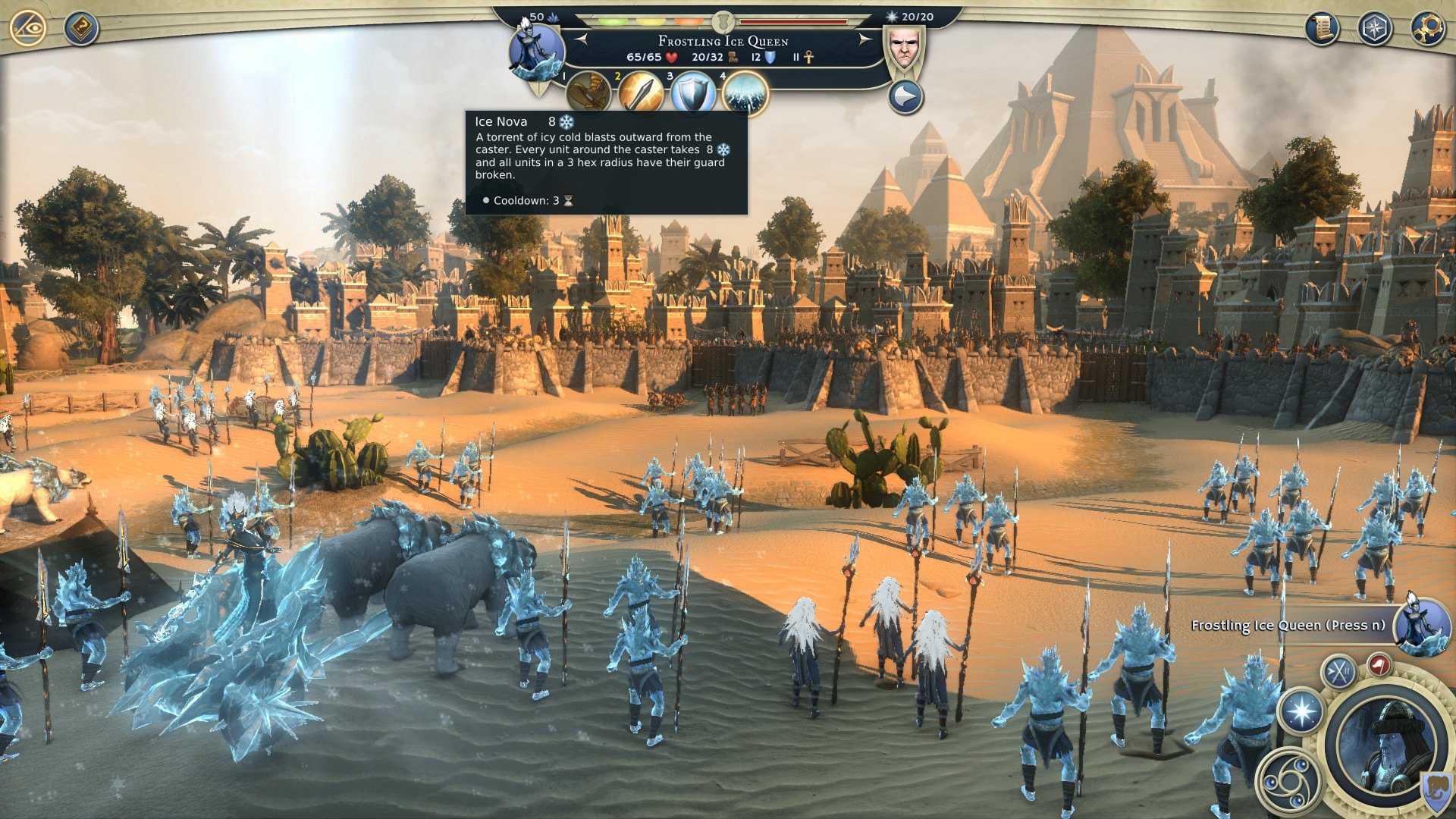
Includes: Eternal Lords Expansion Golden Realms Expansion Eternal Lords is the major, second expansion for the acclaimed strategy game Age of Wonders III, marking one year of continuous development since its release. With the introduction of the Tigran and Frostling races and the new Necromancer class, players must adapt to a world on the brink of cataclysmic change. New features such as the Race Governance system, which allows players to tailor features of each race in their empire to meet their strategic needs, add new layers of depth to empire development and diplomacy. Embrace the forbidden powers and reign for eternity! Golden Realms greatly expands Age of Wonders III’s empire building mechanics and introduces bucket loads of new content. These new features are used in random maps, new scenarios and a new story campaign, where Halfling survivors settle in a distant land filled with danger and treasures never seen before.

Age of Wonders III - Eternal Lords Expansion + Golden Realms Expansion Pack DLC screenshotAge of Wonders III - Eternal Lords Expansion + Golden Realms Expansion Pack DLC screenshotAge of Wonders III - Eternal Lords Expansion + Golden Realms Expansion Pack DLC screenshotAge of Wonders III - Eternal Lords Expansion + Golden Realms Expansion Pack DLC screenshot

How to redeem

  1. 1Check the required base game, platform and edition before purchasing.
  2. 2Find the code or supplier activation instructions in your confirmed order.
  3. 3Redeem on Steam using the supplied instructions, then install the add-on with the compatible base game.

Supplier instructions

Go to: http://store.steampowered.com/ and download STEAM client Click "Install Steam" (from the upper right corner) Install and start application, login with your Account name and Password (create one if you don't have). Please follow these instructions to activate a new retail purchase on Steam: Launch Steam and log into your Steam account. Click the Games Menu. Choose Activate a Product on Steam... Follow the onscreen instructions to complete the process. After successful code verification go to the "MY GAMES" tab and start downloading.

You might also like