
SteamGlobal· Key
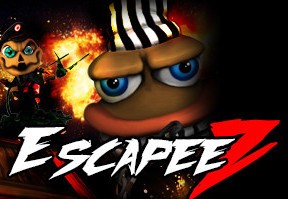
EscapeeZ
€3.59
+€0.36 cashback eligibility in Relic Coins
Check before you play
- Platform
- Steam
- Region
- Global
- Product type
- Key
- Supplier release date
- 2019-05-15
- Genres
- Action, Adventure, Indie
SteamGlobal· Key
€3.59
+€0.36 cashback eligibility in Relic Coins
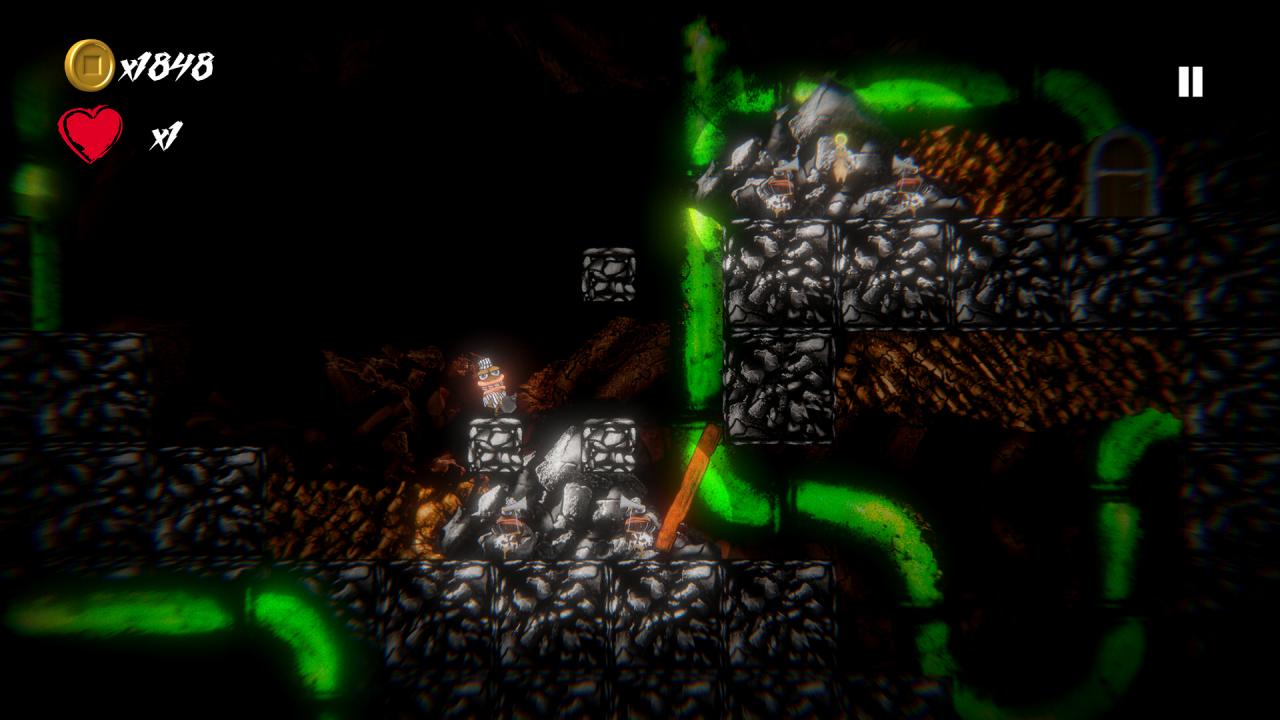
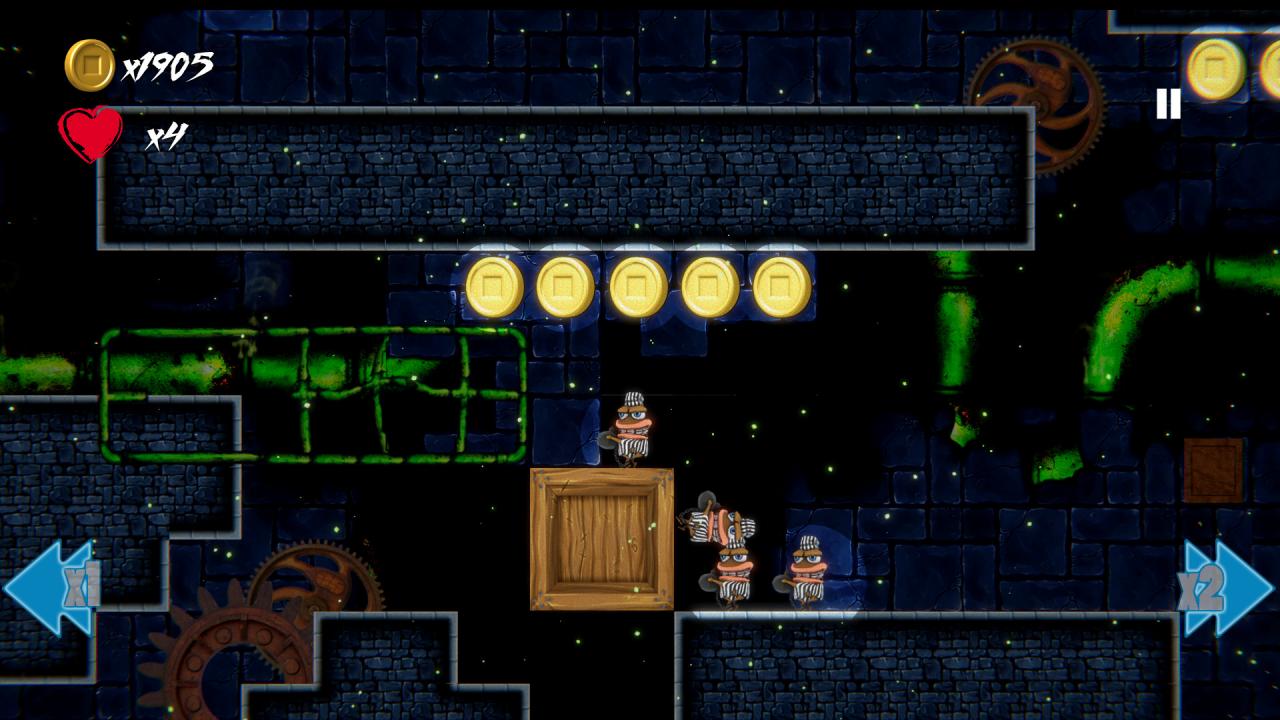
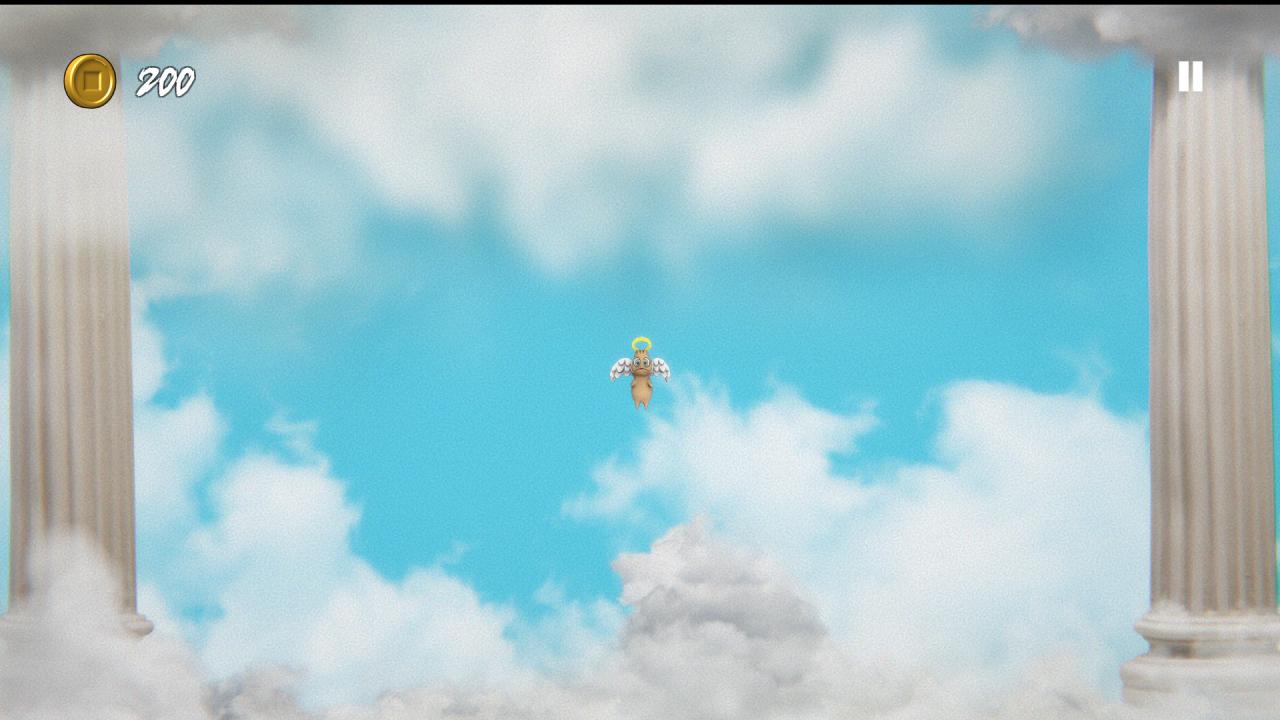
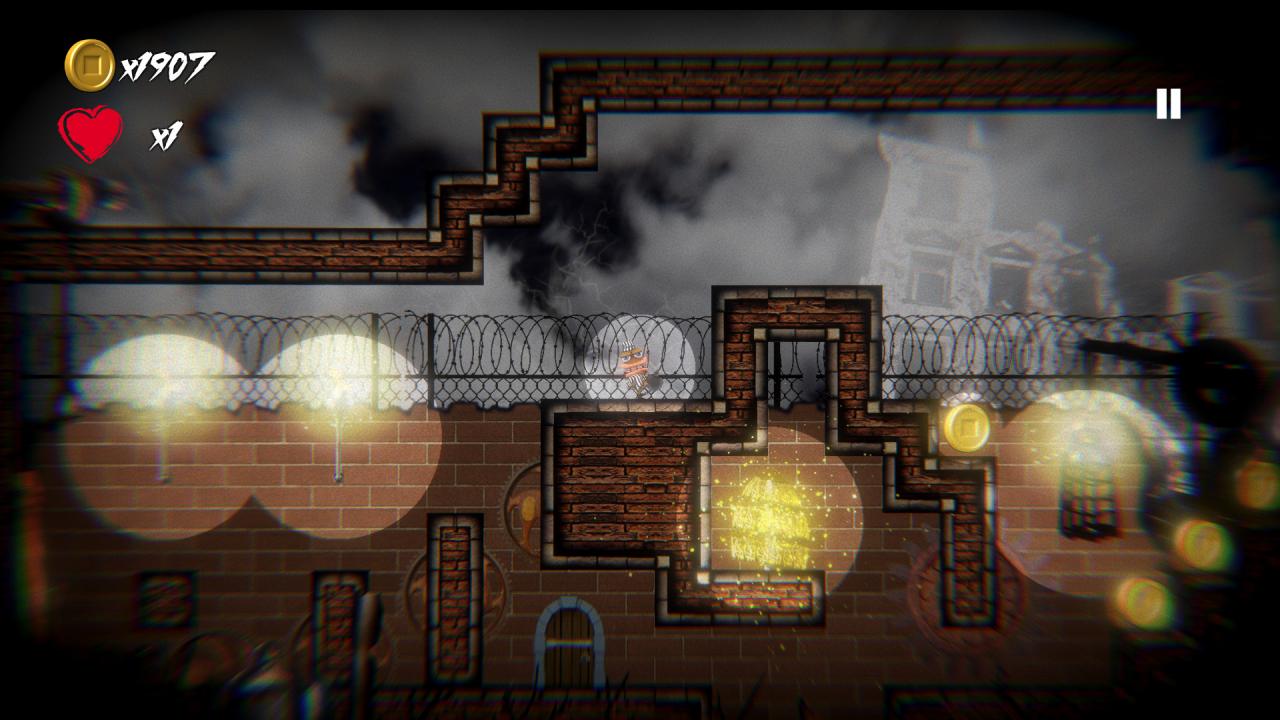
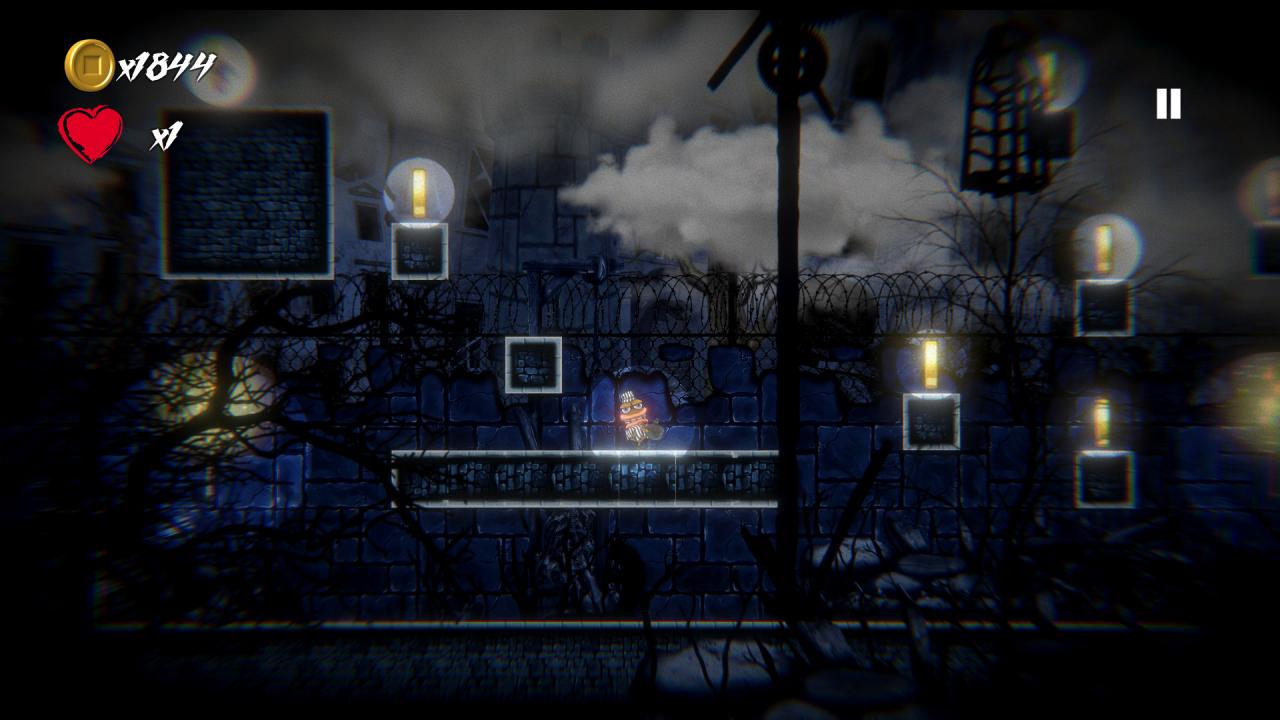
"EscapeeZ" is a 2D platform Adventure game, the protagonist Z is on his knees in his dark cold prison Cell waiting for His death sentence, Praying desperately for redemption from his dark and stinky gruesome fate. This game is a combination of 2D platform and puzzle games, it saves the player progress after completing the puzzle level. and the player will be able to clear the save data and start fresh. About the gameplay "Z" can't double jump but he could reach almost everywhere in the level. "Z" can't throw his iron ball while running but he could throw as much as he wants, there are no limits. The Iron Ball bounces and lasts for 3 seconds, it causes a lot of damage and Z can Kick it around. About upgrades listen to the little angel, he will do his best to help you get the upgrades you need, he might be unsure sometimes or having troubles but he surely would take Z's money to make golden halos for himself and his buddies. when it comes to money the little angel is ruthless but he saved Z's life basically. If Z dies he will restart the level from the beginning, some levels have a quest please make sure to complete the quest and collect your reward from the poor prisoners before heading to the exit door. If Z dies after collecting his reward he should go back and collect his reward again before heading to the exit door, both rewards will be saved in Z's pocket and end up in the little angel's pocket.
Go to: http://store.steampowered.com/ and download STEAM client Click "Install Steam" (from the upper right corner) Install and start application, login with your Account name and Password (create one if you don't have). Please follow these instructions to activate a new retail purchase on Steam: Launch Steam and log into your Steam account. Click the Games Menu. Choose Activate a Product on Steam... Follow the onscreen instructions to complete the process. After successful code verification go to the "MY GAMES" tab and start downloading.