

SteamGlobal· Key
Achievement Machine
€62.99
+€6.30 cashback eligibility in Relic Coins
Check before you play
- Platform
- Steam
- Region
- Global
- Product type
- Key
- Developer
- Playloft
- Publisher
- Playloft
- Supplier release date
- 2018-05-25
- Genres
- Indie, Casual
SteamGlobal· Key
€62.99
+€6.30 cashback eligibility in Relic Coins
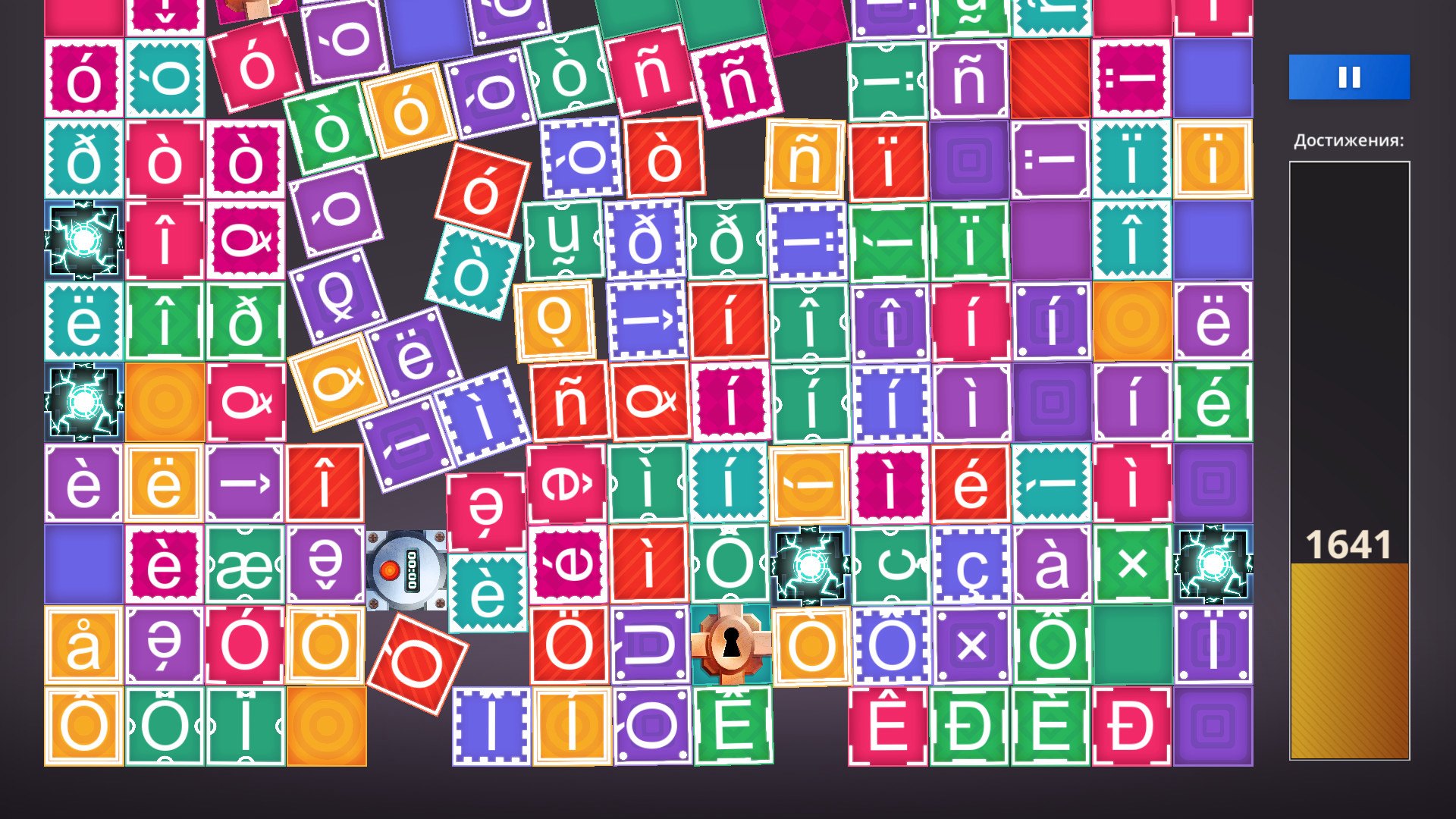
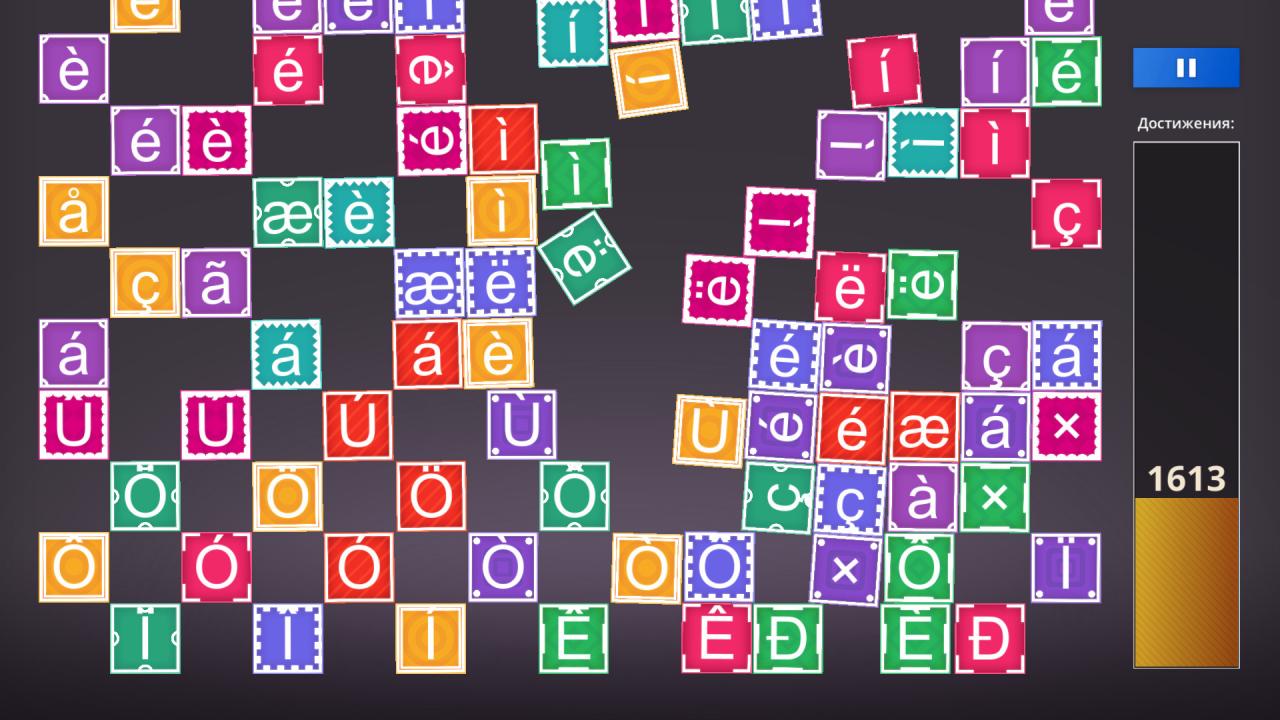
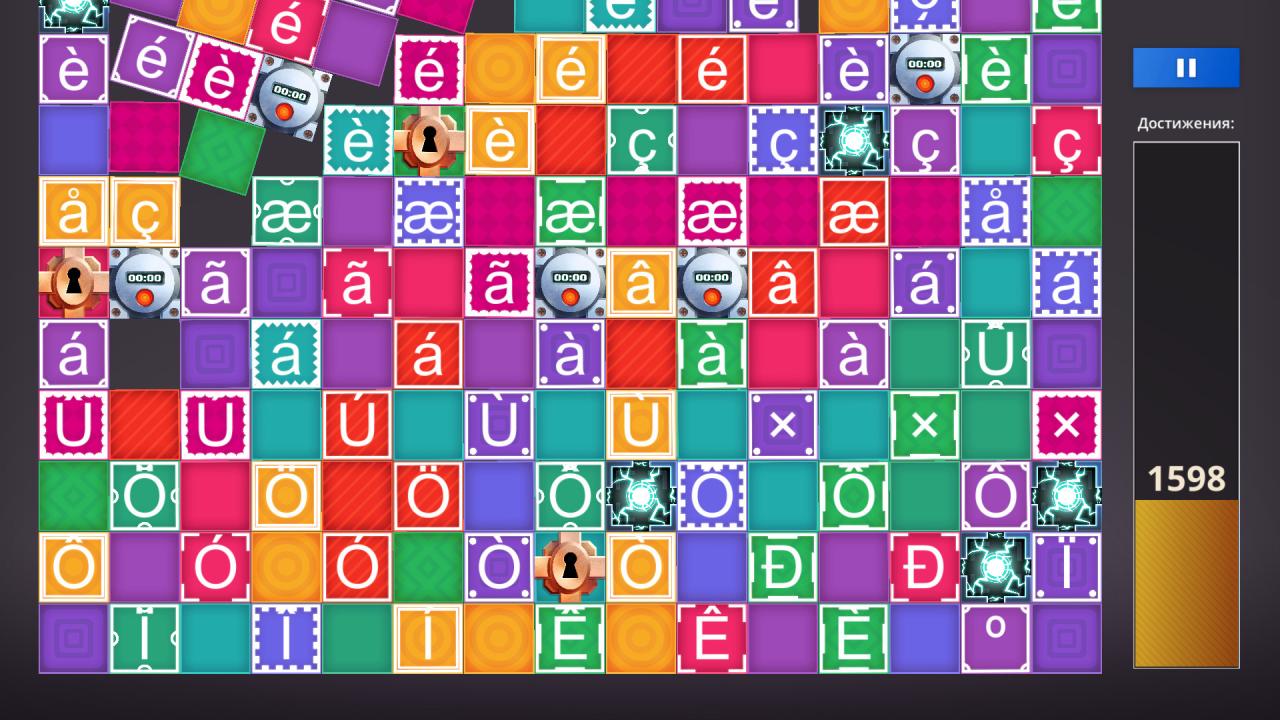
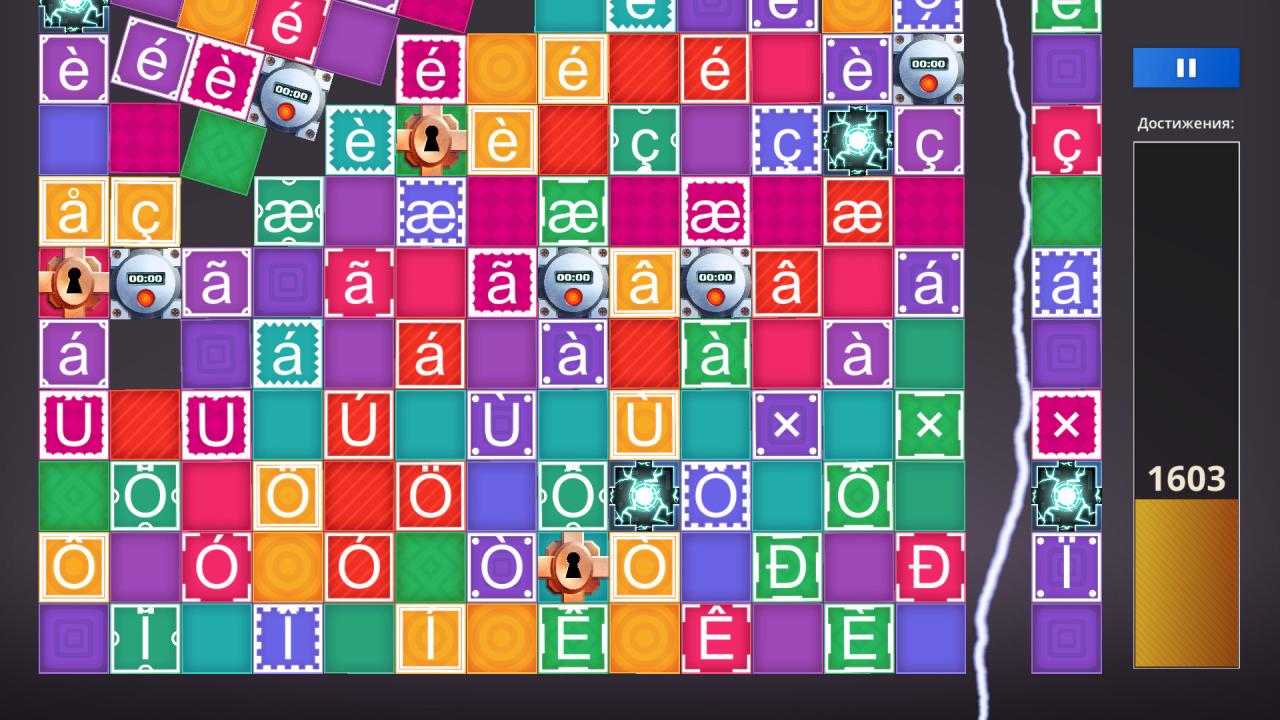
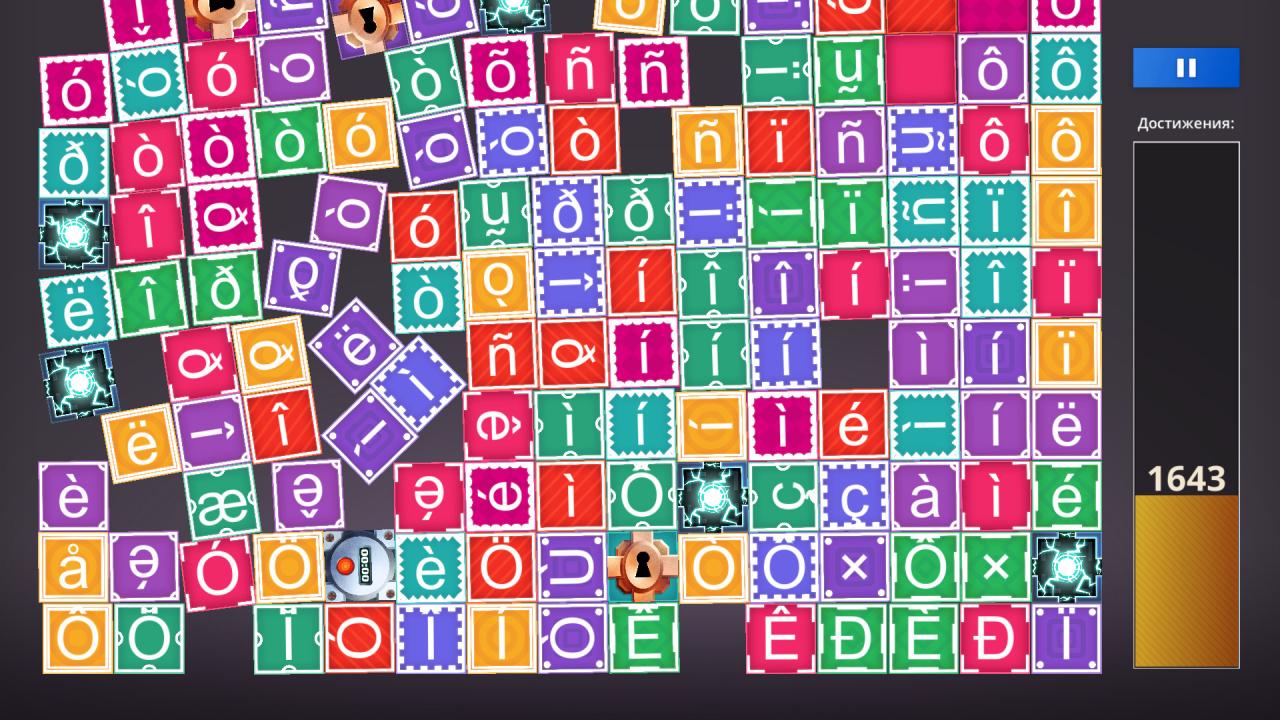
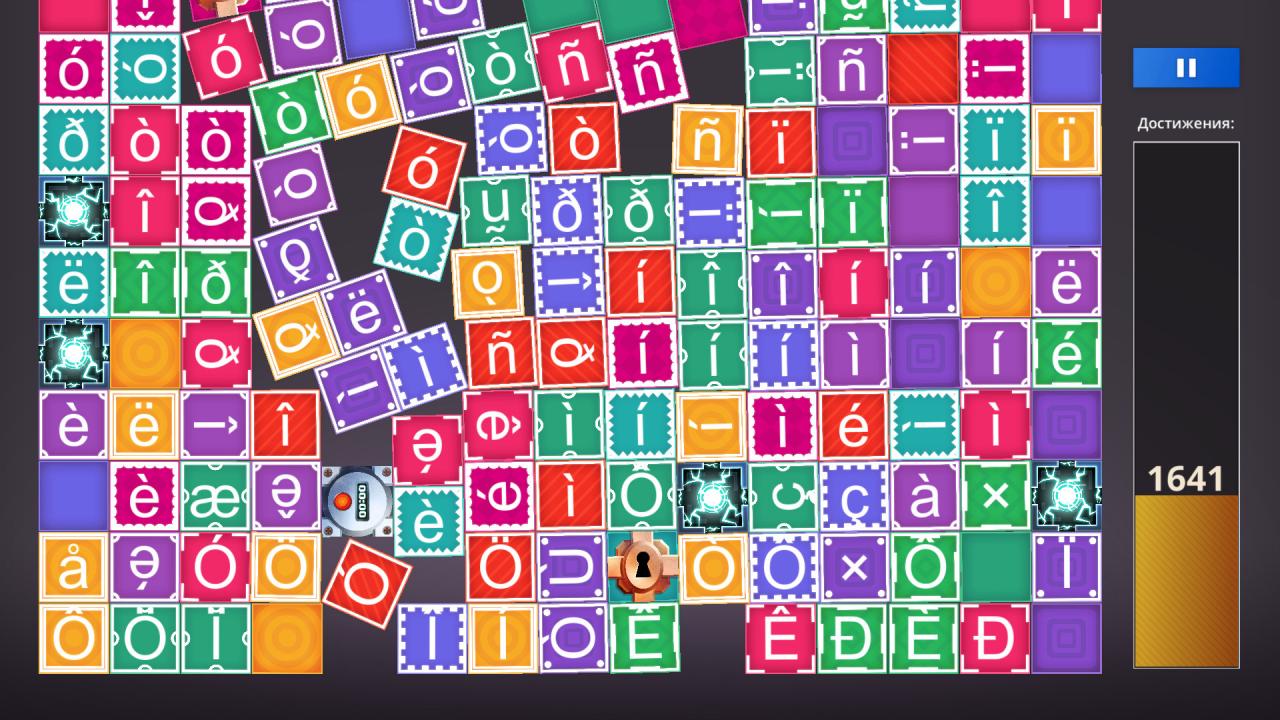
Achievement Machine is a colorful clicker game for those who wants not only to get tons of achievements in no time, but also to enjoy real gameplay and various game modes!We at Playloft don't like boring spamming games, but knowing your true love of achievements and interesting gameplay we've taken the liberty to make both colorful and enjoyable clicker game with lots and lots of achievements. Rules: Click the icons to clear the game field. Every new click can bring you another achievement. There are some special icons hidden among the regular ones: Explosive icons — explode the icons placed around them; Armed icons — extra strong; Energy icons – let you clear the whole row of icons. Sometimes you can unlock one of the secret icons, that activate an additional game mode. Try to find them all! Features A UNIQUE CLICKERAchievement Machine combines both achievement farming and fun gameplay with several modes - find a special icon on the field to start them. 5000 ACHIEVEMENTSA simple and fun way to expand your collection with tons of new achievements. Decorate your Steam profile with amazing well-drawn icons! A SECRET ACHIEVEMENT #5000Did you think that it would be that simple? To get a secret achievement you'll need to give it your best shot. Let's see if you're lucky enough to unlock it!
Go to: http://store.steampowered.com/ and download STEAM client Click "Install Steam" (from the upper right corner) Install and start application, login with your Account name and Password (create one if you don't have). Please follow these instructions to activate a new retail purchase on Steam: Launch Steam and log into your Steam account. Click the Games Menu. Choose Activate a Product on Steam... Follow the onscreen instructions to complete the process. After successful code verification go to the "MY GAMES" tab and start downloading.