Get 10% back in Relic Coins on every order
Tippy Tree cover

SteamGlobal· Key

Tippy Tree

€0.93

+€0.09 cashback eligibility in Relic Coins

Check before you play

Platform
Steam
Region
Global
Product type
Key
Developer
Mythical City Games
Publisher
Mythical City Games
Supplier release date
2018-12-04
Genres
Simulation, Indie, Casual

About this product

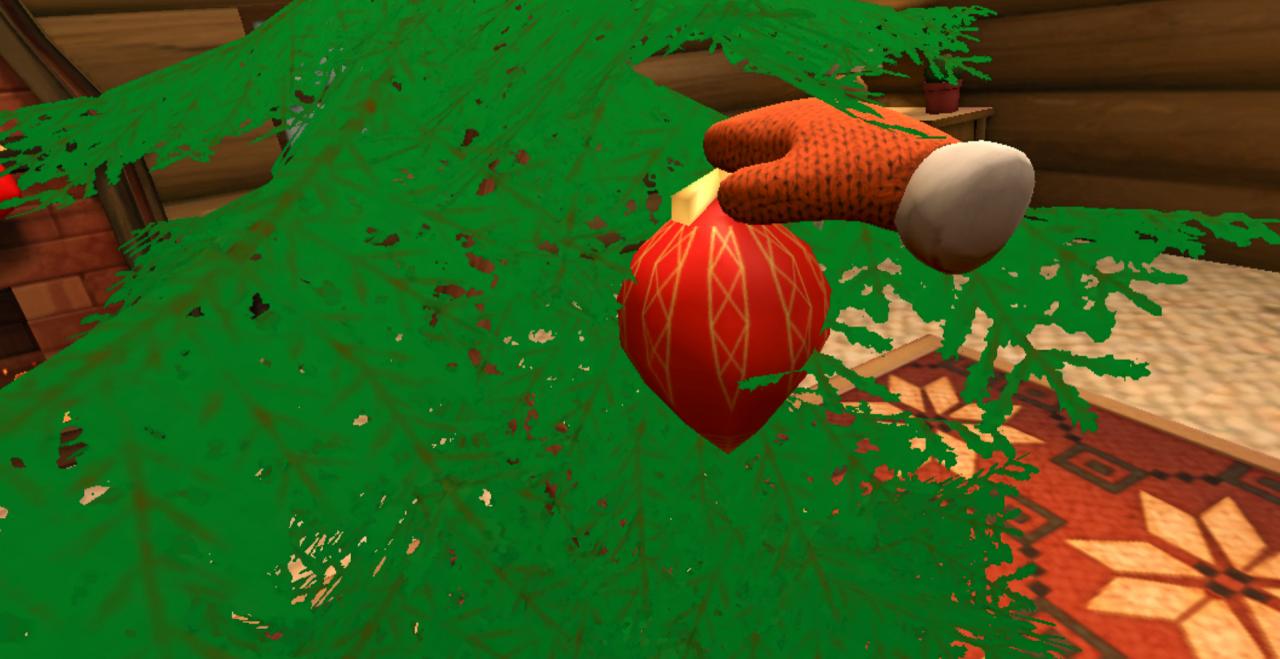
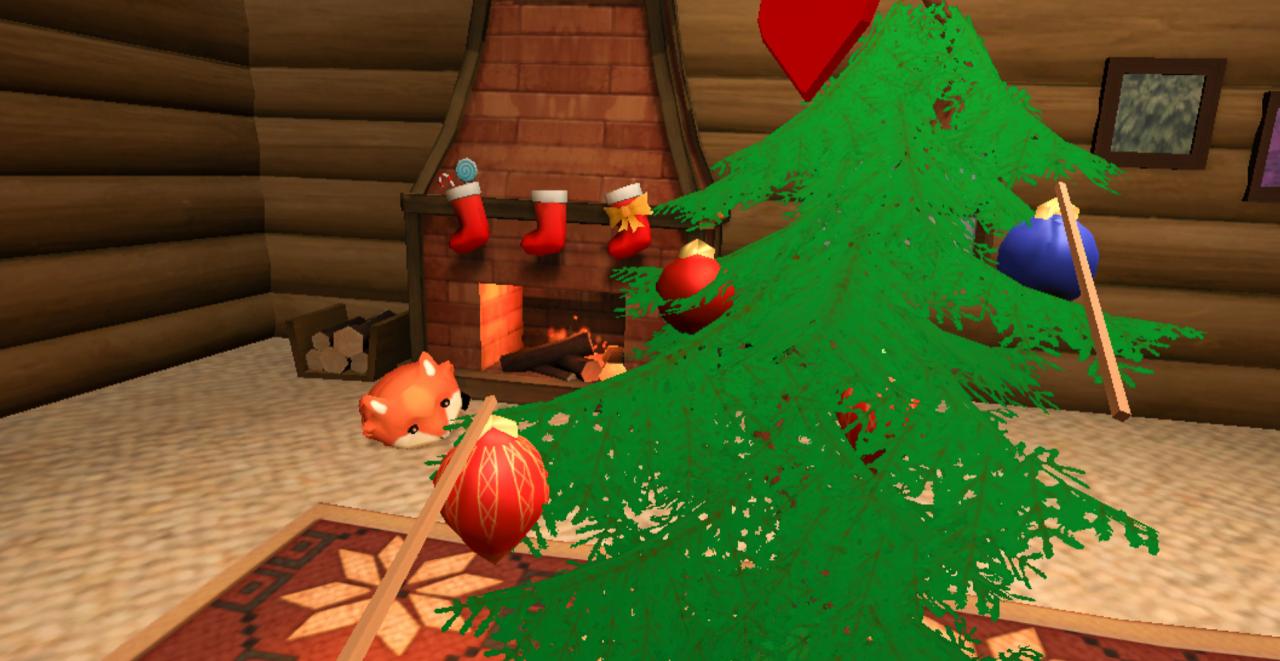
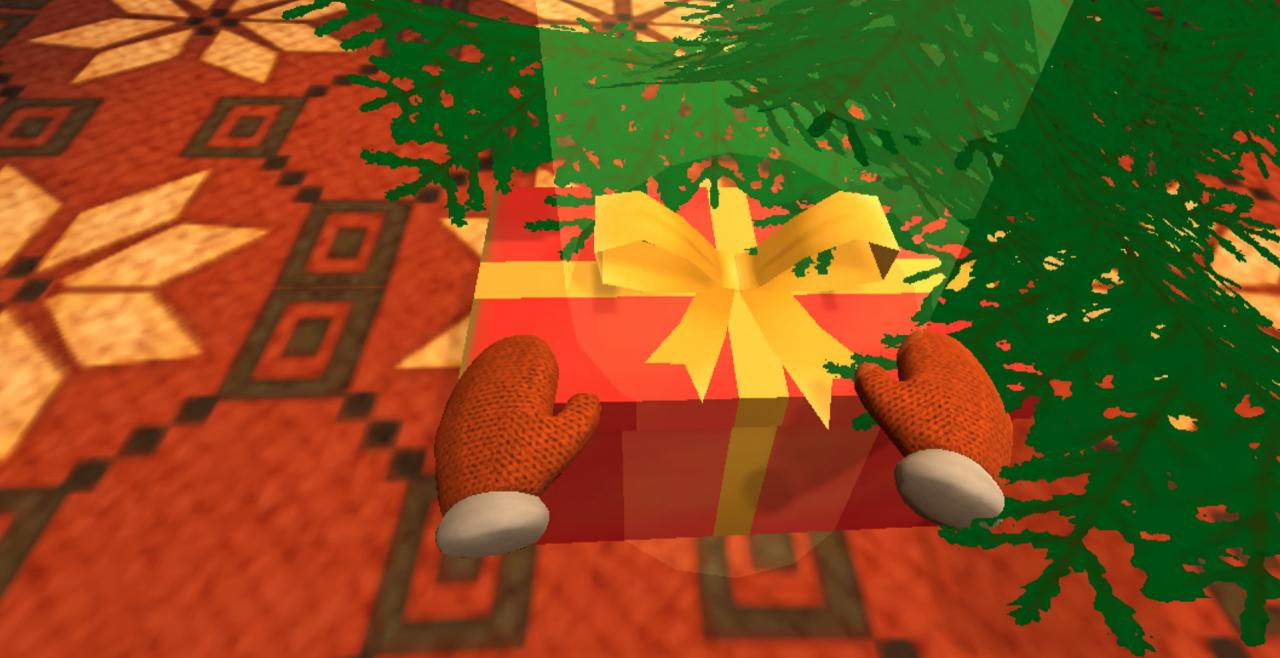
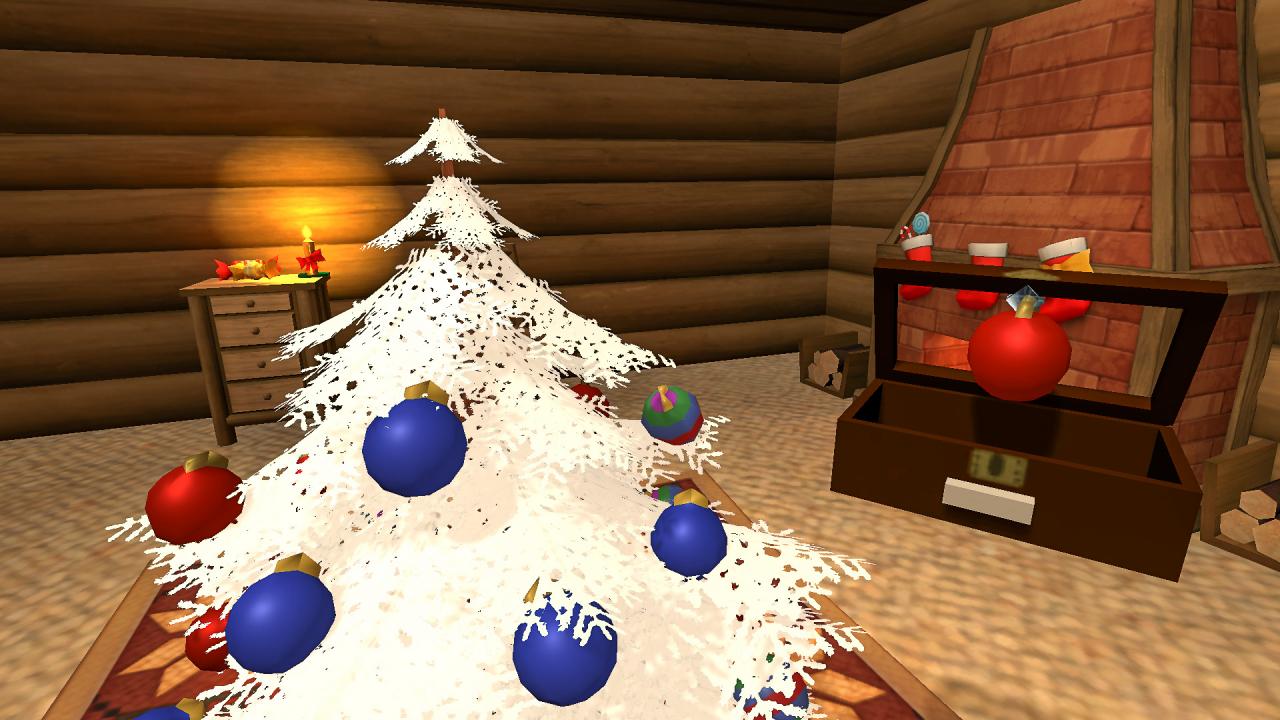
Christmas is just around the corner and it’s time to decorate! Tippy Tree is a virtual reality puzzle game that has you decorate the tippiest of trees. Celebrate the holiday season with trinkets aplenty, but be careful - these are some seriously heavy ornaments, and without careful planning, all of your work may come crashing down!Excellent for families, holiday lovers, and VR beginners, Tippy Tree Features Puzzle Mode - Our classic puzzle mode featuring a sequence of progressively tippier trees. Hard Mode - A mode for the most careful of hands, these ornaments get crushed if you squeeze too hard! Infinite Mode - How far can you go? Infinite doesn’t end until your tree topples! Decoration Mode - There’s our hammer! We bolted the tree to the floor so you can decorate without worry. Presents! - Expert decorators get rewarded! Check under the tree for gifts that unlock new ornaments! Ornaments galore! - Sometimes those red and white tinsel balls aren’t enough, so we’ve added 30 unique ornaments for you to collect and use on your dream tree. Room-Scale Virtual Reality for You, and You, and You! - Get the perfect angle by playing in room-scale VR with HTC Vive, Oculus Rift, and Windows Mixed Reality headsets.


Tippy Tree screenshotTippy Tree screenshotTippy Tree screenshotTippy Tree screenshotTippy Tree screenshotTippy Tree screenshot

How to redeem

  1. 1Check your Steam account and the listed region before purchasing.
  2. 2Find your code and supplier activation instructions in your confirmed order.
  3. 3Open the redeem-code section on Steam, enter the code and follow the platform’s prompts.

Supplier instructions

Go to: http://store.steampowered.com/ and download STEAM client Click "Install Steam" (from the upper right corner) Install and start application, login with your Account name and Password (create one if you don't have). Please follow these instructions to activate a new retail purchase on Steam: Launch Steam and log into your Steam account. Click the Games Menu. Choose Activate a Product on Steam... Follow the onscreen instructions to complete the process. After successful code verification go to the "MY GAMES" tab and start downloading.

You might also like