
SteamGlobal· Key
The Lost Wizard
€0.26
+€0.03 cashback eligibility in Relic Coins
Check before you play
- Platform
- Steam
- Region
- Global
- Product type
- Key
- Supplier release date
- 2017-10-19
- Genres
- Adventure, Indie
SteamGlobal· Key
€0.26
+€0.03 cashback eligibility in Relic Coins
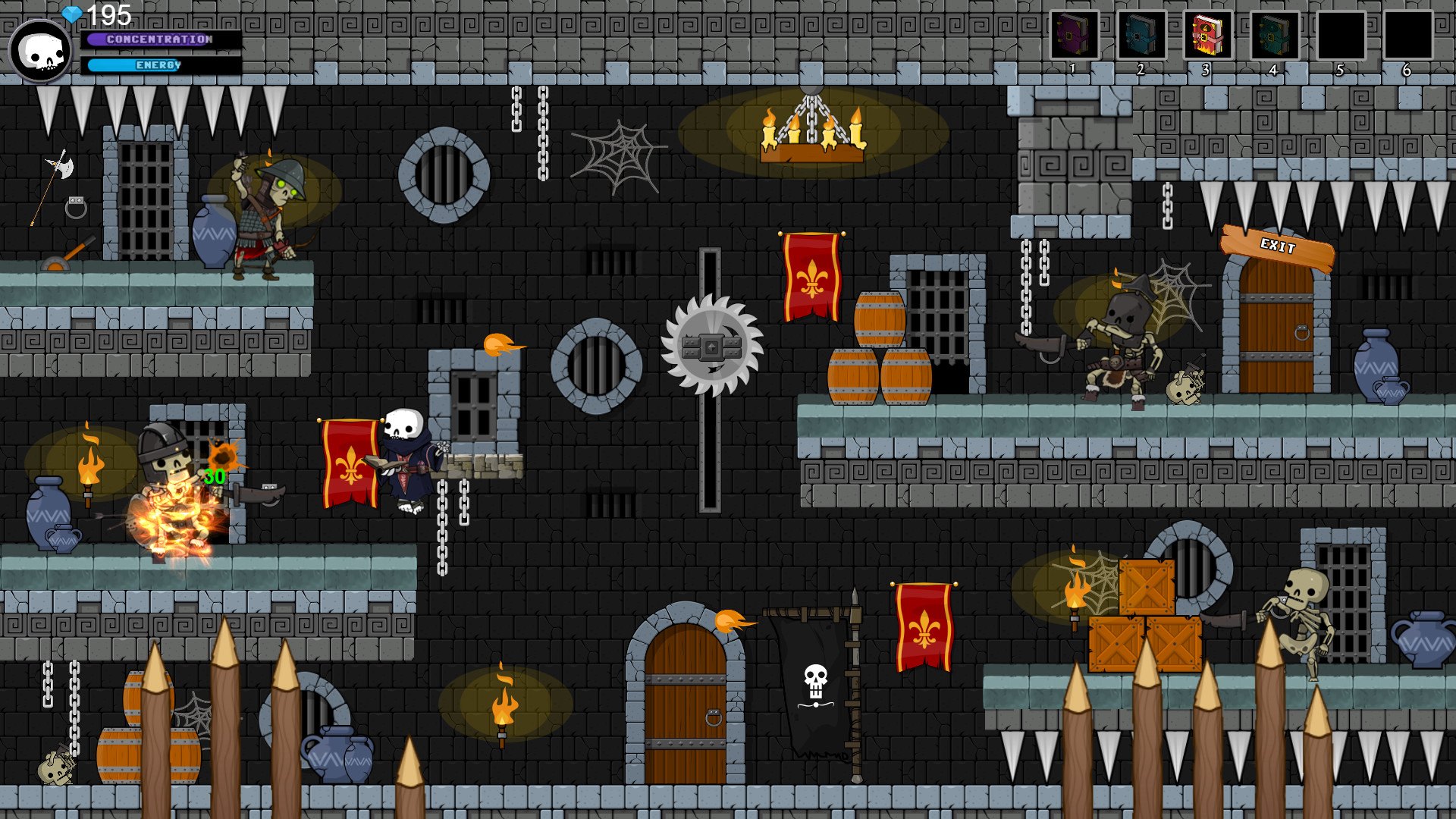
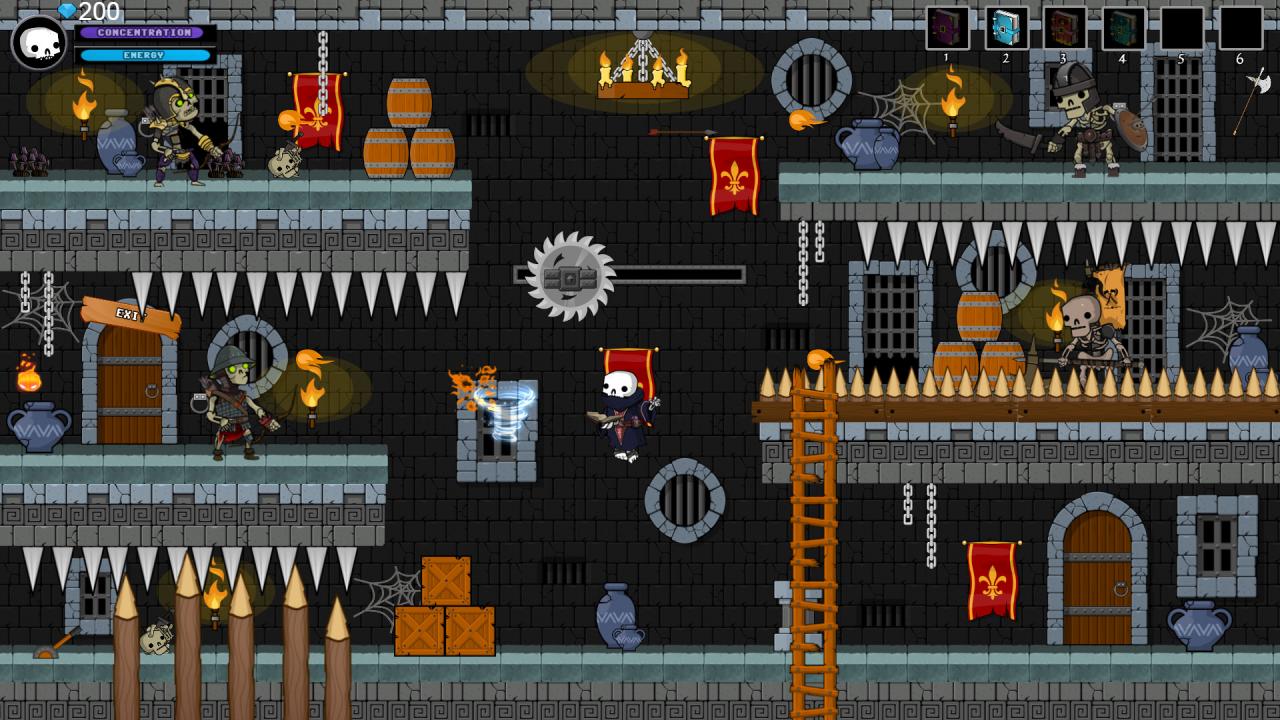
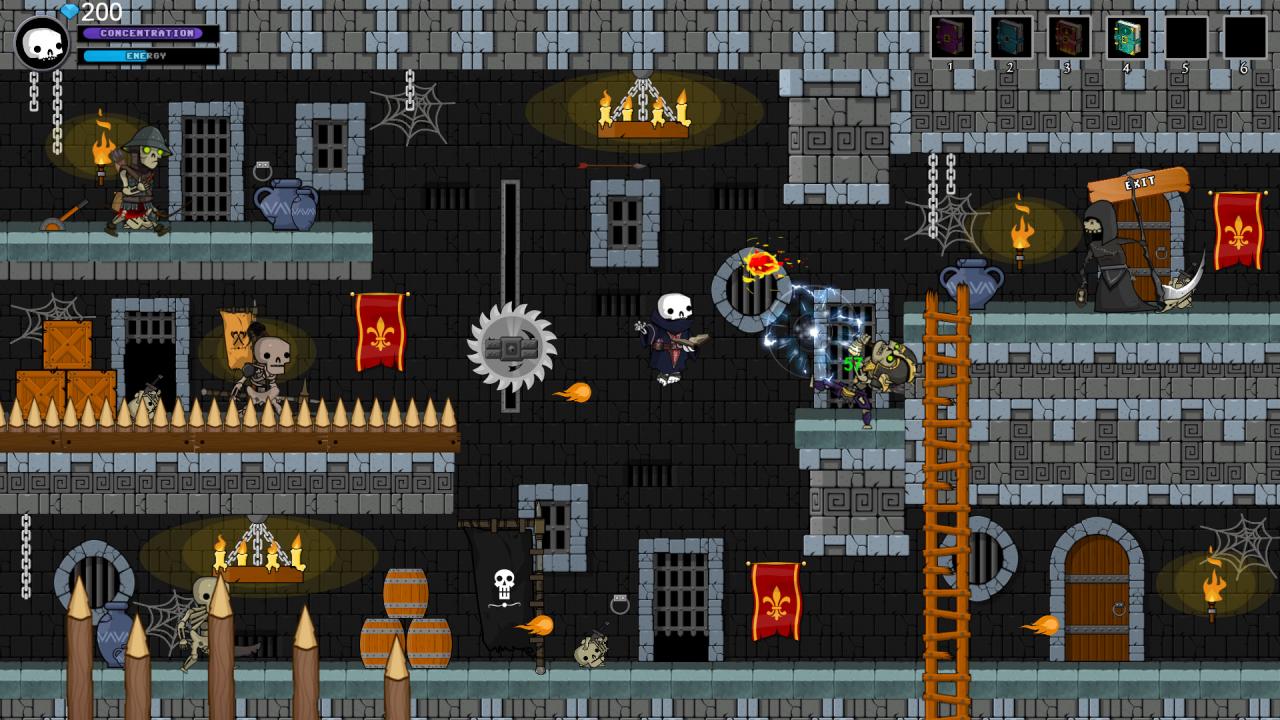
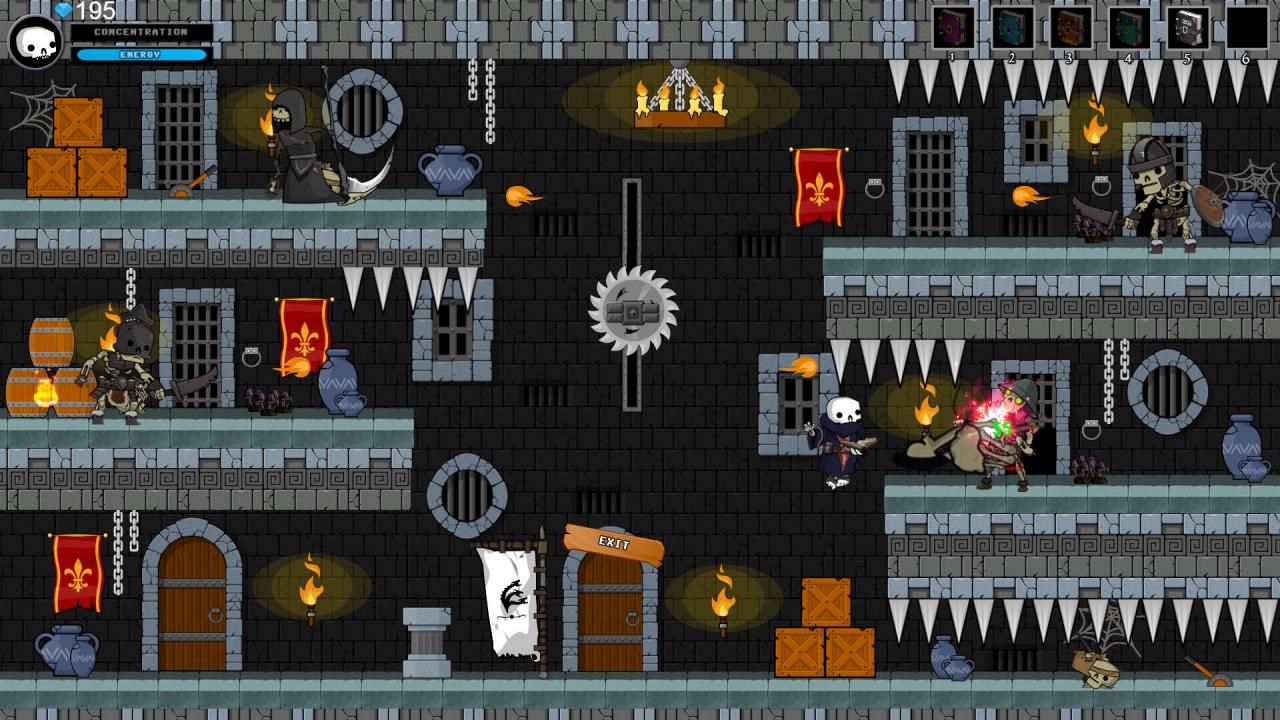
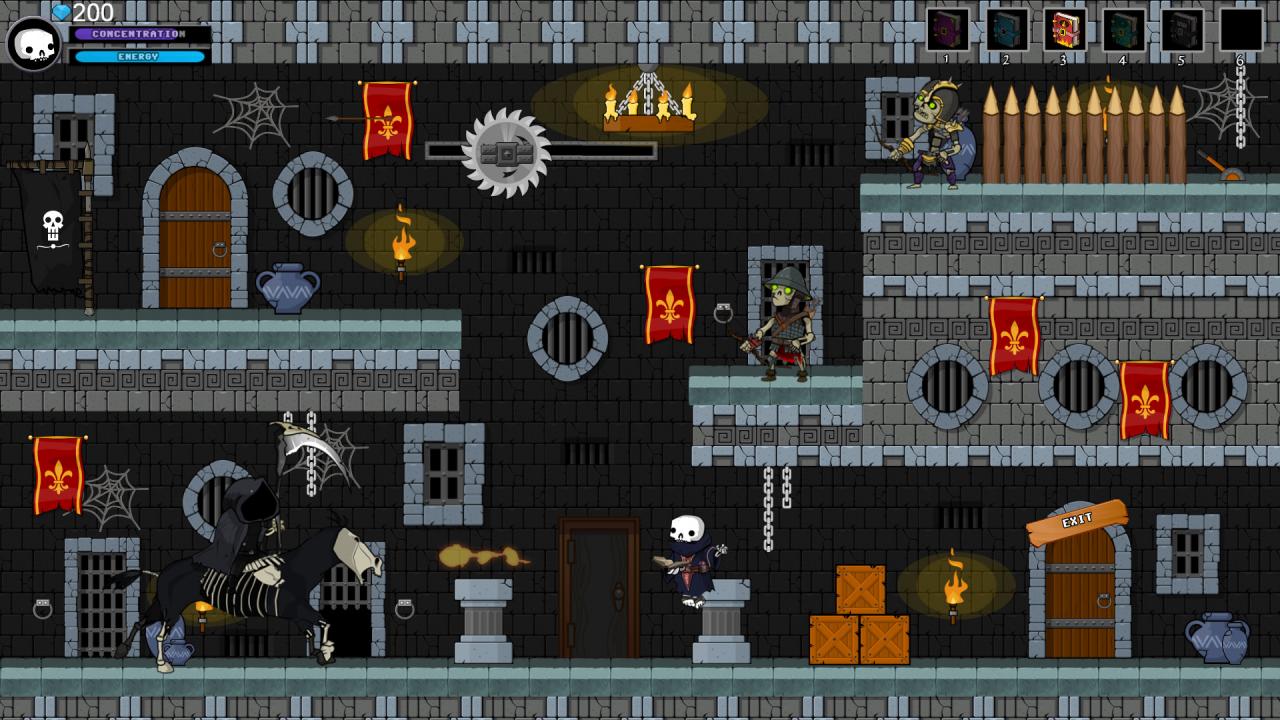
Enter the magical castle of The Lost Wizard, you are tibiothar a skilled wizard, the castle was attacked by the evil skeleton king, free the magician Althazar from the tyranny of skeleton king and bring peace inside the castle of Althazar, destroy the army of darkness. Your actions will be remembered forever. Face ten fantastic dungeons, collect gems to evolve Tibiothar, learn magic through magical books, stop the army of skeleton king. The Lost Wizard is an adventure RPG puzzle game. You will have to think well before making a move. The evolution of the character lies in the collection of gems, when you collect all the gems Tibiothar will have reached the maximum level of magic. When you feel ready you will face skeleton king. Story skeleton has invaded the castle of althazar, where once peace reigned and evil was under the control of the wizards guild. althazar was imprisoned, tibiothar and survivor of the attack, they are a skilled wizard and can still save his master. But during the tibiothar adventure, you will have to learn more powerful spells to face the ultimate battle. Features Ten fantastic dungeons await you Evolve your character Learn more and more powerful spells Use the spirit of fire to interact with the environment Collect the gems of power Free the magician Althazar Kill king skeleton Brings peace in the walls of the castle
Go to: http://store.steampowered.com/ and download STEAM client Click "Install Steam" (from the upper right corner) Install and start application, login with your Account name and Password (create one if you don't have). Please follow these instructions to activate a new retail purchase on Steam: Launch Steam and log into your Steam account. Click the Games Menu. Choose Activate a Product on Steam... Follow the onscreen instructions to complete the process. After successful code verification go to the "MY GAMES" tab and start downloading.