Get 10% back in Relic Coins on every order
Journey to Alien Worlds cover

SteamGlobal· Key

Journey to Alien Worlds

€0.35

+€0.03 cashback eligibility in Relic Coins

Check before you play

Platform
Steam
Region
Global
Product type
Key
Developer
Ideographer
Publisher
Ideographer
Supplier release date
2017-04-28
Genres
Adventure, Simulation, Indie, Casual

About this product

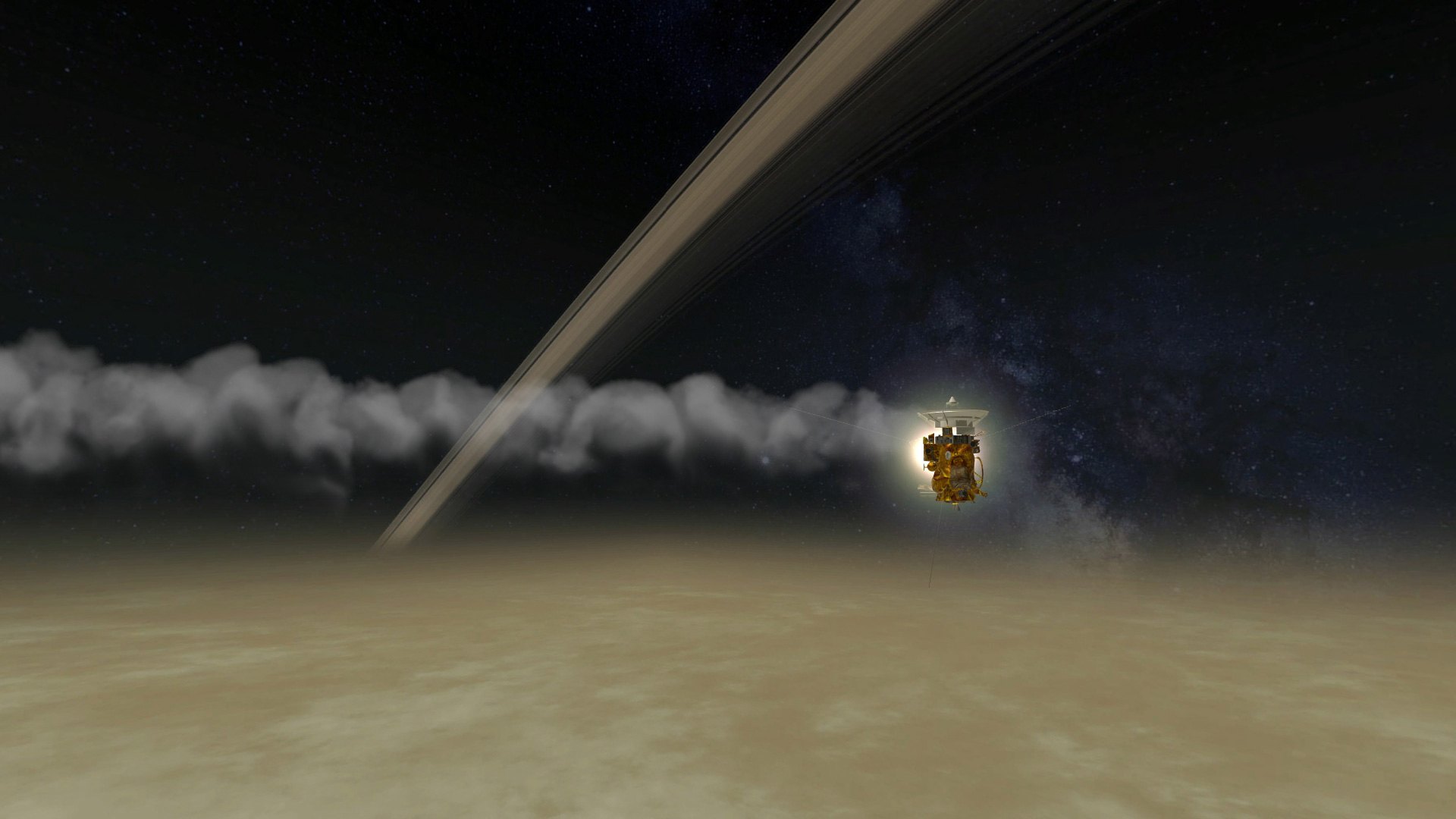
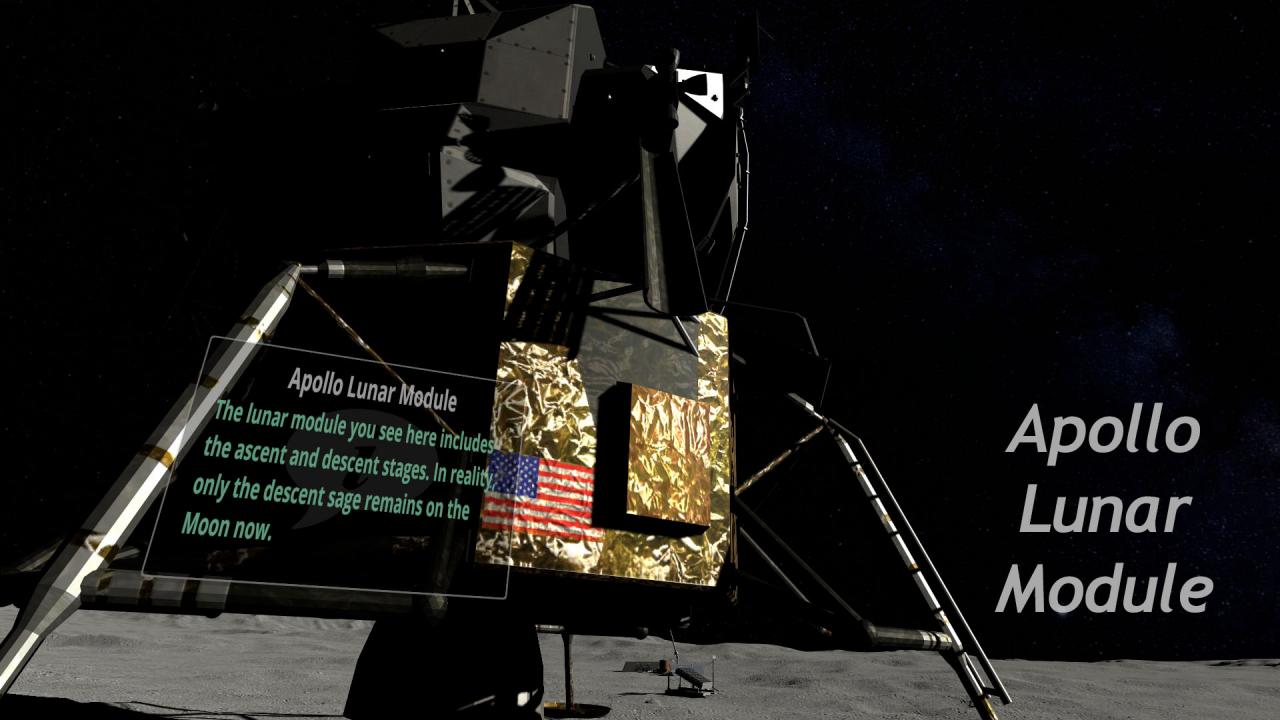
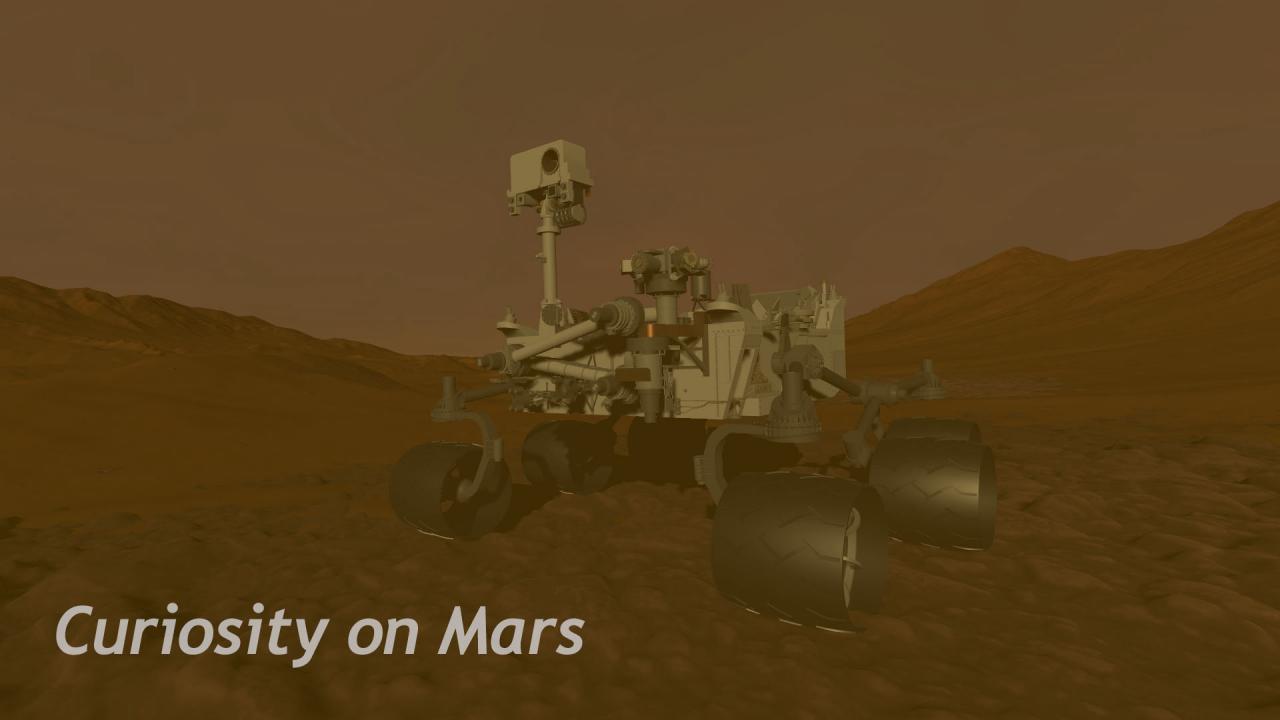
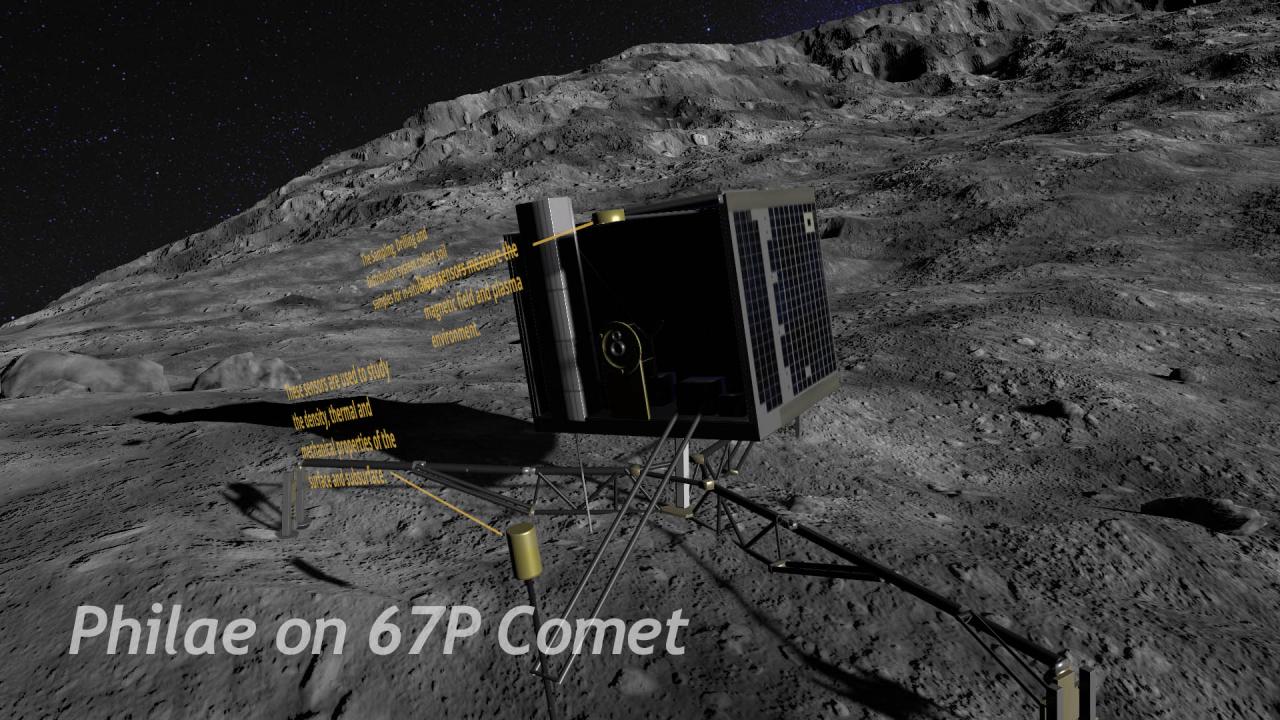
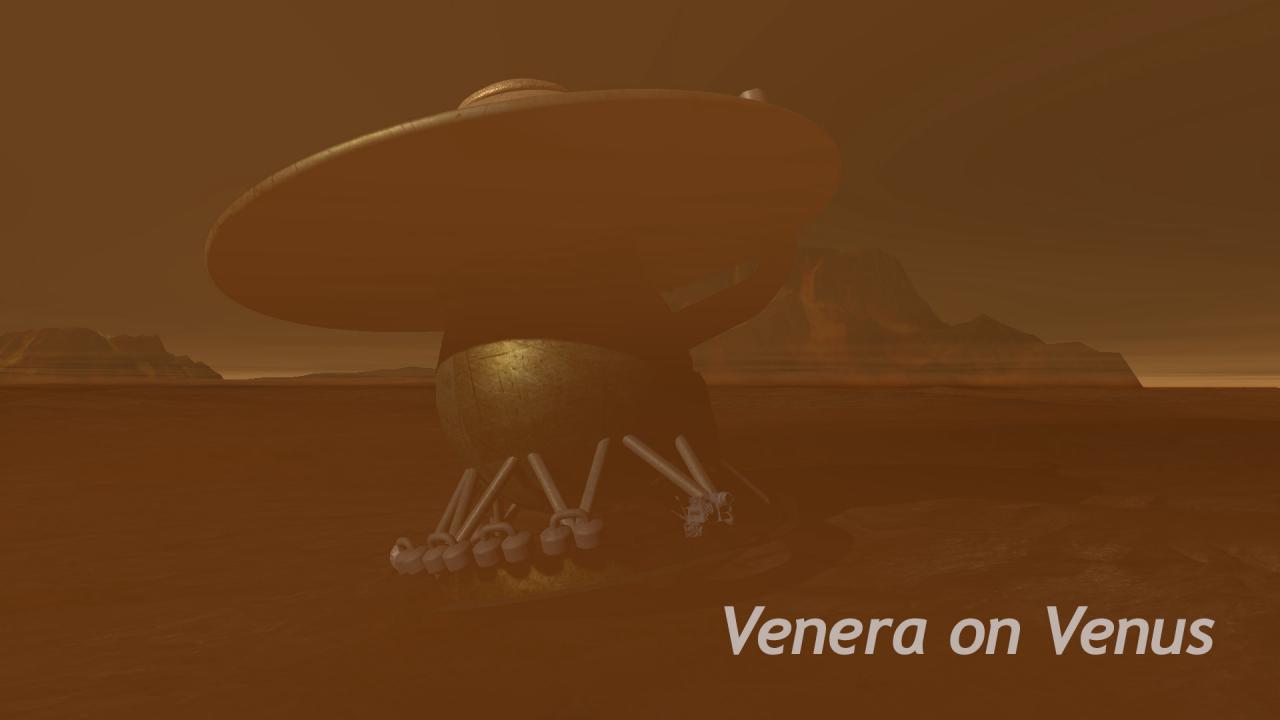
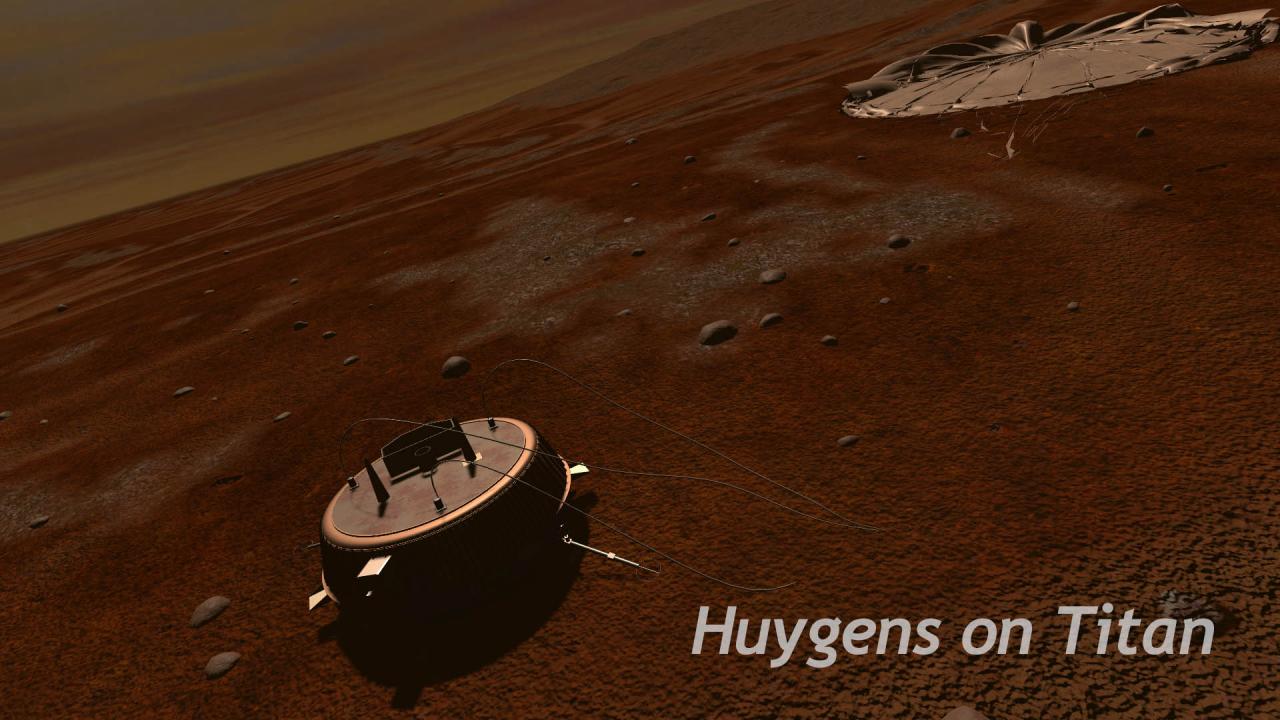
With this virtual reality experience, you don’t need a bulky spacesuit anymore to travel into outer space and land on planets, satellites or comets in our Solar System. Now you can experience how it feels to stand on the surface of these bodies, view the amazing scenery there, and get a better understanding of the differences between these heavenly bodies and the Earth. You can also bear witness to mankind’s great accomplishments in the exploration of outer space and get to know the landers and probes used and their designs. Currently, you can experience the following sights: The Moon and the Apollo Lunar Module Venus and Venera 7 Mars and the Curiosity rover Titan and the Huygens probe 67P Comet, the Rosetta probe, and the Philae lander Saturn and the Cassini orbiter More content in the form of space missions and images will be added in the future to provide an even more varied experience.


Journey to Alien Worlds screenshotJourney to Alien Worlds screenshotJourney to Alien Worlds screenshotJourney to Alien Worlds screenshotJourney to Alien Worlds screenshotJourney to Alien Worlds screenshot

How to redeem

  1. 1Check your Steam account and the listed region before purchasing.
  2. 2Find your code and supplier activation instructions in your confirmed order.
  3. 3Open the redeem-code section on Steam, enter the code and follow the platform’s prompts.

Supplier instructions

Go to: http://store.steampowered.com/ and download STEAM client Click "Install Steam" (from the upper right corner) Install and start application, login with your Account name and Password (create one if you don't have). Please follow these instructions to activate a new retail purchase on Steam: Launch Steam and log into your Steam account. Click the Games Menu. Choose Activate a Product on Steam... Follow the onscreen instructions to complete the process. After successful code verification go to the "MY GAMES" tab and start downloading.

You might also like