Get 10% back in Relic Coins on every order
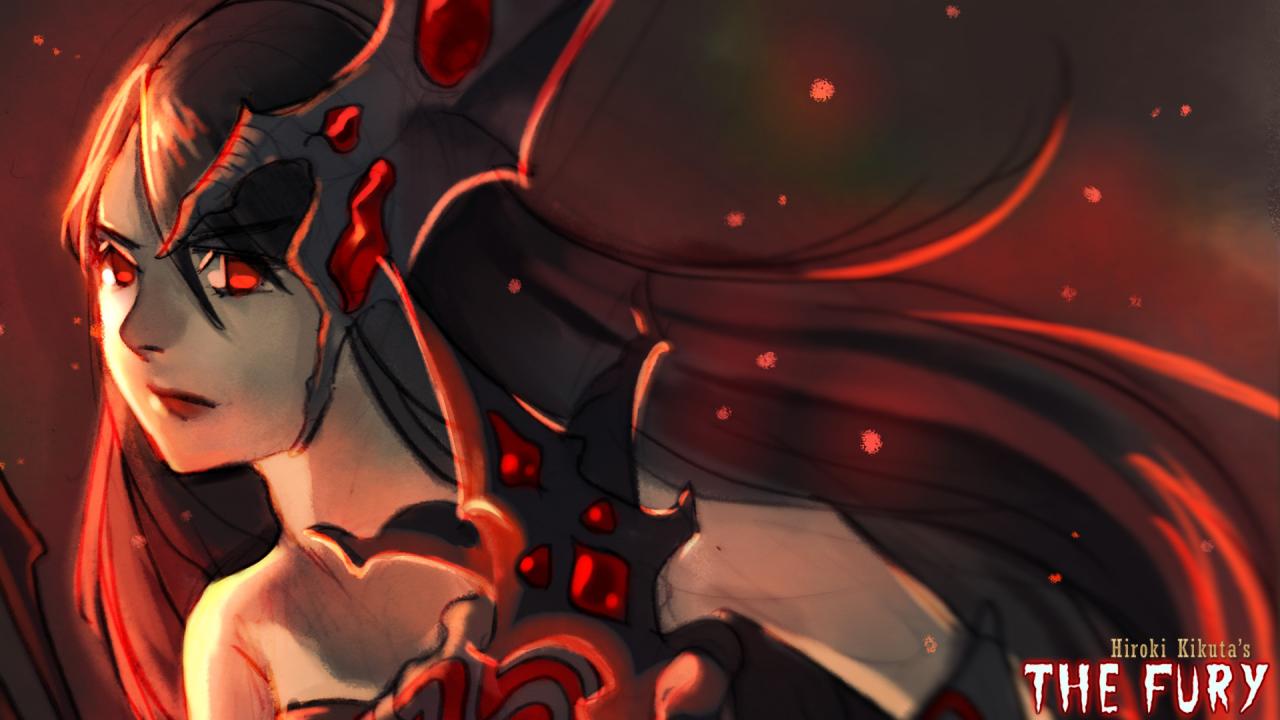
RPG Maker MV - Hiroki Kikuta music pack: The Fury DLC cover

SteamGlobal· DLC

RPG Maker MV - Hiroki Kikuta music pack: The Fury DLC

€2.99

+€0.30 cashback eligibility in Relic Coins

Check before you play

Platform
Steam
Region
Global
Product type
DLC

Check the required base game and edition before purchasing this add-on.

Developer
Scythuz
Publisher
Degica
Supplier release date
2018-09-20
Genres
Software

About this product

From the legendary composer and creative mind Hiroki Kikuta comes a unique new music pack you can use in your RPG Maker projects! Inspired by both classic and modern fantasy, The Fury features Hiroki Kikuta's memorable style and flowing melodies. From imperial marches to battle themes and beyond, Fury theme is a piercing and fast-paced journey into the unknown.The familiar.mp3 file format makes this pack the perfect playlist for you to listen to while developing your game. Grab this must-have music pack and bring some oomph to your growing library of RPG Maker resources! Contents BGM 01 - Fearless Adventurers BGM 02 - Battle Against All Odds BGM 03 - Army of the Forest BGM 04 - Advancement to Victory BGM 05 - Evil Leaves Its Mark BGM 06 - Stalwart Guardians Appear BGM 07 - Fury of the Fallen God BGM 08 - Imperial Masquerade BGM 09 - Marching Into Battle BGM 10 - Thief Among The Pyramids BGM 11 - The Sarcophagus Opens BGM 12 - Encounter With Malice ME 01 - Victory March ME 02 - Grand Success

RPG Maker MV - Hiroki Kikuta music pack: The Fury DLC screenshotRPG Maker MV - Hiroki Kikuta music pack: The Fury DLC screenshotRPG Maker MV - Hiroki Kikuta music pack: The Fury DLC screenshotRPG Maker MV - Hiroki Kikuta music pack: The Fury DLC screenshotRPG Maker MV - Hiroki Kikuta music pack: The Fury DLC screenshotRPG Maker MV - Hiroki Kikuta music pack: The Fury DLC screenshot

How to redeem

  1. 1Check the required base game, platform and edition before purchasing.
  2. 2Find the code or supplier activation instructions in your confirmed order.
  3. 3Redeem on Steam using the supplied instructions, then install the add-on with the compatible base game.

Supplier instructions

Go to: http://store.steampowered.com/ and download STEAM client Click "Install Steam" (from the upper right corner) Install and start application, login with your Account name and Password (create one if you don't have). Please follow these instructions to activate a new retail purchase on Steam: Launch Steam and log into your Steam account. Click the Games Menu. Choose Activate a Product on Steam... Follow the onscreen instructions to complete the process. After successful code verification go to the "MY GAMES" tab and start downloading.

You might also like