Get 10% back in Relic Coins on every order
Midnight Club 2 cover

Steam Europe - All Countries· Key

Midnight Club 2

€92.40

+€9.24 cashback eligibility in Relic Coins

Check before you play

Platform
Steam
Region
Europe - All Countries
Product type
Key
Developer
Rockstar San Diego
Publisher
Rockstar Games
Genres
Racing

About this product

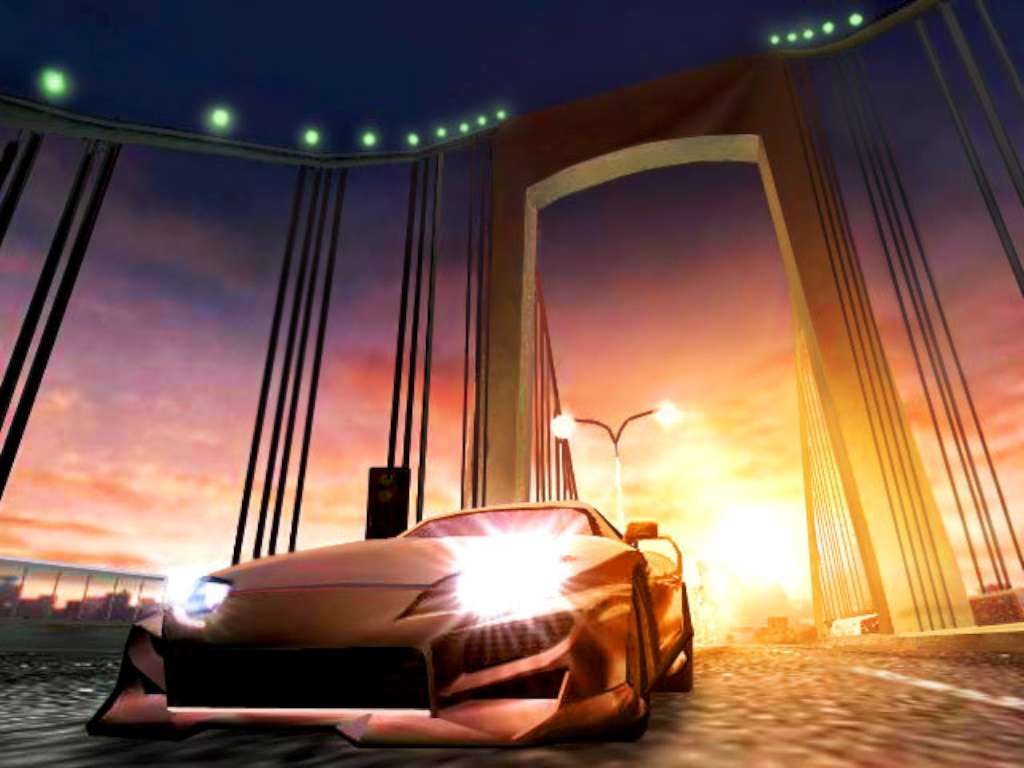
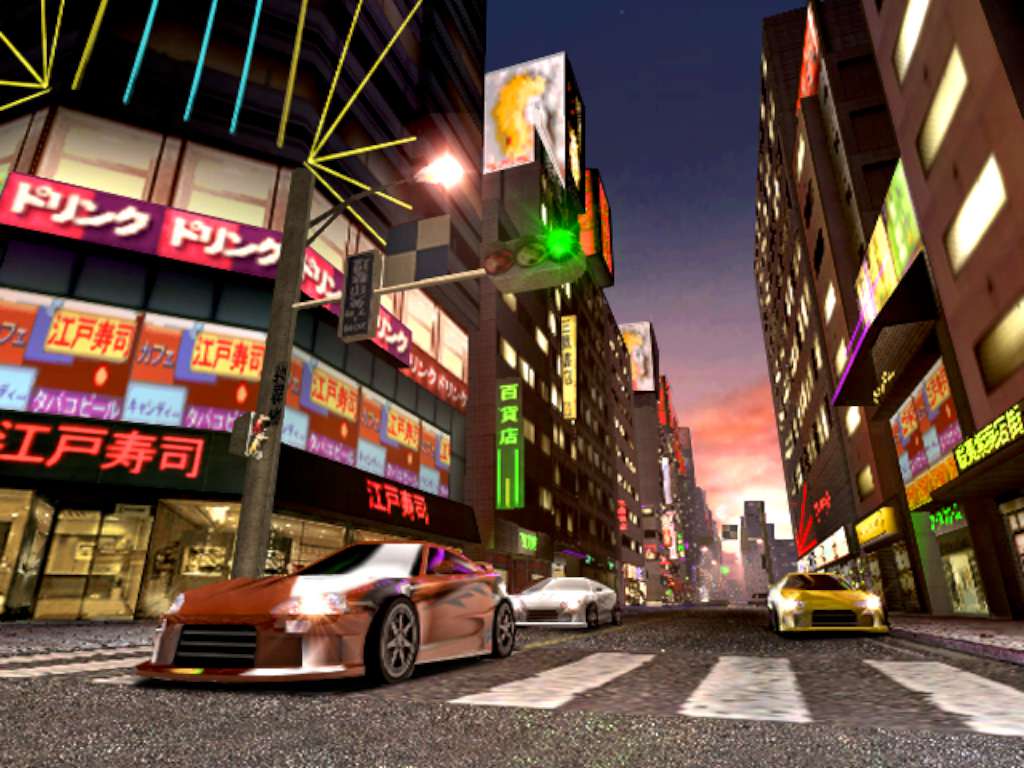
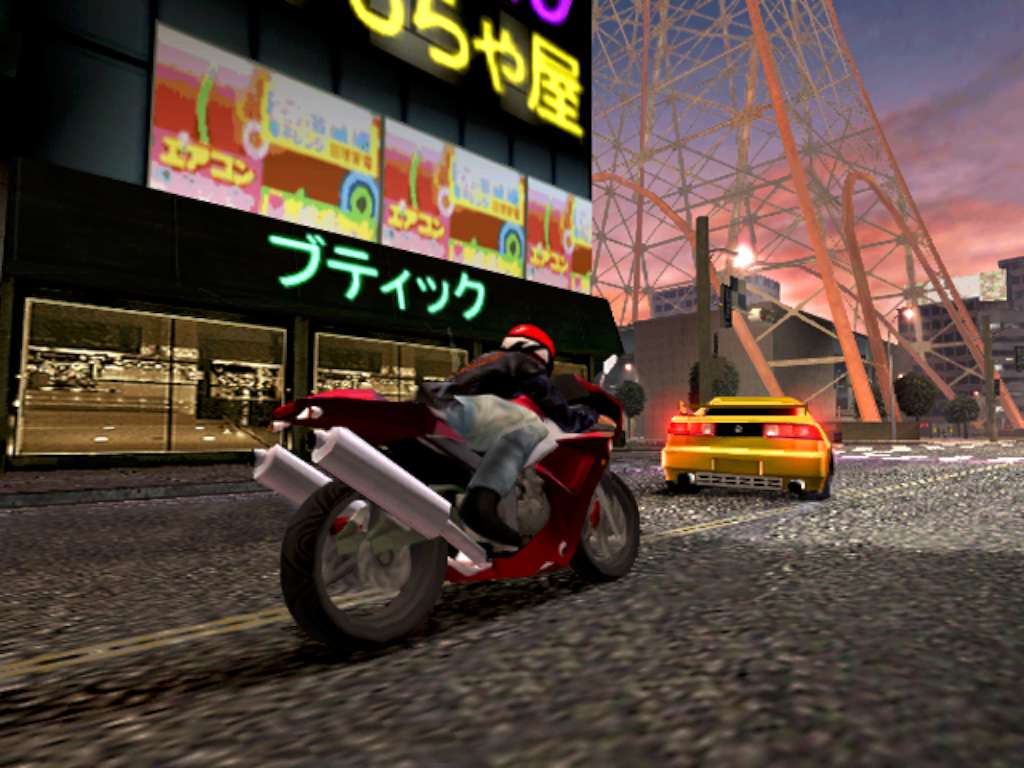
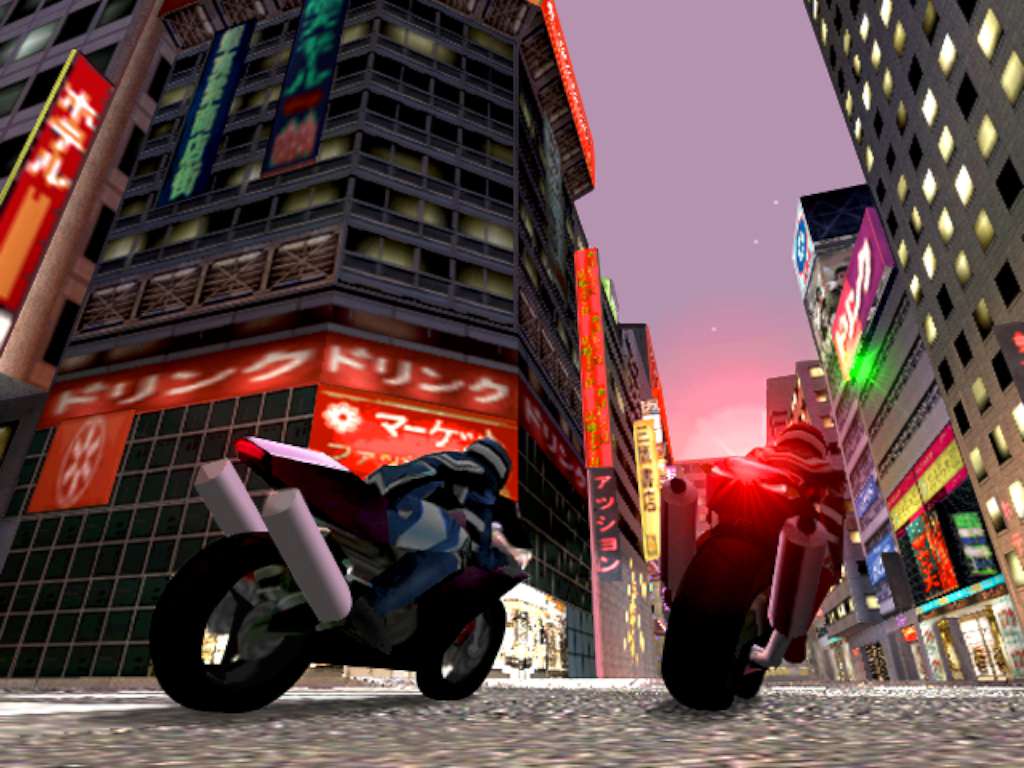
Midnight Club 2 EU Steam Key Platform: Steam Release Date: 01/07/2003 Product Description Product has been restricted to Europe. The world's most notorious drivers meet each night on the streets of LA, Paris, and Tokyo. Choose from the latest performance enhanced cars and bikes and compete head-to-head to make a name for yourself. There are no rules. Drive anywhere in the city. Find the fastest route to win. The cops know you are out there - don't get caught. System Requirements OS: Microsoft® Windows® 2000/XP (not compatible with Windows Vista) Processor:800 MHz Intel Pentium III or 800 MHz AMD Athlon or 1.2GHz Intel Celeron or 1.2 GHz AMD Duron processor Memory: 128MB RAM Graphics: 32 MB video card with DirectX 9.0 compatible drivers ("GeForce2"/"Radeon 8500" or better) DirectX Version: DirectX 9.0 Hard Drive: 1.4 GB hard drive space Sound Card Input: Keyboard and mouse

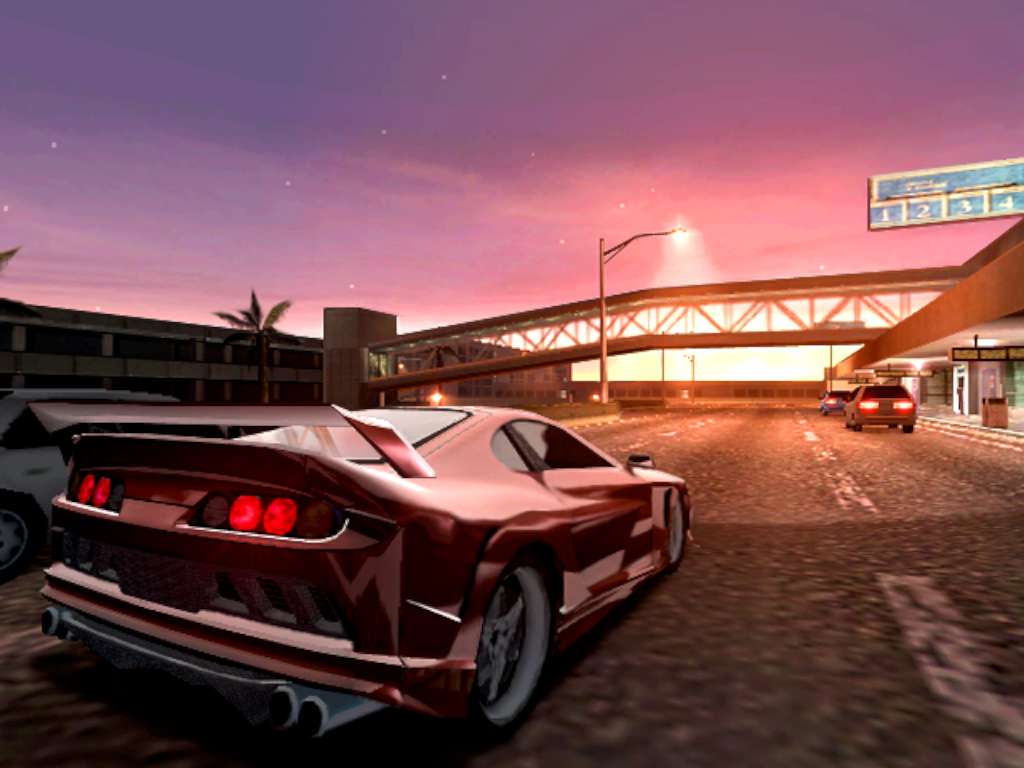
Midnight Club 2 screenshotMidnight Club 2 screenshotMidnight Club 2 screenshotMidnight Club 2 screenshotMidnight Club 2 screenshotMidnight Club 2 screenshot

How to redeem

  1. 1Check your Steam account and the listed region before purchasing.
  2. 2Find your code and supplier activation instructions in your confirmed order.
  3. 3Open the redeem-code section on Steam, enter the code and follow the platform’s prompts.

Supplier instructions

Go to: http://store.steampowered.com/ and download STEAM client Click "Install Steam" (from the upper right corner) Install and start application, login with your Account name and Password (create one if you don't have). Please follow these instructions to activate a new retail purchase on Steam: Launch Steam and log into your Steam account. Click the Games Menu. Choose Activate a Product on Steam... Follow the onscreen instructions to complete the process. After successful code verification go to the "MY GAMES" tab and start downloading.

You might also like