Get 10% back in Relic Coins on every order
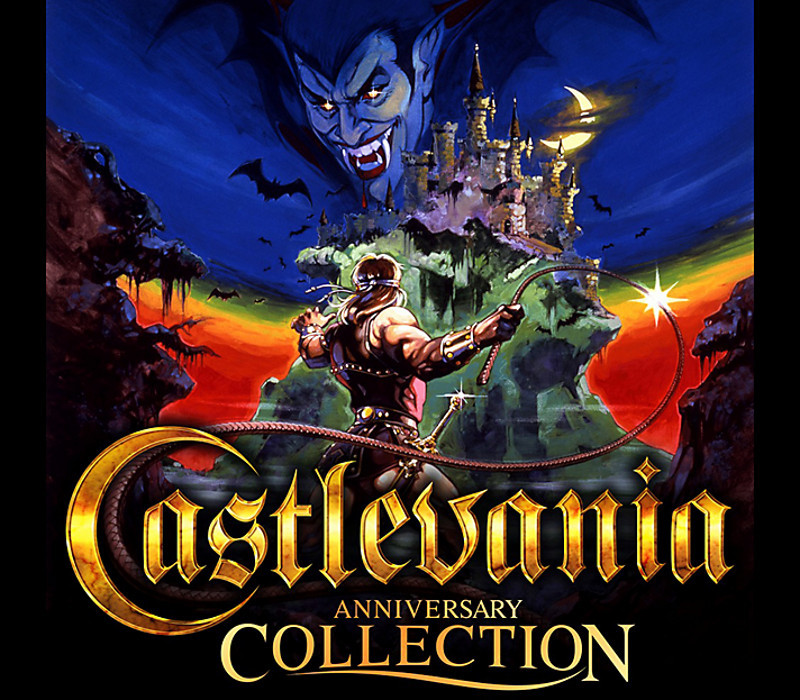
Castlevania Anniversary Collection cover

Steam Rest Of The World (Row) - Custom· Key

Castlevania Anniversary Collection

€5.89

+€0.59 cashback eligibility in Relic Coins

Check before you play

Platform
Steam
Region
Rest Of The World (Row) - Custom
Product type
Key
Developer
Konami Digital Entertainment
Publisher
Konami Digital Entertainment
Supplier release date
2019-05-16
Genres
Action, Adventure, RPG, Racing, Simulation

About this product

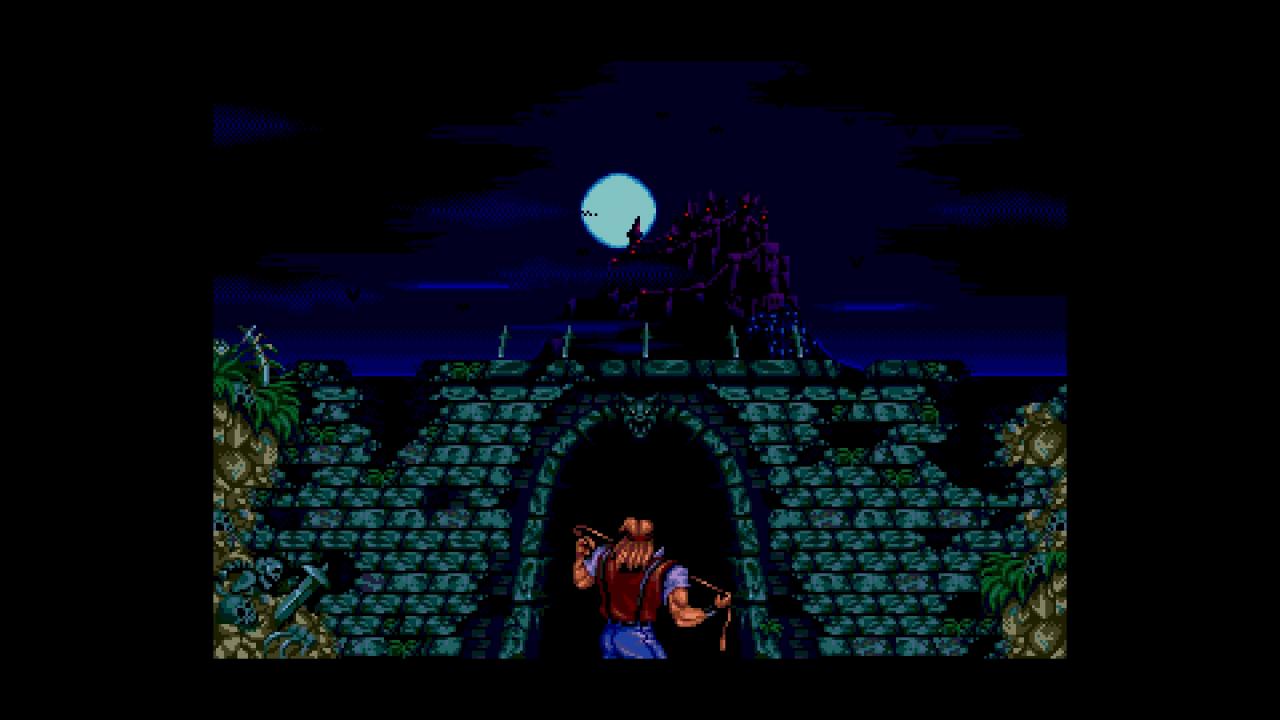
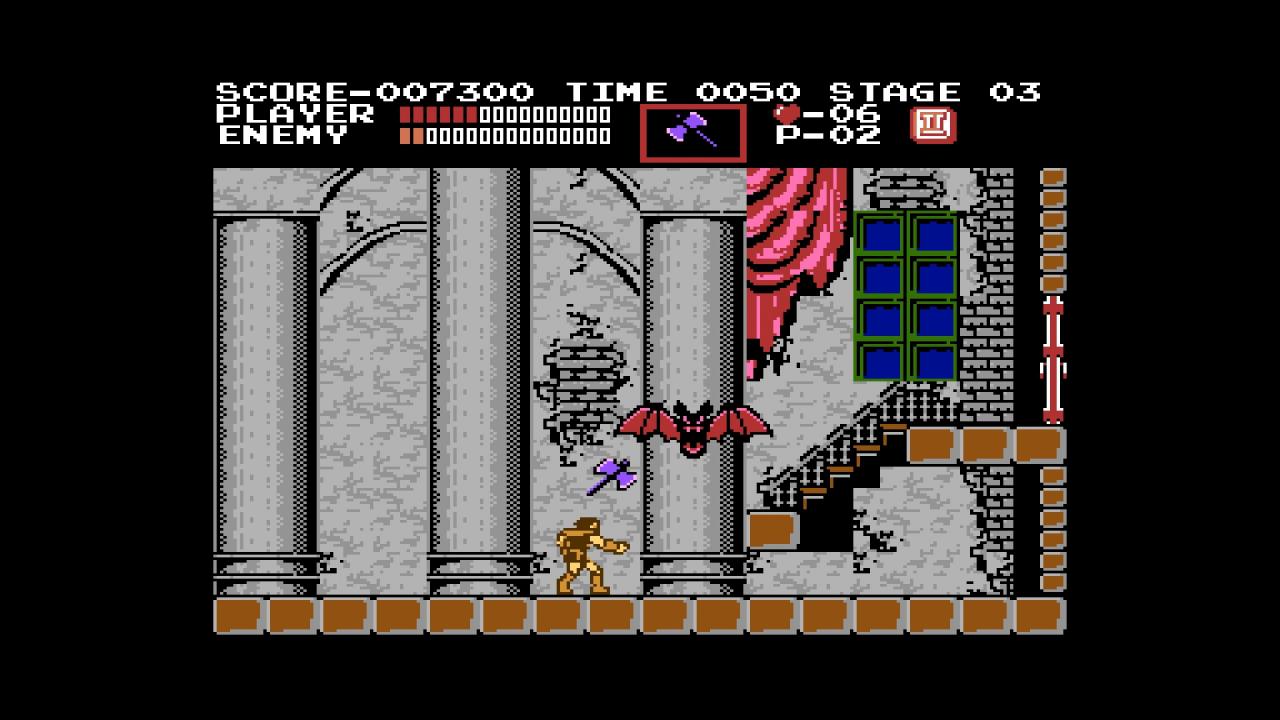
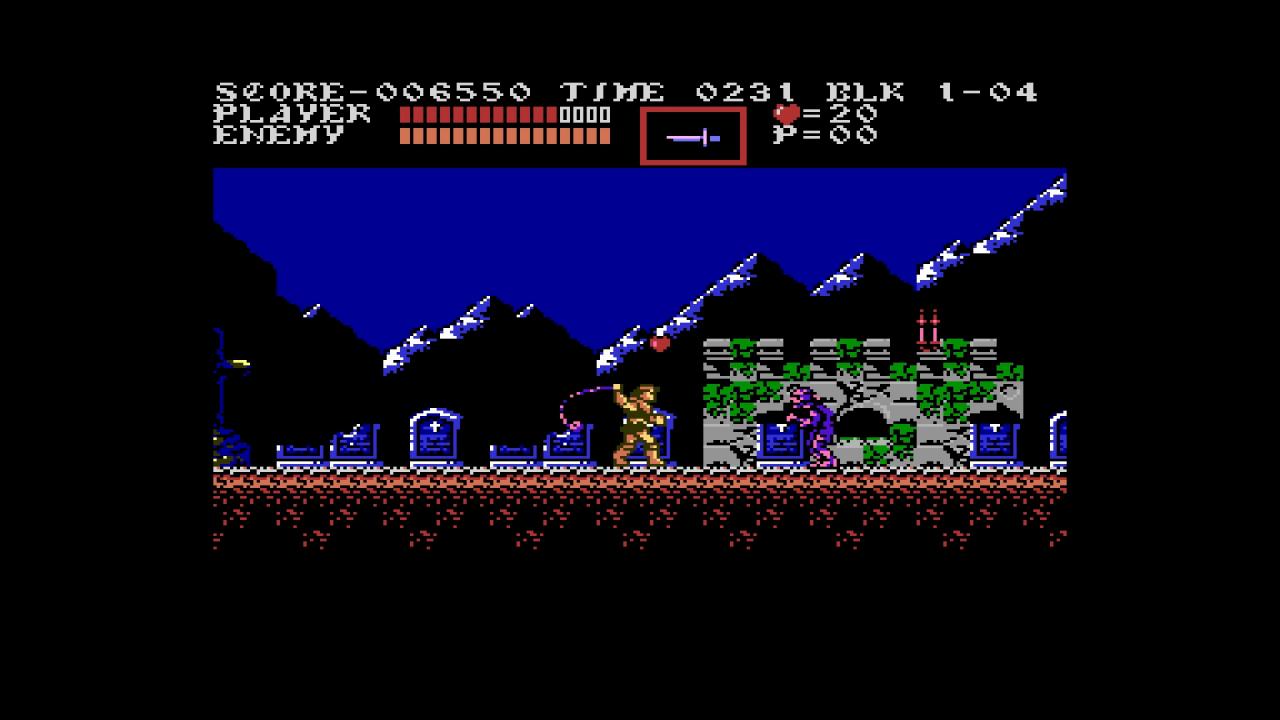
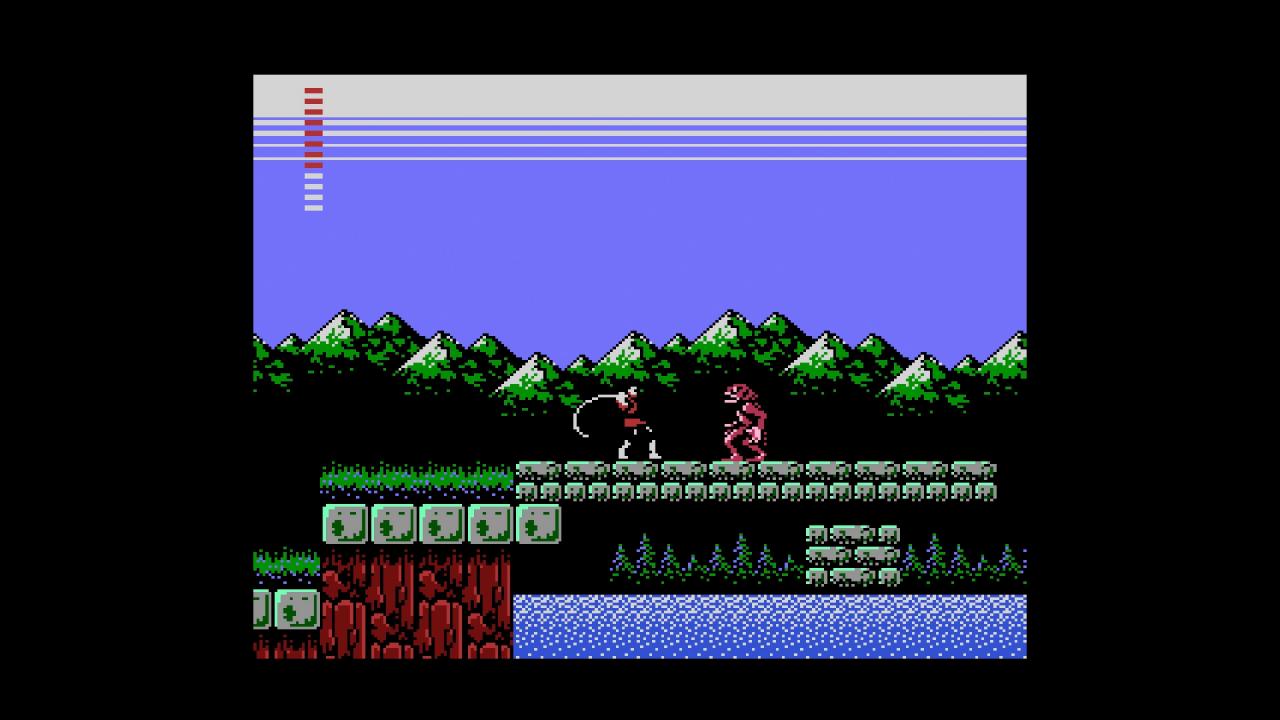
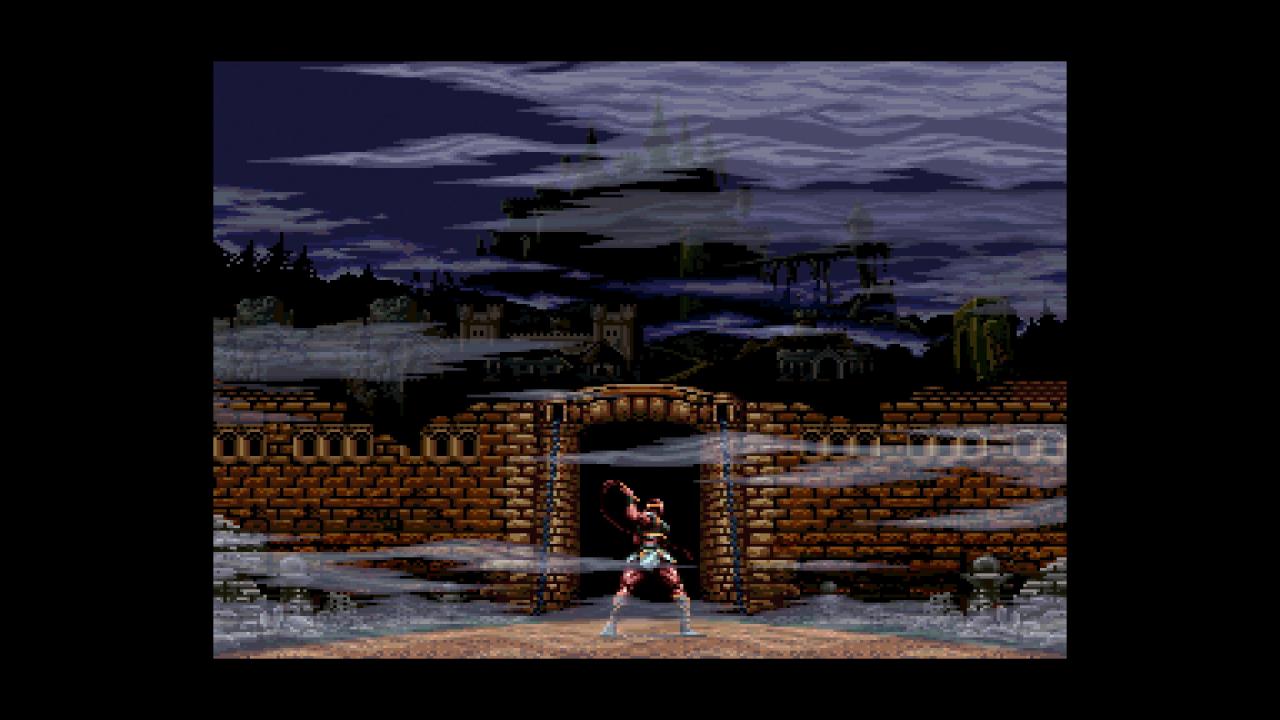
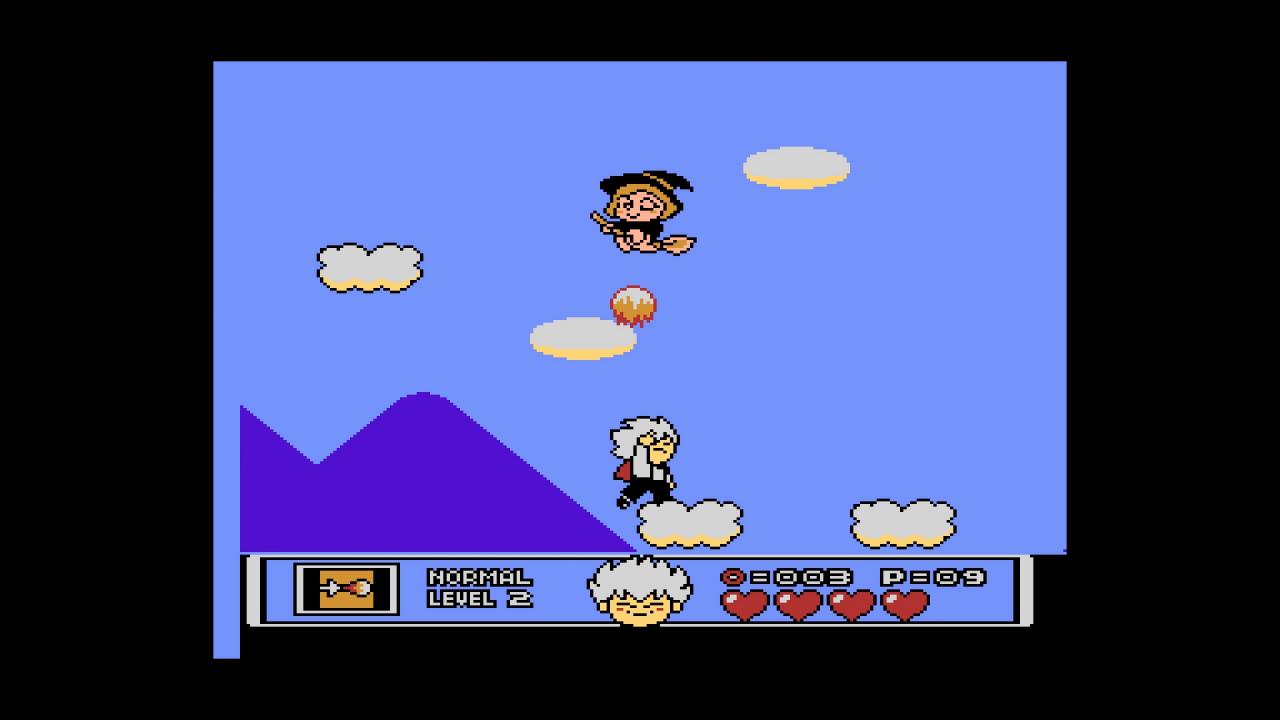
Konami's Castlevania Anniversary Collection traces the origins of the historic vampire franchise. Included is a unique eBook with details provided by developers, artists and others inspired by the Castlevania legacy which sheds a fresh light into the world of Castlevania.Released as part of the Konami 50th Anniversary celebration, relive these timeless classics that helped define the platformer genre. From the Belmont clan to their extended bloodlines and allies, the Castlevania Anniversary Collection is the best first step for anyone to take into the world of Castlevania and the fight against Dracula!CastlevaniaCastlevania II Simon's QuestCastlevania III Dracula's CurseSuper Castlevania IVCastlevania The AdventureCastlevania II Belmont's RevengeCastlevania BloodlinesKid Dracula (never released in English before)History of Castlevania - Book of the Crescent Moon

Castlevania Anniversary Collection screenshotCastlevania Anniversary Collection screenshotCastlevania Anniversary Collection screenshotCastlevania Anniversary Collection screenshotCastlevania Anniversary Collection screenshotCastlevania Anniversary Collection screenshot

How to redeem

  1. 1Check your Steam account and the listed region before purchasing.
  2. 2Find your code and supplier activation instructions in your confirmed order.
  3. 3Open the redeem-code section on Steam, enter the code and follow the platform’s prompts.

Supplier instructions

Go to: http://store.steampowered.com/ and download STEAM client Click "Install Steam" (from the upper right corner) Install and start application, login with your Account name and Password (create one if you don't have). Please follow these instructions to activate a new retail purchase on Steam: Launch Steam and log into your Steam account. Click the Games Menu. Choose Activate a Product on Steam... Follow the onscreen instructions to complete the process. After successful code verification go to the "MY GAMES" tab and start downloading.

You might also like