Get 10% back in Relic Coins on every order
Aqua Fish cover

SteamGlobal· Key

Aqua Fish

€0.92

+€0.09 cashback eligibility in Relic Coins

Check before you play

Platform
Steam
Region
Global
Product type
Key
Developer
Starodymov
Publisher
OtakuMaker SARL
Supplier release date
2017-12-28
Genres
Action, Strategy, Indie, Casual

About this product

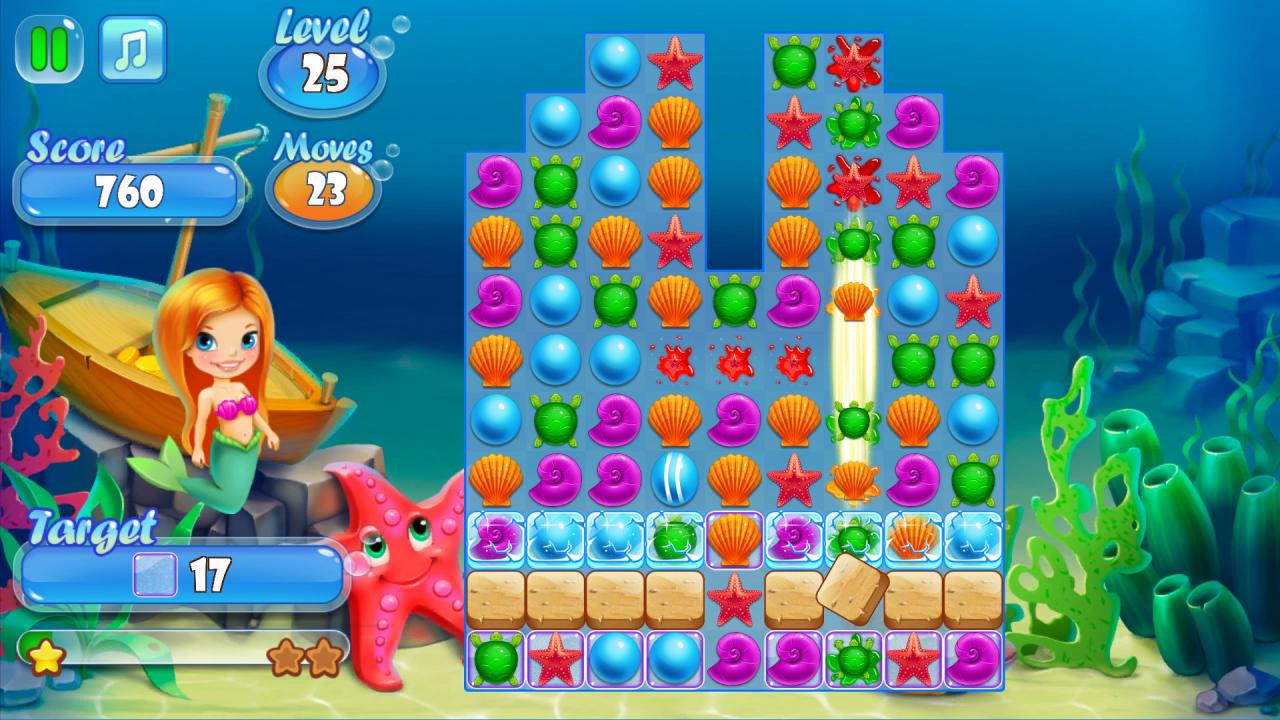
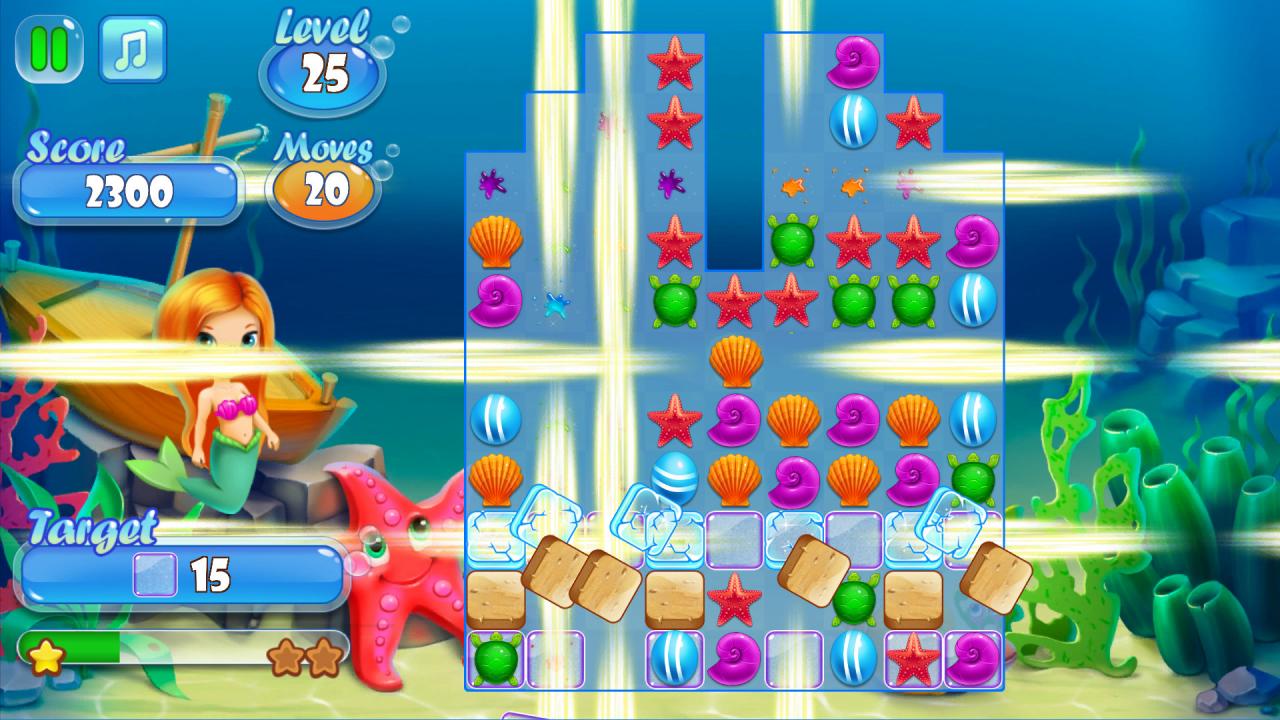
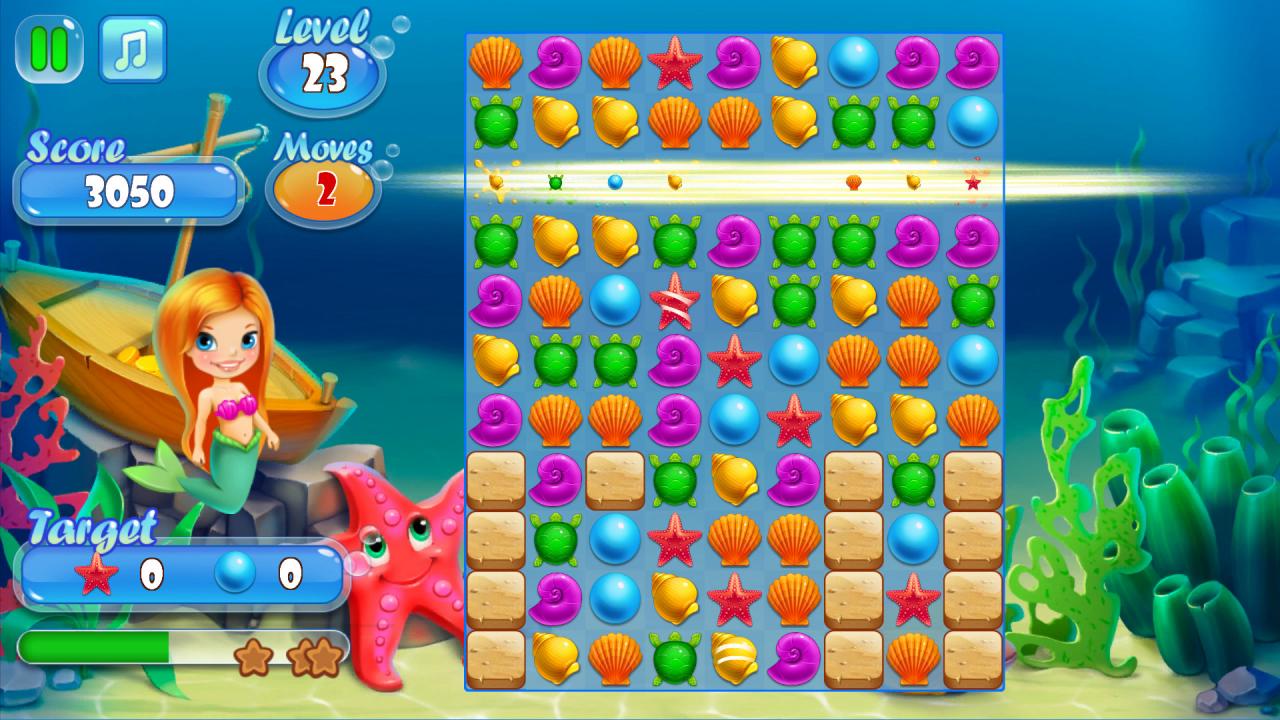
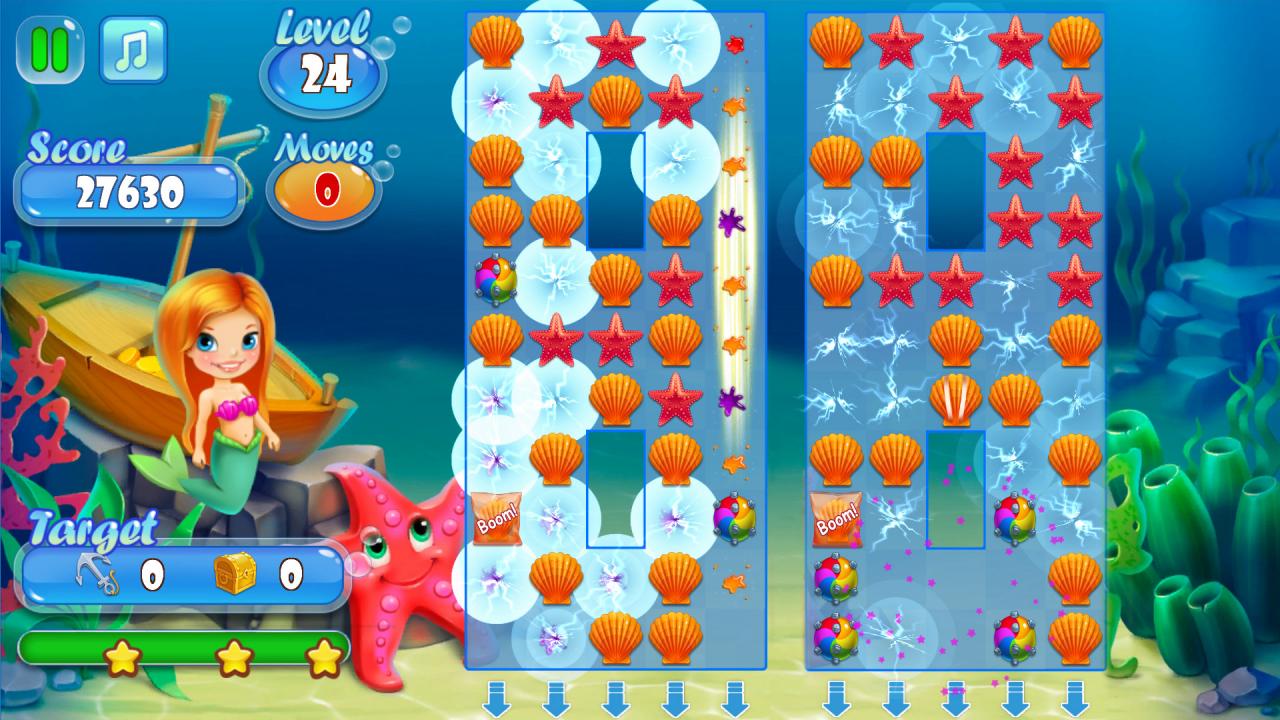
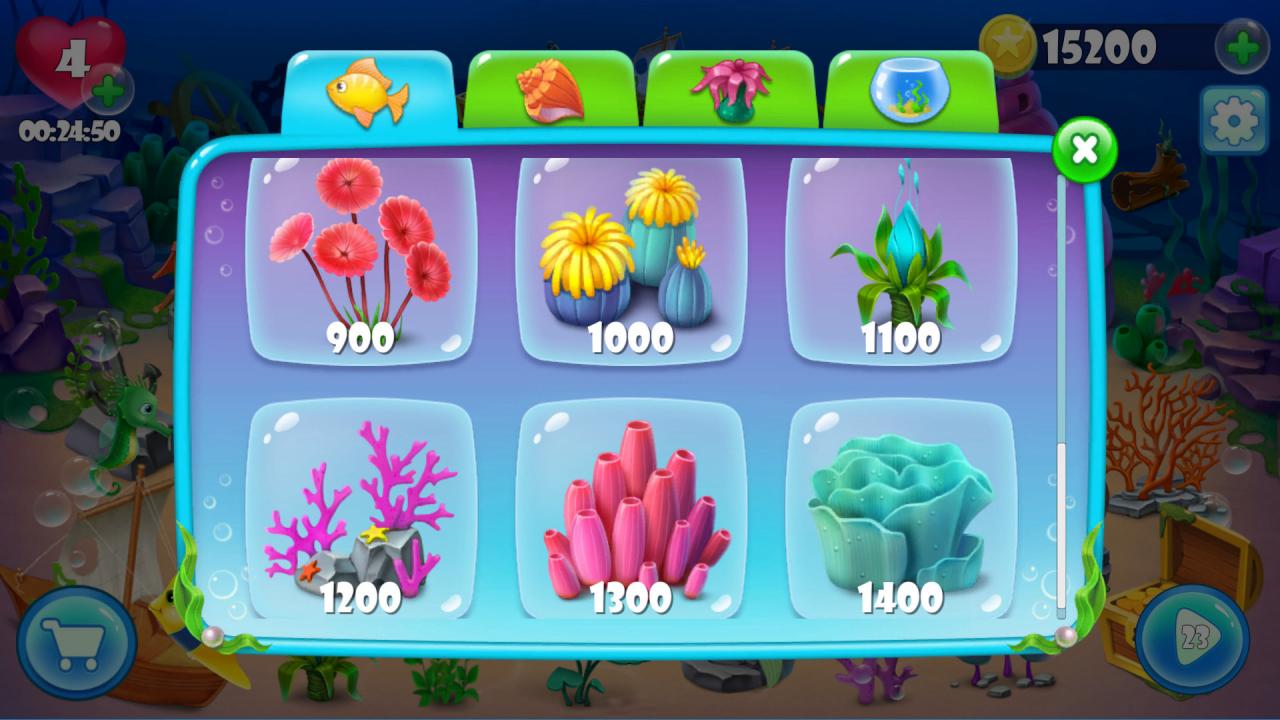
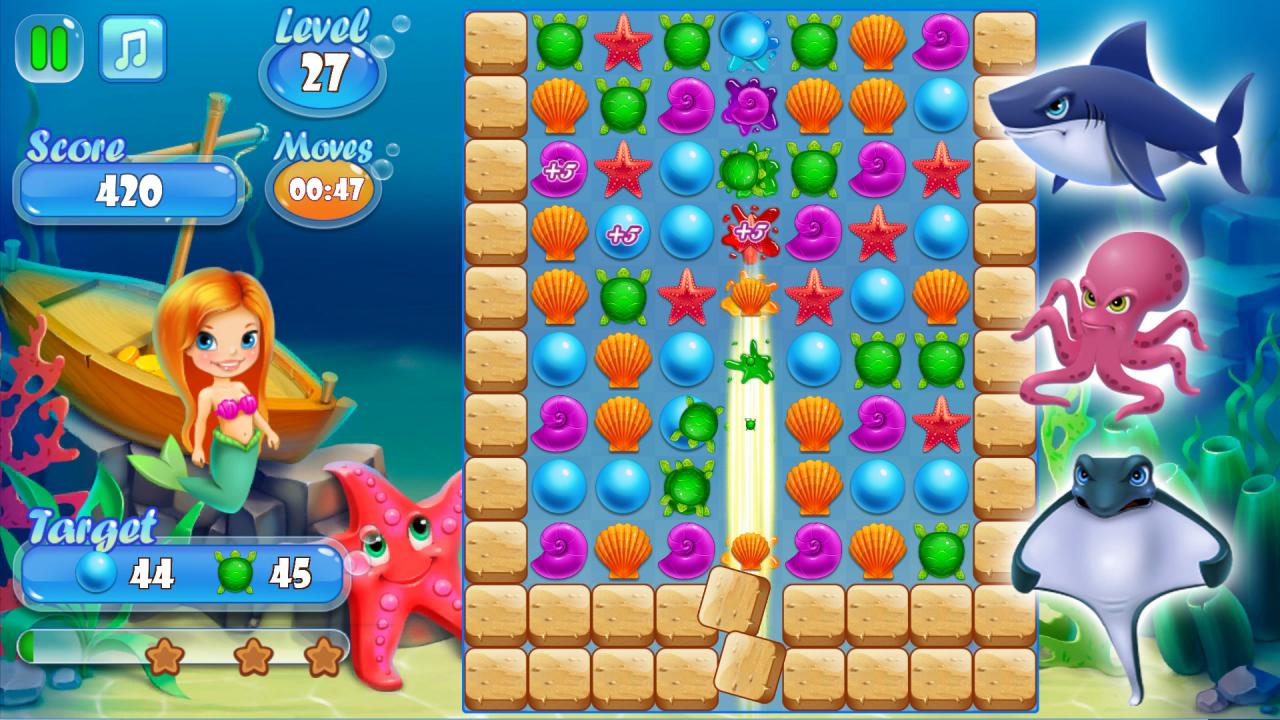
Your task is to develop and decorate the aquarium with points that you can earn by playing the classic tile-matching puzzle videogame mode. The more coins you get, the more beautifully you will be able to decorate your aquarium and fill with different living creatures. During the game , you will meet enemies who will stop you from making coins. Collect all the marine colored objects and defeat all the bosses!In the store you can buy beautiful decorative objects, such as algae, corals and various objects, as well as beautiful living creatures for this aquarium.Fish can be feed and you can clean the aquarium.Beautiful graphics, animation and music will give you moments of happiness in your life. The game will appeal to both an adult and a young audience. Features Create your own aquarium Win all the underwater creature Relaxing game Classic tile-matching puzzle Feed the fish and get out of the aquarium Steam Leaderboard Steam Achievements

Aqua Fish screenshotAqua Fish screenshotAqua Fish screenshotAqua Fish screenshotAqua Fish screenshotAqua Fish screenshot

How to redeem

  1. 1Check your Steam account and the listed region before purchasing.
  2. 2Find your code and supplier activation instructions in your confirmed order.
  3. 3Open the redeem-code section on Steam, enter the code and follow the platform’s prompts.

Supplier instructions

Go to: http://store.steampowered.com/ and download STEAM client Click "Install Steam" (from the upper right corner) Install and start application, login with your Account name and Password (create one if you don't have). Please follow these instructions to activate a new retail purchase on Steam: Launch Steam and log into your Steam account. Click the Games Menu. Choose Activate a Product on Steam... Follow the onscreen instructions to complete the process. After successful code verification go to the "MY GAMES" tab and start downloading.

You might also like