Get 10% back in Relic Coins on every order
Kotodama: The 7 Mysteries of Fujisawa cover

SteamGlobal· Key

Kotodama: The 7 Mysteries of Fujisawa

€3.10

+€0.31 cashback eligibility in Relic Coins

Check before you play

Platform
Steam
Region
Global
Product type
Key
Developer
Art Co. Ltd, PQube Limited
Publisher
PQube Limited
Supplier release date
2019-05-31
Genres
Adventure

About this product

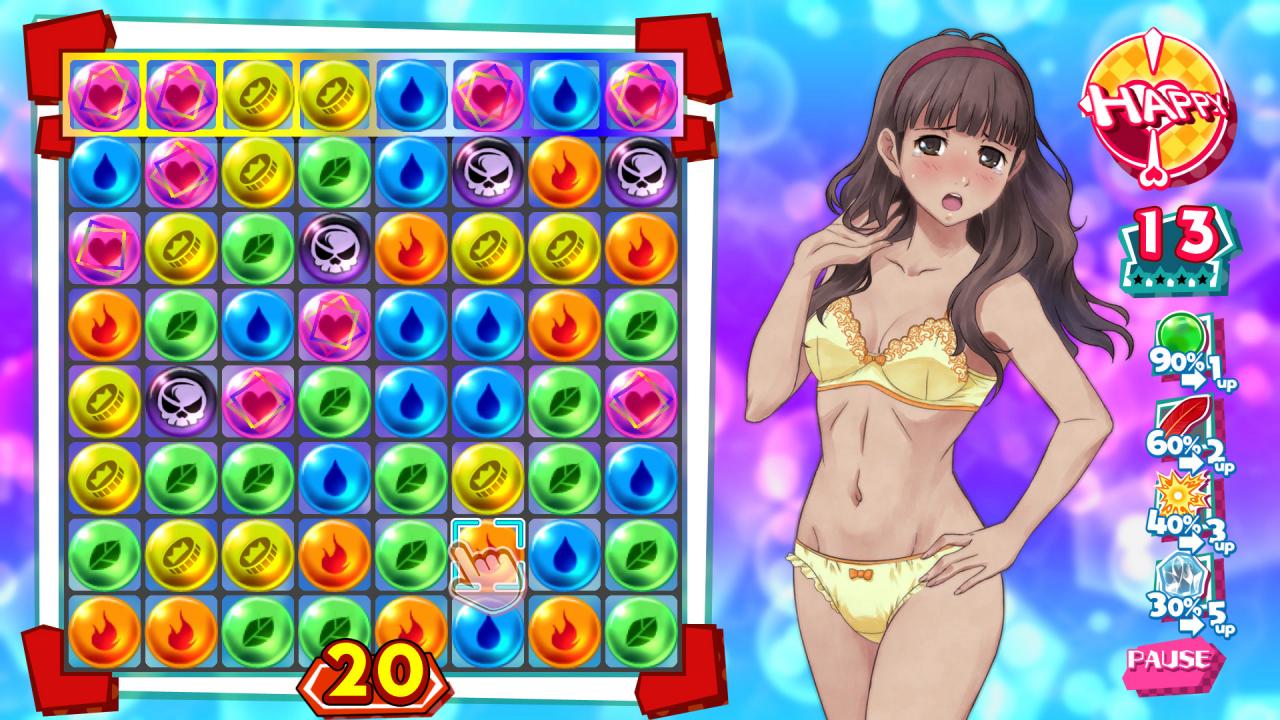
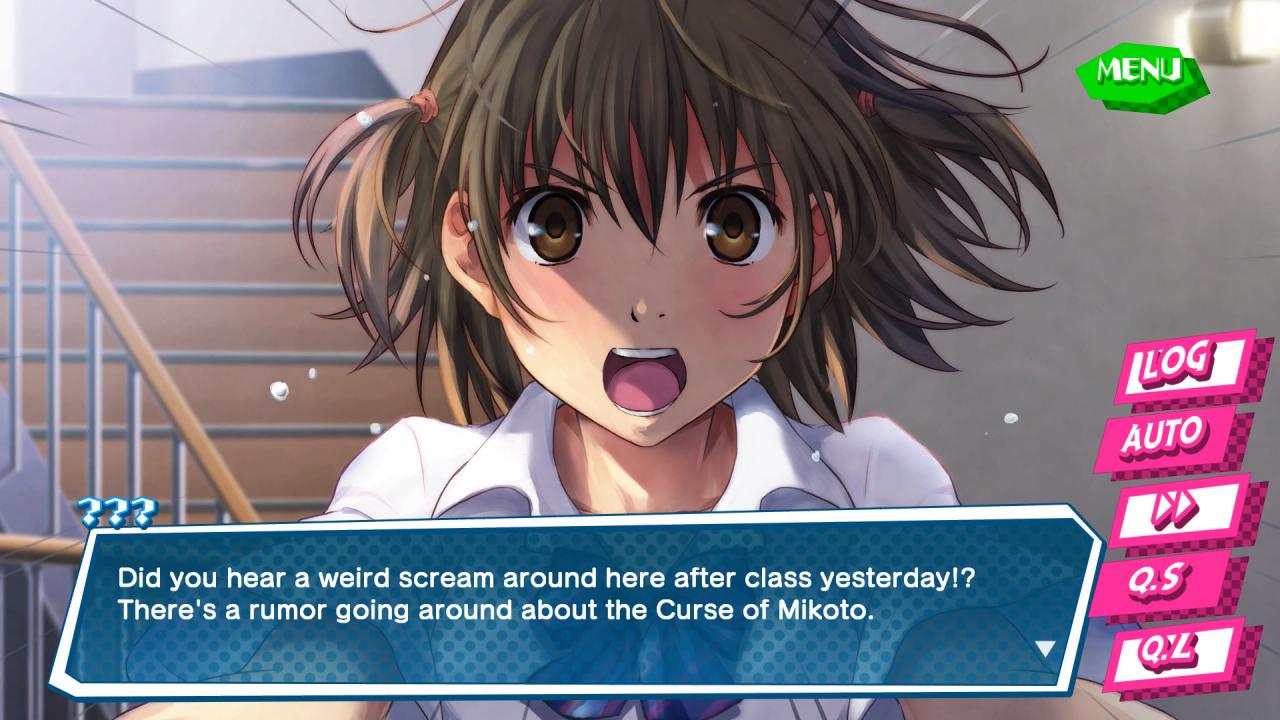
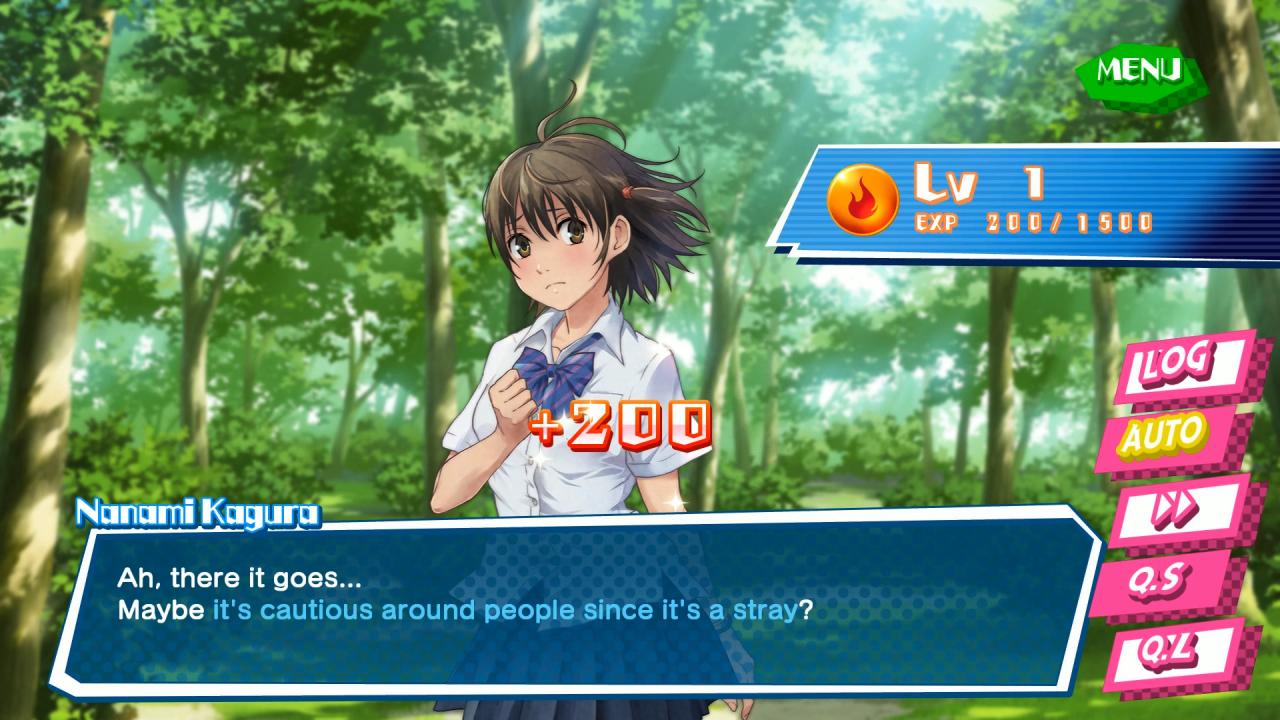
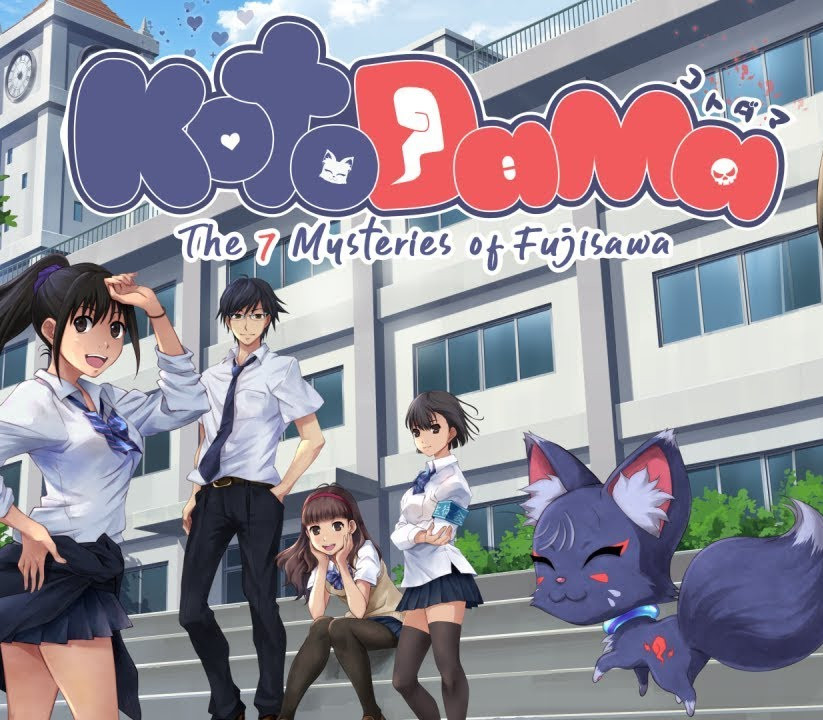
Welcome to Fujisawa Academy – an educational institution where nothing is as it seems and every pupil hides a dark secret. Having made a pact with a demon fox - and bestowing you with the power to see the truth behind the lies, you must uncover the sinister truths behind the seemingly normal façade. Features Investigate the secrets of Fujisawa Academy across seven visual novel chapters – where each chapter hides the truth to one of the seven mysteries. Battle key characters using ‘Kotodama’ – the power of words. Interrogation battles see you stripping your target naked - exposing the truth behind their lies! Uncover key words in the game’s investigation phase. The more keywords and clues you find, the more potent your power in the puzzle phase. Nothing is as it seems! Kotodama intentionally plays on classic tropes and clichés to continually twist the story and surprise the player. Repeated playthroughs will yield new facts within the story. Uncover them all to unlock the true ending and a full gallery of artwork. Continue to play the fiendish puzzles in Fantasize Mode to perfect your high scores!

Kotodama: The 7 Mysteries of Fujisawa screenshotKotodama: The 7 Mysteries of Fujisawa screenshotKotodama: The 7 Mysteries of Fujisawa screenshotKotodama: The 7 Mysteries of Fujisawa screenshotKotodama: The 7 Mysteries of Fujisawa screenshotKotodama: The 7 Mysteries of Fujisawa screenshot

How to redeem

  1. 1Check your Steam account and the listed region before purchasing.
  2. 2Find your code and supplier activation instructions in your confirmed order.
  3. 3Open the redeem-code section on Steam, enter the code and follow the platform’s prompts.

Supplier instructions

Go to: http://store.steampowered.com/ and download STEAM client Click "Install Steam" (from the upper right corner) Install and start application, login with your Account name and Password (create one if you don't have). Please follow these instructions to activate a new retail purchase on Steam: Launch Steam and log into your Steam account. Click the Games Menu. Choose Activate a Product on Steam... Follow the onscreen instructions to complete the process. After successful code verification go to the "MY GAMES" tab and start downloading.

You might also like