

SteamGlobal· Key
Vectronom
€0.29
+€0.03 cashback eligibility in Relic Coins
Check before you play
- Platform
- Steam
- Region
- Global
- Product type
- Key
- Developer
- Ludopium
- Publisher
- ARTE France
- Supplier release date
- 2019-05-29
- Genres
- Action, Indie, Casual
SteamGlobal· Key
€0.29
+€0.03 cashback eligibility in Relic Coins
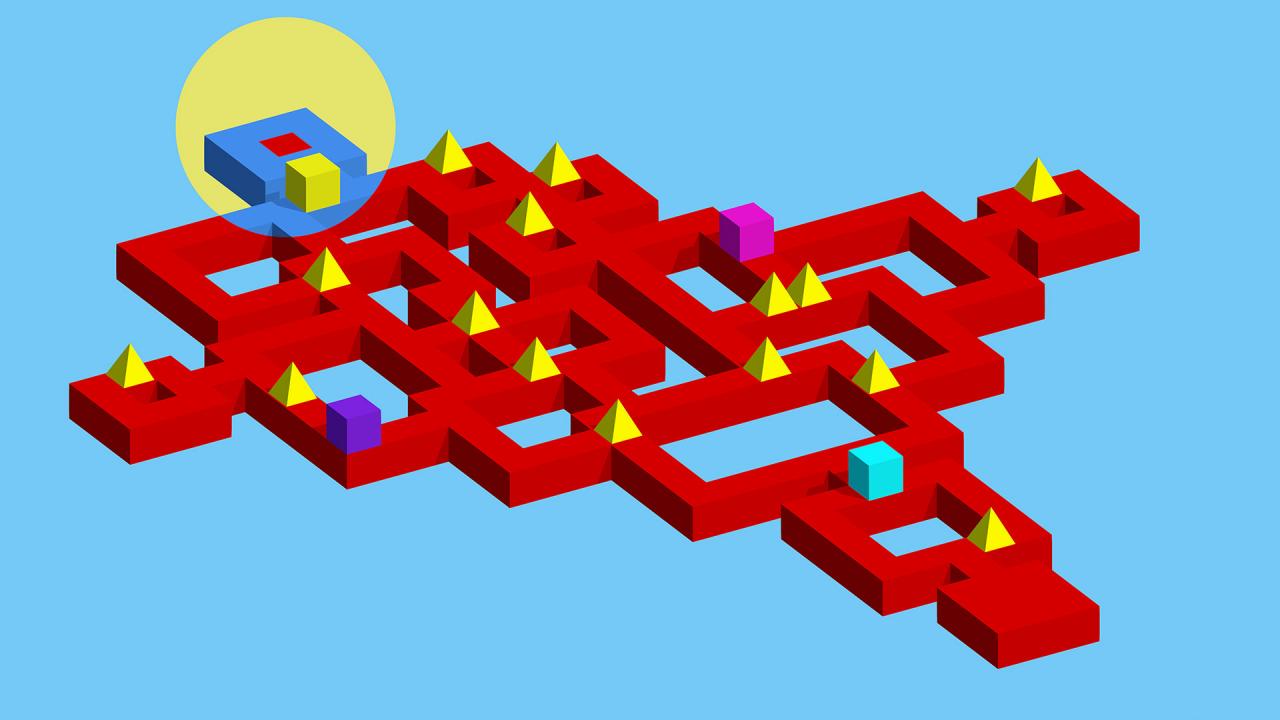
Welcome to the psychedelic world of Vectronom: experience waves of color and a pulsing geometric path that changes with the beat... All set to a hypnotic electronic soundtrack. There’s only one thing to do: turn up the volume and go with the flow.
Find your path through an ever-changing world, keeping the rhythm with every move you make. Think it sounds easy? The highly intuitive and addictive gameplay will keep you moving through daunting challenges... But how long will you last when the challenges get trickier and trickier? Better play to find out! Features A challenging solo campaign that will completely entrance you A drop-in, drop-out multiplayer mode that will hypnotize your friends Colorful and atmospheric levels with a powerful electronic soundtrack BONUS: the game is compatible with digital dance mats and MIDI instruments, so it won’t just be your fingertips showing off their best moves!





Go to: http://store.steampowered.com/ and download STEAM client Click "Install Steam" (from the upper right corner) Install and start application, login with your Account name and Password (create one if you don't have). Please follow these instructions to activate a new retail purchase on Steam: Launch Steam and log into your Steam account. Click the Games Menu. Choose Activate a Product on Steam... Follow the onscreen instructions to complete the process. After successful code verification go to the "MY GAMES" tab and start downloading.