Get 10% back in Relic Coins on every order
Smile For Me cover

SteamGlobal· Key

Smile For Me

€0.50

+€0.05 cashback eligibility in Relic Coins

Check before you play

Platform
Steam
Region
Global
Product type
Key
Developer
LimboLane
Publisher
LimboLane
Supplier release date
2019-05-31
Genres
Adventure, Indie, Casual

About this product

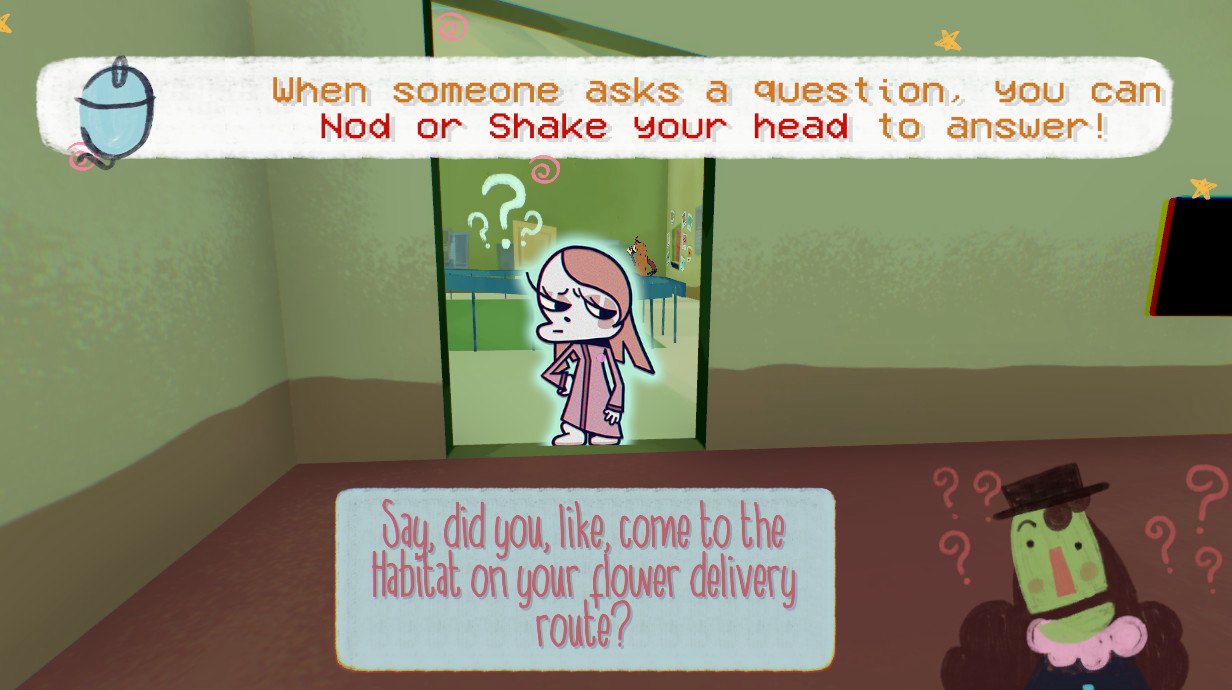
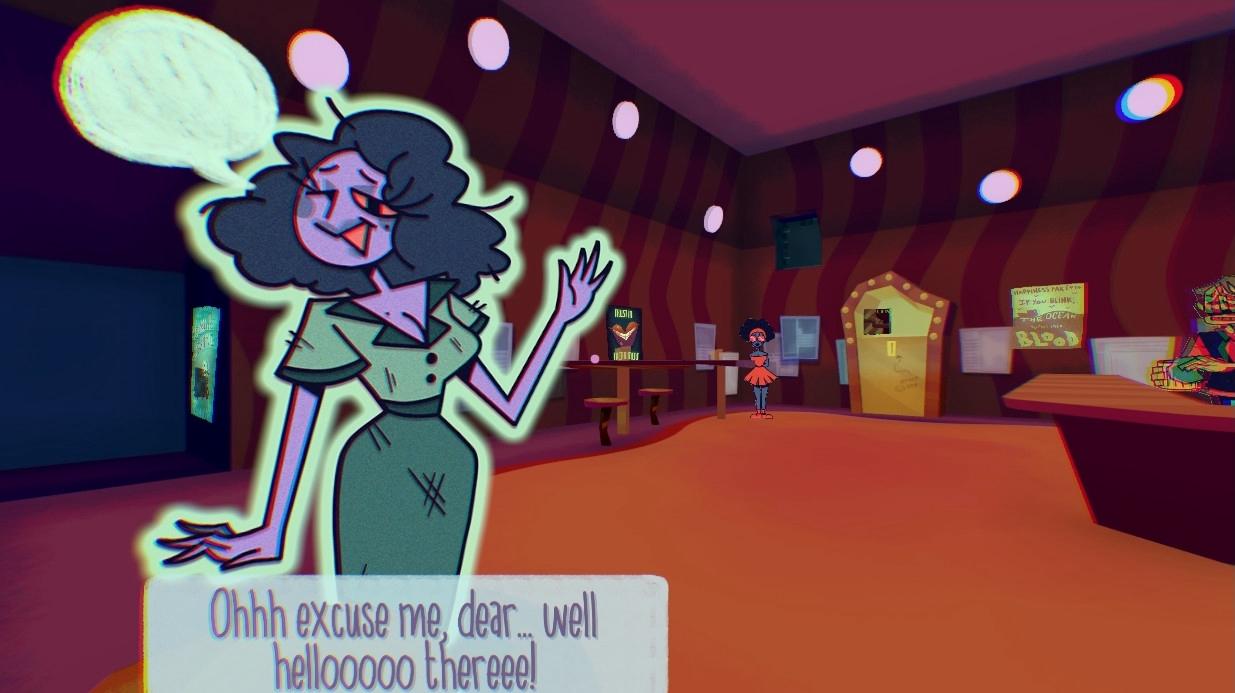
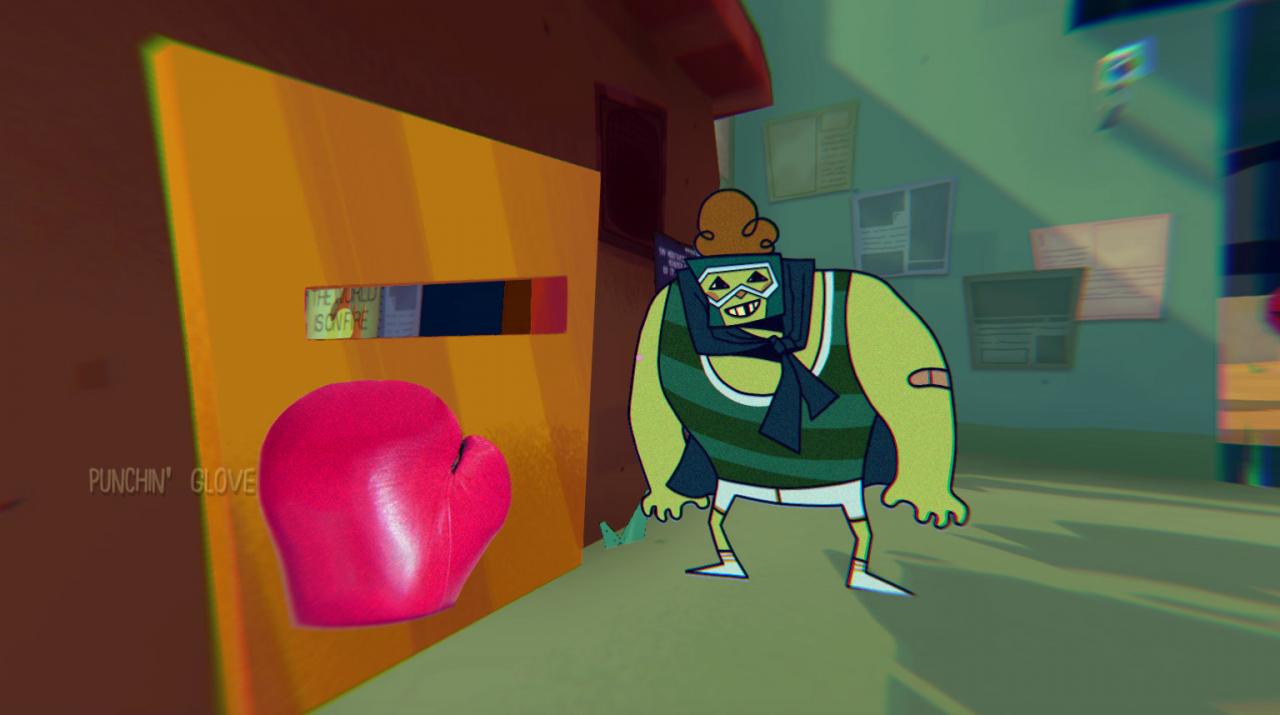
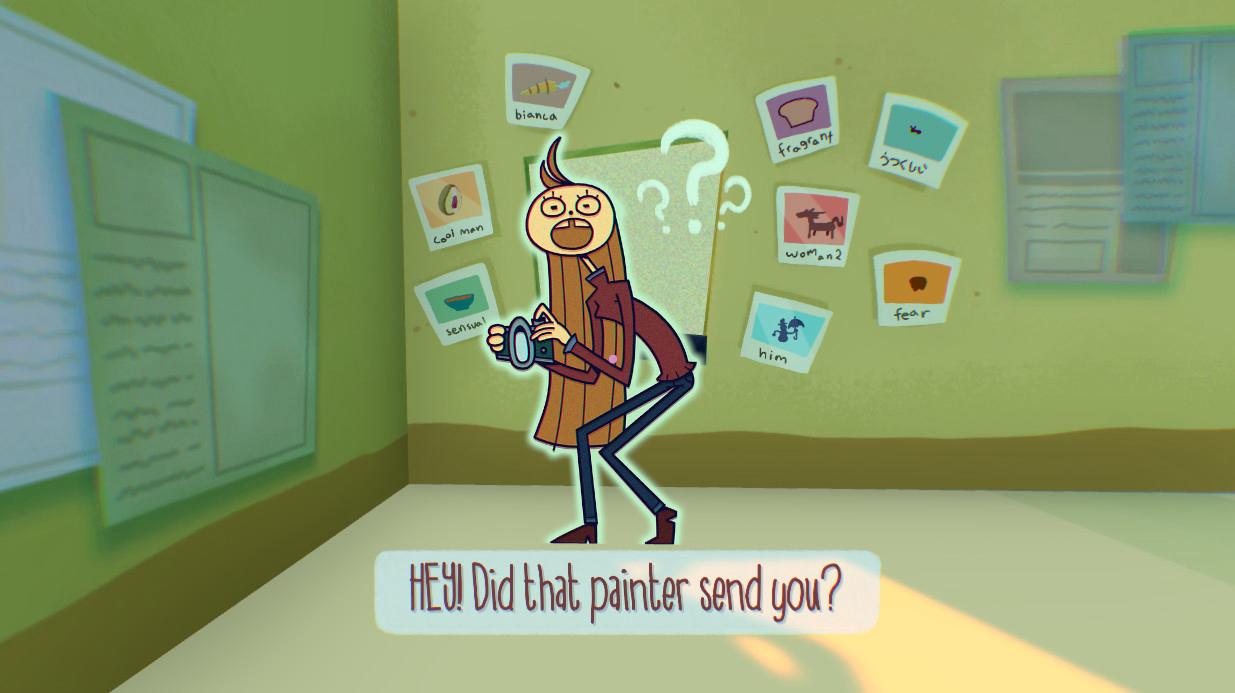
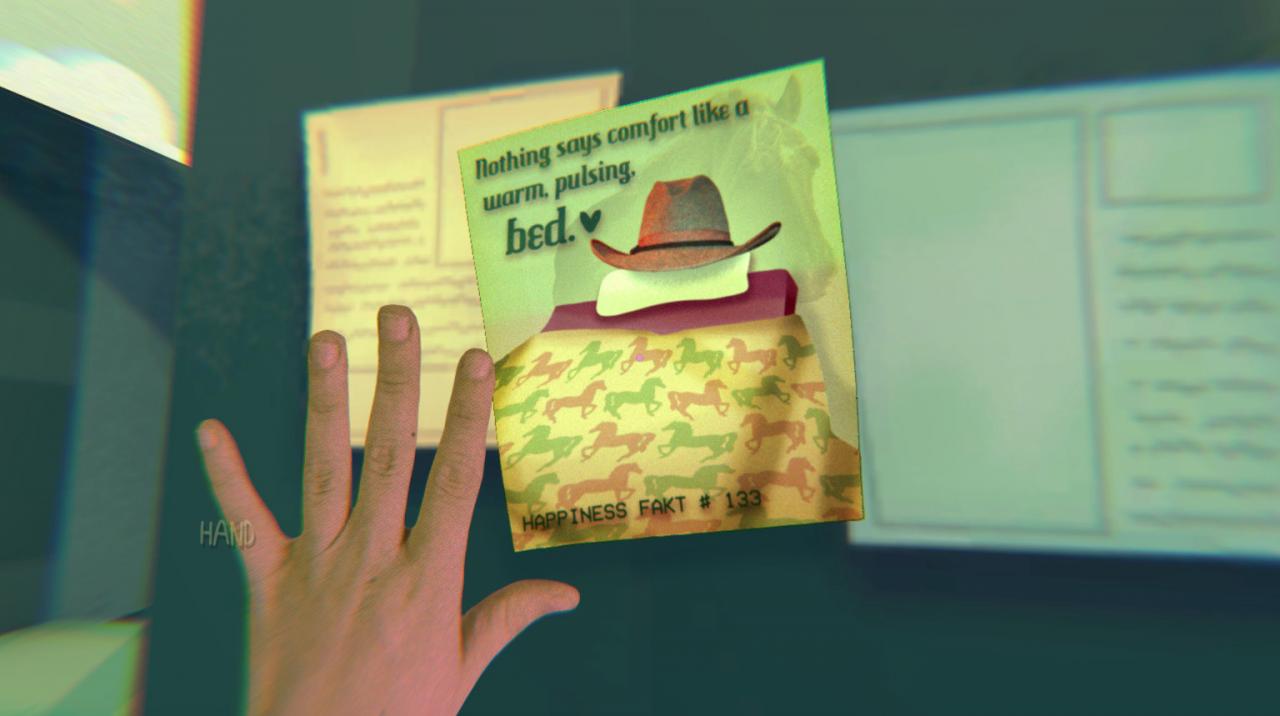
Smile For Me is an unconventional Point-and-Click Adventure Game that puts you at the center of an abstract world! Nod and shake your head to chat with new friends, and solve their mysteries to cheer them up.The People are bizarre, the Puzzles are Wack, and the World hides a sinister secret... Keep Your Chin Up You may be silent, but you’ve got a lot to say! Nod-and-shake your way through the Habitat, with a host of funky and friendly characters. A Quaint Cast of Misfits The Habiticians are full of juicy gossip. Learn their quirks and qualms, and cure them of their blues! Make your Choice... Help only your favorite pals, or stay behind to save allthe Habiticians. Features Explore a beautiful world Solve a mouthful of tricky puzzles Chat with 23 peculiar characters But that’s not all! There are charming animations! Secret backstories! TOO much gossip! There’s more!! Emotional baggage! Alarming puppetry! A condescending narrator! KEEP IT GOING!!! Depressed clowns! Fear of mortality! The true meaning of friendship! Where am I?!?


Smile For Me screenshotSmile For Me screenshotSmile For Me screenshotSmile For Me screenshotSmile For Me screenshotSmile For Me screenshot

How to redeem

  1. 1Check your Steam account and the listed region before purchasing.
  2. 2Find your code and supplier activation instructions in your confirmed order.
  3. 3Open the redeem-code section on Steam, enter the code and follow the platform’s prompts.

Supplier instructions

Go to: http://store.steampowered.com/ and download STEAM client Click "Install Steam" (from the upper right corner) Install and start application, login with your Account name and Password (create one if you don't have). Please follow these instructions to activate a new retail purchase on Steam: Launch Steam and log into your Steam account. Click the Games Menu. Choose Activate a Product on Steam... Follow the onscreen instructions to complete the process. After successful code verification go to the "MY GAMES" tab and start downloading.

You might also like