Get 10% back in Relic Coins on every order
Infinite Space III: Sea of Stars cover

SteamGlobal· Key

Infinite Space III: Sea of Stars

€0.79

+€0.08 cashback eligibility in Relic Coins

Check before you play

Platform
Steam
Region
Global
Product type
Key
Developer
Digital Eel
Publisher
Digital Eel
Supplier release date
2014-04-18
Genres
Adventure, Indie

About this product

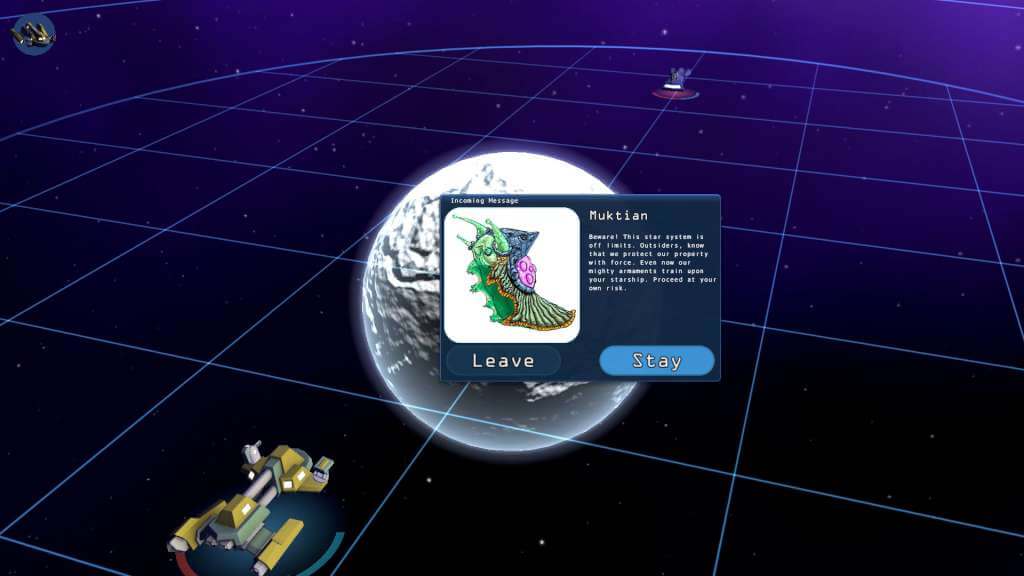
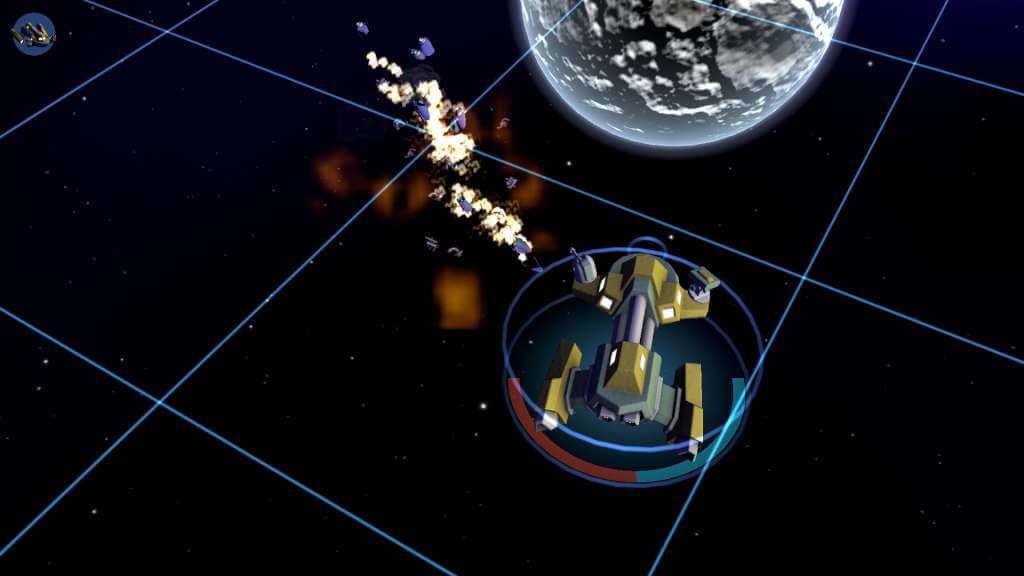
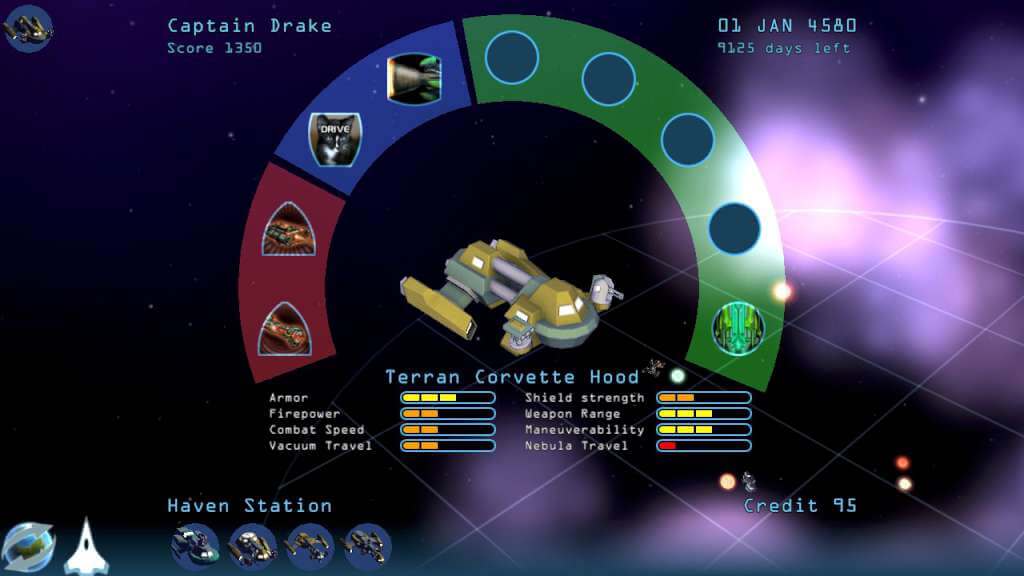
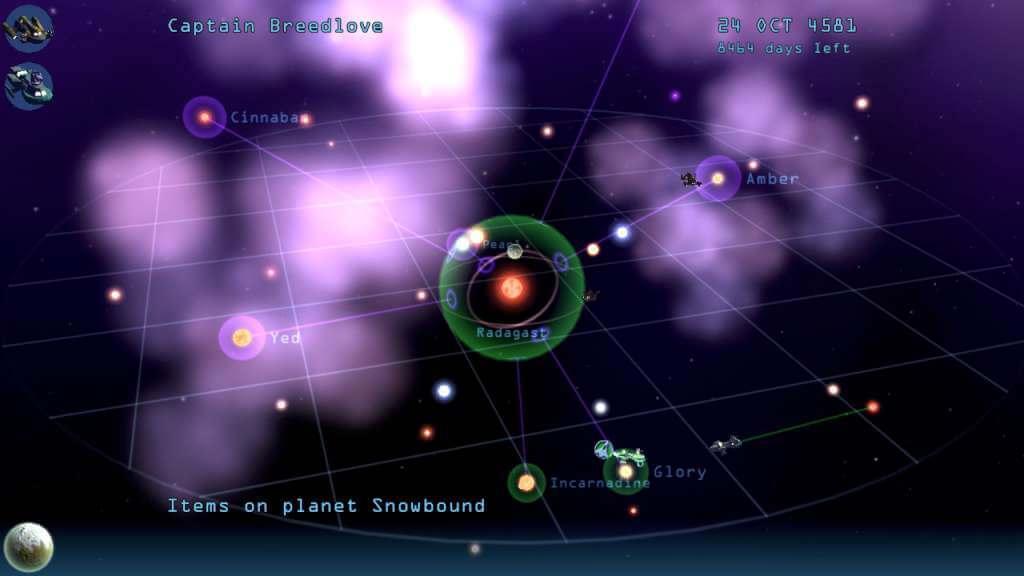
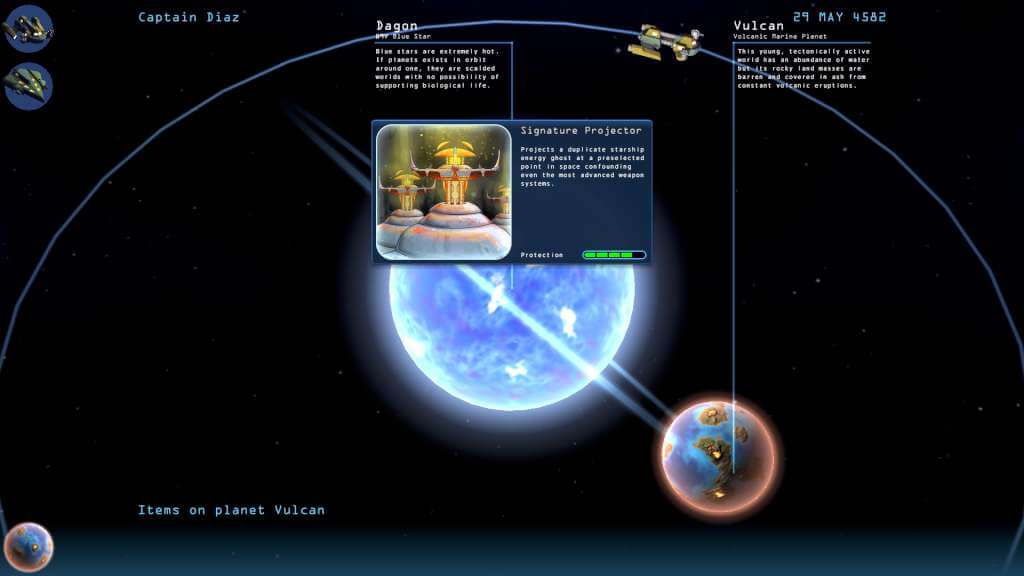
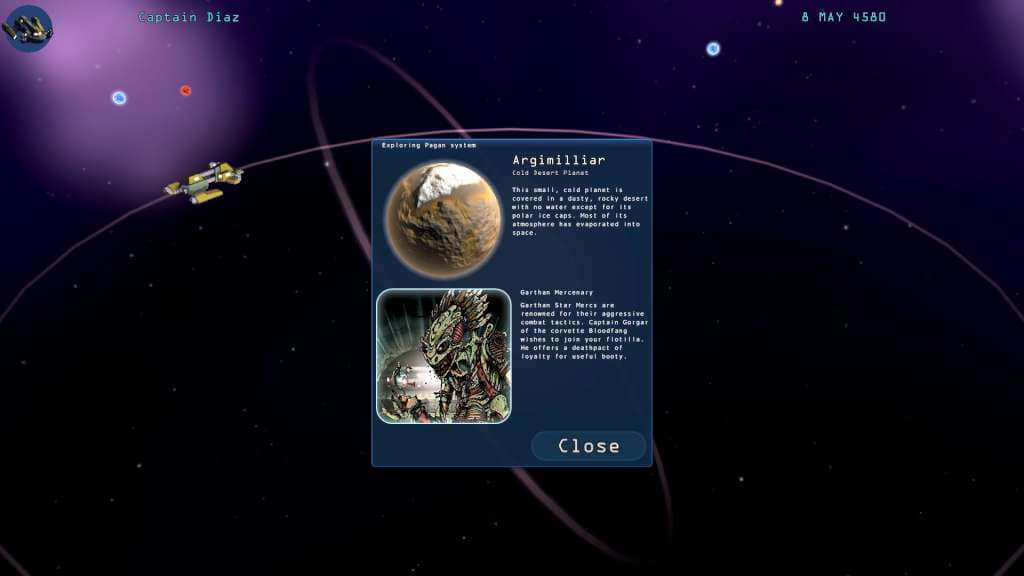
Sea of Stars continues the Infinite Space series of games that defined the genre of short-form space roguelikes in Strange Adventures in Infinite Space (2001) and Weird Worlds: Return to Infinite Space (2005). It compresses a galaxy-spanning starship adventure into the space of a single sitting, but as the game world is randomly generated each time you play, you will keep coming back for more. There is enough variety in items, aliens and special encounters that you will always discover something new - no two sessions play the same.Sea of Stars begins in the Glory star system, in an area of space known as the Purple Void for its colorful nebular clouds. The long-isolated Terran colony of Hope has discovered the secret of faster-than-light travel, and an age of interstellar adventure has begun. Choose your starship and blast off into the Infinite Space in search of fame and fortune! Travel from star to star, explore planets and discover strange lifeforms and artifacts left behind by ancient empires. Find technology to upgrade your ship and gain allies to grow your flotilla. Encounter bizarre and delightful alien races, trade with them or blow them up - the decision is yours. And sometimes, you will face an existential threat to all life in the sector, and get to save the world.

Infinite Space III: Sea of Stars screenshotInfinite Space III: Sea of Stars screenshotInfinite Space III: Sea of Stars screenshotInfinite Space III: Sea of Stars screenshotInfinite Space III: Sea of Stars screenshotInfinite Space III: Sea of Stars screenshot

How to redeem

  1. 1Check your Steam account and the listed region before purchasing.
  2. 2Find your code and supplier activation instructions in your confirmed order.
  3. 3Open the redeem-code section on Steam, enter the code and follow the platform’s prompts.

Supplier instructions

Go to: http://store.steampowered.com/ and download STEAM client Click "Install Steam" (from the upper right corner) Install and start application, login with your Account name and Password (create one if you don't have). Please follow these instructions to activate a new retail purchase on Steam: Launch Steam and log into your Steam account. Click the Games Menu. Choose Activate a Product on Steam... Follow the onscreen instructions to complete the process. After successful code verification go to the "MY GAMES" tab and start downloading.

You might also like