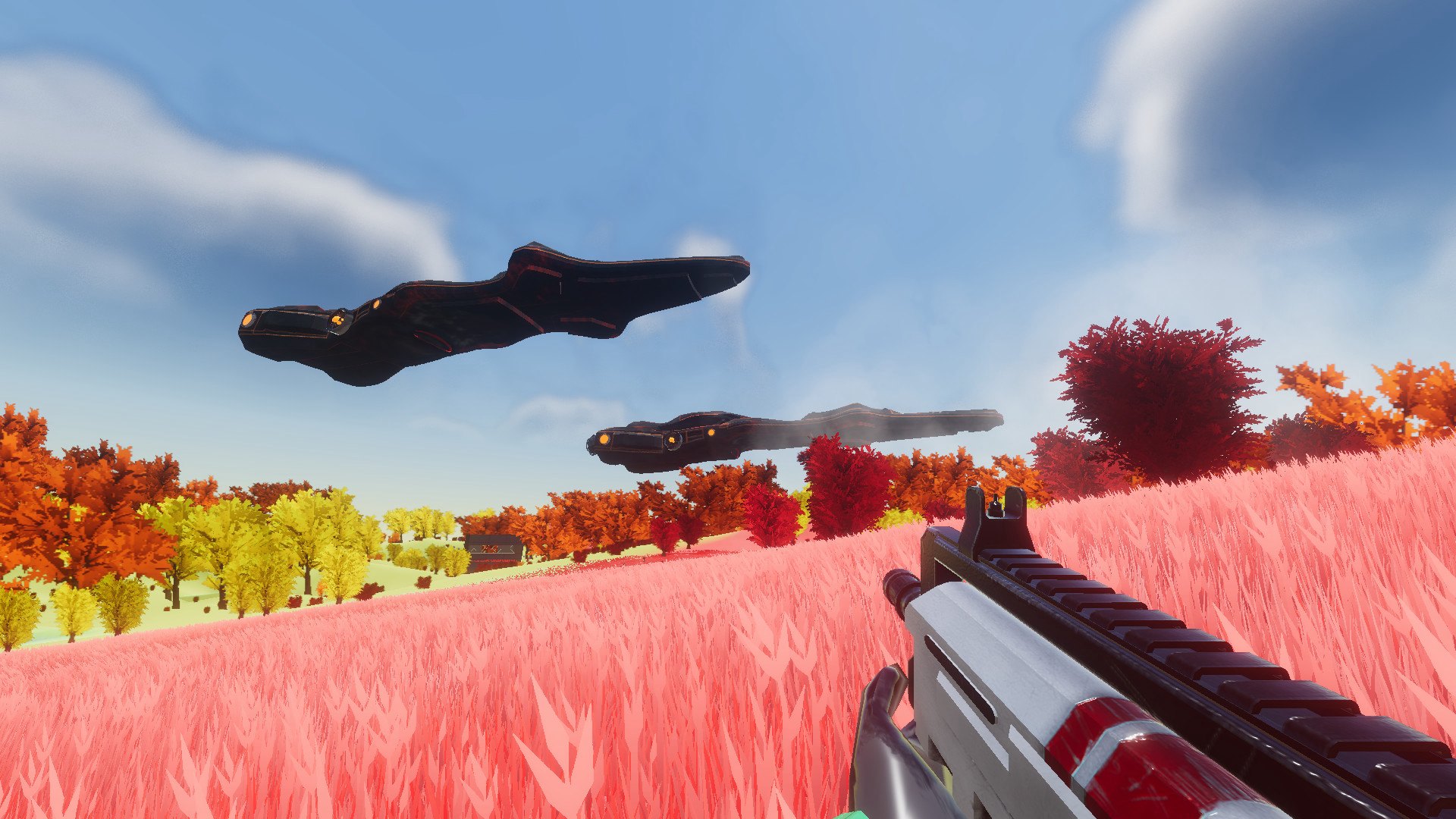
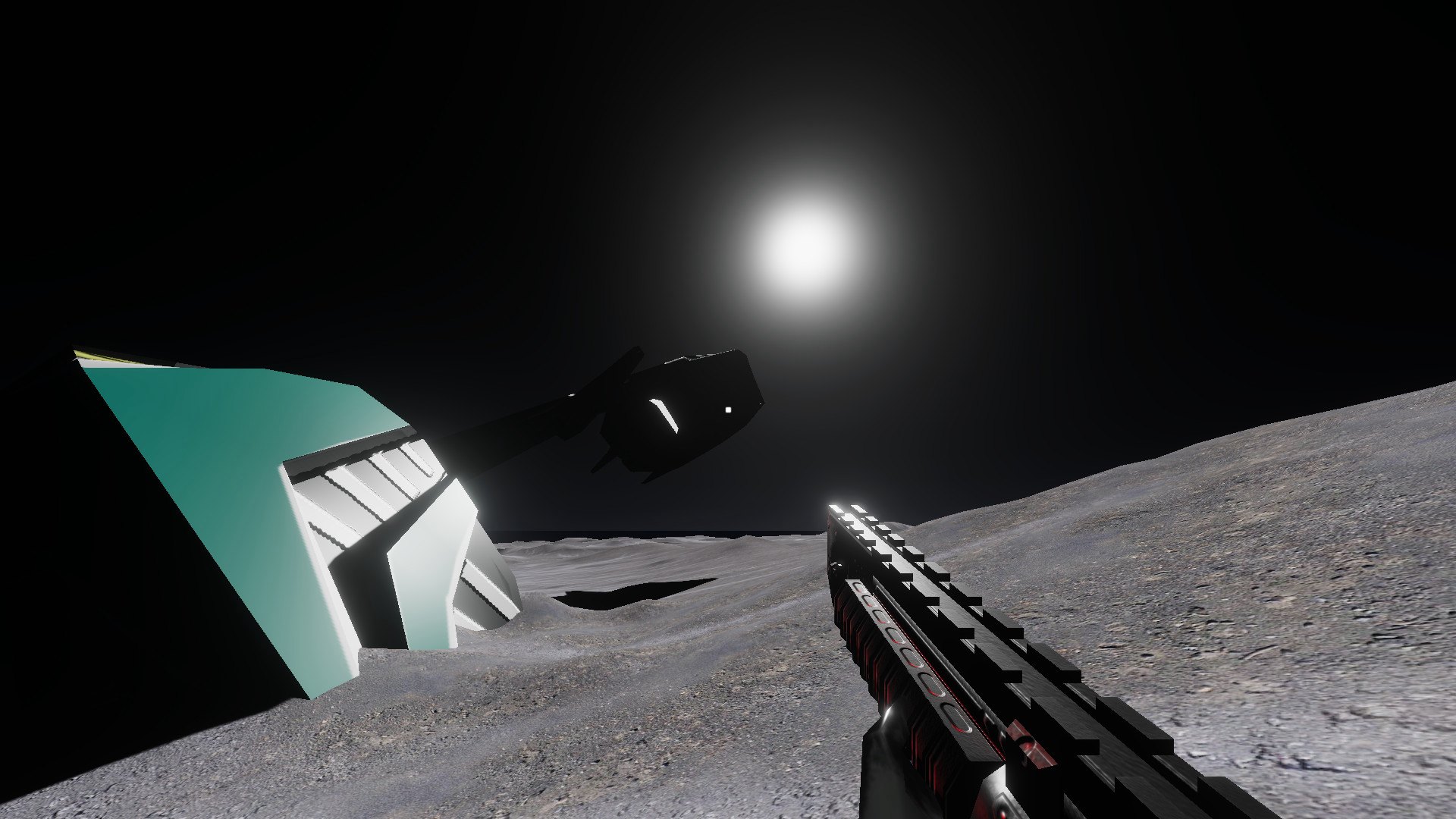
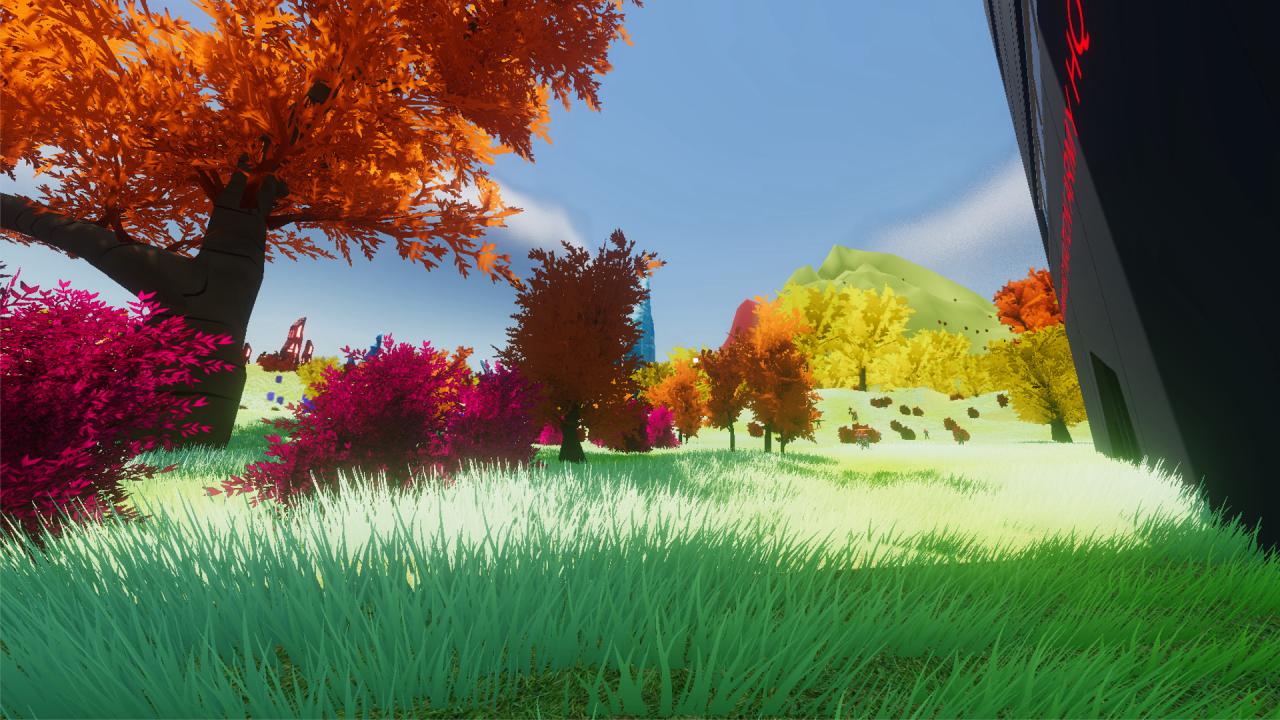
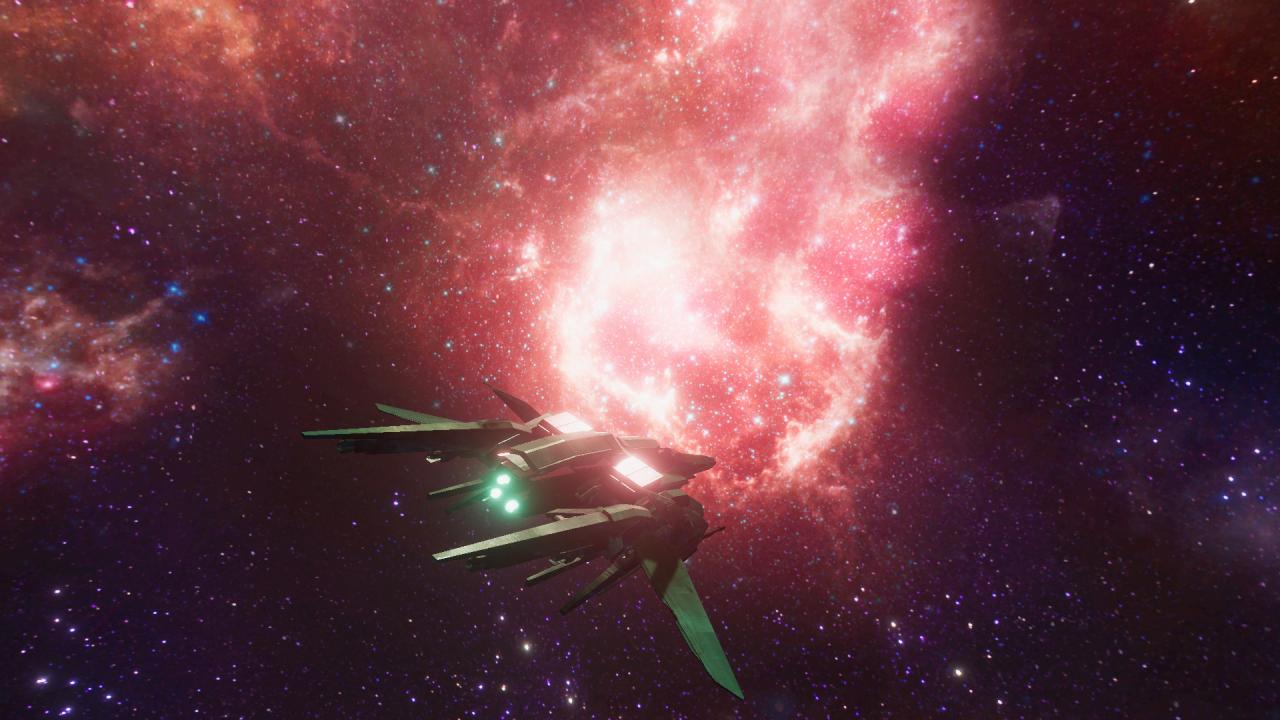
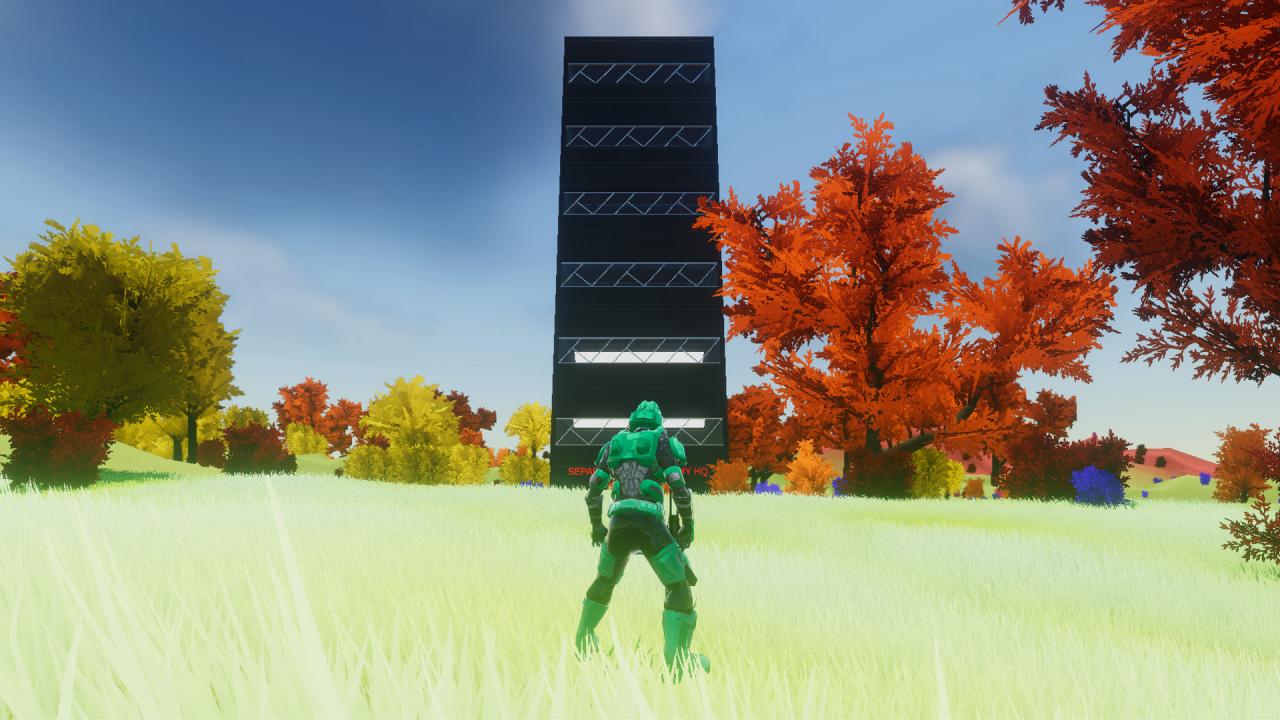
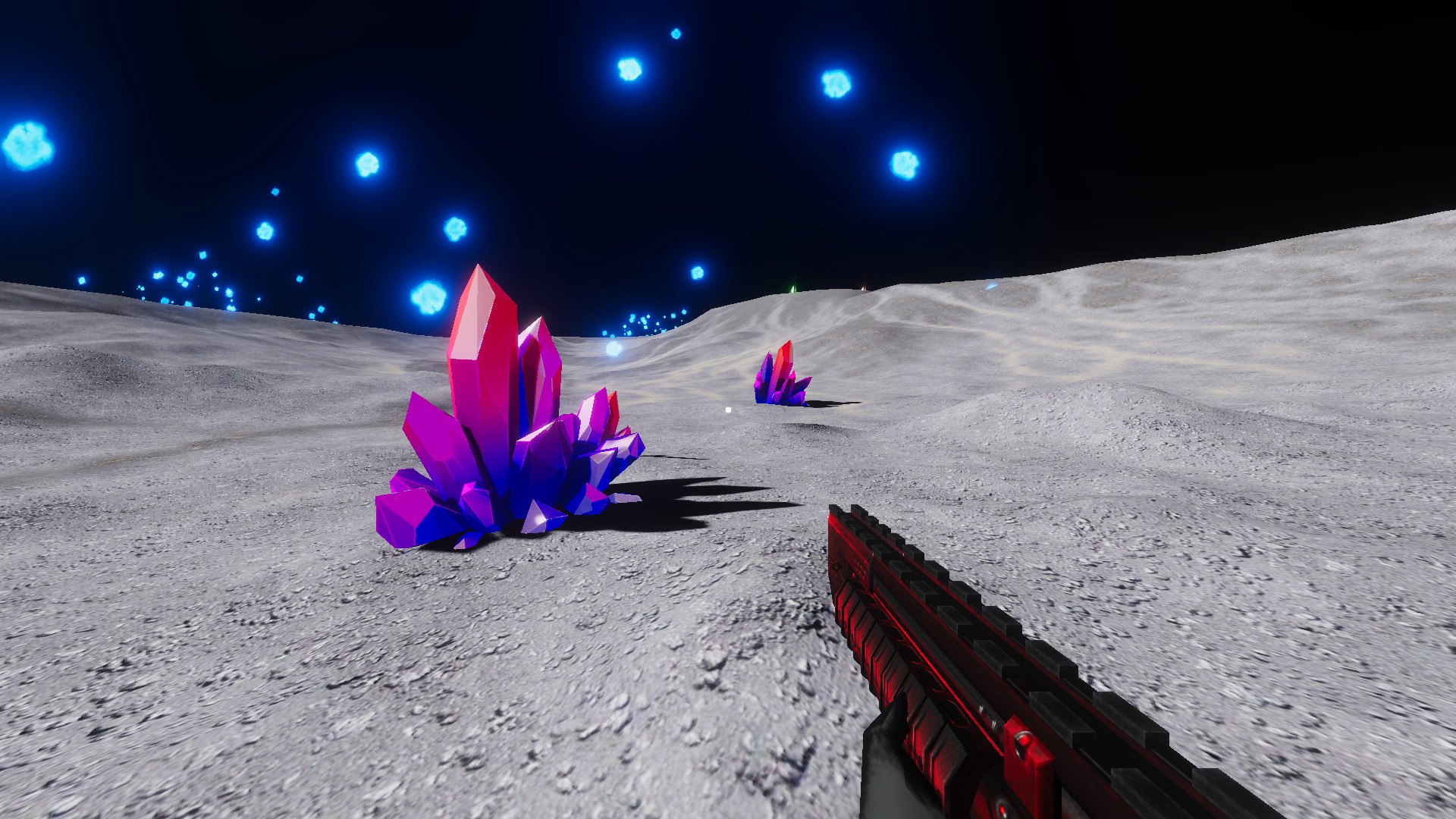
LONE WOLF: Horizon takes place on an isolated island on planet Alice-43b, an alien planet full of flora and fauna. A rebellious and fierce terrorist organization, named the Separated Nation Army, fled to Alice-43b, to set up a headquarters to build an army. Earth's united army, known as the United World Army, took off after the Separated Nation Army. For several decades these two forces have been in an intense war with each other across the galaxy. In LONE WOLF: Horizon you play as the currently deployed military leader. You fight on the battlefield, trying to bring the UWA's influence up to take over the SNA. You have a bank balance which always has money in it; however, the amount of soldiers you have determines the bank balance. The higher number of soldiers in your army, the bank balance will decrease as you pay those soldier's salaries. You can fire soldiers to gain extra money, to buy weapons at the city center located on the island. However, firing these soldiers anger them, leading them to join the rebels, increasing the enemy influence, and bringing the UWA influence down. This lets you choose two paths: a large army, working together to defeat the terrorist organization, and claiming no fame, or going in as a lone wolf, with a shiny, powerful weapon, against a highly skilled and powerful terrorist army. Features Player vs AI Player vs Environment Huge firefights in an open world Weapon loot Weapon rarity system Ranking system Army management system Weapon purchasing Army influence system Planetary warping Unique world events