Get 10% back in Relic Coins on every order
BioShock 2 - Minerva's Den DLC cover

Steam Europe - All Countries· DLC

BioShock 2 - Minerva's Den DLC

€8.89

+€0.89 cashback eligibility in Relic Coins

Check before you play

Platform
Steam
Region
Europe - All Countries
Product type
DLC

Check the required base game and edition before purchasing this add-on.

Developer
2K Marin
Publisher
2K Games
Supplier release date
2010-02-09
Genres
Action, RPG, FPS

About this product

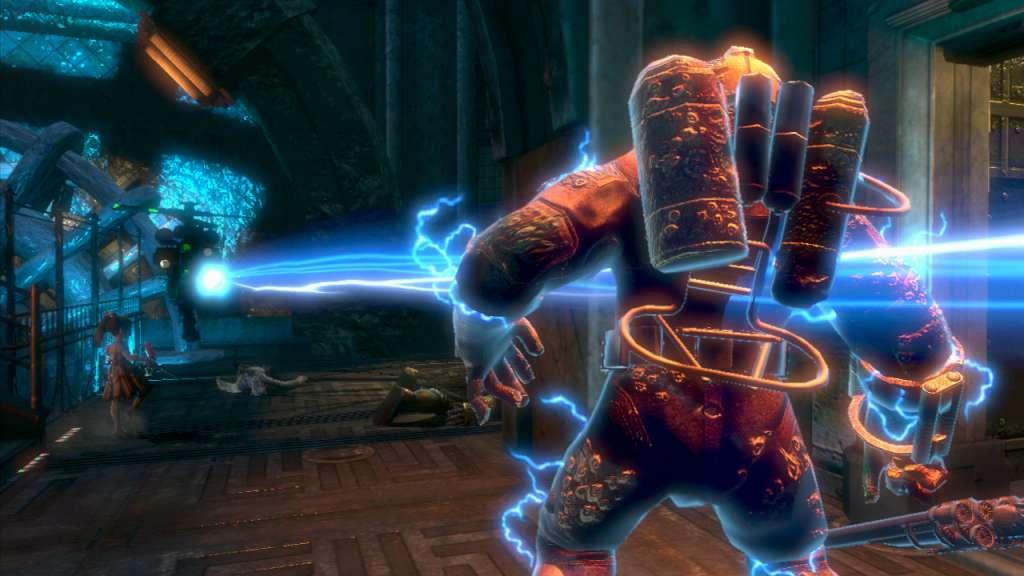
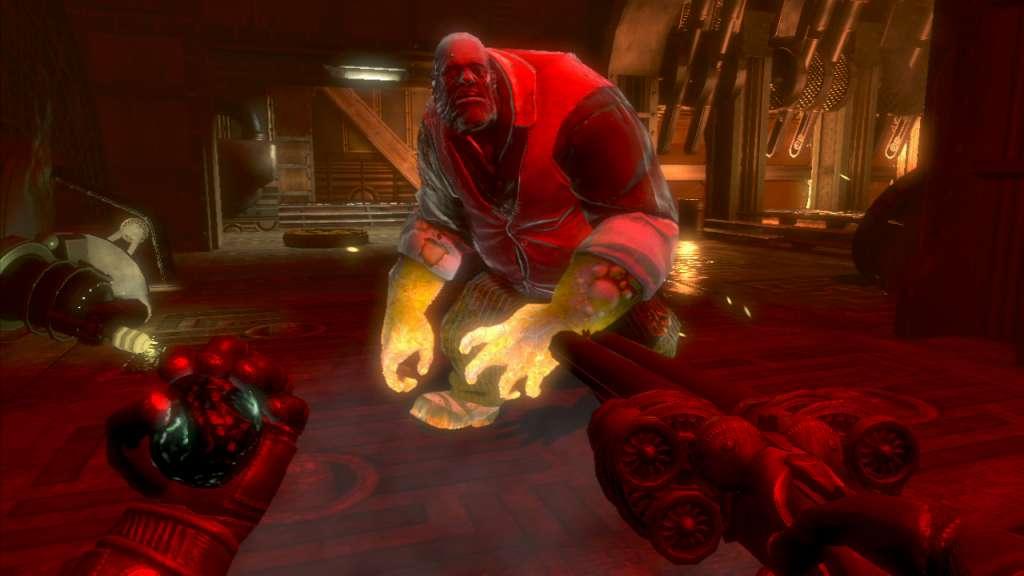
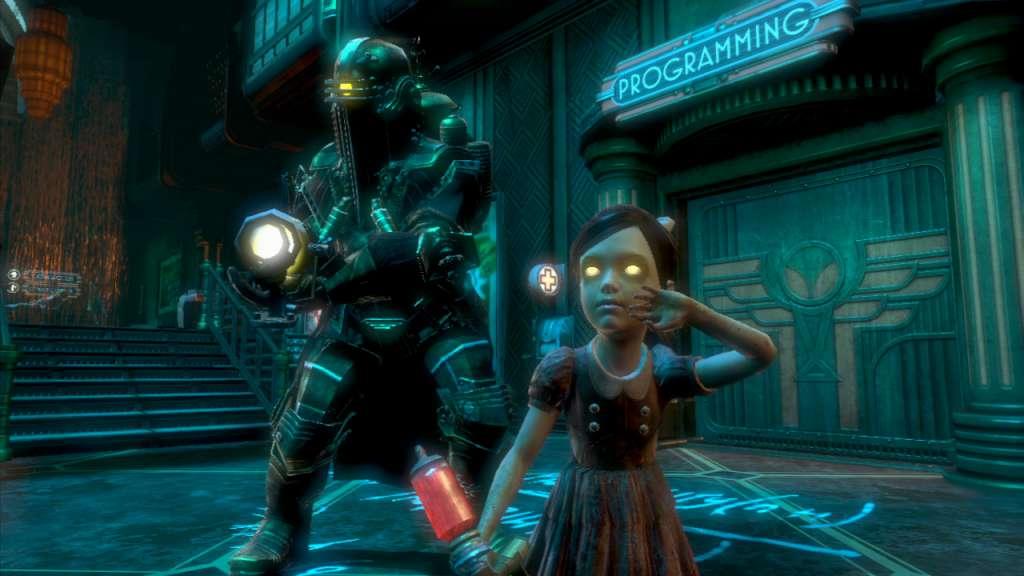
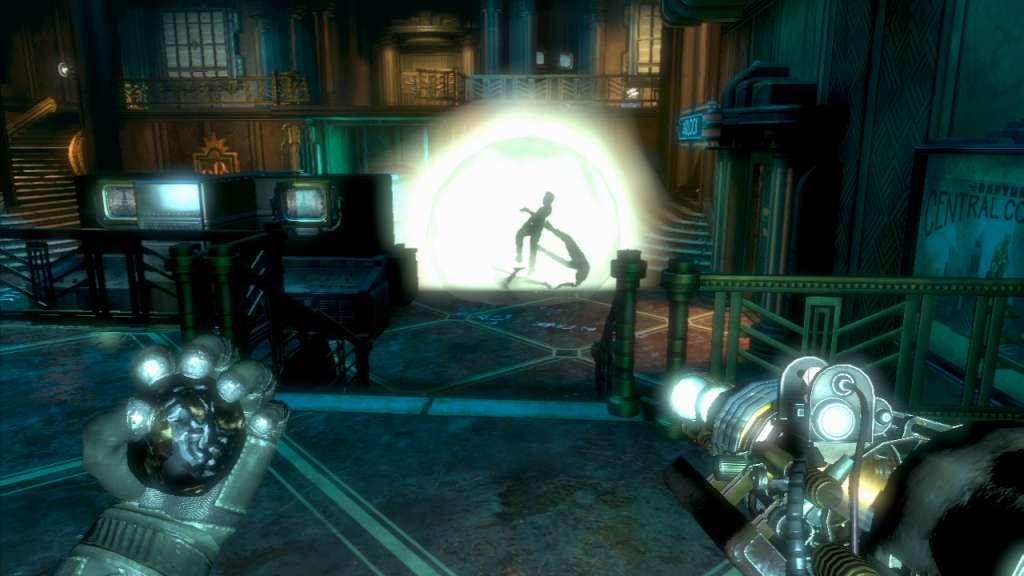
Minerva's Den offers a brand-new, self-contained BioShock story, presenting a side of Rapture you've never seen before. Seek out the tools you'll need to unlock new goals and spaces in the order you choose. Face Rapture's full range of opposition as you increase in power---a new challenge is always right around the corner. Expand your combat abilities with the experimental Ion Laser and chaotic Gravity Well Plasmid, unique to Minerva's Den. Face off against the new Lancer Big Daddy, the most advanced Protector that Rapture ever produced. Explore every shadowy corner of Minerva's Den, unraveling the mysterious past of The Thinker's inventor, and the dark secrets hidden within the unfeeling, omniscient machine he created.

BioShock 2 - Minerva's Den DLC screenshotBioShock 2 - Minerva's Den DLC screenshotBioShock 2 - Minerva's Den DLC screenshotBioShock 2 - Minerva's Den DLC screenshot

How to redeem

  1. 1Check the required base game, platform and edition before purchasing.
  2. 2Find the code or supplier activation instructions in your confirmed order.
  3. 3Redeem on Steam using the supplied instructions, then install the add-on with the compatible base game.

Supplier instructions

Go to: http://store.steampowered.com/ and download STEAM client Click "Install Steam" (from the upper right corner) Install and start application, login with your Account name and Password (create one if you don't have). Please follow these instructions to activate a new retail purchase on Steam: Launch Steam and log into your Steam account. Click the Games Menu. Choose Activate a Product on Steam... Follow the onscreen instructions to complete the process. After successful code verification go to the "MY GAMES" tab and start downloading.

You might also like