
SteamGlobal· Key
Tank Battle: Normandy
€2.93
+€0.29 cashback eligibility in Relic Coins
Check before you play
- Platform
- Steam
- Region
- Global
- Product type
- Key
- Supplier release date
- 2017-06-09
- Genres
- Strategy
SteamGlobal· Key
€2.93
+€0.29 cashback eligibility in Relic Coins
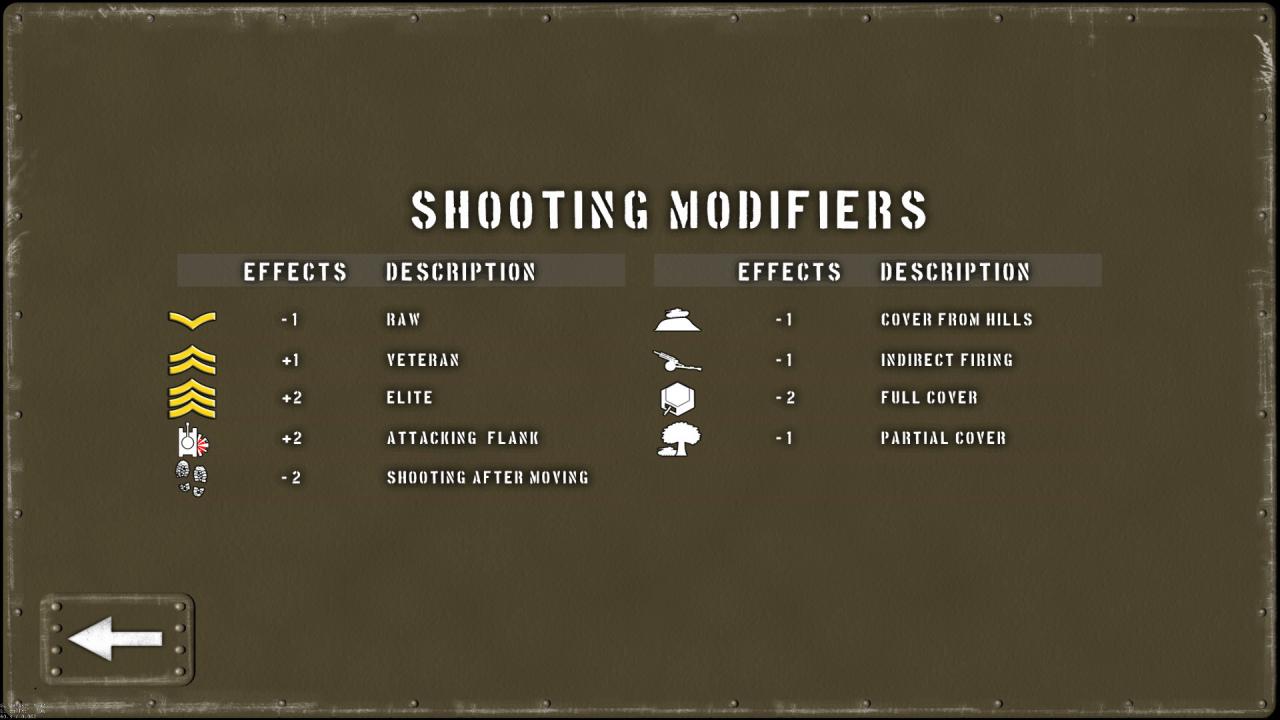
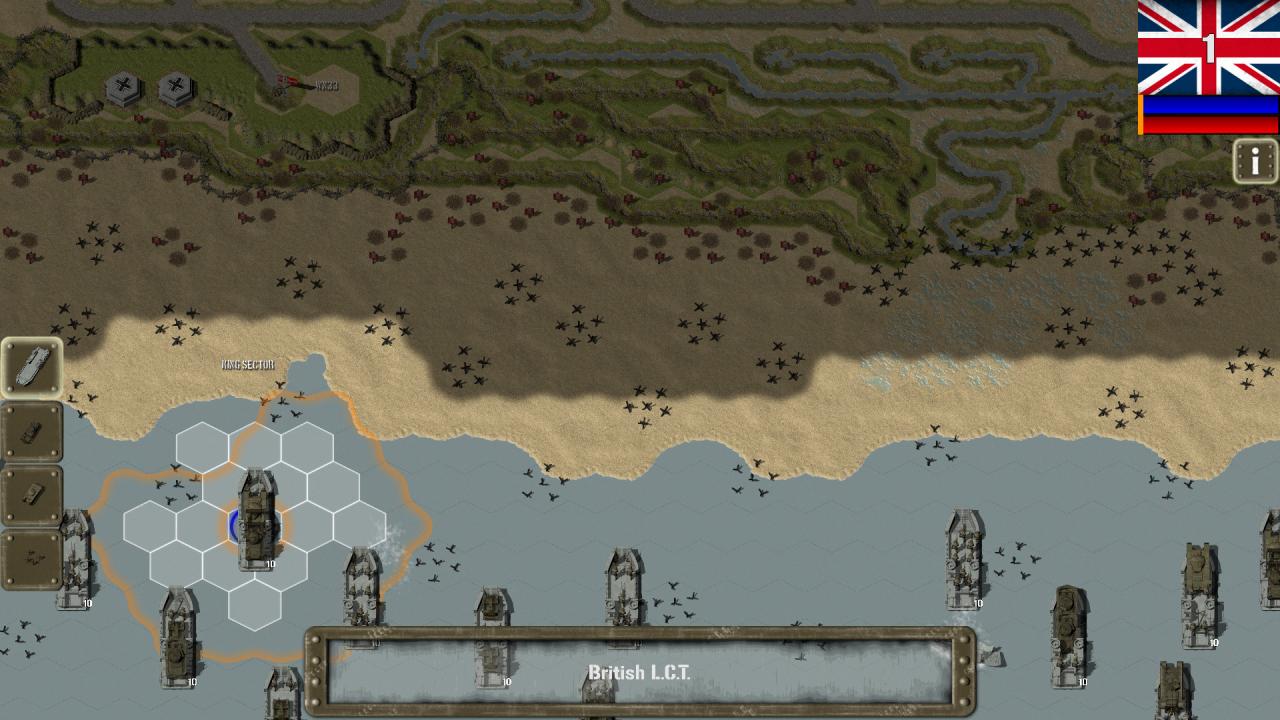
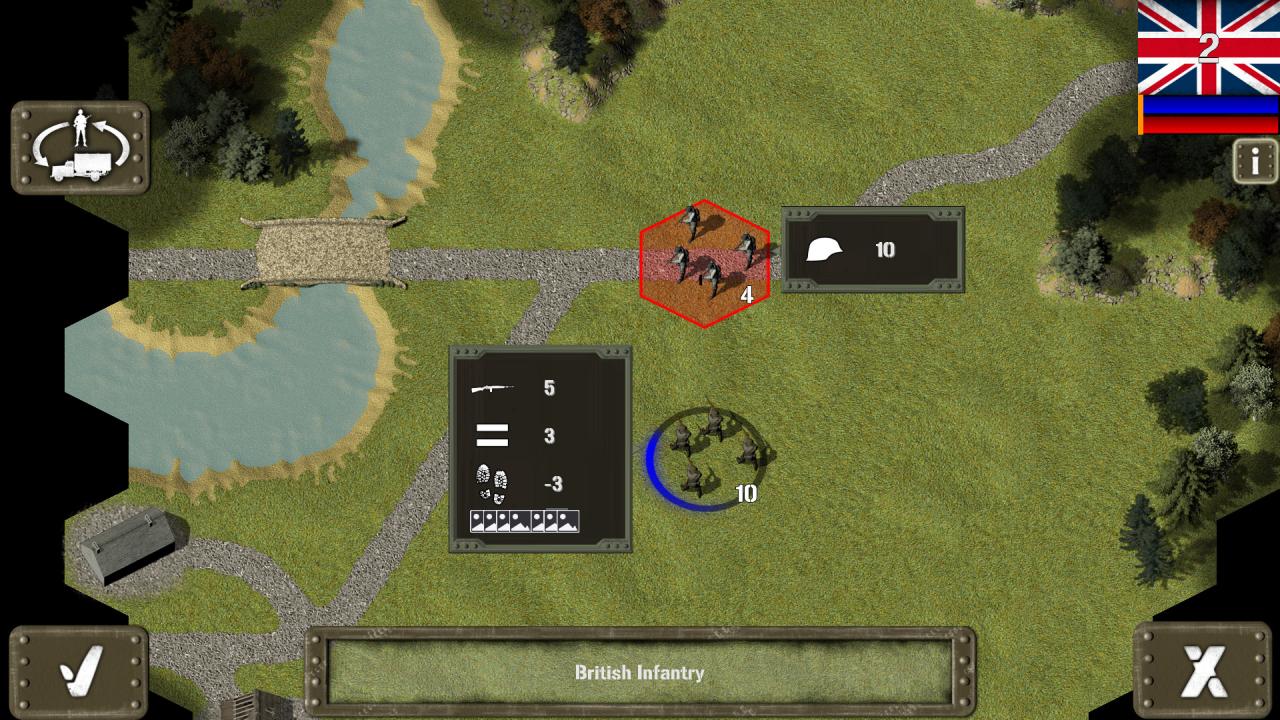
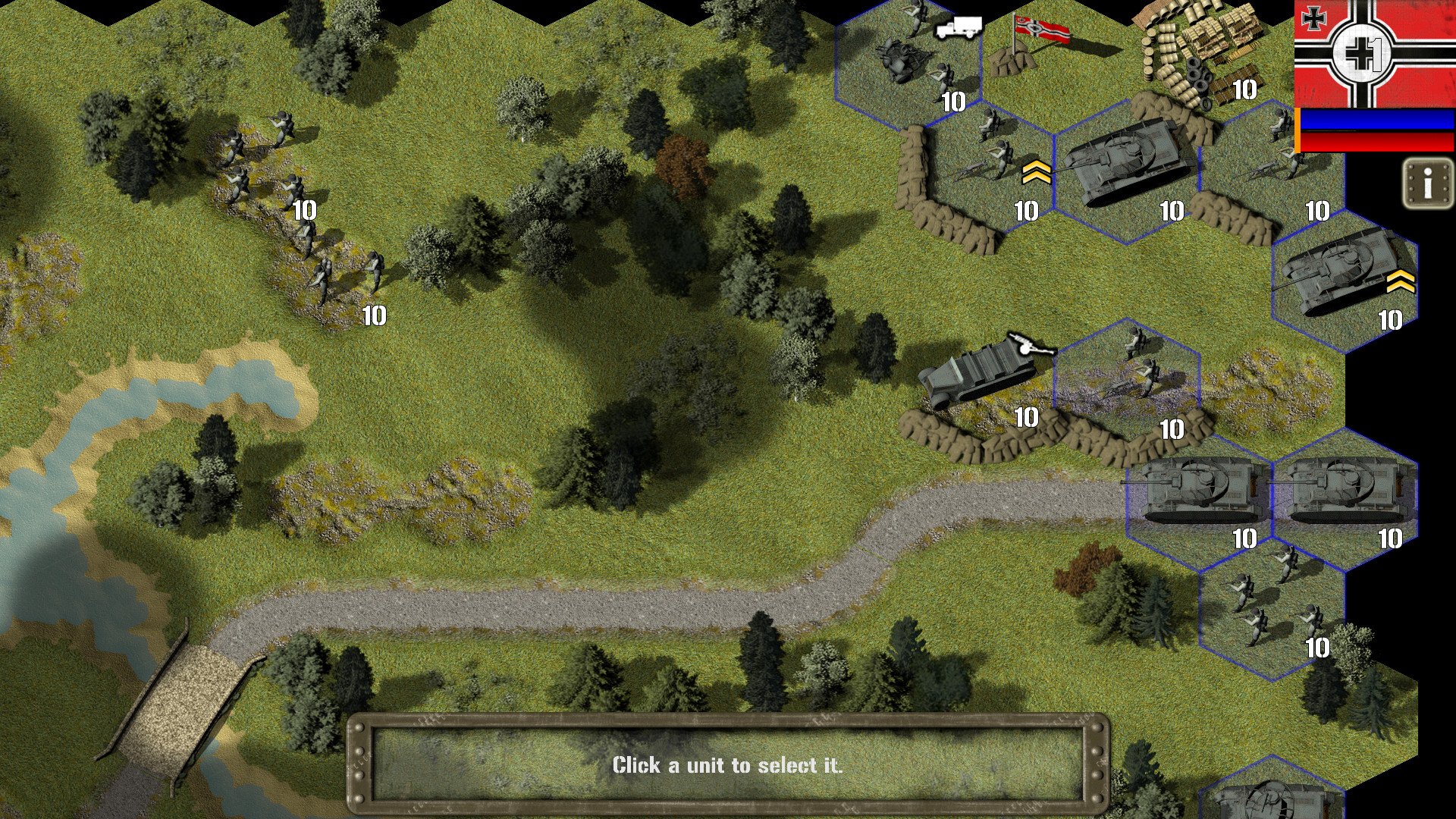
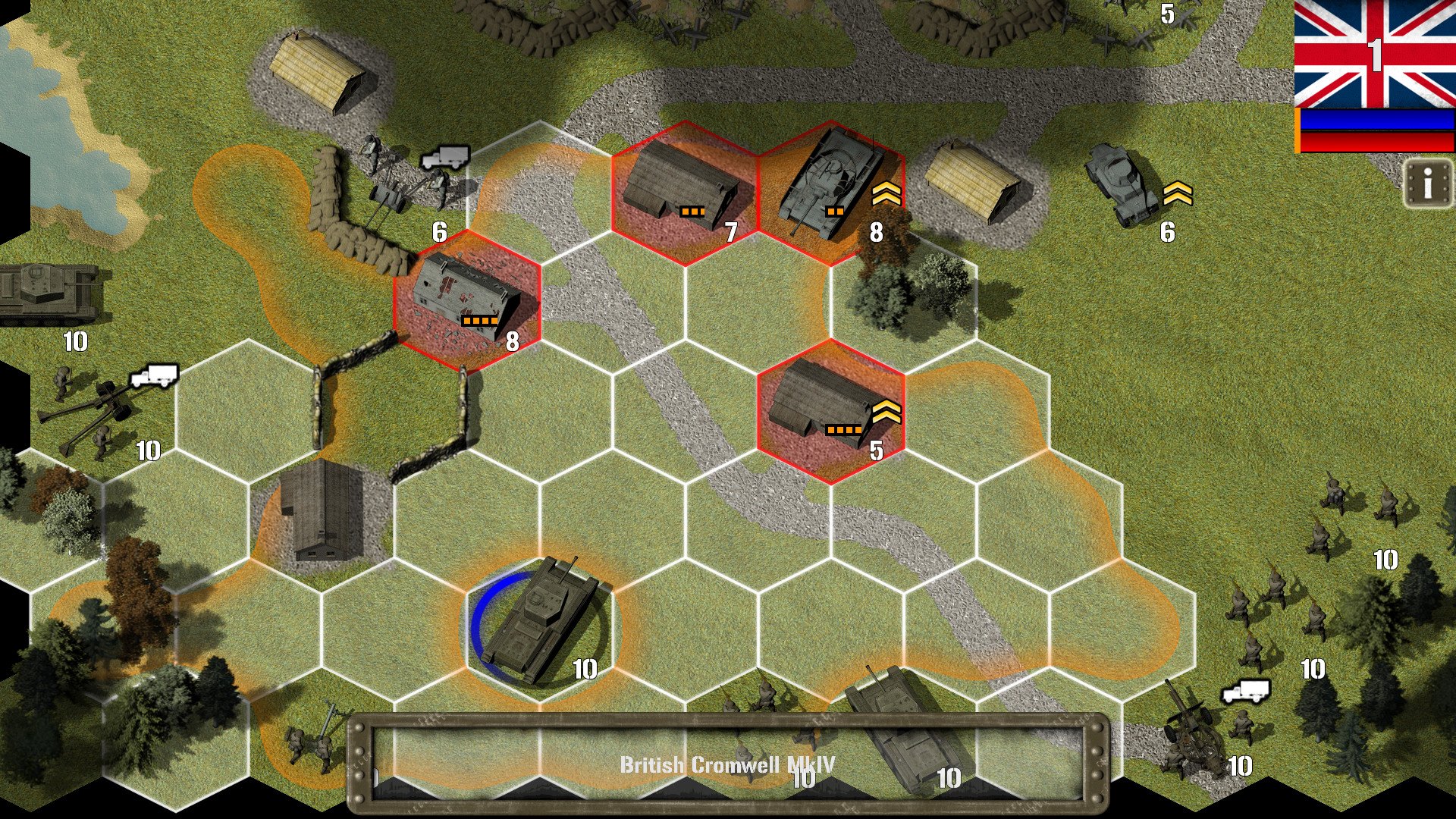
Land your troops on the beaches of northern France, lay bridges to cross flooded enemy defences, avoid tanktraps, clear the area of dangerous minefields, overcome the enemy and claim the beachhead for the Allies! Tank Battle: Normandy is an historical wargame themed around the Allied invasion of Axis held in Europe on the 6th of June, 1944. Play as the Allies, British or Americans as many new units enter the theatre for the first time. Or, play as the Germans as they use their impressive arrays of heavy tanks, bunker emplacements and artillery to repel the invasion forces. The invasion missions are a careful recreation of the naval landings at Omaha, Utah, Sword and Gold beaches. The other missions are a mixture of themed and historical battles that challenge even the most skilled wargamers. From the lush and forested bocage and fortified beaches of Northern France where tank is king, to tight urban environs where infantry units can rule all, Tank Battle: Normandy requires the player to be at the top of their game! Enjoy Airborne Landings, bridge-laying tanks, mine-clearing tanks, bunker assaulting AVRE’s, Fireflies and Kangaroo’s. Typical mission objectives include; escorting units, holding positions, capturing points, repairing units and, the ever-popular, destroy the enemy army. The game system represents a major upgrade of the already successful engine used throughout the Tank Battle series and enjoys a number of new features and refinements.
Go to: http://store.steampowered.com/ and download STEAM client Click "Install Steam" (from the upper right corner) Install and start application, login with your Account name and Password (create one if you don't have). Please follow these instructions to activate a new retail purchase on Steam: Launch Steam and log into your Steam account. Click the Games Menu. Choose Activate a Product on Steam... Follow the onscreen instructions to complete the process. After successful code verification go to the "MY GAMES" tab and start downloading.