Get 10% back in Relic Coins on every order
WW2 Zombie Range VR cover

SteamGlobal· Key

WW2 Zombie Range VR

€5.12

+€0.51 cashback eligibility in Relic Coins

Check before you play

Platform
Steam
Region
Global
Product type
Key
Developer
Monkey Reality Games
Publisher
Extreme Games
Supplier release date
2019-06-15
Genres
Action, Simulation

About this product

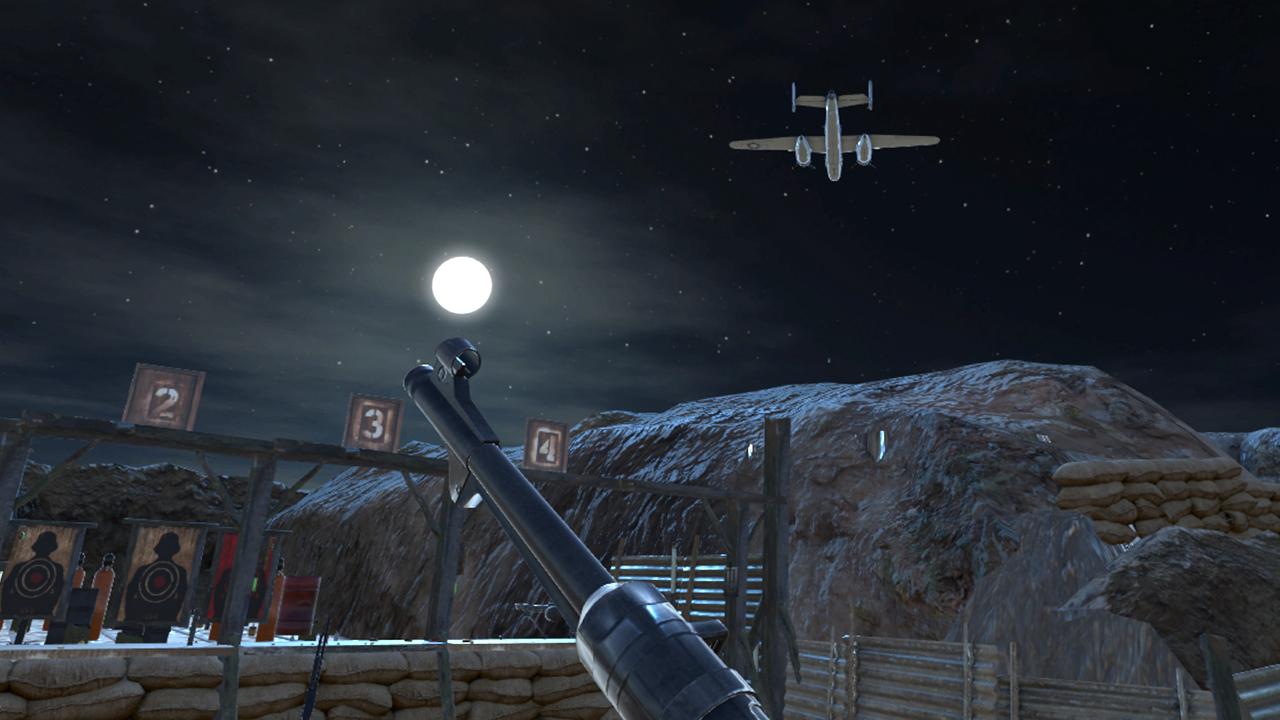
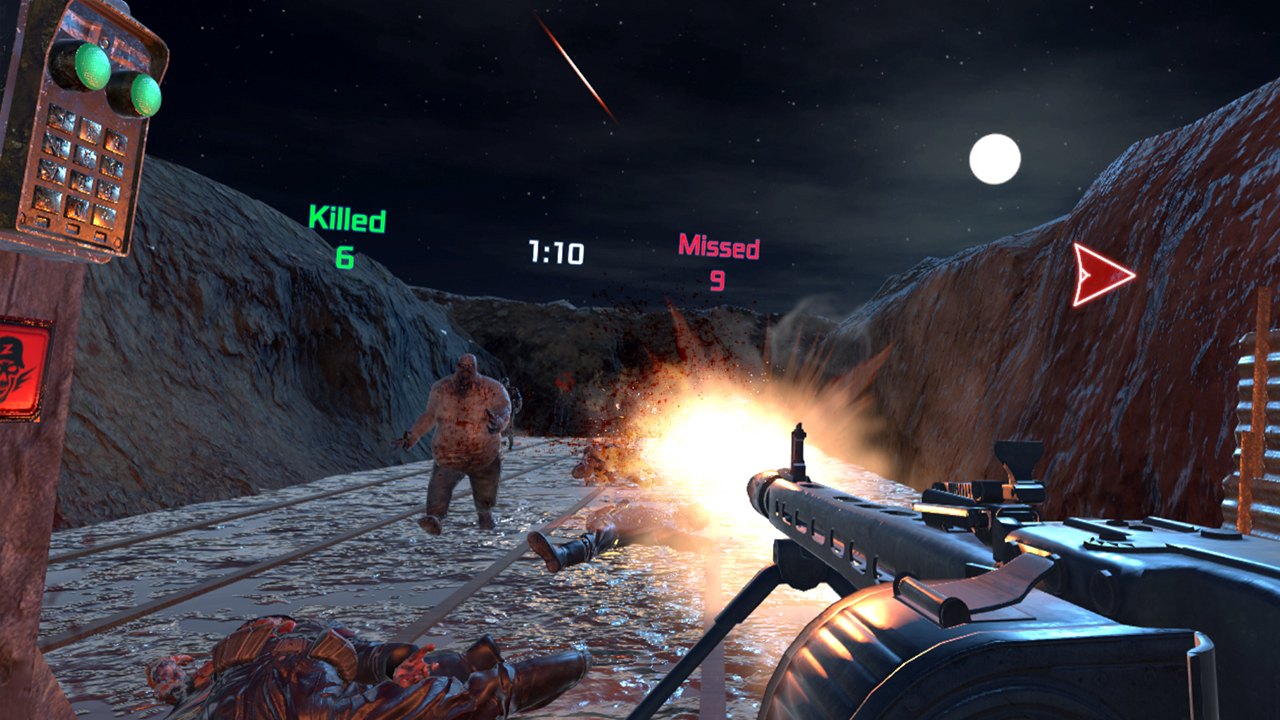
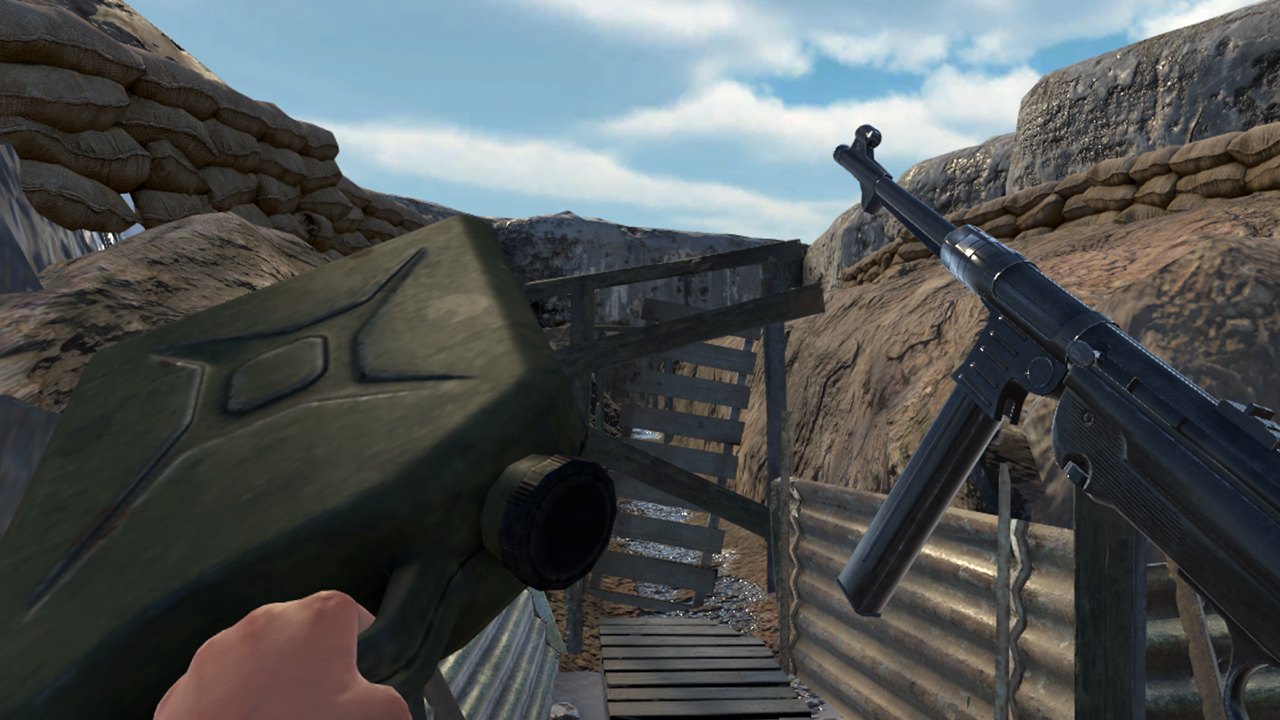
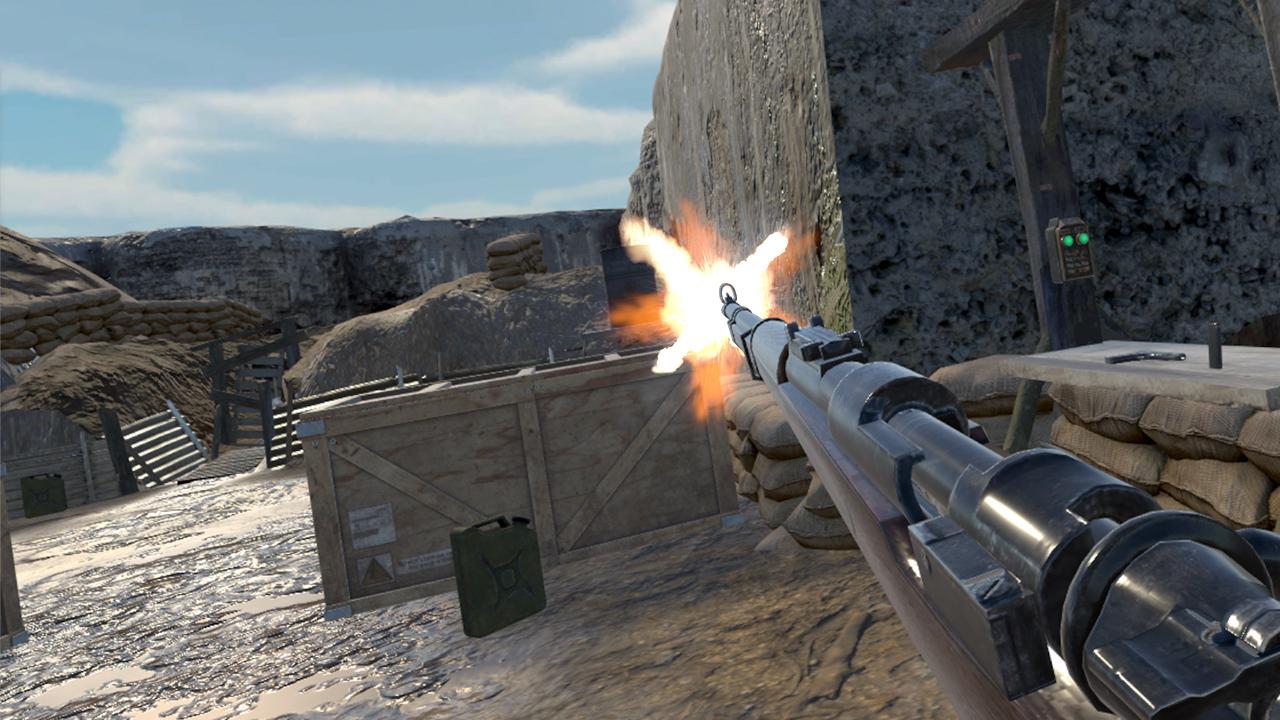
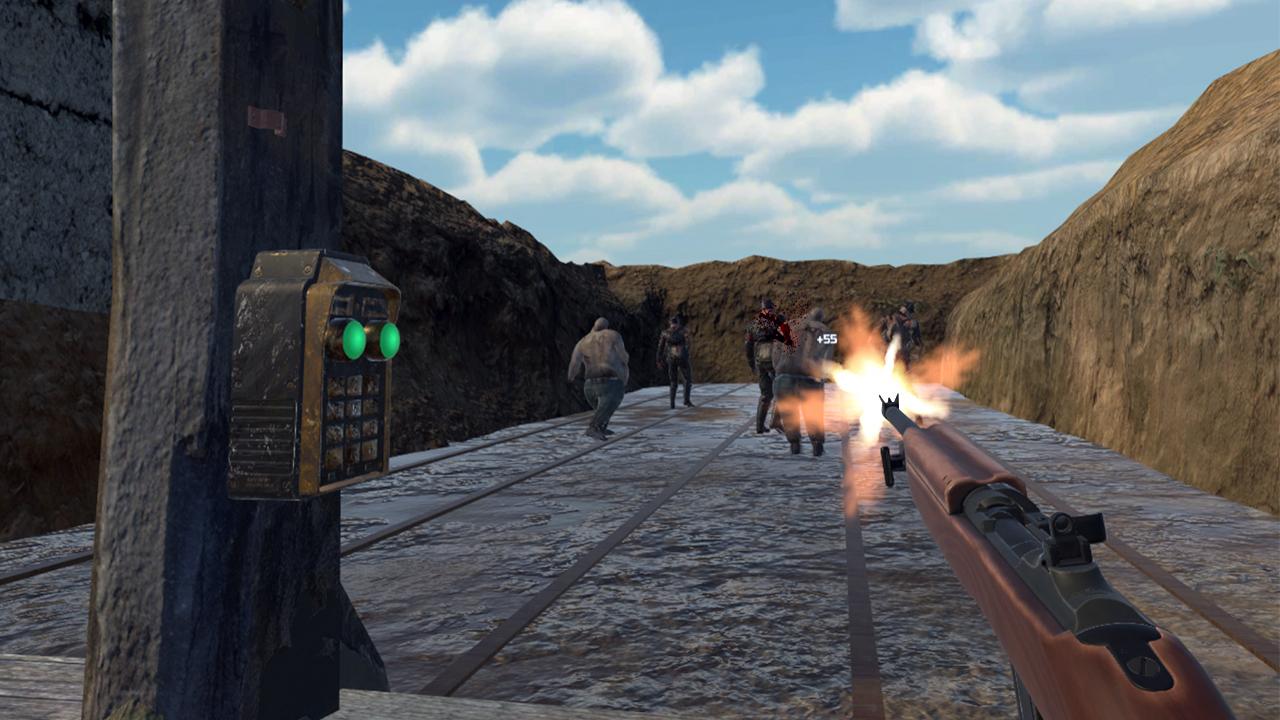
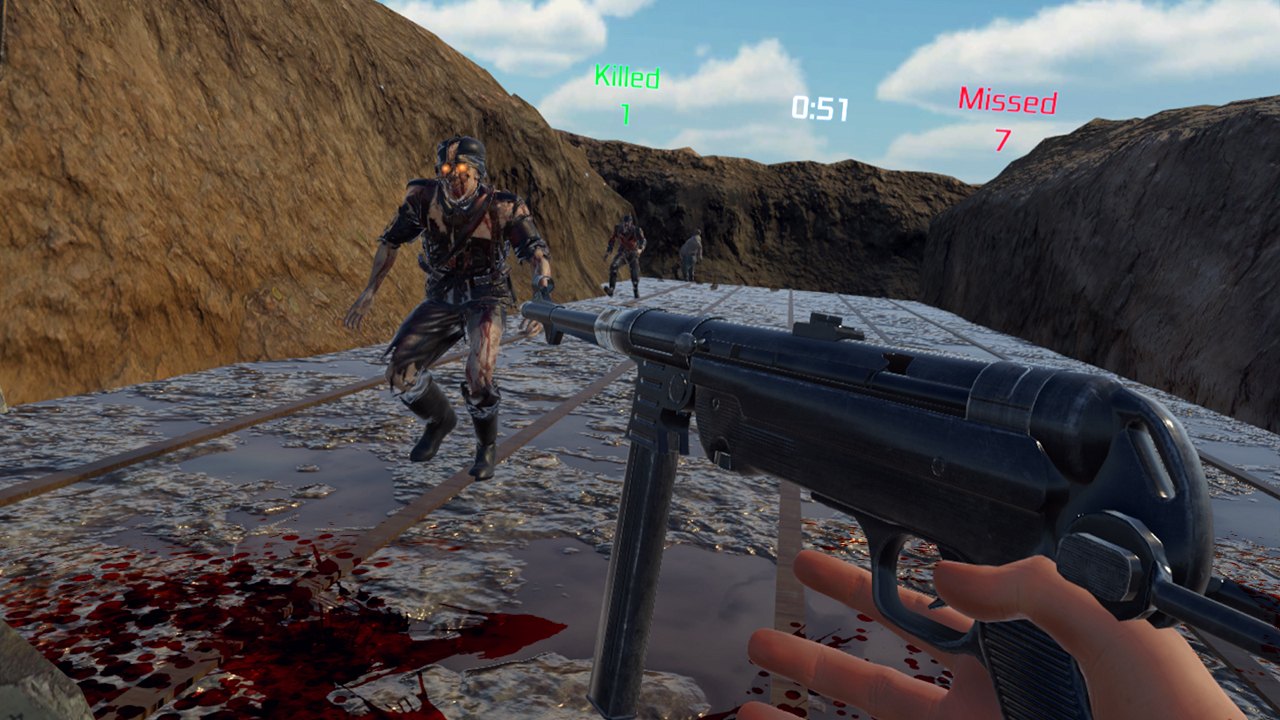
WW2 Z Range VR is an exciting shooting range in which you have to destroy zombies! Incredibly realistic graphics completely immerse you in the awesome atmosphere of the Second World War. The game takes you to a secret military camp, where strange experiments are conducted! You will be offered a huge selection of weapons of the 20th century: pistols, rifles, shotguns, sniper rifles, machine guns! All this awaits you in a killer game from Extreme Games! Take the fascinating test in the dash to unlock more weapons and open additional areas for shooting ranges, where you will open even more exciting tasks. Shoot at targets and explosive objects, earn points, train accuracy, destroy zombies! In this game you will have to learn how to react very quickly in order to have time to repel the attack of the mob of the dead. Ready to splash adrenaline? Then do it!


WW2 Zombie Range VR screenshotWW2 Zombie Range VR screenshotWW2 Zombie Range VR screenshotWW2 Zombie Range VR screenshotWW2 Zombie Range VR screenshotWW2 Zombie Range VR screenshot

How to redeem

  1. 1Check your Steam account and the listed region before purchasing.
  2. 2Find your code and supplier activation instructions in your confirmed order.
  3. 3Open the redeem-code section on Steam, enter the code and follow the platform’s prompts.

Supplier instructions

Go to: http://store.steampowered.com/ and download STEAM client Click "Install Steam" (from the upper right corner) Install and start application, login with your Account name and Password (create one if you don't have). Please follow these instructions to activate a new retail purchase on Steam: Launch Steam and log into your Steam account. Click the Games Menu. Choose Activate a Product on Steam... Follow the onscreen instructions to complete the process. After successful code verification go to the "MY GAMES" tab and start downloading.

You might also like