
SteamGlobal· Key
Wheelchair Simulator
€1.19
+€0.12 cashback eligibility in Relic Coins
Check before you play
- Platform
- Steam
- Region
- Global
- Product type
- Key
- Supplier release date
- 2018-06-12
- Genres
- Adventure, Simulation, Indie
SteamGlobal· Key
€1.19
+€0.12 cashback eligibility in Relic Coins
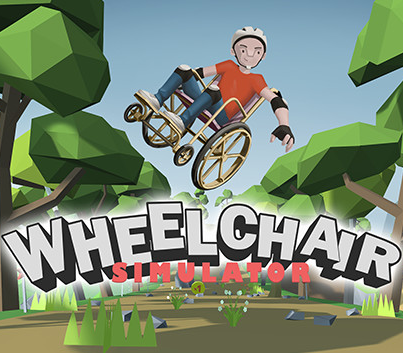
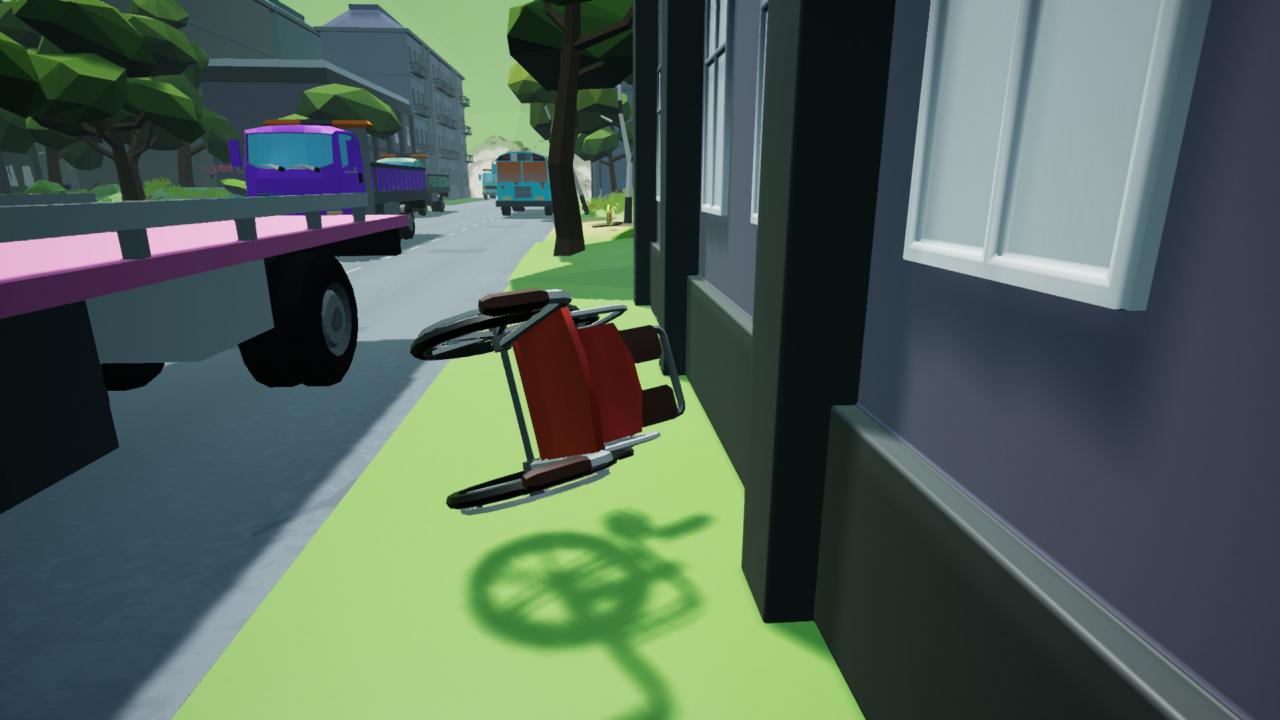
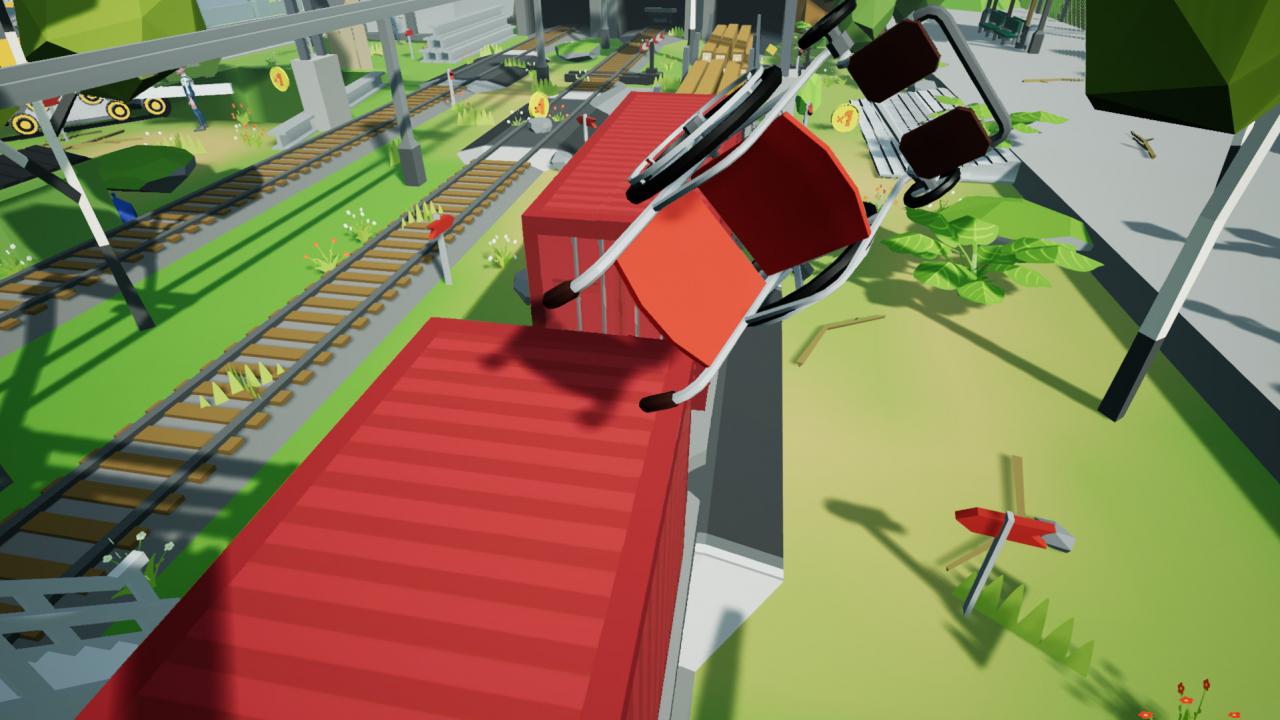
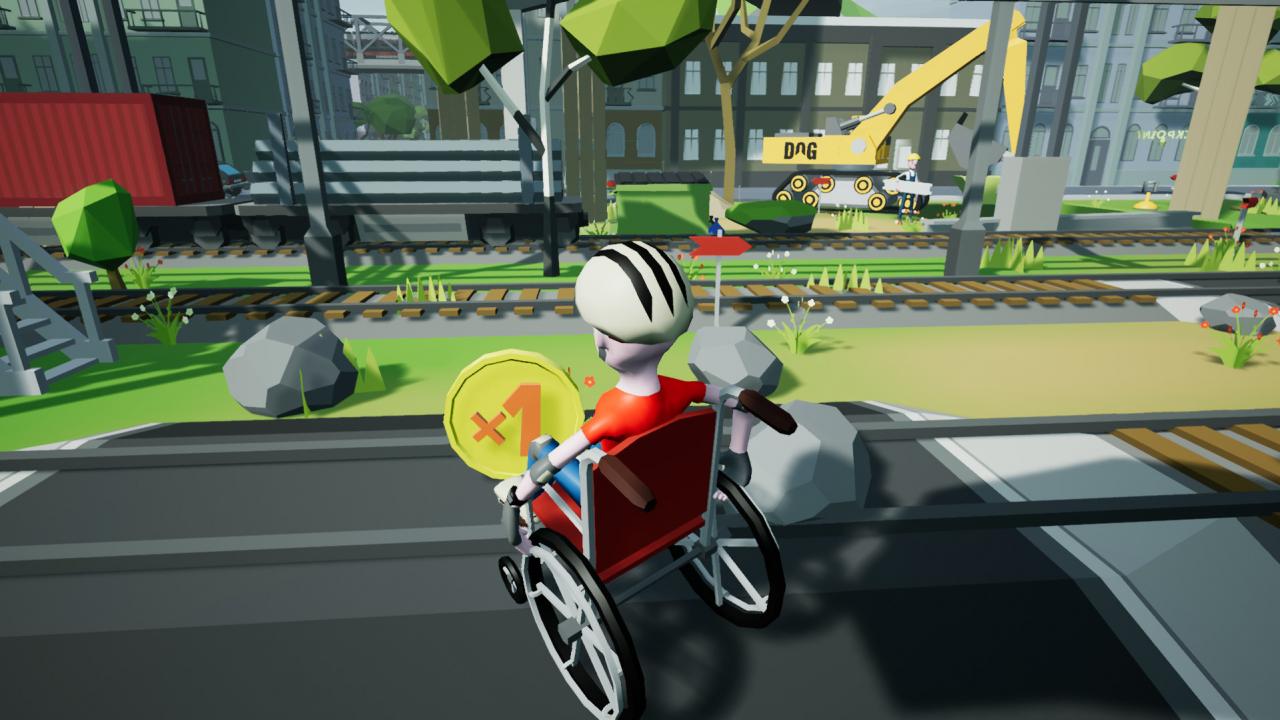
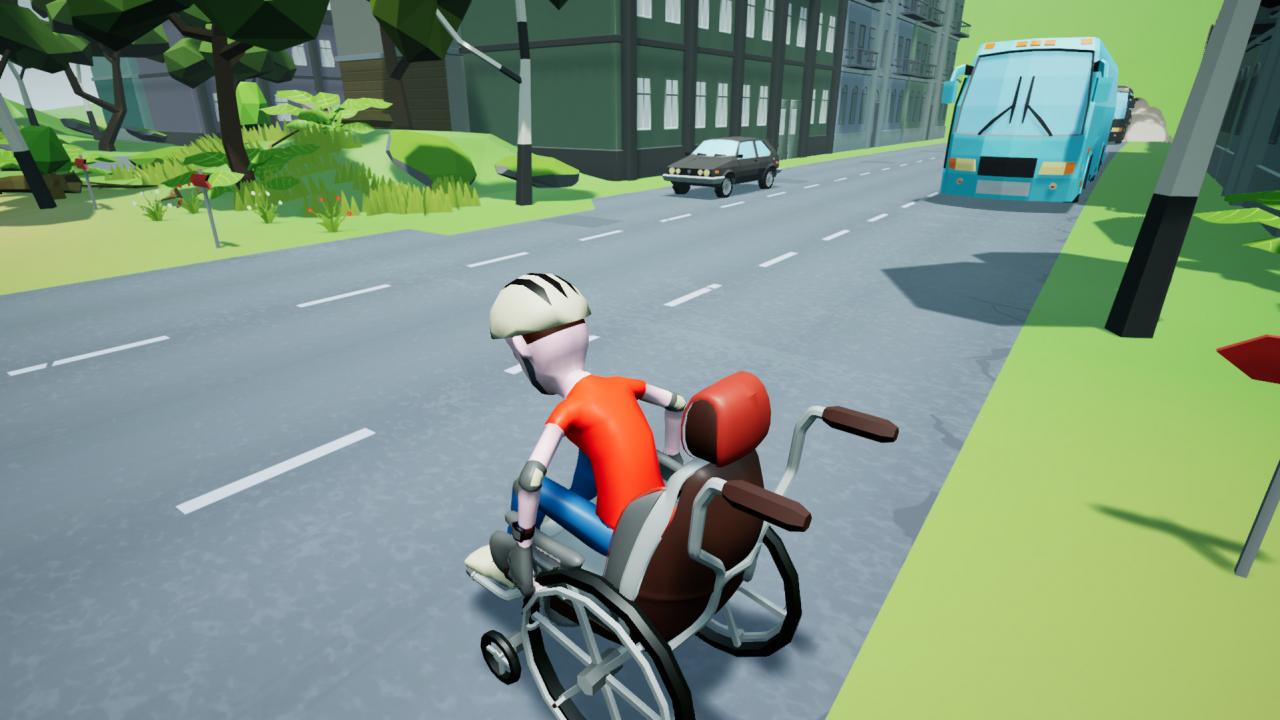
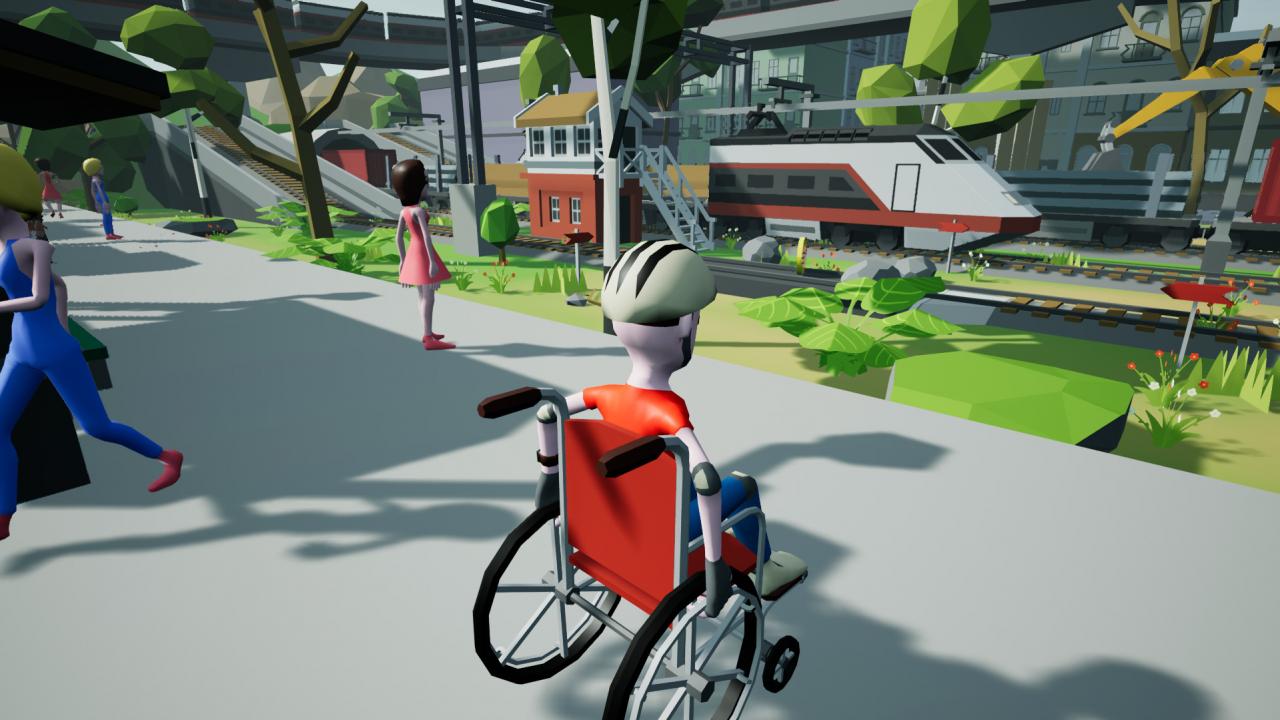
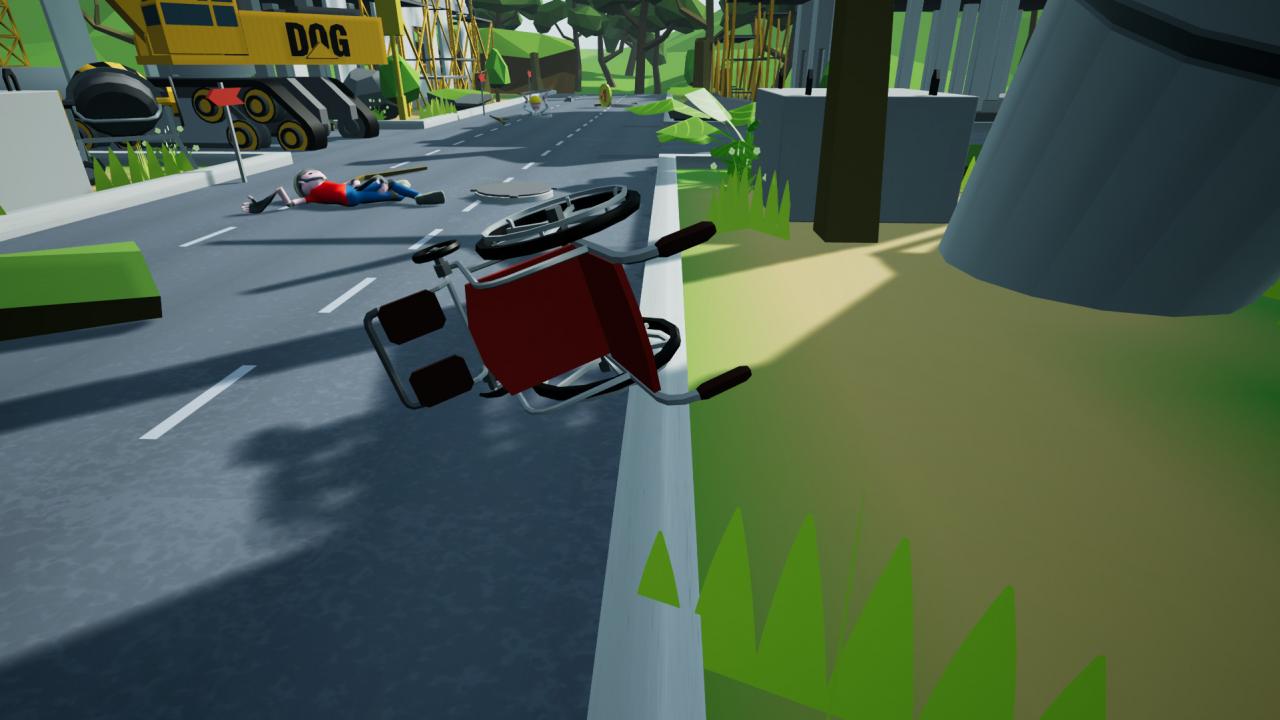
Have I seen this game before?This is a non-VR version of the Wheelchair Simulator VR. Put yourself in other people’s shoes (or, in this particular case, a wheelchair) even without buying the expensive VR helmet! So what's new?We completely remade the controls and made the game even more challenging. Also we added new mechanics, unexpected obstacles, and a whole new bonus level, but the heart of the game - its true story, remained intact. Features True story and interactive narration The story is written and voiced by Dmytro Schebetyuk who suffered spinal injury that bound him to wheelchair but hasn’t stopped him from having a full life. He shares his thoughts, cracks jokes and sarcastically comments on your actions and failings. Comedic gameplayDon’t worry, no one will get hurt while playing the game. Expect a lot of spectacular fails though! Customization and replayabilityWant a Hot Rod wheelchair? Gather in-game coins and finish the levels as fast as you can! Also try to fnd some Easter eggs like Duck Souls mode inside the game.
Go to: http://store.steampowered.com/ and download STEAM client Click "Install Steam" (from the upper right corner) Install and start application, login with your Account name and Password (create one if you don't have). Please follow these instructions to activate a new retail purchase on Steam: Launch Steam and log into your Steam account. Click the Games Menu. Choose Activate a Product on Steam... Follow the onscreen instructions to complete the process. After successful code verification go to the "MY GAMES" tab and start downloading.