Get 10% back in Relic Coins on every order
Forts - Moonshot DLC cover

SteamGlobal· DLC

Forts - Moonshot DLC

€4.37

+€0.44 cashback eligibility in Relic Coins

Check before you play

Platform
Steam
Region
Global
Product type
DLC

Check the required base game and edition before purchasing this add-on.

Developer
EarthWork Games
Supplier release date
2019-06-18
Genres
Action, Strategy

About this product

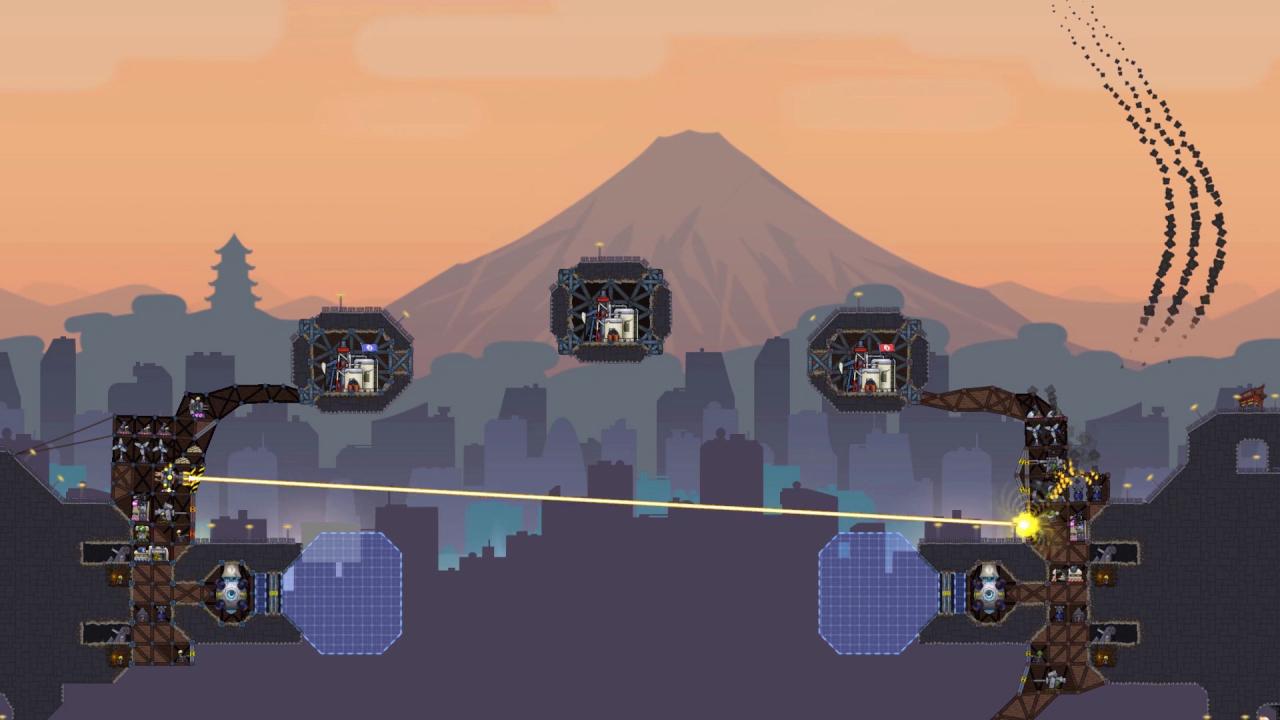
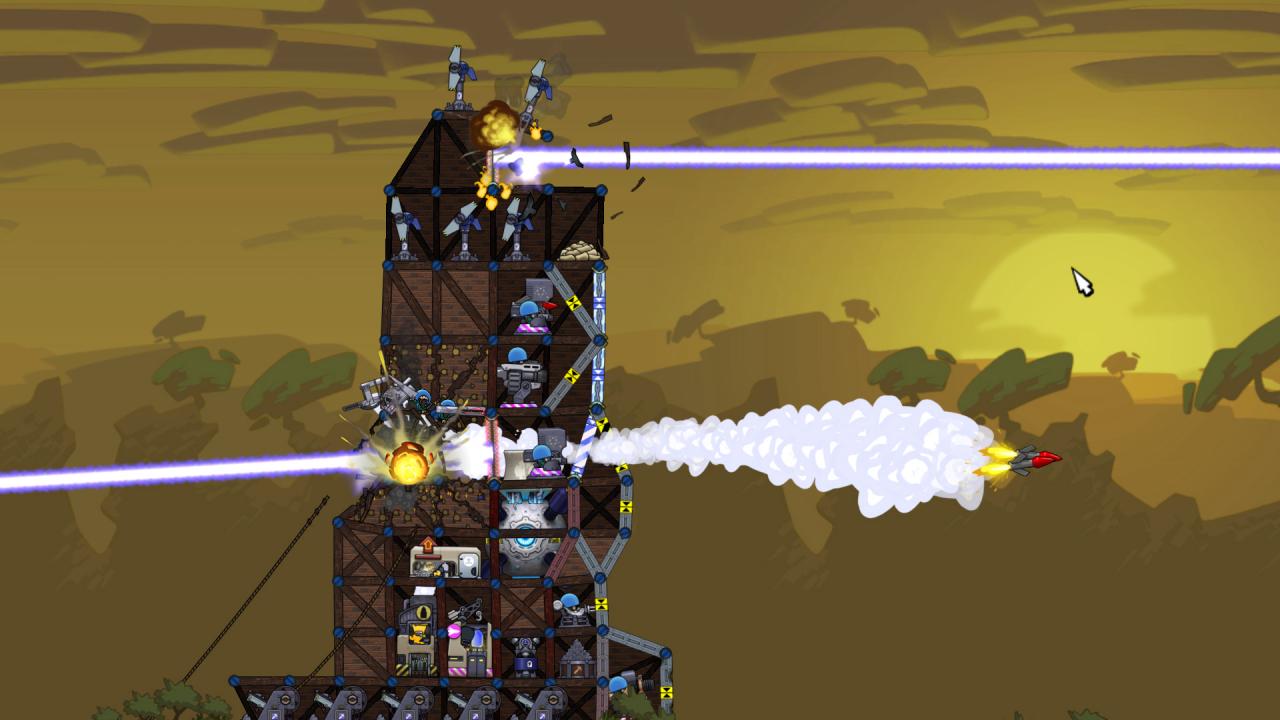
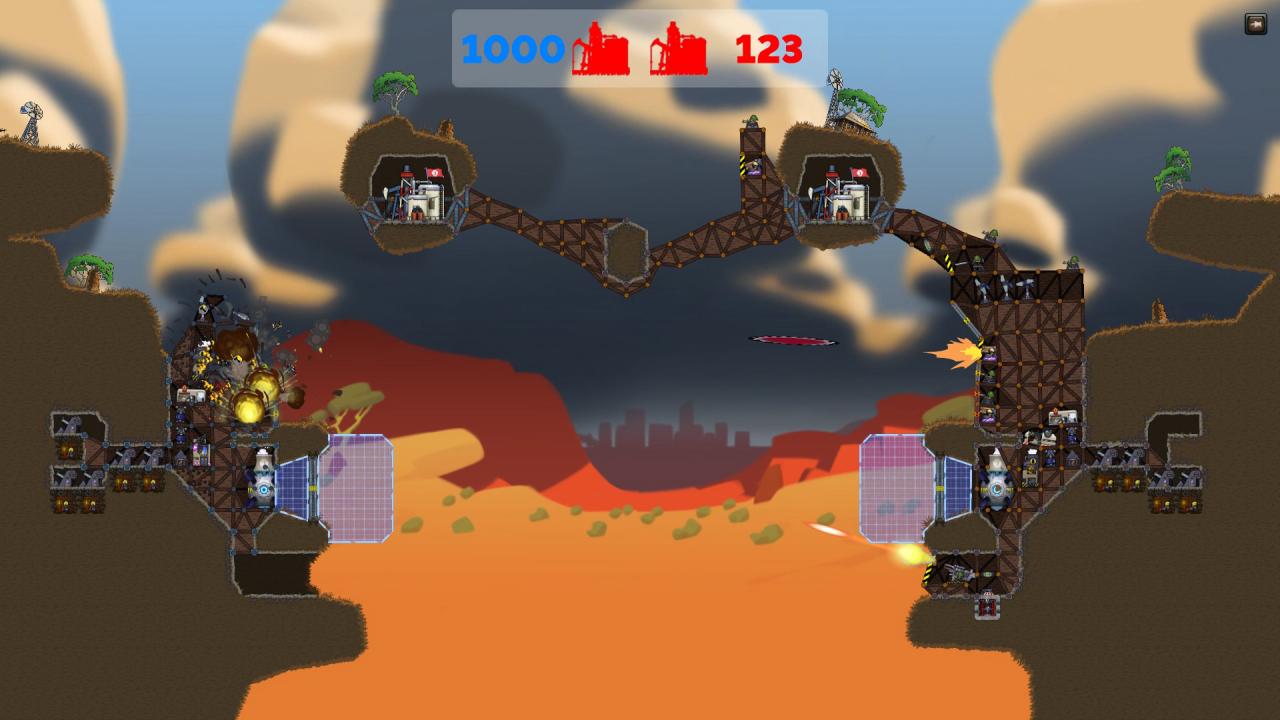
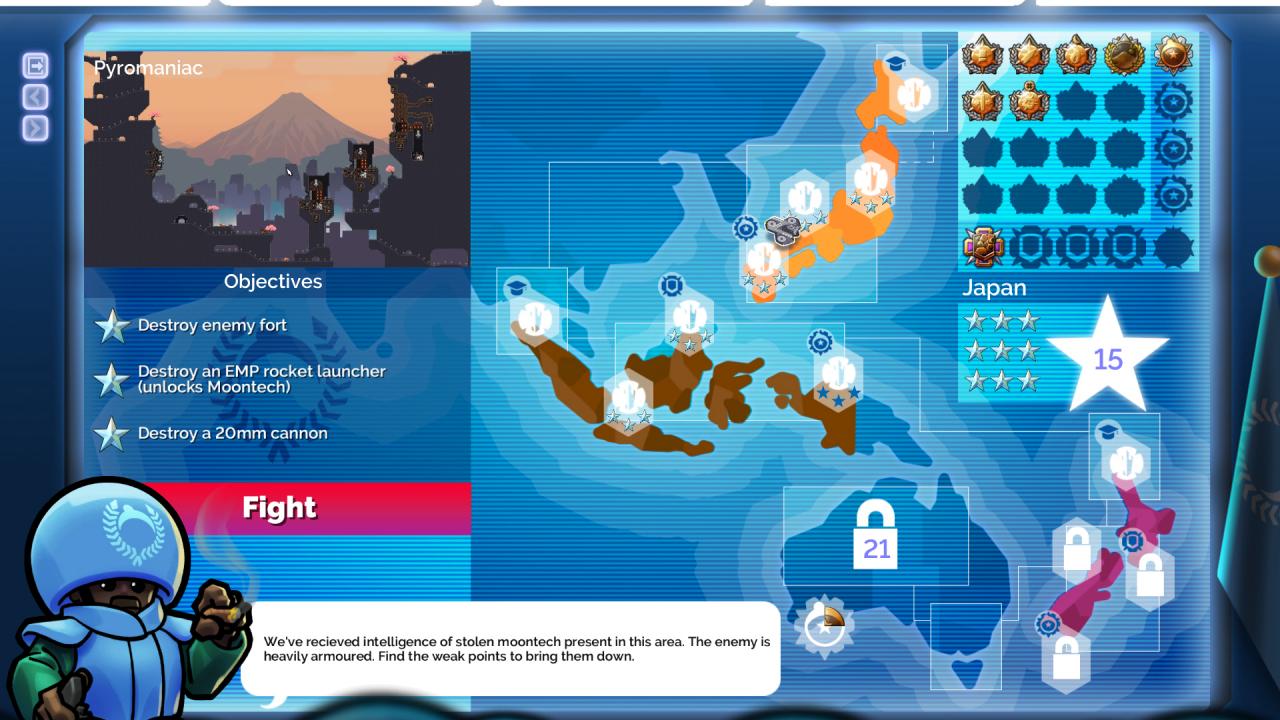
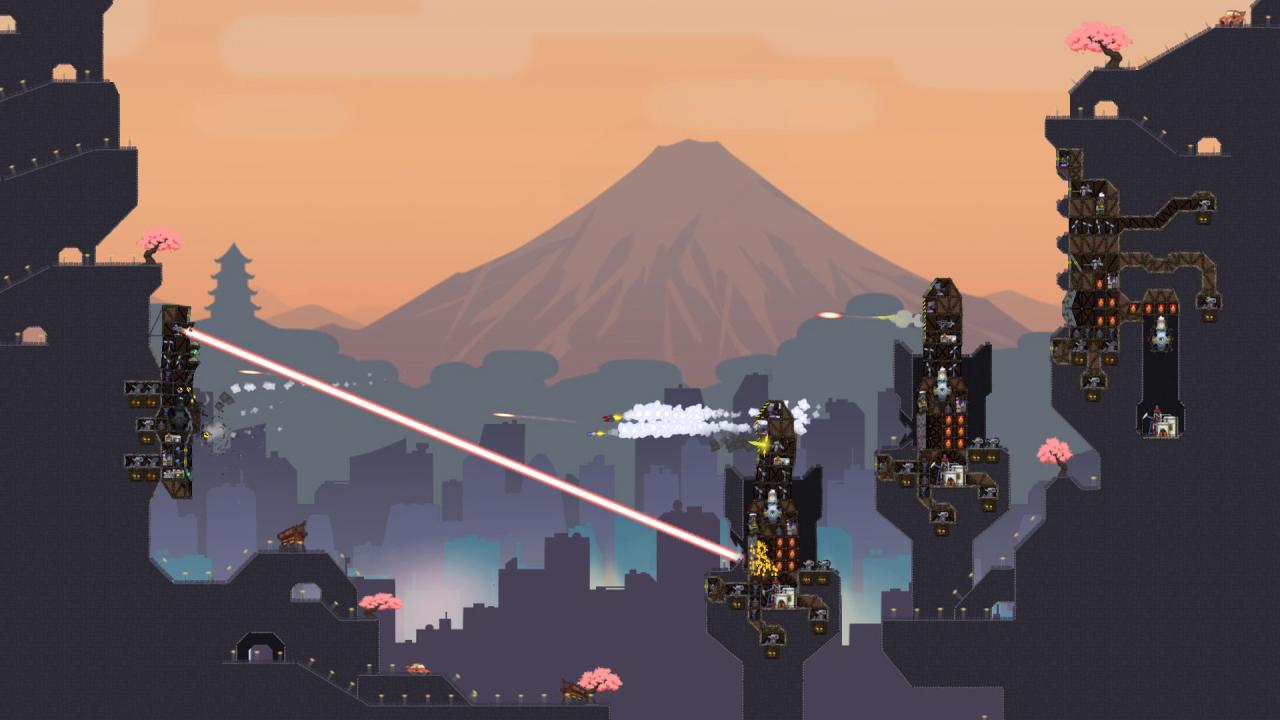
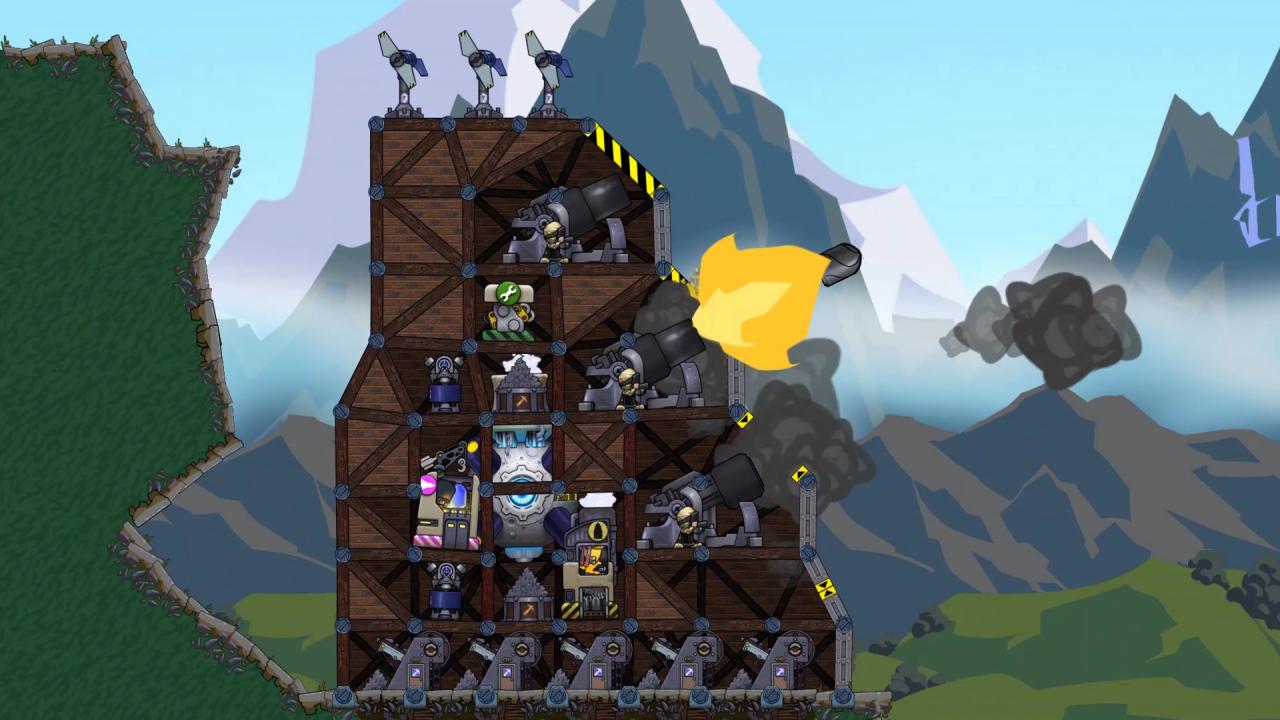
Take command of the Combined Forces in their battle to beat back a resurgent Black Penguin Oil in Forts’ first DLC. Moonshot DLC features a whole new campaign, new weapons, features and commanders! Features NEW CAMPAIGNFight to recover the moontech across the Pacific Rim, in four new theatres of combat, unlocking new weapons, and discovering new features. ADVANCED ARSENAL PORTALSDiscover all the new possibilities of attack and defence with the portal. CAPTURE POINTSMoonshot brings with it a new gameplay mode, requiring players to fight over battlefield derricks in order to activate the endgame. COMBINED FORCES COMMANDERSMarshal your fort with one of the new Combined Forces commanders EXCLUSIVE MOONSHOT FEATURESCombined Forces HUDNew in-game Combined Forces HUD for you to enjoy

Forts - Moonshot DLC screenshotForts - Moonshot DLC screenshotForts - Moonshot DLC screenshotForts - Moonshot DLC screenshotForts - Moonshot DLC screenshotForts - Moonshot DLC screenshot

How to redeem

  1. 1Check the required base game, platform and edition before purchasing.
  2. 2Find the code or supplier activation instructions in your confirmed order.
  3. 3Redeem on Steam using the supplied instructions, then install the add-on with the compatible base game.

Supplier instructions

Go to: http://store.steampowered.com/ and download STEAM client Click "Install Steam" (from the upper right corner) Install and start application, login with your Account name and Password (create one if you don't have). Please follow these instructions to activate a new retail purchase on Steam: Launch Steam and log into your Steam account. Click the Games Menu. Choose Activate a Product on Steam... Follow the onscreen instructions to complete the process. After successful code verification go to the "MY GAMES" tab and start downloading.

You might also like