
SteamGlobal· Key
Maldrin Journey
€4.24
+€0.42 cashback eligibility in Relic Coins
Check before you play
- Platform
- Steam
- Region
- Global
- Product type
- Key
- Supplier release date
- 2019-06-06
- Genres
- Adventure, Indie
SteamGlobal· Key
€4.24
+€0.42 cashback eligibility in Relic Coins
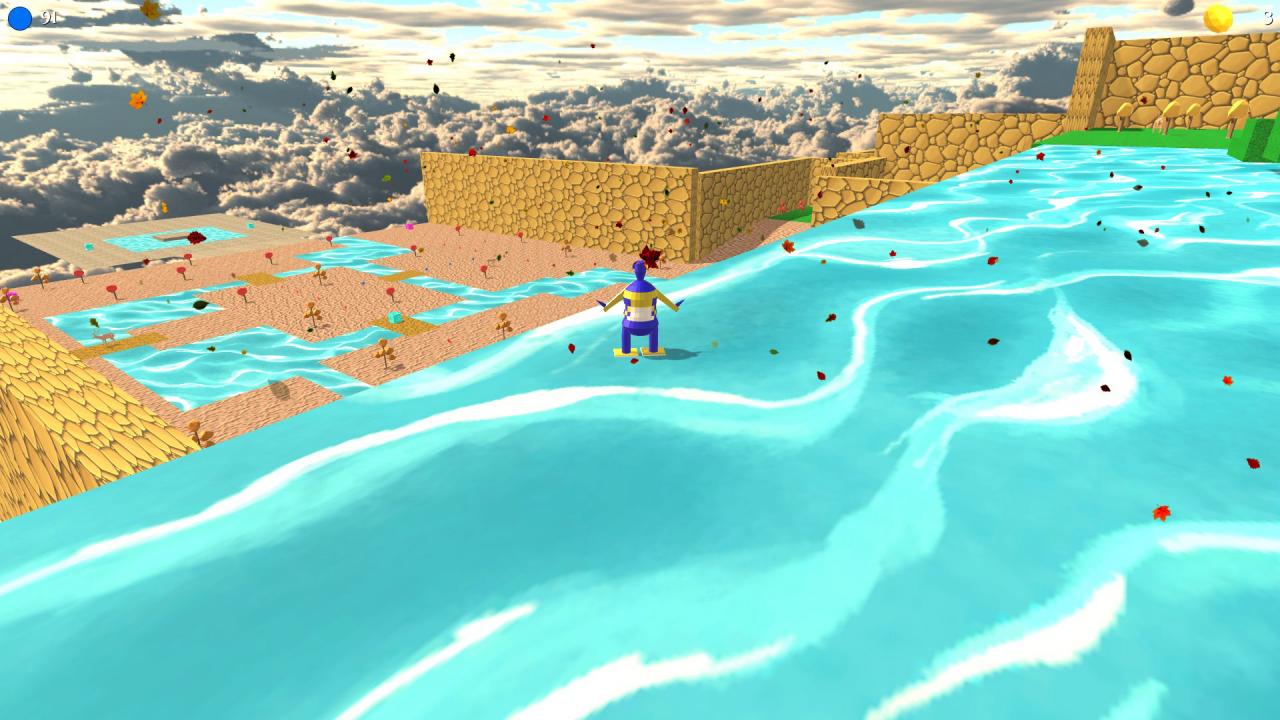
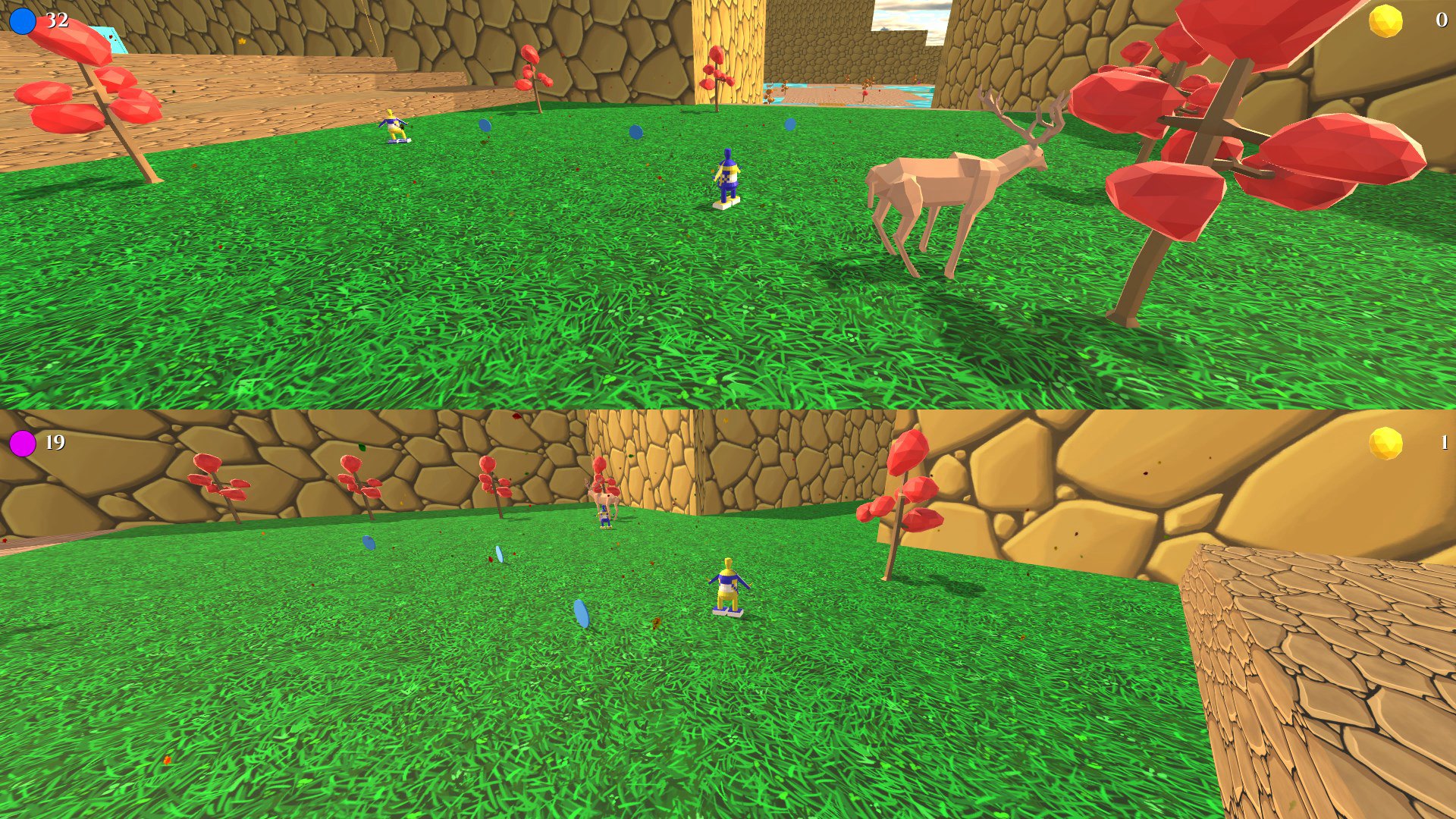
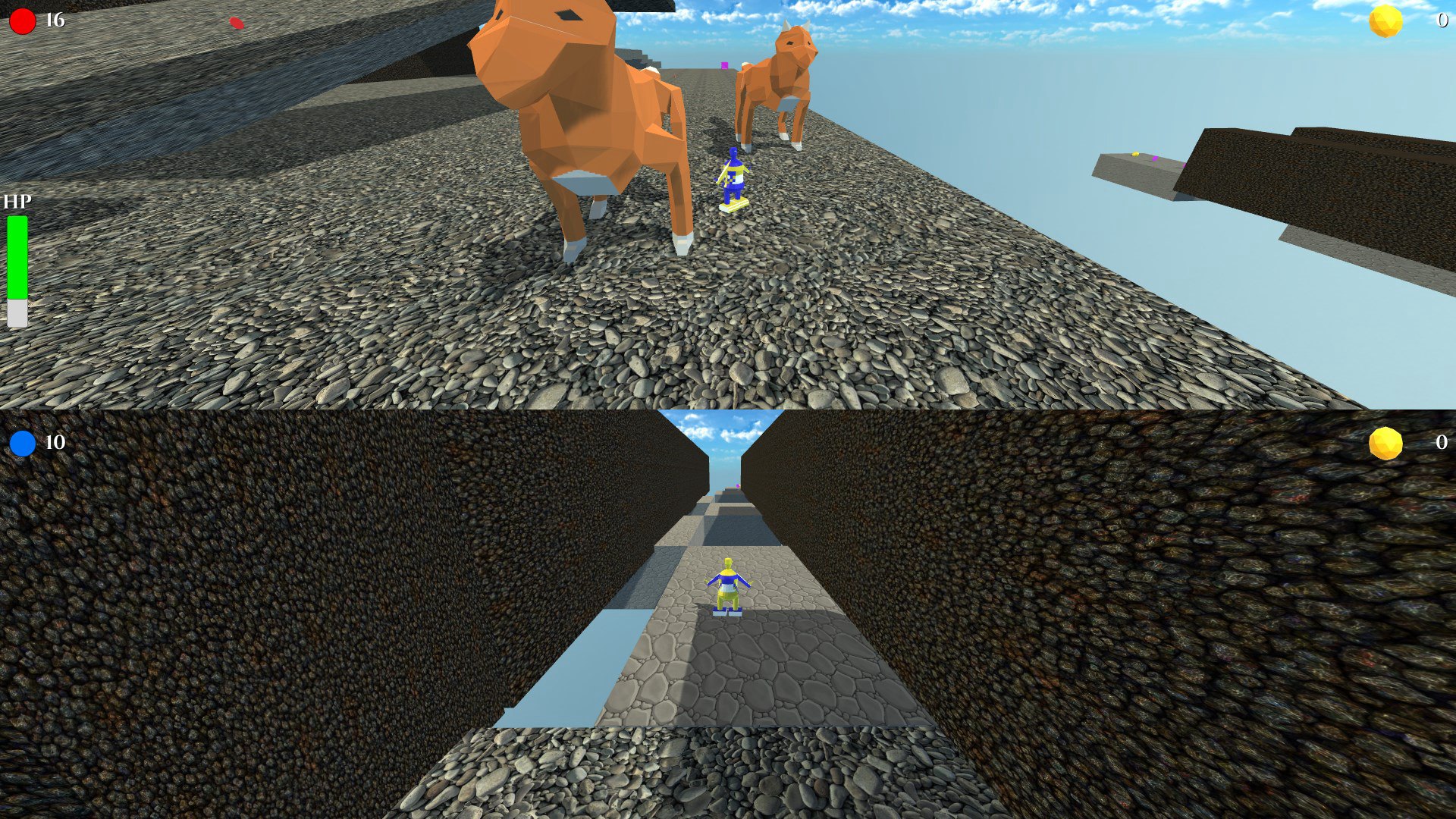
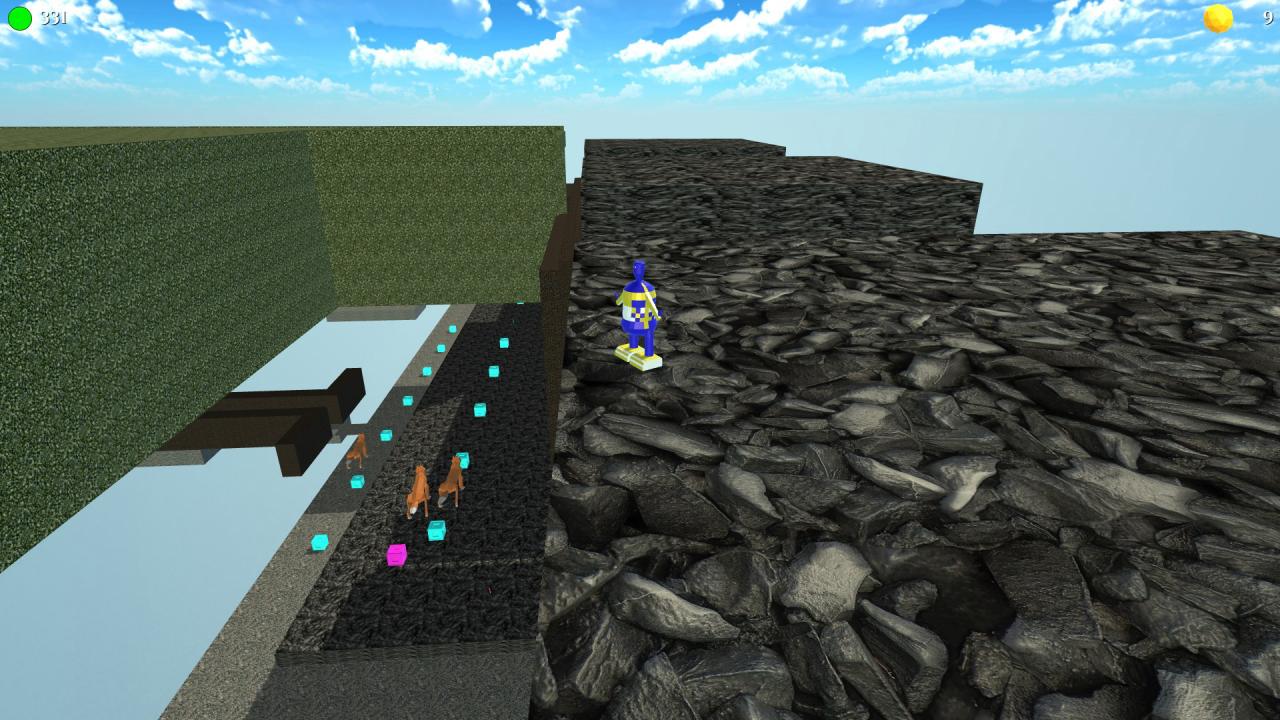
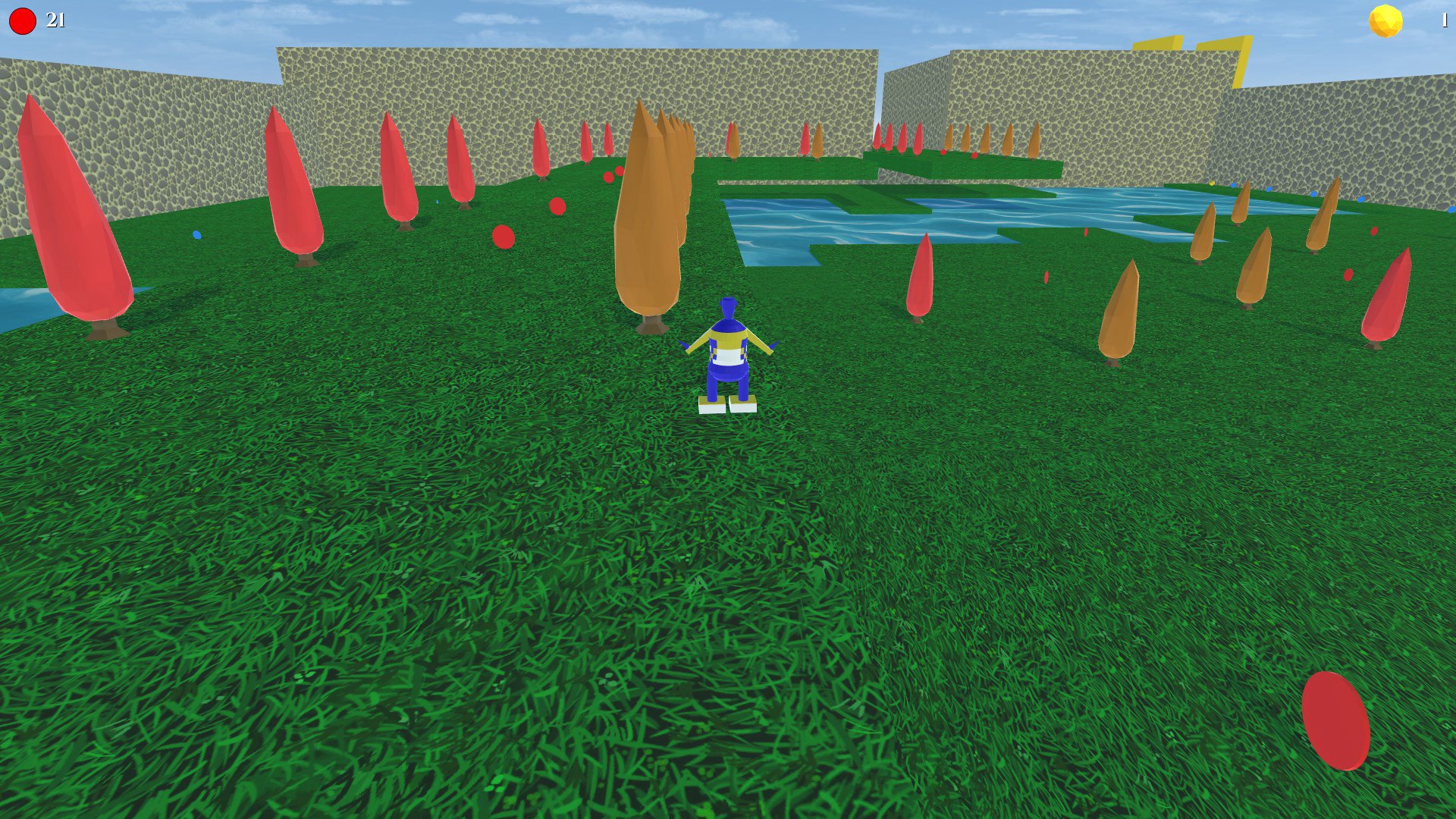
Maldrin Journey is a 3D Collectathon adventure game, currently being developed in the Unity game engine. Which contains two main modes of play. The first is a single player story mode, where the objective is to explore 16 open levels to find the scattered artefacts to save the shrine guardians, each level also features: Ten artefacts, hidden in various locations as a reward for completing challenges. Coins, which can be used to get hints on where the artefacts are. A secret artefact, only one of these hidden in each level. The artefacts are used to progress through the story. The second is a split screen two player racing mode, where the objective is to collect more coins and artefacts then your competitor along with finishing the stage first. The winner is the best out of the three categories. Both modes of play allow players to test their platforming and exploration skills to save the day or beat their rivals in a split screen race. Please note: A controller is recommended for playing Maldrin Journey. Two player mode requires at least one controller.
Go to: http://store.steampowered.com/ and download STEAM client Click "Install Steam" (from the upper right corner) Install and start application, login with your Account name and Password (create one if you don't have). Please follow these instructions to activate a new retail purchase on Steam: Launch Steam and log into your Steam account. Click the Games Menu. Choose Activate a Product on Steam... Follow the onscreen instructions to complete the process. After successful code verification go to the "MY GAMES" tab and start downloading.