

SteamGlobal· Key
Pulse Shift
€1.37
+€0.14 cashback eligibility in Relic Coins
Check before you play
- Platform
- Steam
- Region
- Global
- Product type
- Key
- Supplier release date
- 2013-01-23
- Genres
- Indie, Casual, Puzzle
SteamGlobal· Key
€1.37
+€0.14 cashback eligibility in Relic Coins
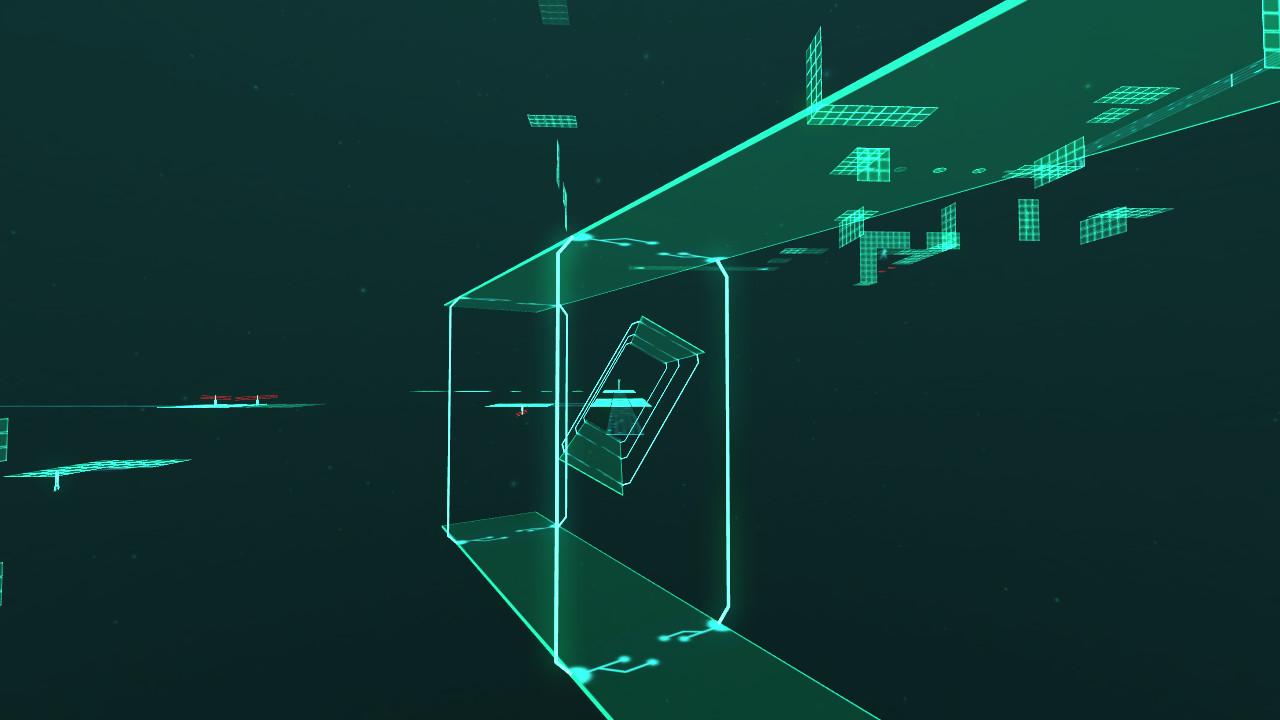
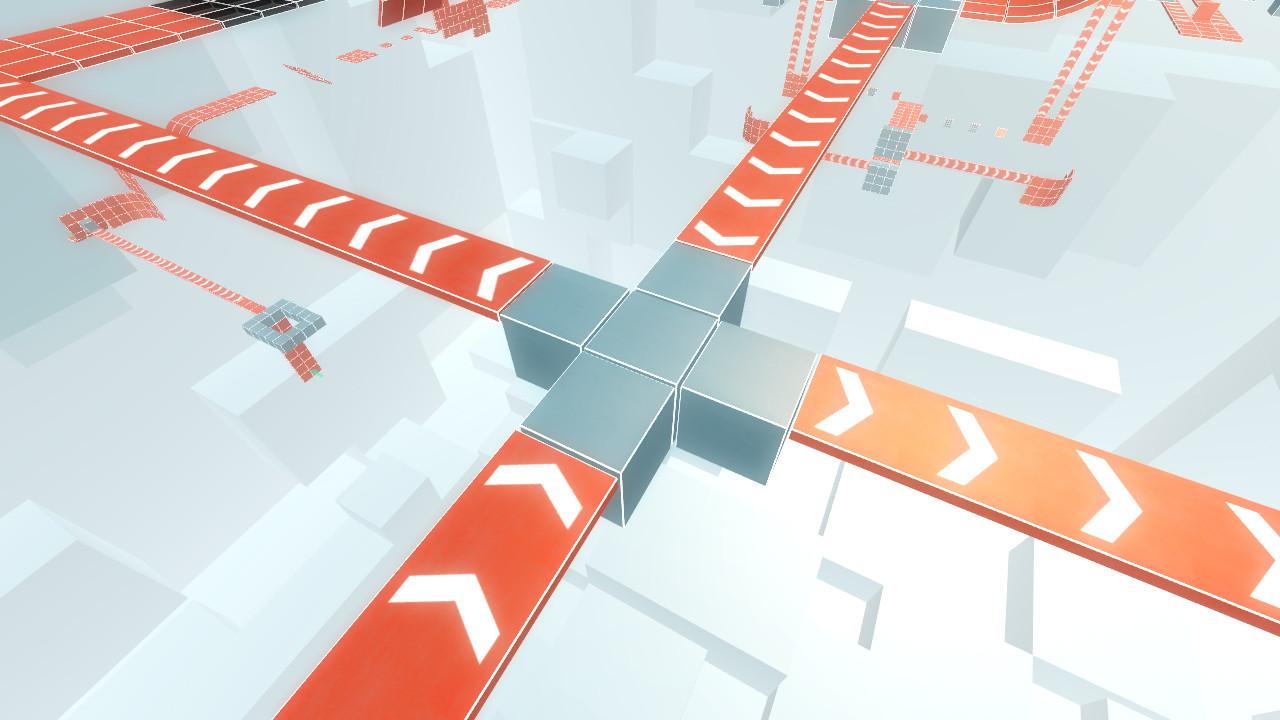
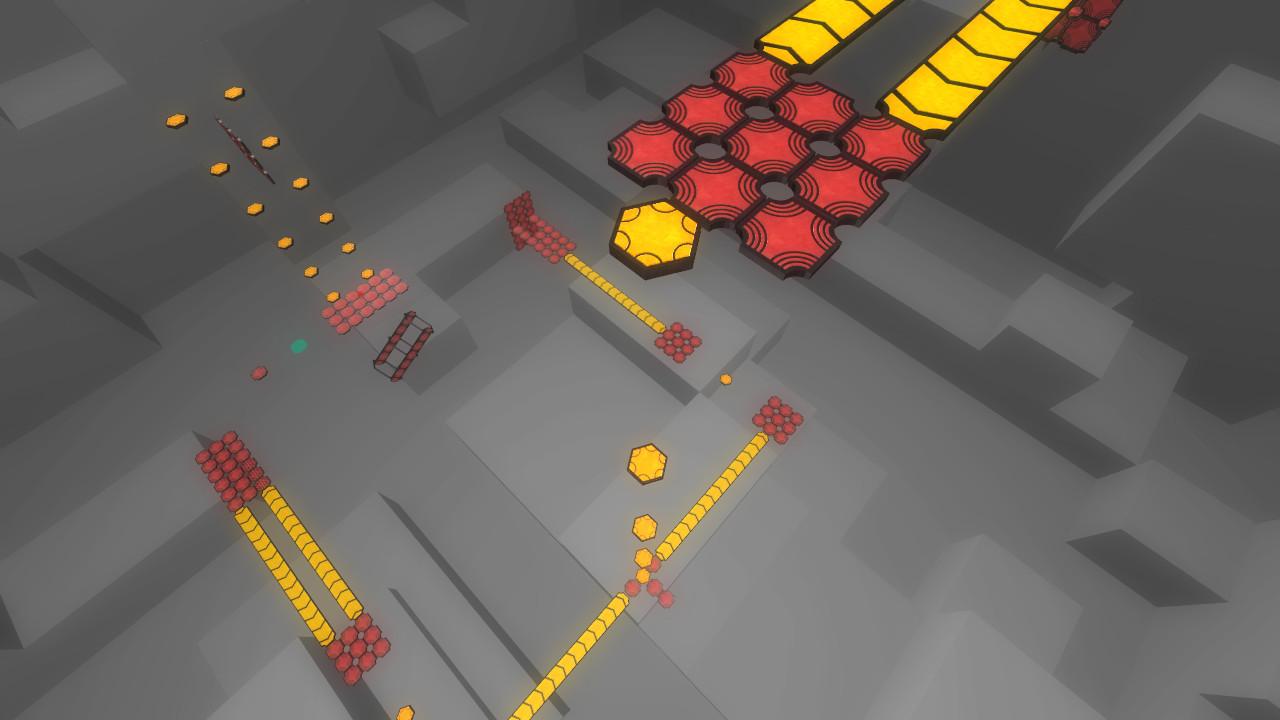
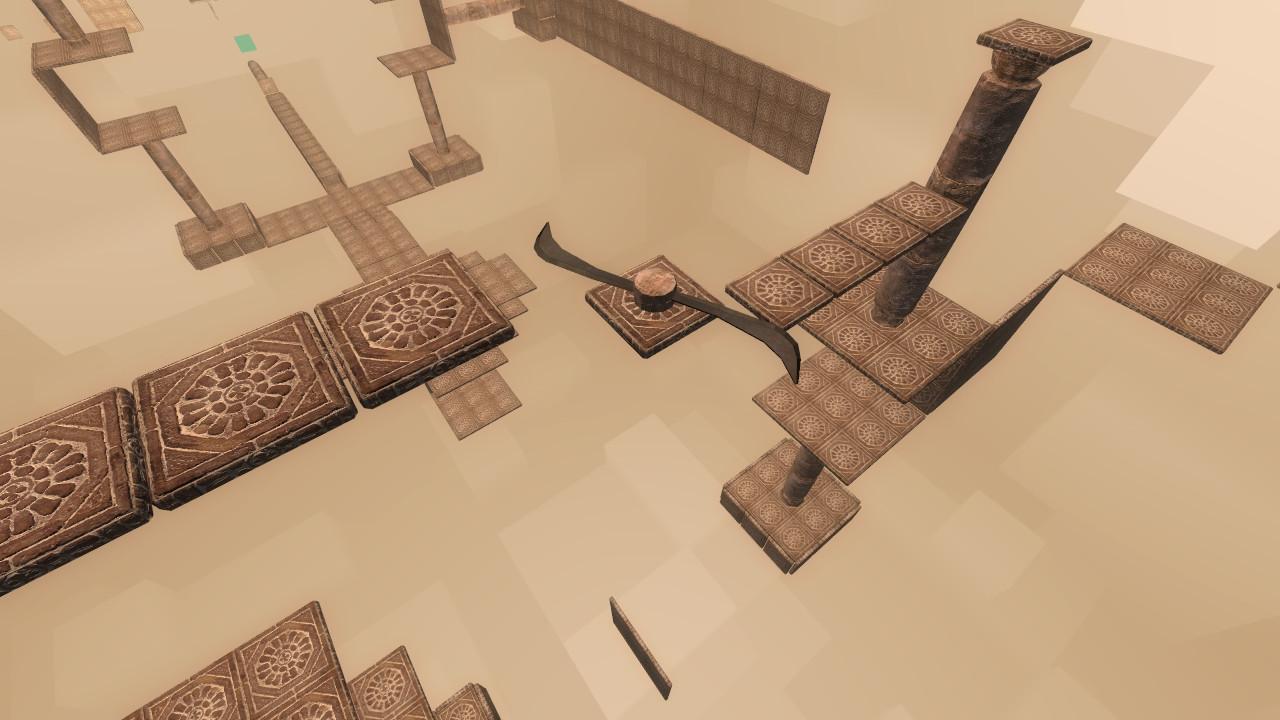
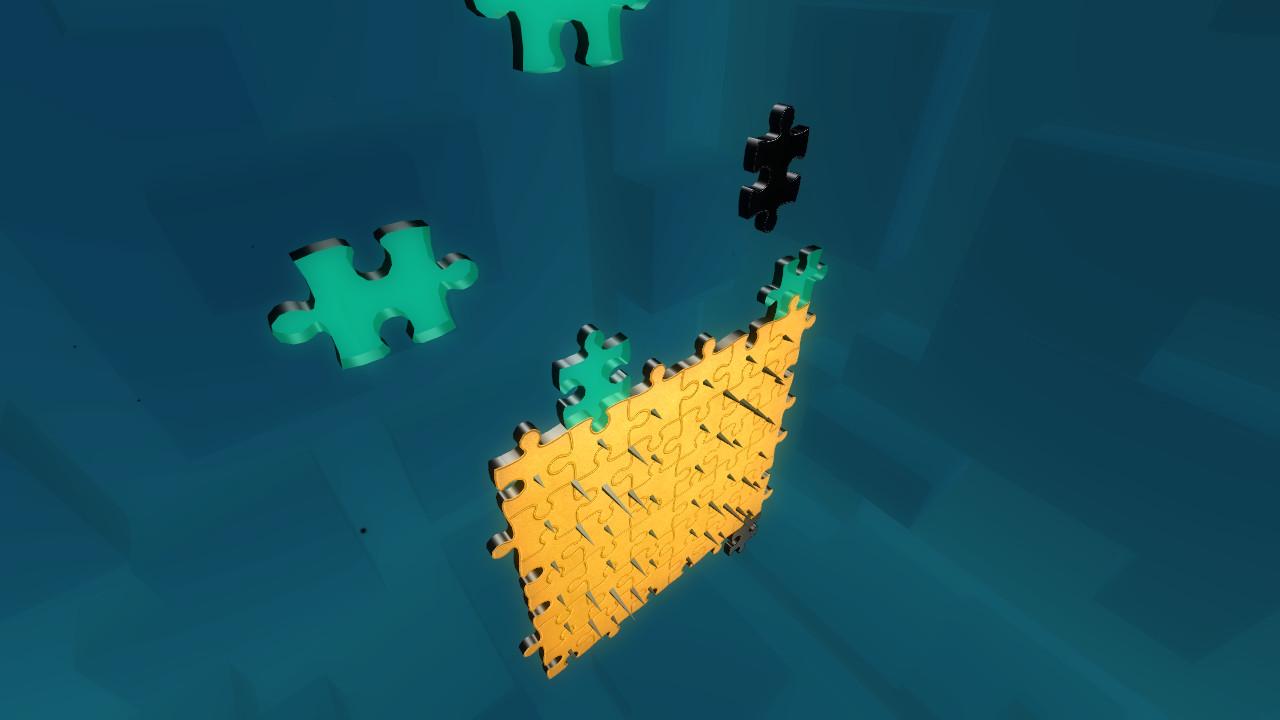
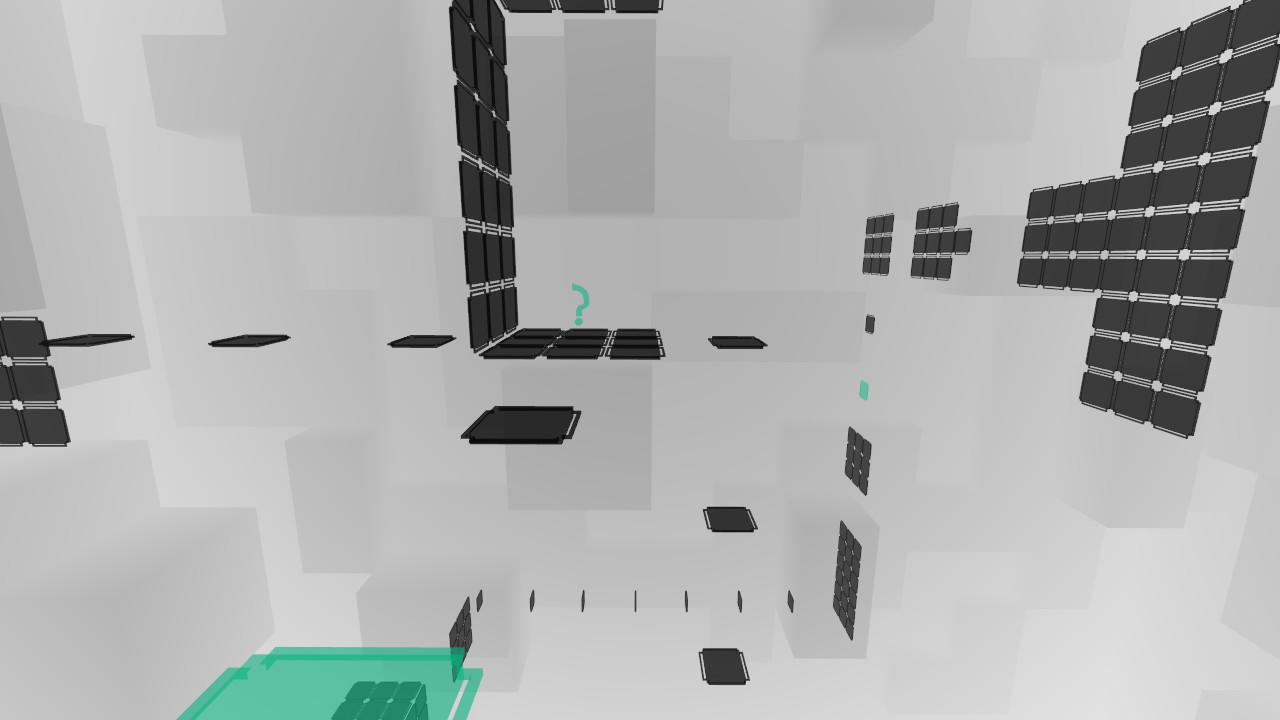
Pulse Shift is first person puzzle platformer which allows players to control and cheat physics. The game allows to play with physics, gravity and manipulating time. The primary goal is finding right way and getting to the arrow location as fast as possible. It is a game where you finding, trying, jumping, collecting, avoiding, thinking, running and trying again. It is 3D puzzle game where you really playing with a three dimensions. Features Game consist of over 60 levels in 7 different theme styles with own music and special new ability such as time and gravity manipulation, projection, ability to see invisible objects and recharge ability which can move or rotate various in-game objects. Game modesGame is now extended with two game modes. The first game mode allows player to accelerate game world, which can be used as sprint, while falling through disappearing platforms or to quickly recharge energy. The second mode allows to mark hidden bonuses in additional to level goal marker and holokeys. These modes can be enabled and disabled anytime. Downloadable content includedChamber 5dlc is now integrated into the game, available in bonus section at any time. Dlc includes new theme and 5 additional levels. Extras contentSteam edition comes with a bonus extras including level design concepts.
Go to: http://store.steampowered.com/ and download STEAM client Click "Install Steam" (from the upper right corner) Install and start application, login with your Account name and Password (create one if you don't have). Please follow these instructions to activate a new retail purchase on Steam: Launch Steam and log into your Steam account. Click the Games Menu. Choose Activate a Product on Steam... Follow the onscreen instructions to complete the process. After successful code verification go to the "MY GAMES" tab and start downloading.