Get 10% back in Relic Coins on every order
RPG Maker VX Ace - Always Sometimes Monsters Asset Pack DLC cover

SteamGlobal· DLC

RPG Maker VX Ace - Always Sometimes Monsters Asset Pack DLC

€1.43

+€0.14 cashback eligibility in Relic Coins

Check before you play

Platform
Steam
Region
Global
Product type
DLC

Check the required base game and edition before purchasing this add-on.

Developer
Vagabond Dog
Publisher
Degica
Supplier release date
2015-01-10
Genres
Software

About this product

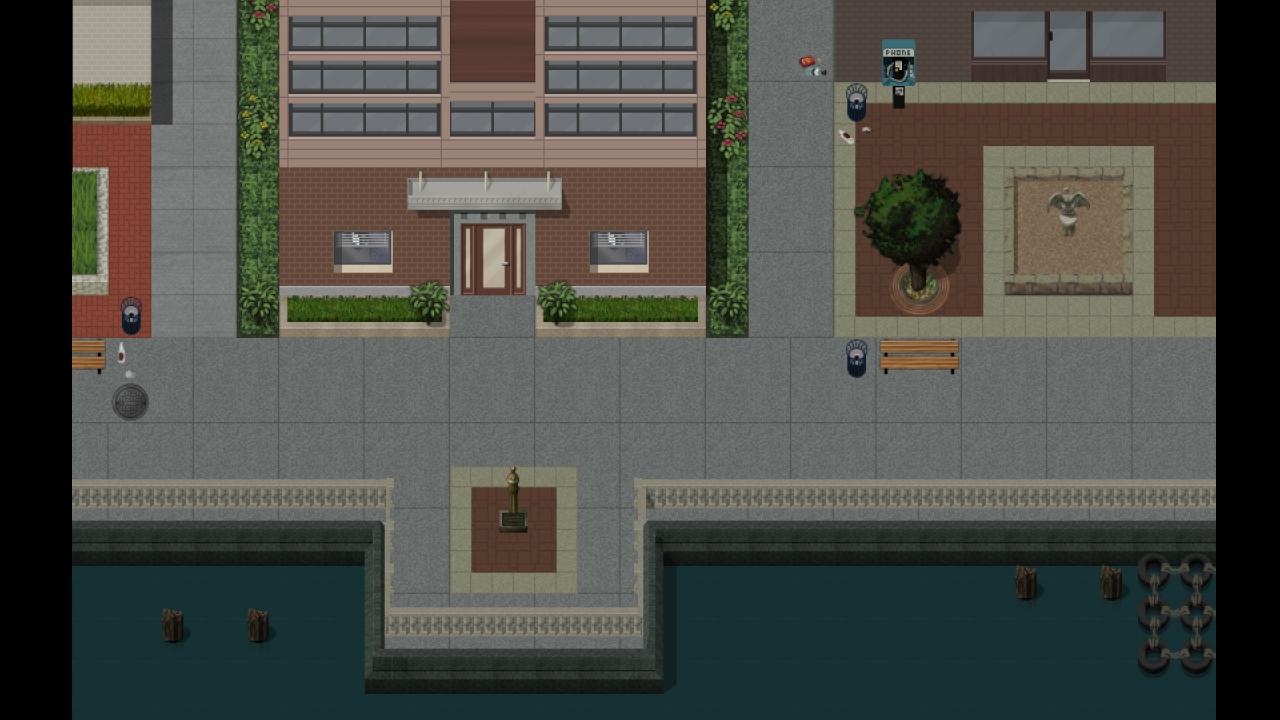
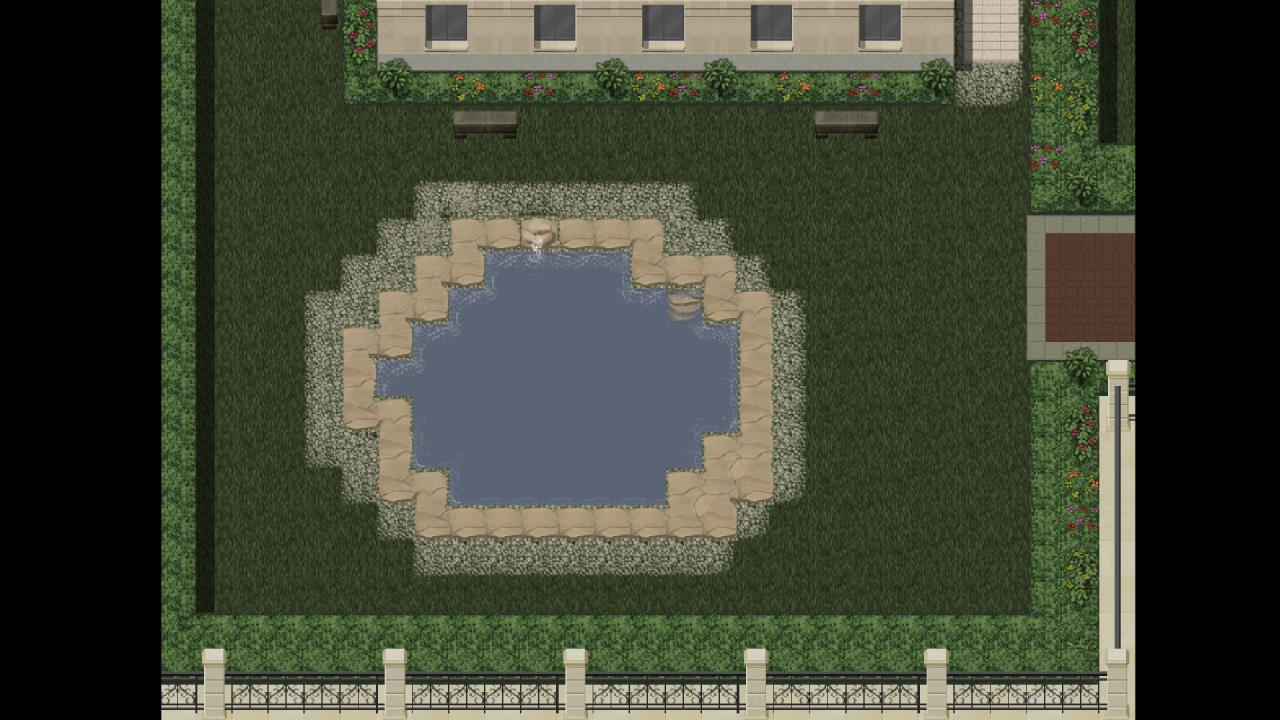
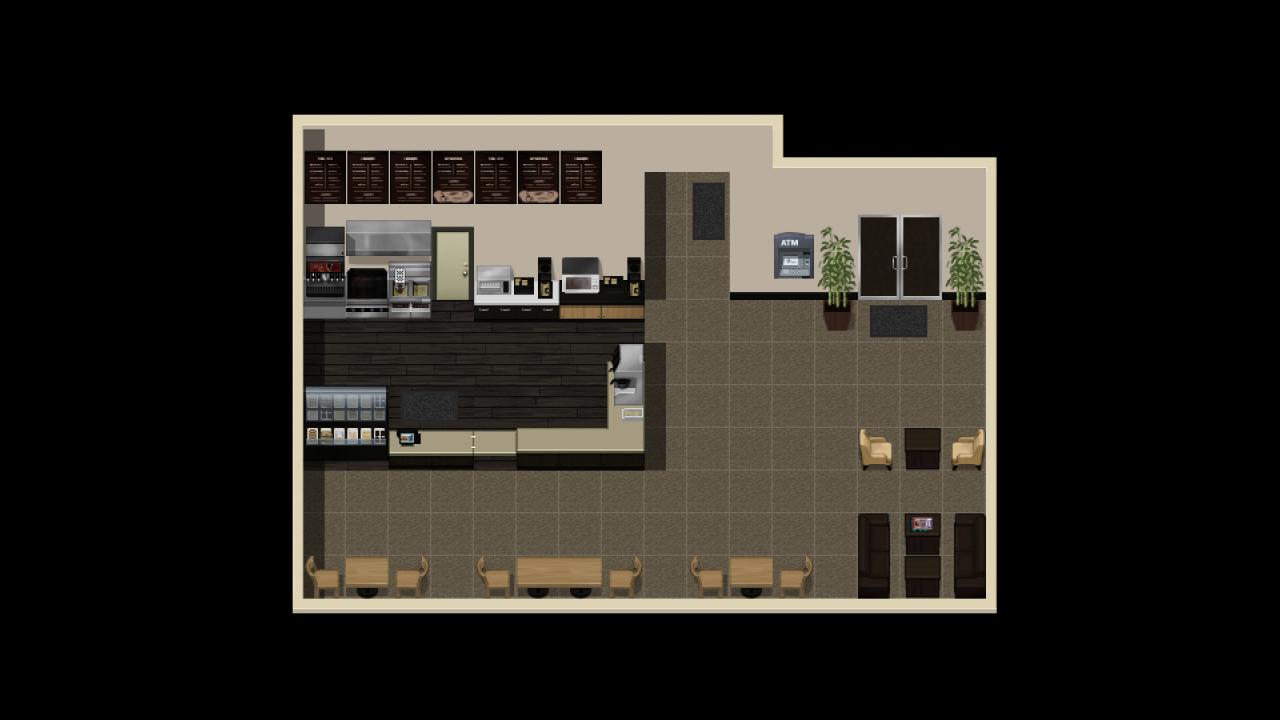
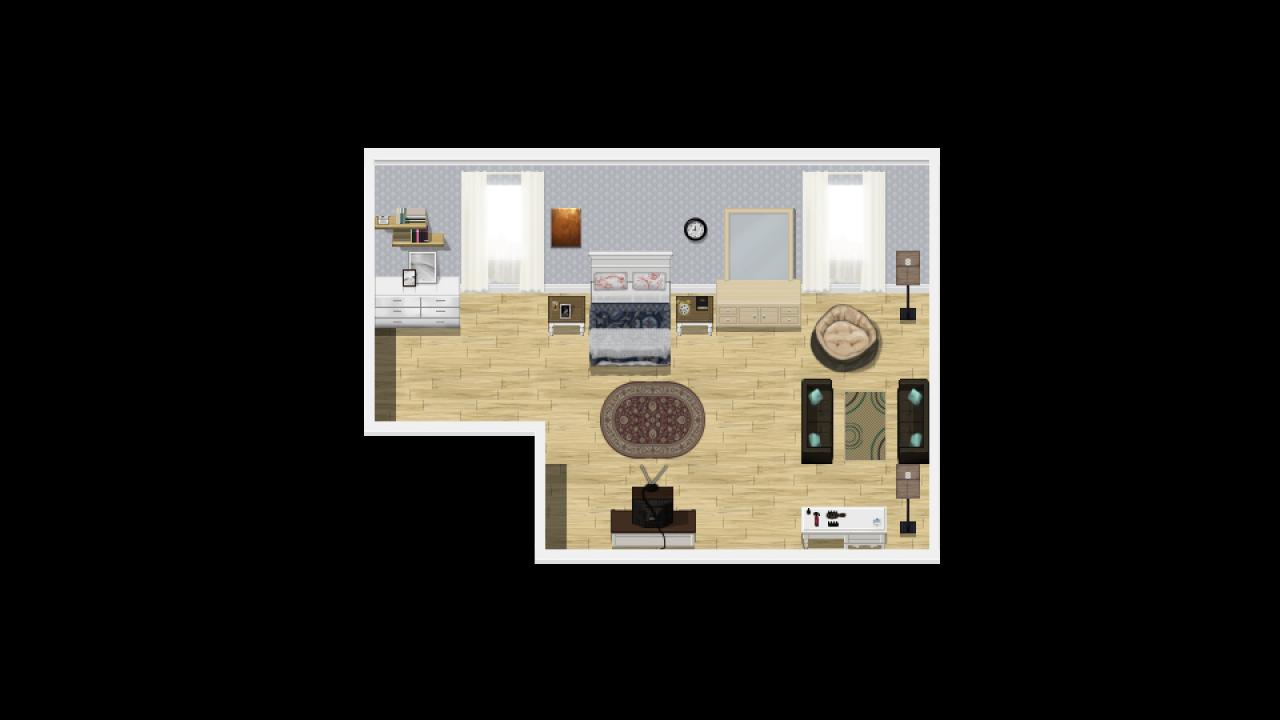
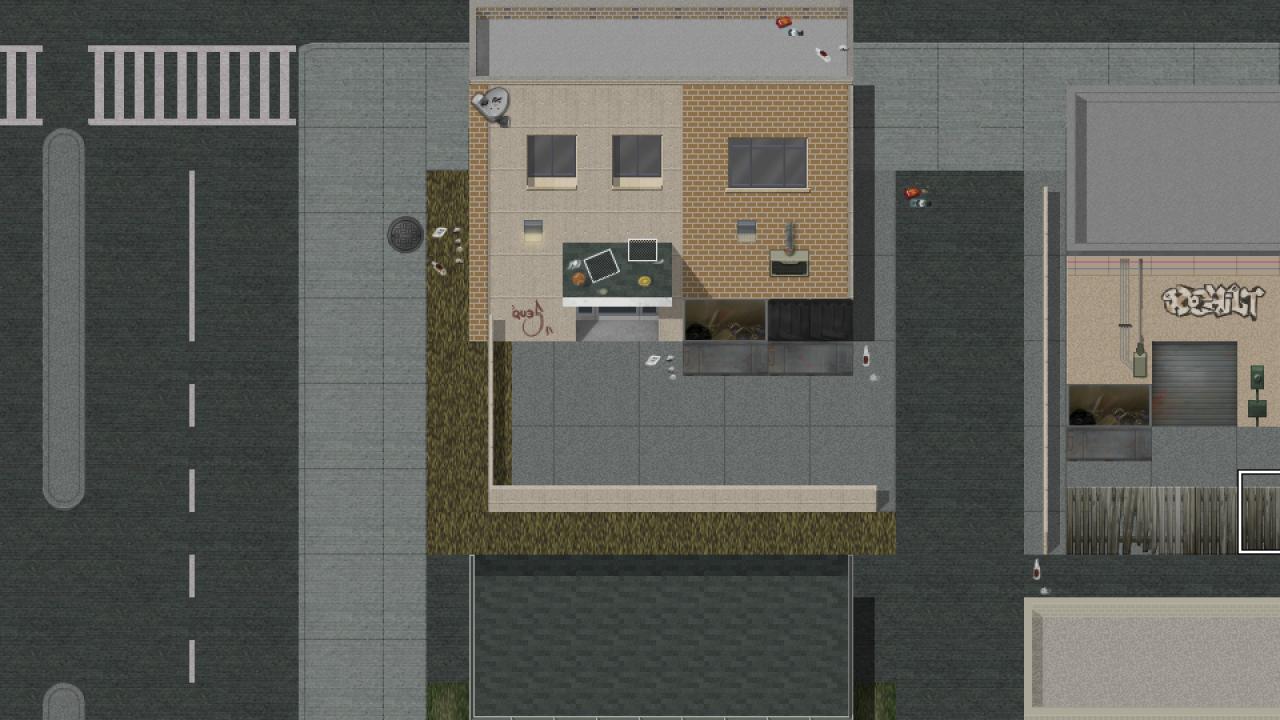
From VagabondDog's asset folders to yours; tell your stories with the art from Always Sometimes Monsters.This game has been modified from its original version. It has been formatted to fit your RPG Maker VX Ace.The grit, grime, and glitz of VagabondDog's "Always Sometimes Monsters" is yours to build your characters' world. With a large variety of tiles, this pack gives you the power to create all kinds of modern environments. From Grimey back alleys, to great public spaces. From the industrial shop floors below to the offices above. Hospital rooms, shops, and homes with all the amenities.The look, the feel of ASM within all of this content jam-cram-packed-stuffed into this starter set and still more to come! Features Auto tiles for Hedges, parking markings, and paths Tile sets A1 through A5 to construct homes, shops, offices, gardens & more Tile sets B through E to add furniture, fixtures, and loads of detail Wainscoting for fancier walls Docks for your city's marina or harbour-front Animated water features with floating debris Trash, garbage, and rubbish for that inner city charm


RPG Maker VX Ace - Always Sometimes Monsters Asset Pack DLC screenshotRPG Maker VX Ace - Always Sometimes Monsters Asset Pack DLC screenshotRPG Maker VX Ace - Always Sometimes Monsters Asset Pack DLC screenshotRPG Maker VX Ace - Always Sometimes Monsters Asset Pack DLC screenshotRPG Maker VX Ace - Always Sometimes Monsters Asset Pack DLC screenshot

How to redeem

  1. 1Check the required base game, platform and edition before purchasing.
  2. 2Find the code or supplier activation instructions in your confirmed order.
  3. 3Redeem on Steam using the supplied instructions, then install the add-on with the compatible base game.

Supplier instructions

Go to: http://store.steampowered.com/ and download STEAM client Click "Install Steam" (from the upper right corner) Install and start application, login with your Account name and Password (create one if you don't have). Please follow these instructions to activate a new retail purchase on Steam: Launch Steam and log into your Steam account. Click the Games Menu. Choose Activate a Product on Steam... Follow the onscreen instructions to complete the process. After successful code verification go to the "MY GAMES" tab and start downloading.

You might also like