Get 10% back in Relic Coins on every order
EVE Online: 3 Months Omega Time cover

SteamEurope· Gift

EVE Online: 3 Months Omega Time

€52.44

+€5.24 cashback eligibility in Relic Coins

Check before you play

Platform
Steam
Region
Europe
Product type
Gift
Developer
CCP
Publisher
CCP
Supplier release date
2017-10-03
Genres
Action, Strategy, RPG

About this product

Steam Created Accounts Only This content can only be accessed with EVE Online accounts created through Steam. Existing EVE Online accounts not created through Steam cannot benefit from it. Features Upgrading to Omega Clone State will unlock some of EVE's best ships and skills, as well as giving you an infinite skill queue, double training speed and removing the skill cap. It allows access to the entire skill tree of EVE, making over 300 ships available as your training progresses. Omega also unlocks game features that are limited for Alpha Clones, including exclusive Triglavian ship piloting, exporting from planetary colonies, full access to the contracts system, and lower taxes on manufacturing and research jobs. If your Omega time elapses you will switch back to Alpha Clone State. Alphas are unable to use or train the Omega skills but all money, items and ships will remain. Your progress in the Omega skills is maintained and as soon as you upgrade again all your trained skills will be active. Omega's flexibility lets you choose when and how you play. Your 3 month period of Omega Clone State will begin from the moment you make your purchase.

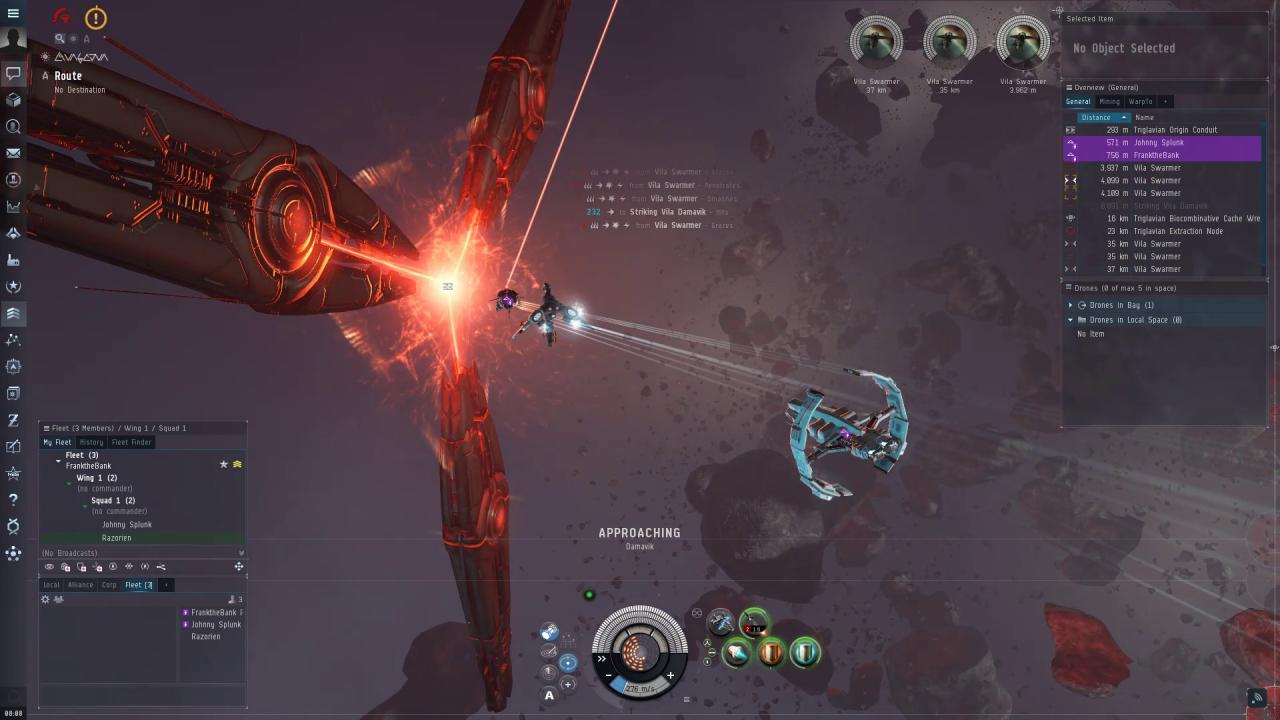
EVE Online: 3 Months Omega Time screenshotEVE Online: 3 Months Omega Time screenshotEVE Online: 3 Months Omega Time screenshotEVE Online: 3 Months Omega Time screenshotEVE Online: 3 Months Omega Time screenshotEVE Online: 3 Months Omega Time screenshot

How to redeem

  1. 1Check that your Steam account can receive gifts in the listed region.
  2. 2Open the confirmed order and follow the supplier’s gift-delivery instructions.
  3. 3Accept the gift on the required platform account and add it to your library.

Supplier instructions

In order to receive and activate the game: You will receive a gift link to a website. Open that link in your web browser. Depending on the prompt please provide your Steam profile link or login via Steam If needed choose the same country as your store country found in Steam account details. You can check this setting here. Automated bot system will add your Steam account to friendlist. After you accept the friend request from bot, it will send you your purchased game as a gift.

You might also like