Get 10% back in Relic Coins on every order
Battlefleet Gothic: Armada 2 - Chaos Campaign Expansion cover

SteamGlobal· Key

Battlefleet Gothic: Armada 2 - Chaos Campaign Expansion

€4.39

+€0.44 cashback eligibility in Relic Coins

Check before you play

Platform
Steam
Region
Global
Product type
Key
Developer
Tindalos Interactive
Publisher
Focus Home Interactive
Supplier release date
2019-01-24
Genres
Strategy

About this product

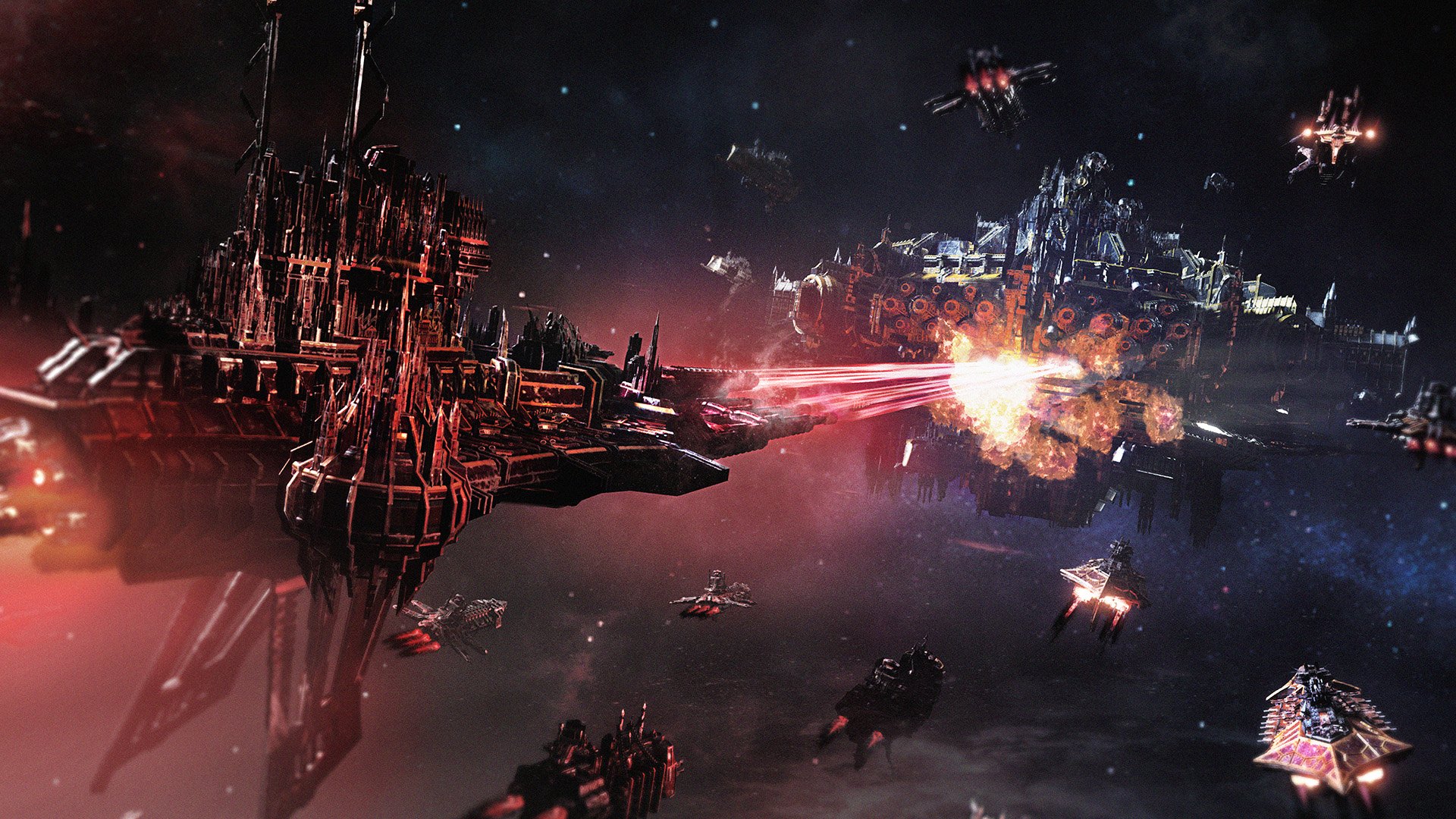
Cadia has fallen, but this is just the start of your Black Crusade. At the head of a fleet of Word Bearers, the most fervent servants of the Ruinous Powers, Malos Vrykan begins his campaign of chaos and destruction across the Aegis Occularis. His path is yours, how will you bring the galaxy to its knees? In a brand-new Chaos Grand Campaign, experience a whole new narrative in Battlefleet Gothic: Armada 2, charting your rise through the ranks of Chaos to become a true champion of the Dark Gods. New ships, unique missions, and their own campaign map mechanics make the Chaos campaign a fully-fledged upgrade to Battlefleet Gothic: Armada 2. New Chaos grand campaign: To Serve The Dark Gods. Begin by conquering the key system of Chinchare and spread your influence from there Brand new story shows the fate of the Galaxy should Chaos dominate Side arcs include each other race being overrun by the Dark Gods and their minions Use unique map resources to summon gifts of Chaos to destroy your enemies Master Chaos fleets and their associated powers, upgrades, and admirals


Battlefleet Gothic: Armada 2 - Chaos Campaign Expansion screenshot

How to redeem

  1. 1Check your Steam account and the listed region before purchasing.
  2. 2Find your code and supplier activation instructions in your confirmed order.
  3. 3Open the redeem-code section on Steam, enter the code and follow the platform’s prompts.

Supplier instructions

Go to: http://store.steampowered.com/ and download STEAM client Click "Install Steam" (from the upper right corner) Install and start application, login with your Account name and Password (create one if you don't have). Please follow these instructions to activate a new retail purchase on Steam: Launch Steam and log into your Steam account. Click the Games Menu. Choose Activate a Product on Steam... Follow the onscreen instructions to complete the process. After successful code verification go to the "MY GAMES" tab and start downloading.

You might also like