Get 10% back in Relic Coins on every order
Endless Space 2 - Penumbra DLC cover

SteamGlobal· DLC

Endless Space 2 - Penumbra DLC

€4.13

+€0.41 cashback eligibility in Relic Coins

Check before you play

Platform
Steam
Region
Global
Product type
DLC

Check the required base game and edition before purchasing this add-on.

Developer
Amplitude Studios
Publisher
Amplitude Studios
Supplier release date
2019-01-24
Genres
Strategy

About this product

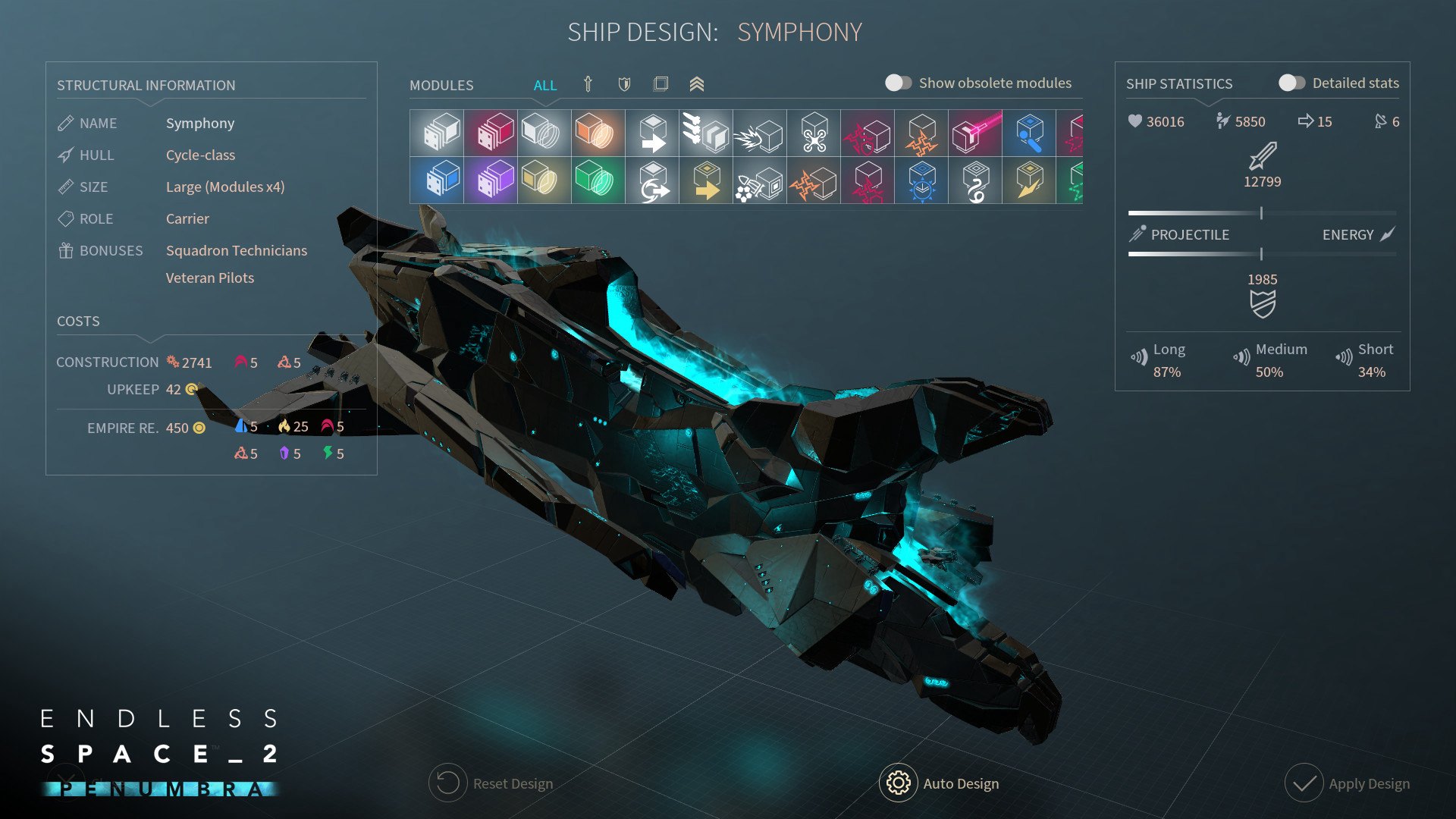
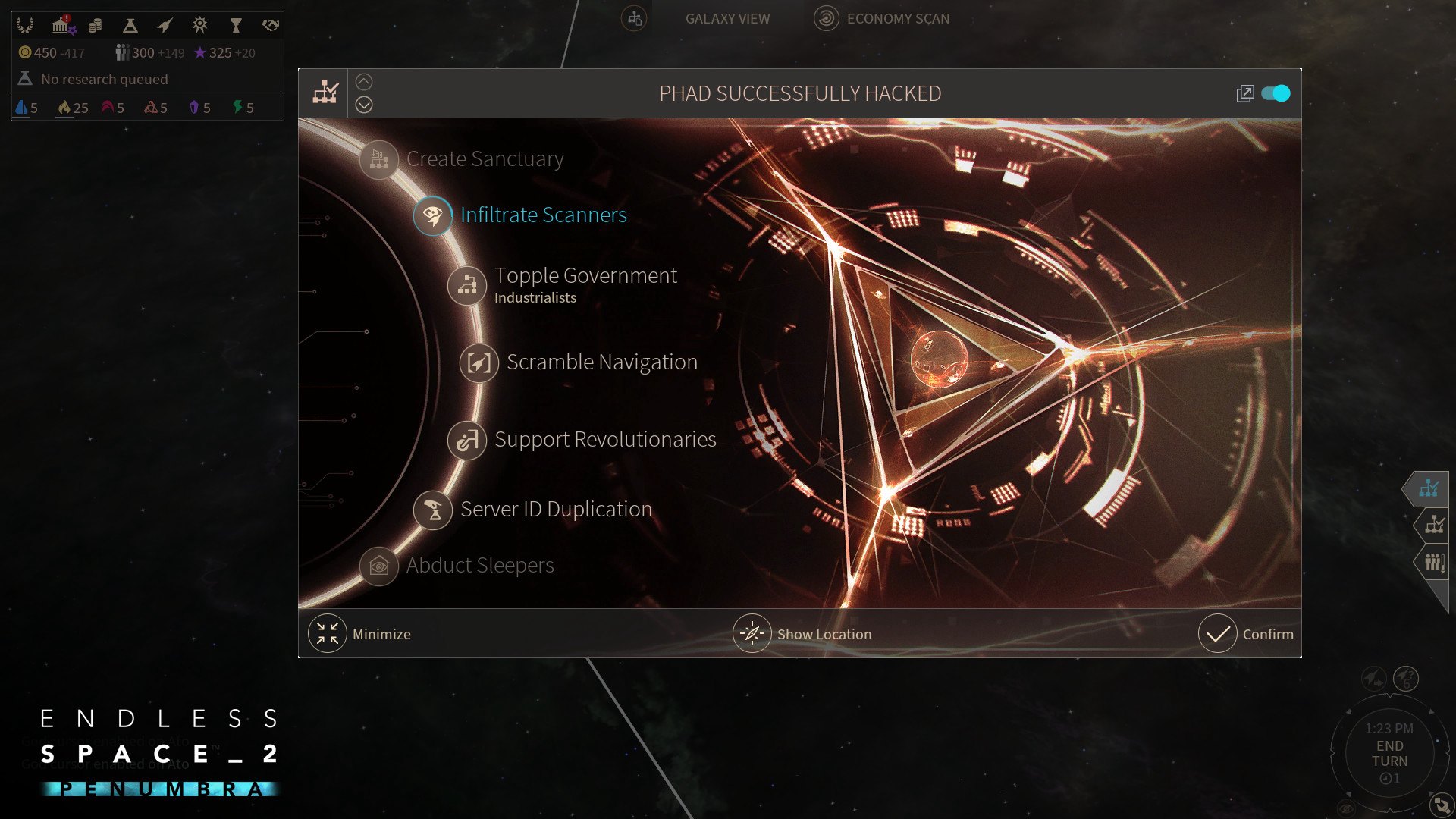
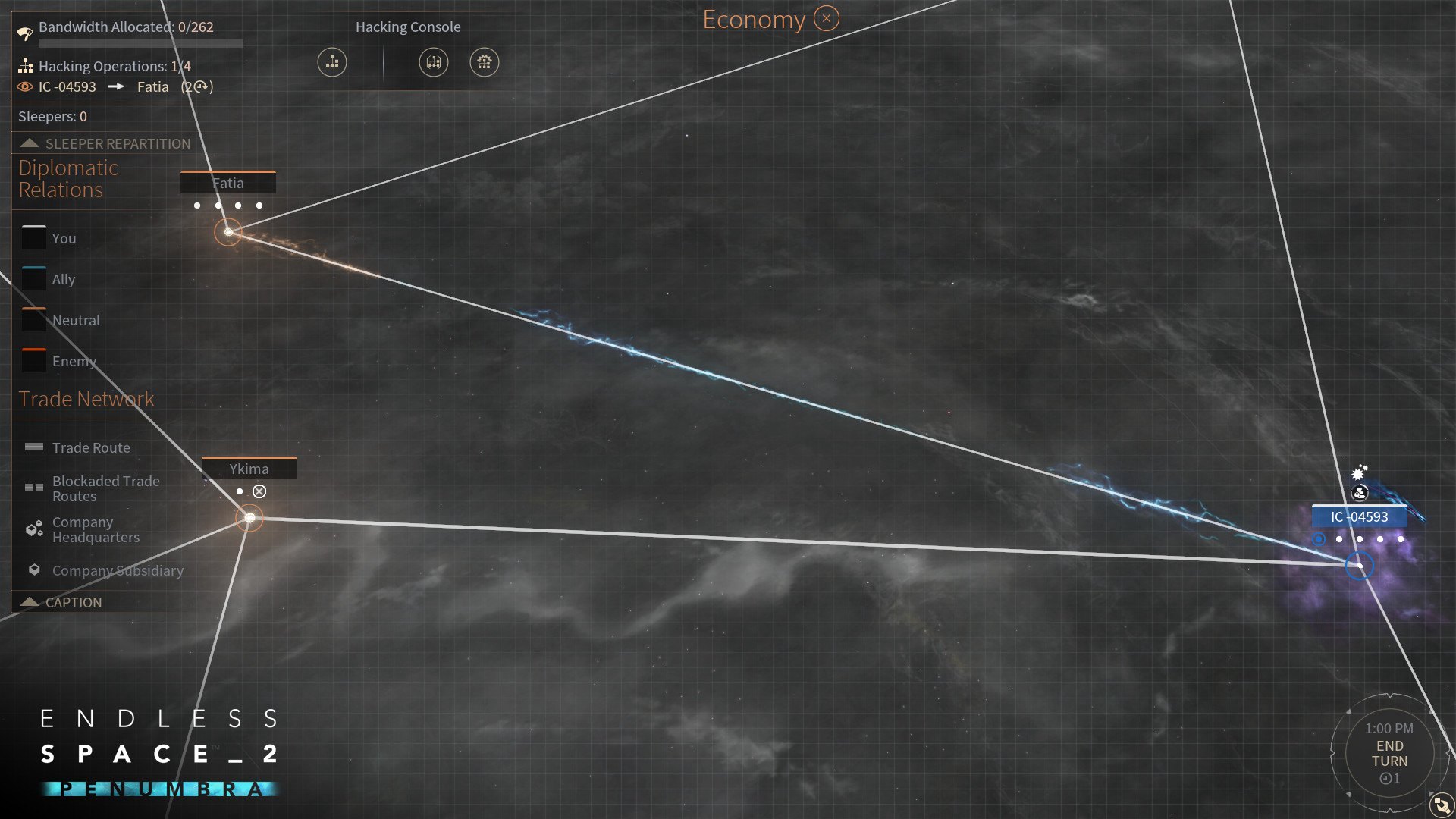
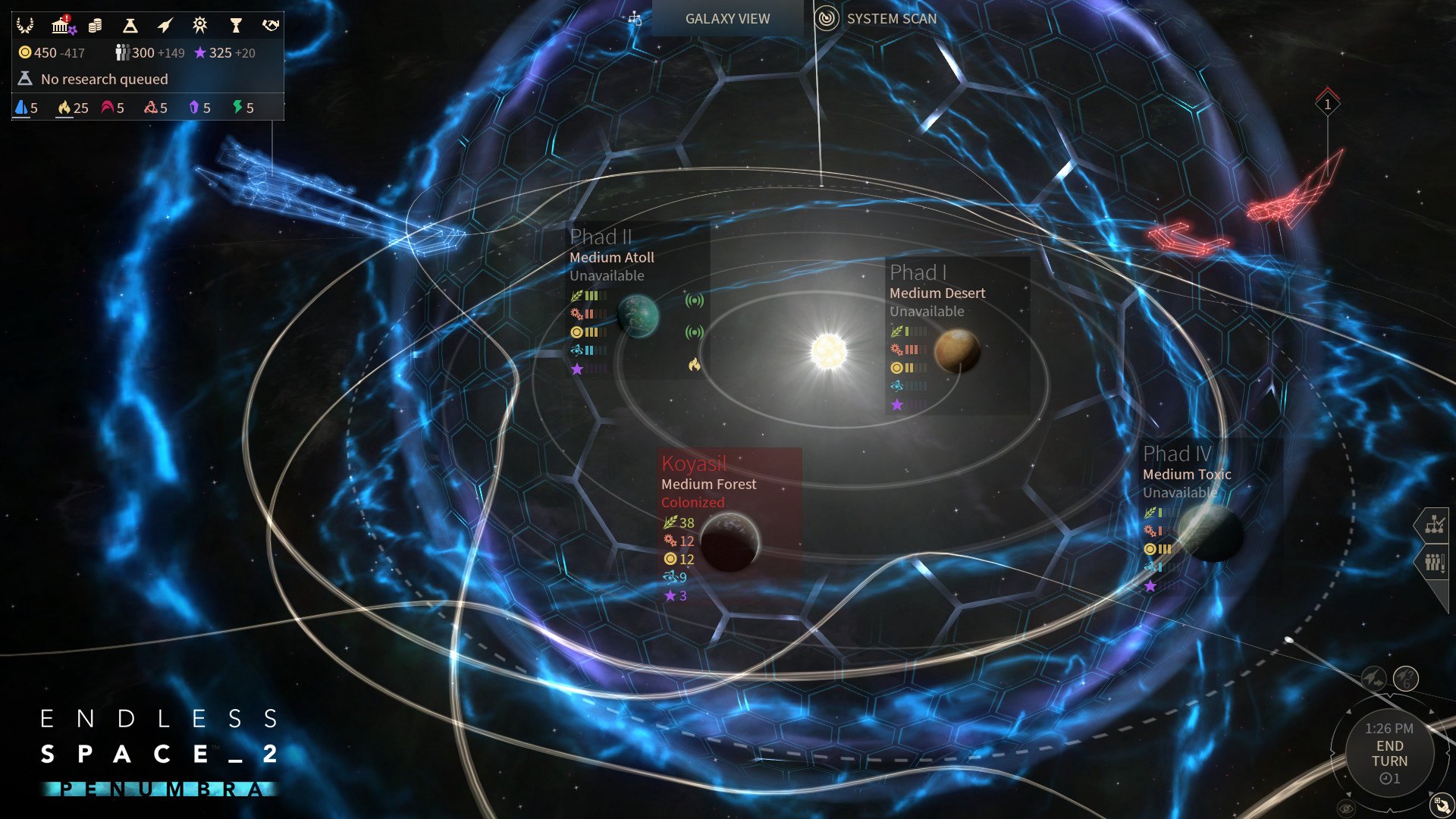
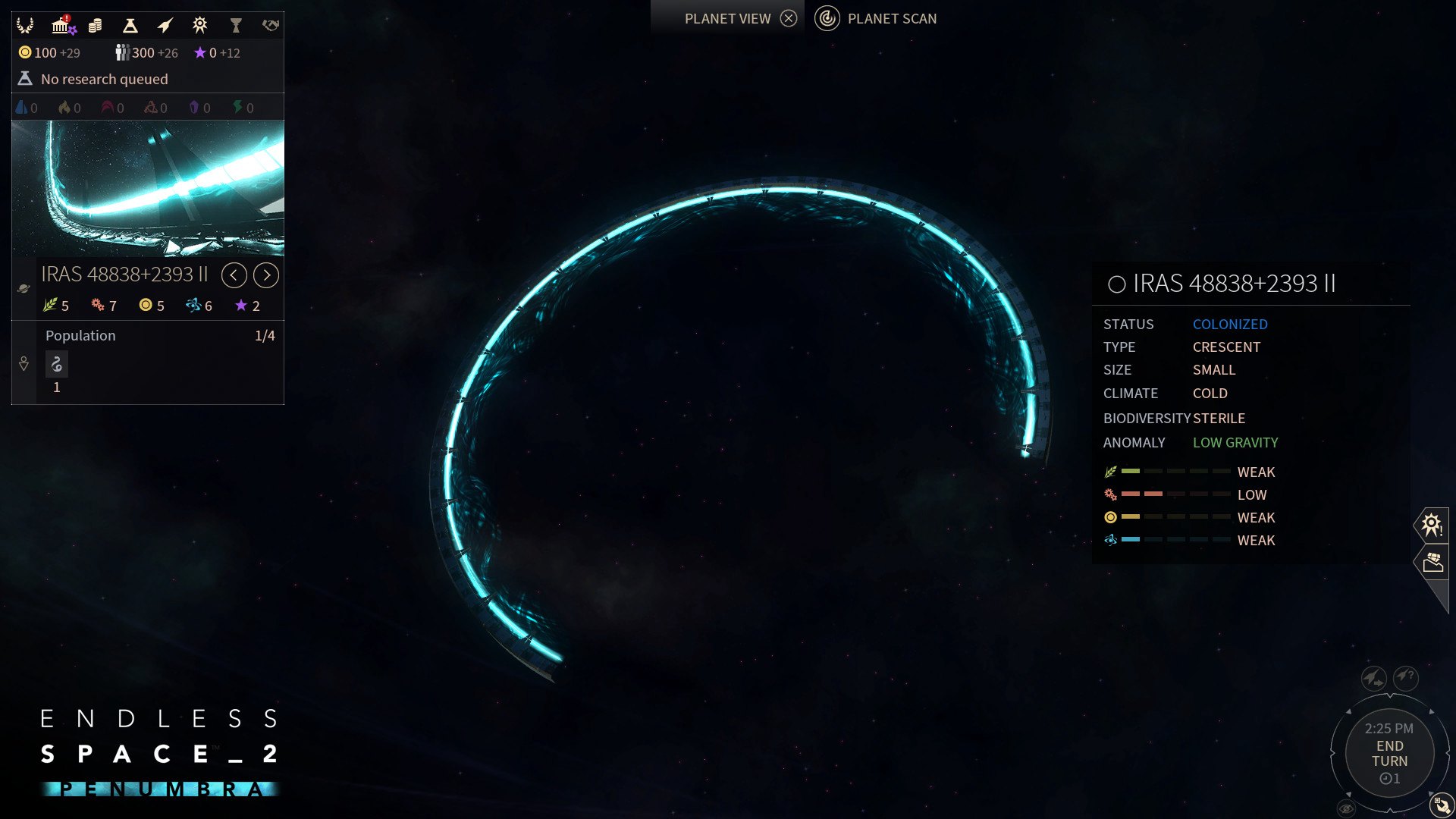
Endless Space 2 – Penumbra introduces the long-awaited hacking feature, invisibility and the community-created faction: the Umbral Choir. Features The Umbral ChoirThe Umbral Choir have been roaming the universe since the dawn of time, silent observers of the woes of the world. At last, they heard the death cry of the Endless Galaxy and decided to rush to the aid of those who suffered. The Umbral Choir only own a single hidden system throughout the entire game. They can however expand and fuel their economy by building sanctuaries on neutral or enemy system anonymously. This faction heavily relies on its ability to stay undetected and on its formidable use of the hacking feature. HackingIn the new scan view, players can now initiate hacking operation from a system they own to a target system. While the hack progresses, the player and their target will be able to set up offensive and defensive programs to influence its progression. If the hack succeeds, the attacker will be able to choose among several potentially crippling outcomes... InvisibilityPenumbra also comes with new invisibility modules allowing your fleets to infiltrate enemy lines without being detected. However, there are multiple levels of invisibility and these can always be countered by detection modules.

Endless Space 2 - Penumbra DLC screenshotEndless Space 2 - Penumbra DLC screenshotEndless Space 2 - Penumbra DLC screenshotEndless Space 2 - Penumbra DLC screenshotEndless Space 2 - Penumbra DLC screenshotEndless Space 2 - Penumbra DLC screenshot

How to redeem

  1. 1Check the required base game, platform and edition before purchasing.
  2. 2Find the code or supplier activation instructions in your confirmed order.
  3. 3Redeem on Steam using the supplied instructions, then install the add-on with the compatible base game.

Supplier instructions

Go to: http://store.steampowered.com/ and download STEAM client Click "Install Steam" (from the upper right corner) Install and start application, login with your Account name and Password (create one if you don't have). Please follow these instructions to activate a new retail purchase on Steam: Launch Steam and log into your Steam account. Click the Games Menu. Choose Activate a Product on Steam... Follow the onscreen instructions to complete the process. After successful code verification go to the "MY GAMES" tab and start downloading.

You might also like