Get 10% back in Relic Coins on every order
Song Beater: Quite My Tempo! cover

SteamGlobal· Key

Song Beater: Quite My Tempo!

€1.55

+€0.16 cashback eligibility in Relic Coins

Check before you play

Platform
Steam
Region
Global
Product type
Key
Developer
Playito.com
Publisher
Playito.com
Supplier release date
2019-07-05
Genres
Action, Indie, Casual

About this product

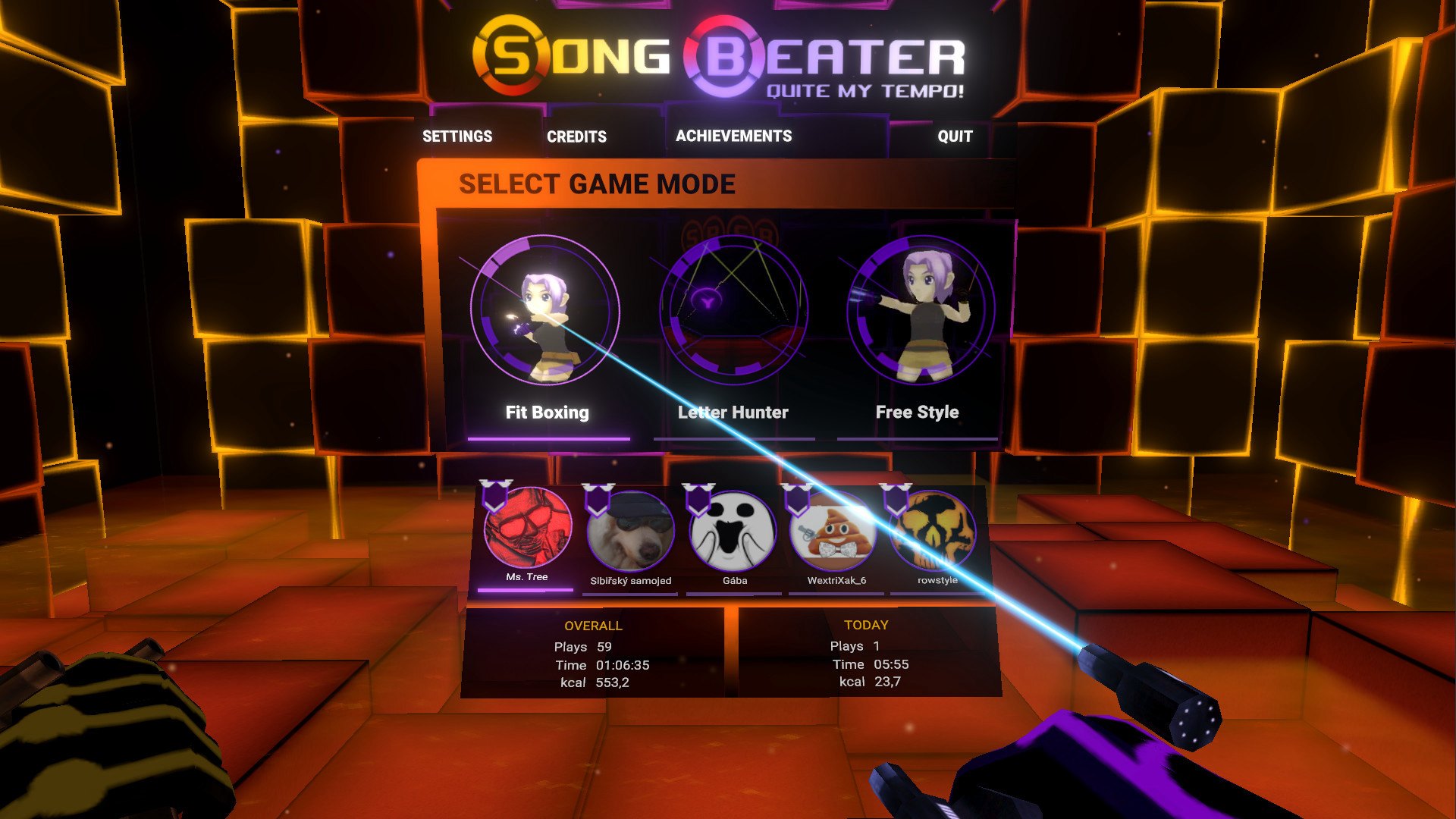
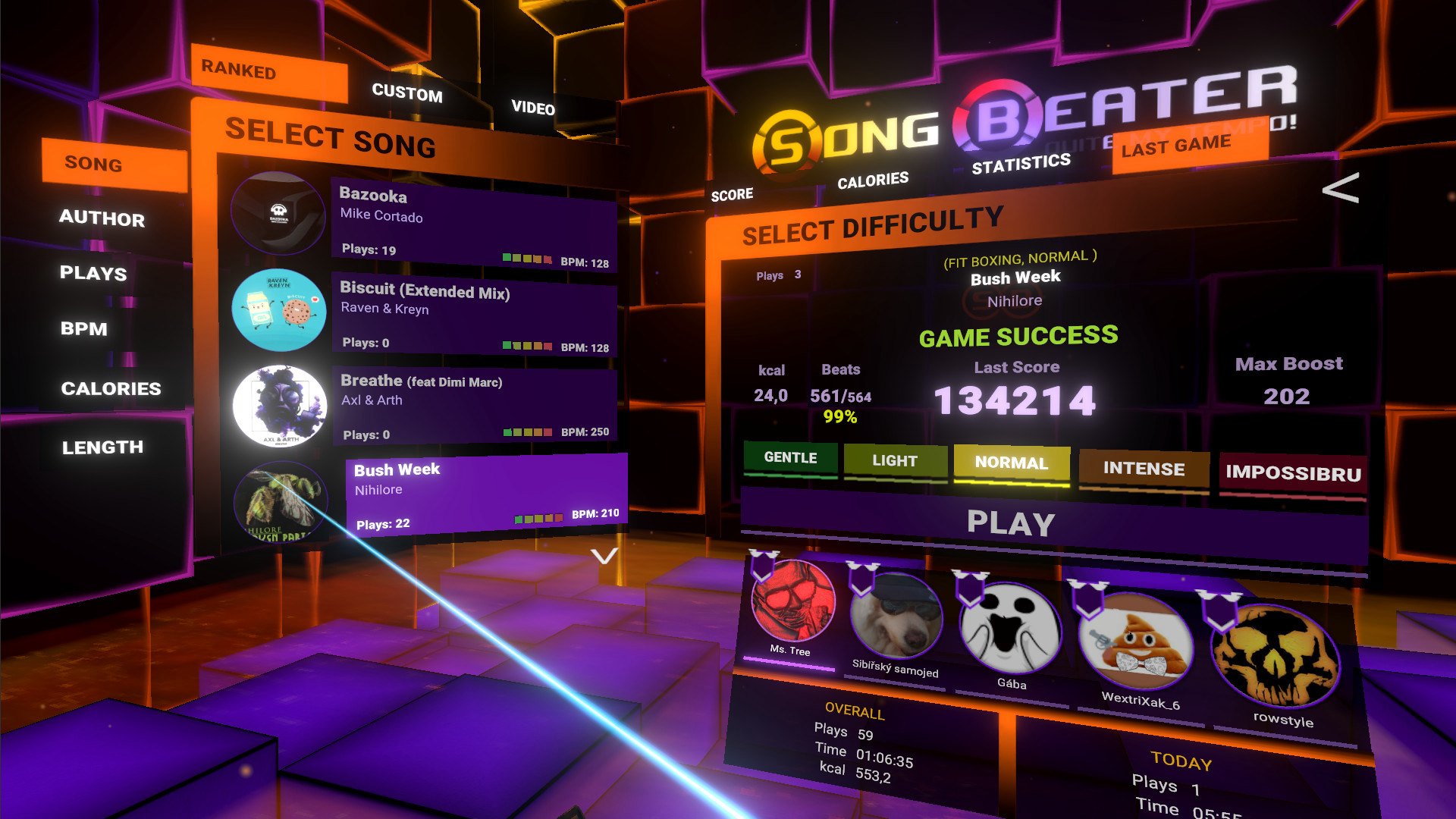
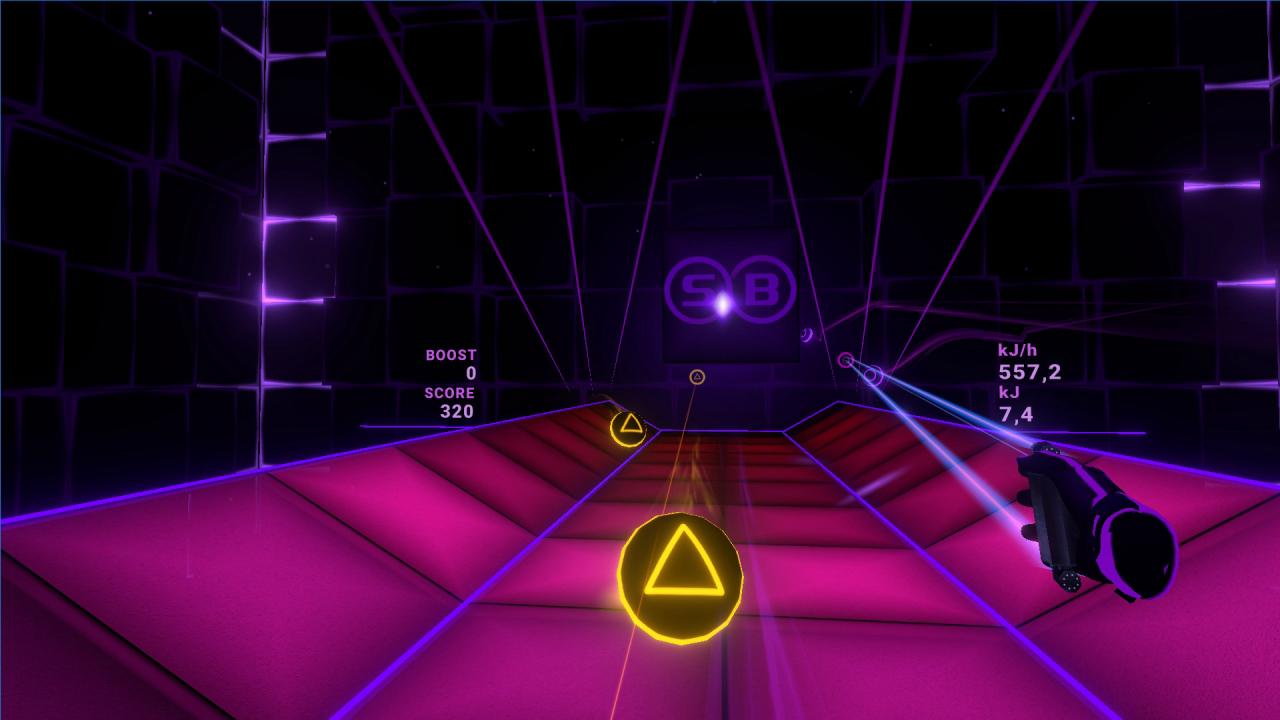
Song Beater is a VR rhythm game on steroids. Beat challenging songs with your bare fists in Fit Boxing mode, wield variety of weapons (blades, tonfas, phasers, staff, saw) in Free Style or concentrate on uplifting text flow in Letter Hunter mode. Features 3 game modes 16 ranked songs and videos Global and friends leaderboards, unique family party mode Player statistics including estimated calories burnt for your fitness goals Custom songs support 5 difficulty levels (light, gentle, normal, intense and... impossibru) Unique handmade visualization for each song Video playback 30 Steam achievements Level editor included 3rd person cameras support (avatars) - great for watching players or streamers Hidden and not so hidden cultural references, memes, easter eggs... :) Weapons (free style mode) Wield variety of weapons (blades, tonfas, phasers, staff, saw) to increase your effective range. Master different techniques for perfect play. Custom songs and videos New songs (levels) can be created using included level editor. See Quick-start guide in the Community Hub for more information on how to use it. Song Beater can import custom songs from other games, e.g. in ModSaber format! Simply copy whole song directory to "Custom songs" directory in Song Beater and start the game. Your song should appear on Custom songs tab.


Song Beater: Quite My Tempo! screenshotSong Beater: Quite My Tempo! screenshotSong Beater: Quite My Tempo! screenshotSong Beater: Quite My Tempo! screenshotSong Beater: Quite My Tempo! screenshotSong Beater: Quite My Tempo! screenshot

How to redeem

  1. 1Check your Steam account and the listed region before purchasing.
  2. 2Find your code and supplier activation instructions in your confirmed order.
  3. 3Open the redeem-code section on Steam, enter the code and follow the platform’s prompts.

Supplier instructions

Go to: http://store.steampowered.com/ and download STEAM client Click "Install Steam" (from the upper right corner) Install and start application, login with your Account name and Password (create one if you don't have). Please follow these instructions to activate a new retail purchase on Steam: Launch Steam and log into your Steam account. Click the Games Menu. Choose Activate a Product on Steam... Follow the onscreen instructions to complete the process. After successful code verification go to the "MY GAMES" tab and start downloading.

You might also like