

SteamGlobal· Key
FlatOut 2
€1.04
+€0.10 cashback eligibility in Relic Coins
Check before you play
- Platform
- Steam
- Region
- Global
- Product type
- Key
- Publisher
- I-play
- Genres
- Racing
SteamGlobal· Key
€1.04
+€0.10 cashback eligibility in Relic Coins
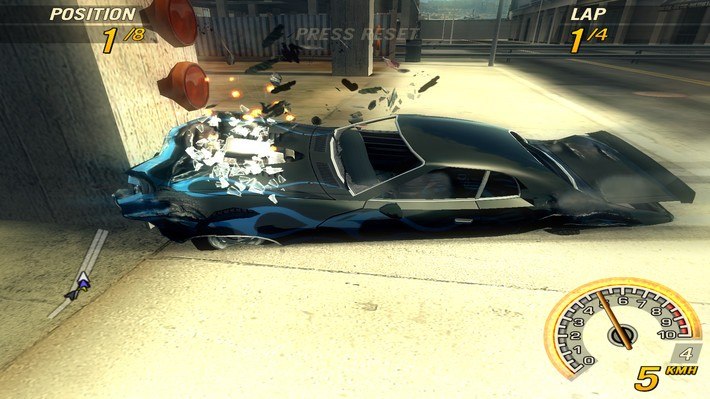
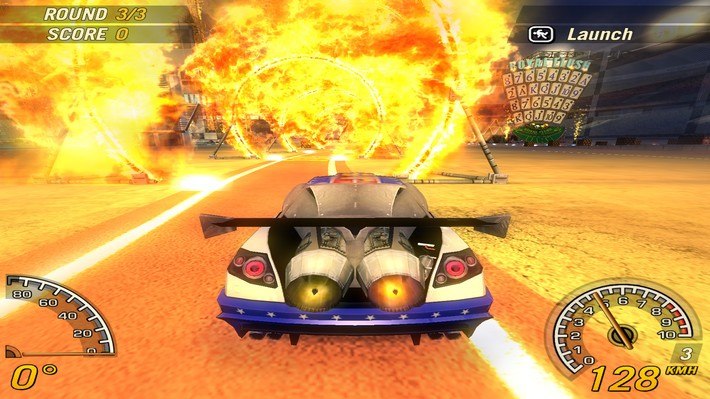
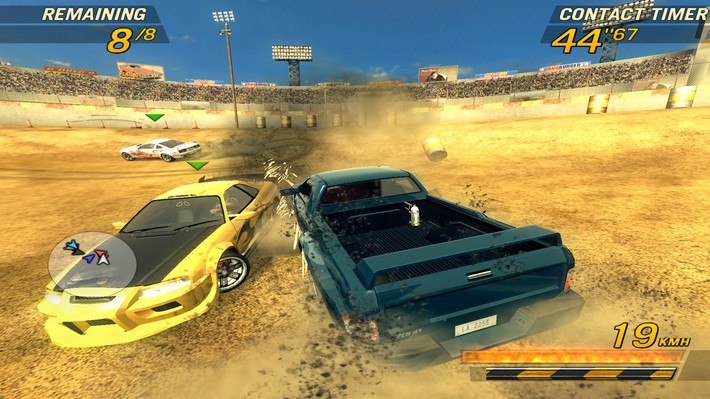
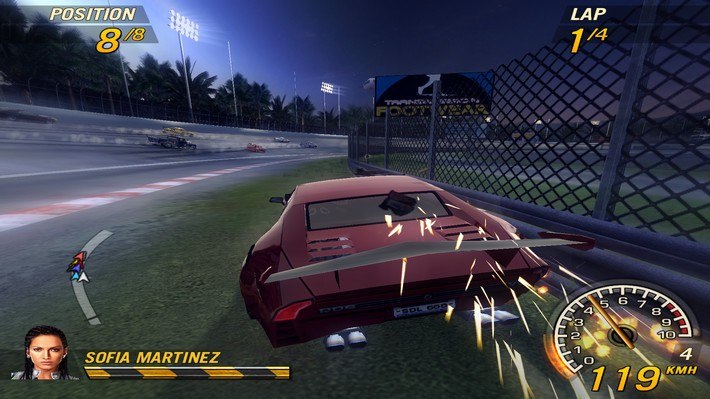
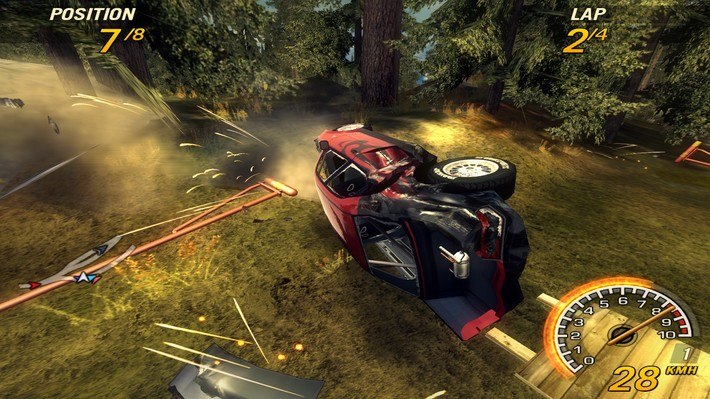
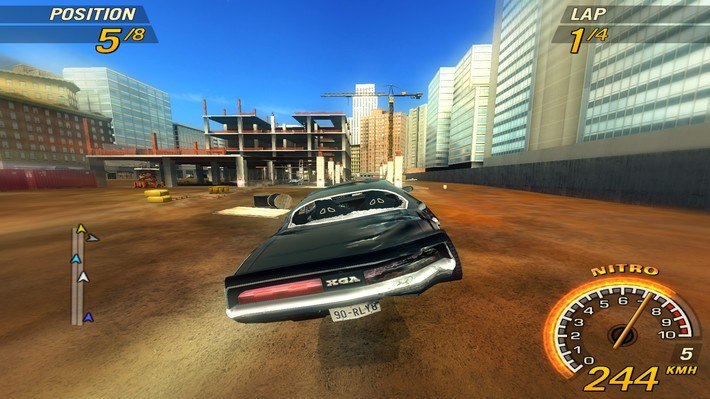
Flatout 2 Steam Gift Platform: Steam Languages: EN/FR/DE/IT/ES/NL Release Date: 1 Aug 2006 Product Description DRIVING THIS RECKLESS IS NO ACCIDENT! But you might want to cause a few. In these high-speed races, the more damage you inflict, the better. The ultimate in turbo-charged cars and the craziest competitor drivers are waiting to test your best destructive streak. Responsible drivers need not apply. Features Thousands and thousands of objects to annihilate. Mini games gone wild - hurl the driver in these 12 crazy challenges. Wreck your way across parched deserts, massive storm drains and narrow city streets. Ram your opponents' car and watch them fly through the air - you're here to win! System Requirements Minimum: Windows XP/2000 XP SP2 / 2000 SP4, 256 MB RAM, 64 MB* video card, 2.0 GHz Pentium® 4 or AMD® 2000+ processor, DirectX compatible sound card, 3.5 GB free hard drive space, DirectX 9.0c, TCP/IP required for LAN play, 512kbs minimum, Broadband connection required FlatOut 2 supports gamepads. Gamepad with 8 buttons minimum (to support all configurable game commands) is recommended.* FlatOut 2 supports the following Chipsets, nVidia Geforce FX 5/6/7 series, ATI Radeon 9600 Pro/XT and above, ATI Radeon X200 and above. On-board/ integrated graphics cards and laptops not supported.
Go to: http://store.steampowered.com/ and download STEAM client Click "Install Steam" (from the upper right corner) Install and start application, login with your Account name and Password (create one if you don't have). Please follow these instructions to activate a new retail purchase on Steam: Launch Steam and log into your Steam account. Click the Games Menu. Choose Activate a Product on Steam... Follow the onscreen instructions to complete the process. After successful code verification go to the "MY GAMES" tab and start downloading.