

SteamGlobal· Key
Ancient Battle: Hannibal
€4.29
+€0.43 cashback eligibility in Relic Coins
Check before you play
- Platform
- Steam
- Region
- Global
- Product type
- Key
- Supplier release date
- 2018-12-07
- Genres
- Strategy
SteamGlobal· Key
€4.29
+€0.43 cashback eligibility in Relic Coins
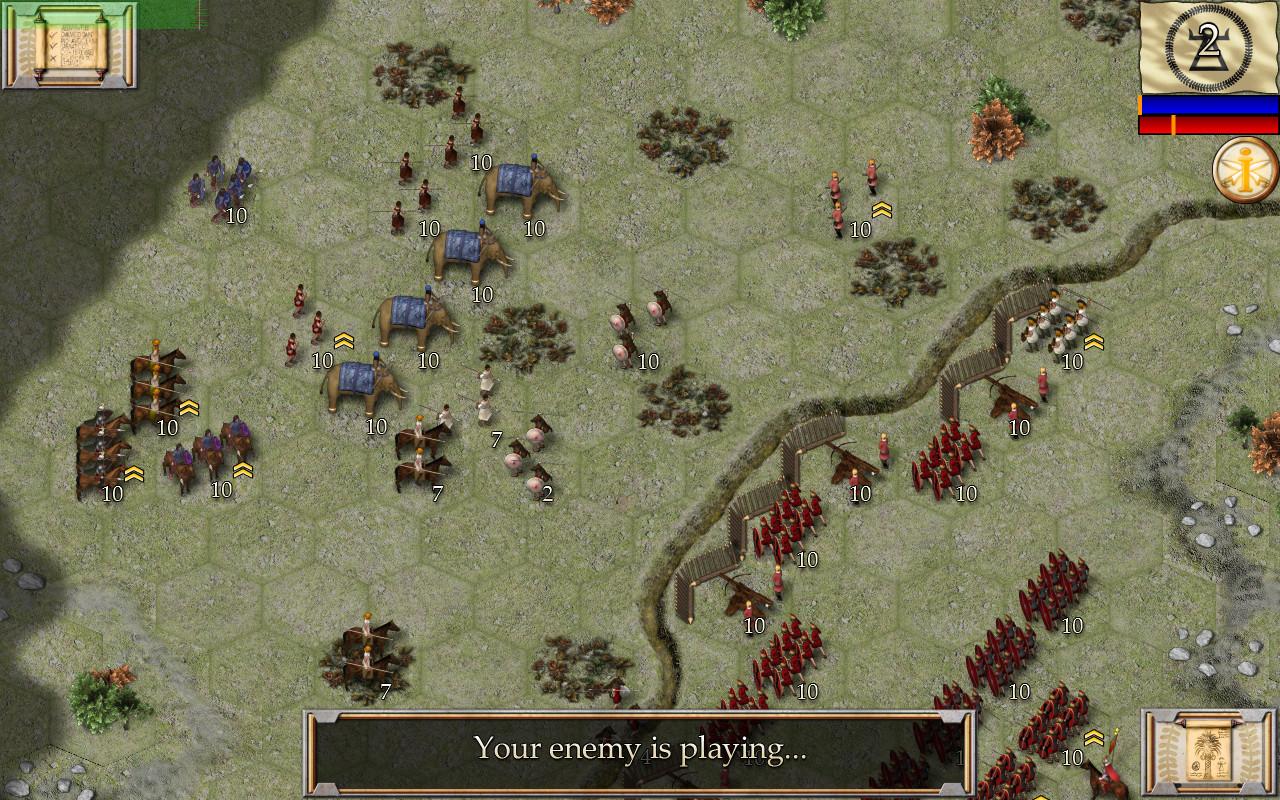
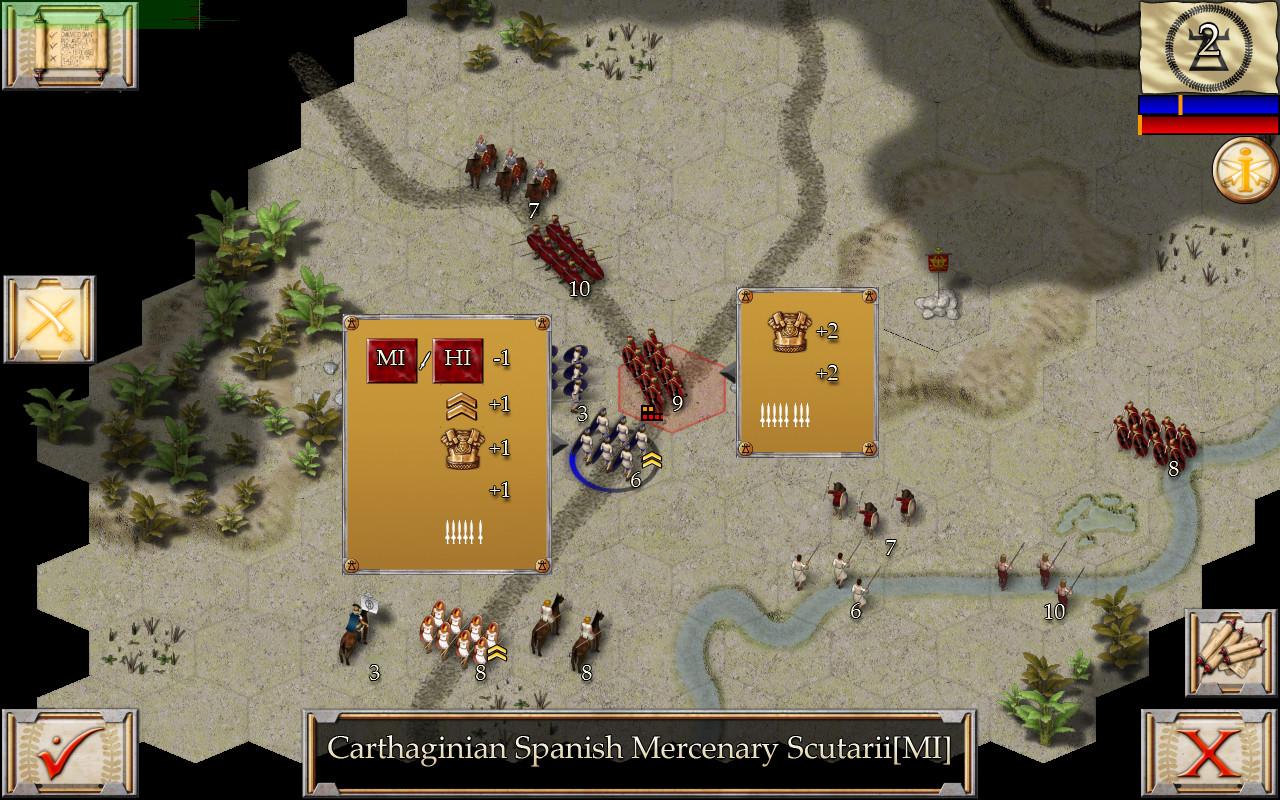
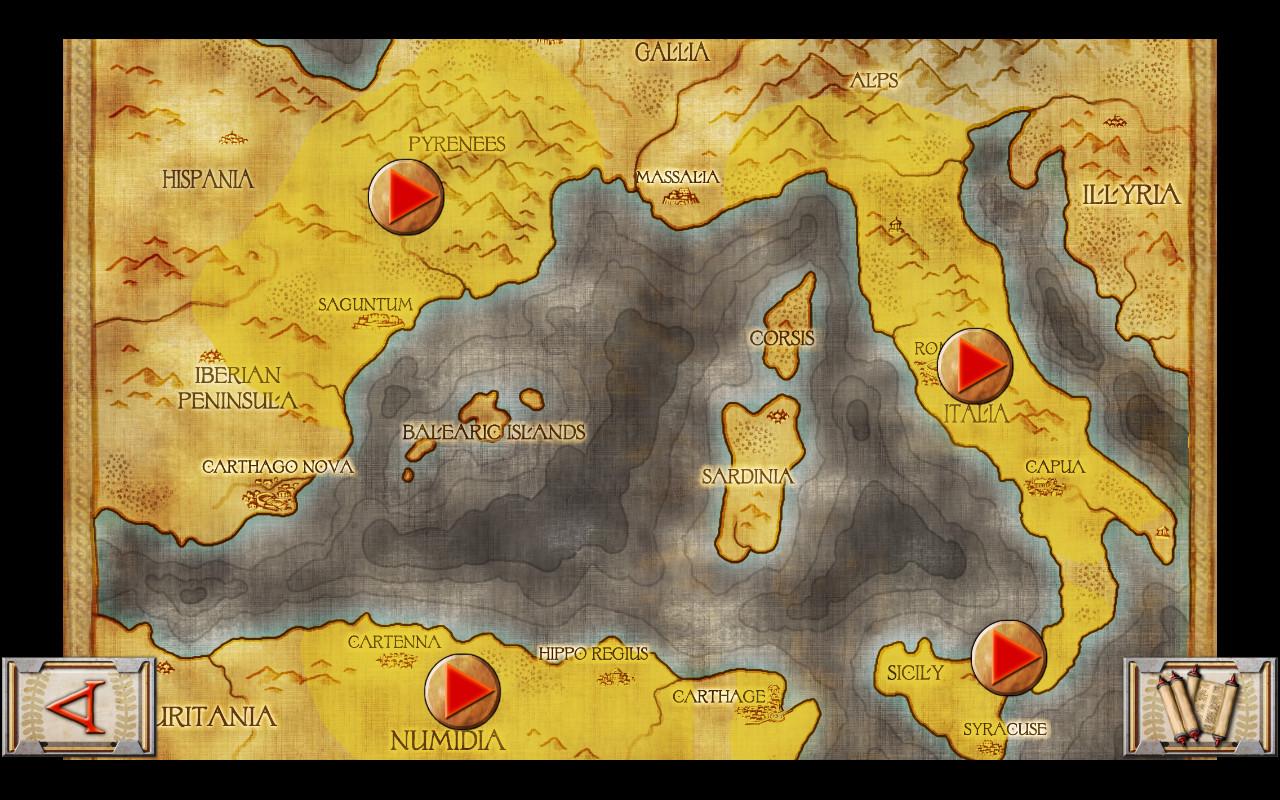
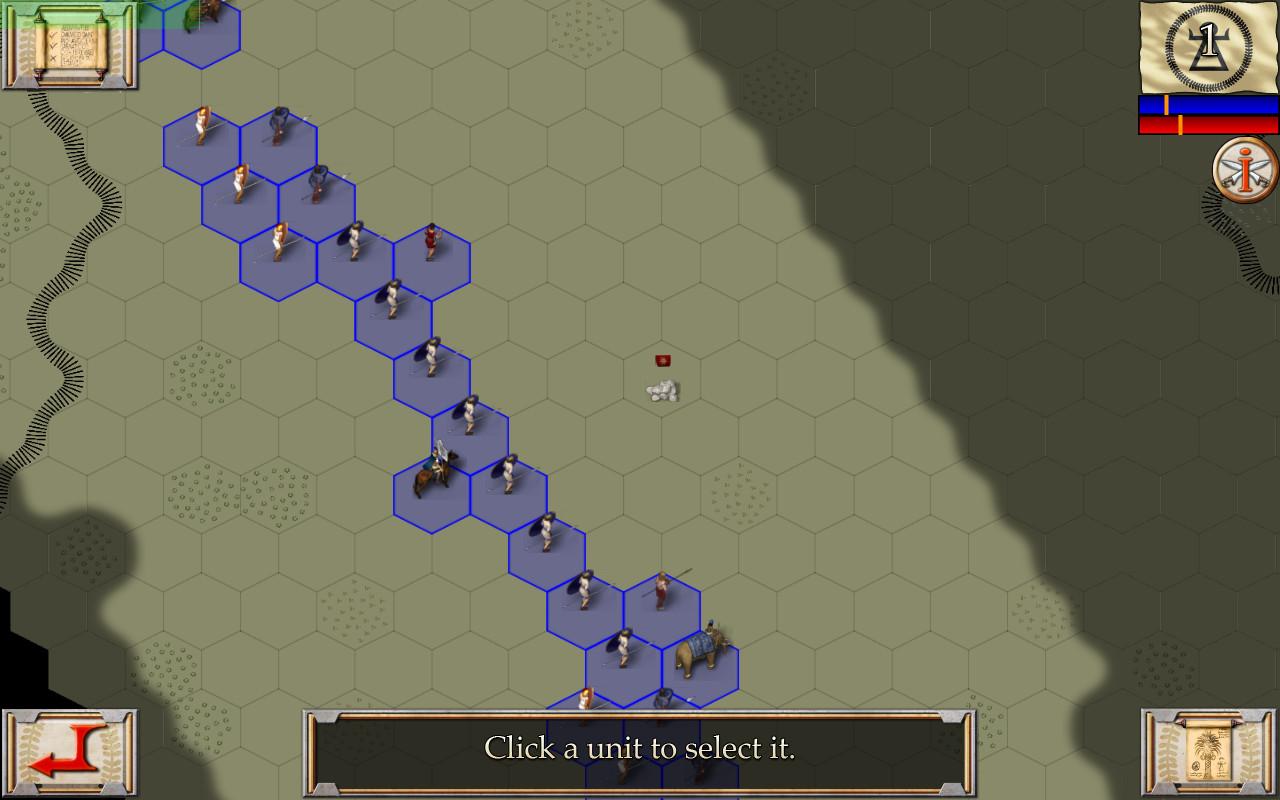
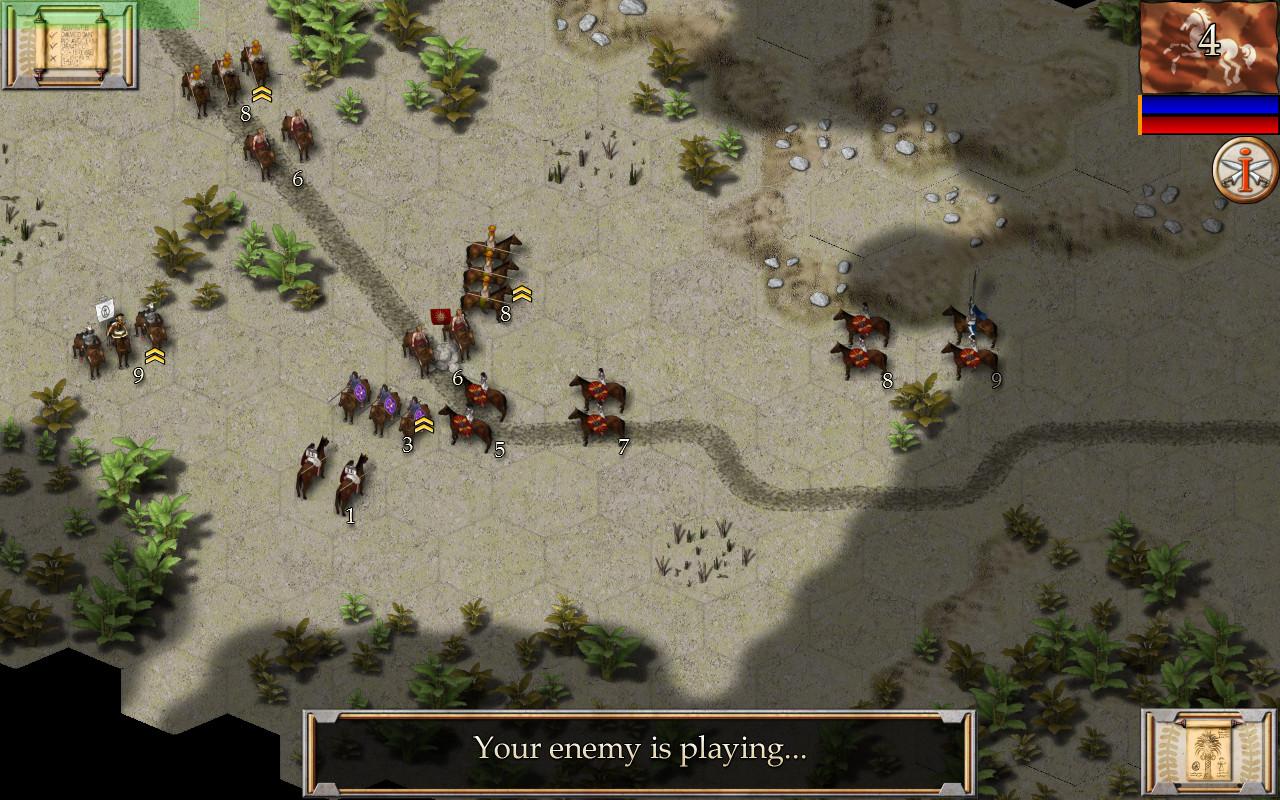
Ancient Battle: Hannibal is the newest edition to the Ancient Battles series. Experience the magnificence of the Punic Wars, as you follow Hannibal on his crucial campaign against Rome. Based upon, and a major upgrade to, the game system developed for Ancient Battle: Rome, a game that was the No.1 strategy game on the App Store in 8 different countries. Ancient Battle: Hannibal introduces many new game features including multi-level hills to elevate your strategic opportunities when commanding vast armies. Fight the battles of the Second Punic War between Carthage and Rome. Each campaign is themed around battles between Hannibal’s armies and their cunning opponents in the four geographical regions of Italy, Spain, Sicily and Africa. Hannibal’s inspired tactics and leadership made him one of Rome’s most dangerous enemies and possibly the greatest general of all time. Can you match his achievements on the battlefield? Features High Definition Ancient Era Graphics. 7 Mission ‘Tutorial’ campaign ending with a unique skirmish battle. 4 Mission ‘Sicily’ campaign, featuring battles from the First Punic War, including the battle of Bagradas. 8 Mission ‘Italy’ campaign featuring the decisive battles of Lake Trasimene and Cannae. All missions, except the tutorial, can be played as both sides. 38 Unique Ancient units including Roman Hastati, Spanish Scutarii, Bolt Throwers and Elephants. Four classes of infantry: Raw, Average, Veteran and Elite. Detailed Combat Analysis. Flank Attacks Strategic Movement. Hours of Gameplay.
Go to: http://store.steampowered.com/ and download STEAM client Click "Install Steam" (from the upper right corner) Install and start application, login with your Account name and Password (create one if you don't have). Please follow these instructions to activate a new retail purchase on Steam: Launch Steam and log into your Steam account. Click the Games Menu. Choose Activate a Product on Steam... Follow the onscreen instructions to complete the process. After successful code verification go to the "MY GAMES" tab and start downloading.