

SteamGlobal· Key
Let's Split Up (A Visual Novel)
€1.19
+€0.12 cashback eligibility in Relic Coins
Check before you play
- Platform
- Steam
- Region
- Global
- Product type
- Key
- Supplier release date
- 2018-07-01
- Genres
- Casual
SteamGlobal· Key
€1.19
+€0.12 cashback eligibility in Relic Coins
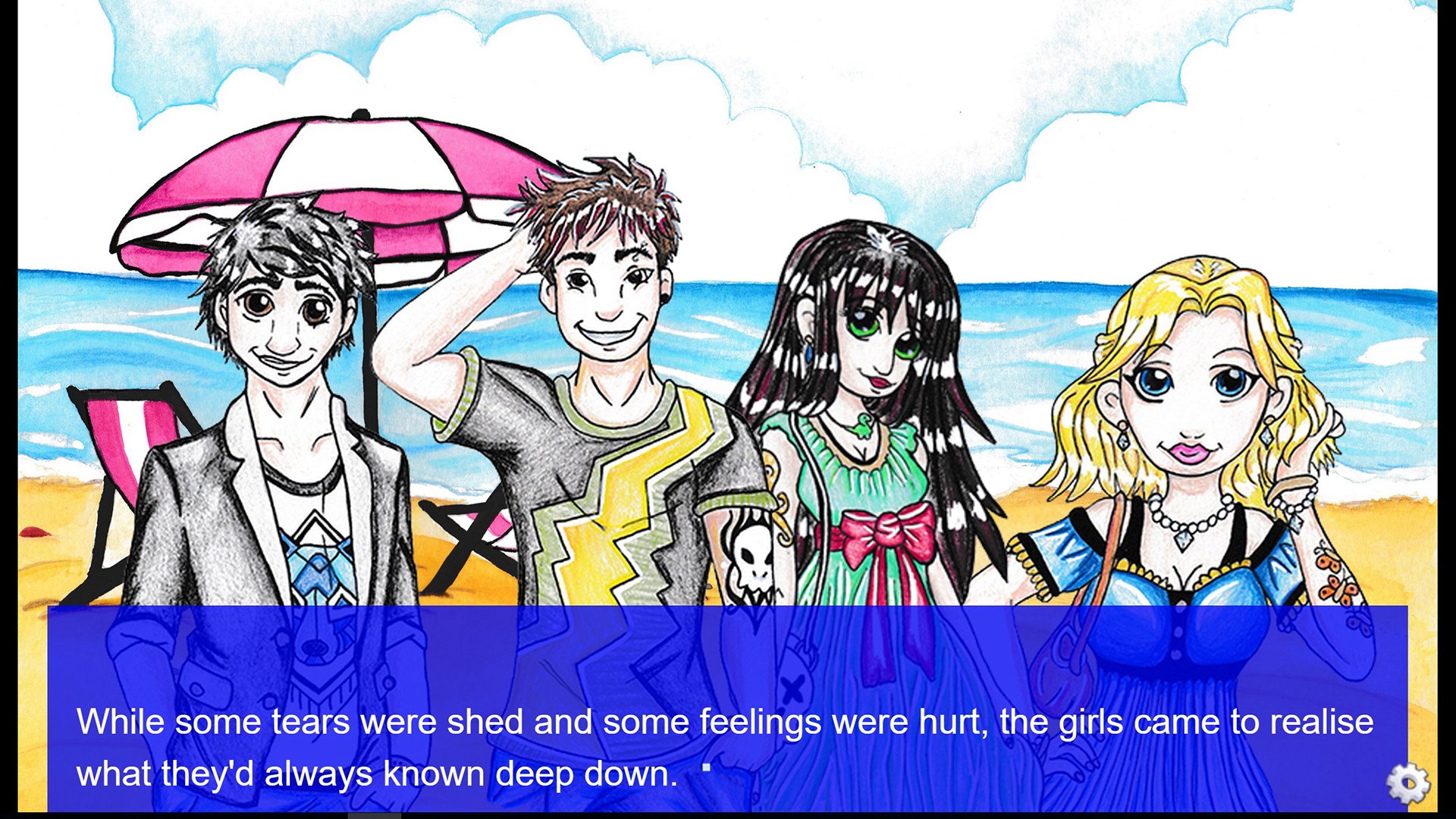
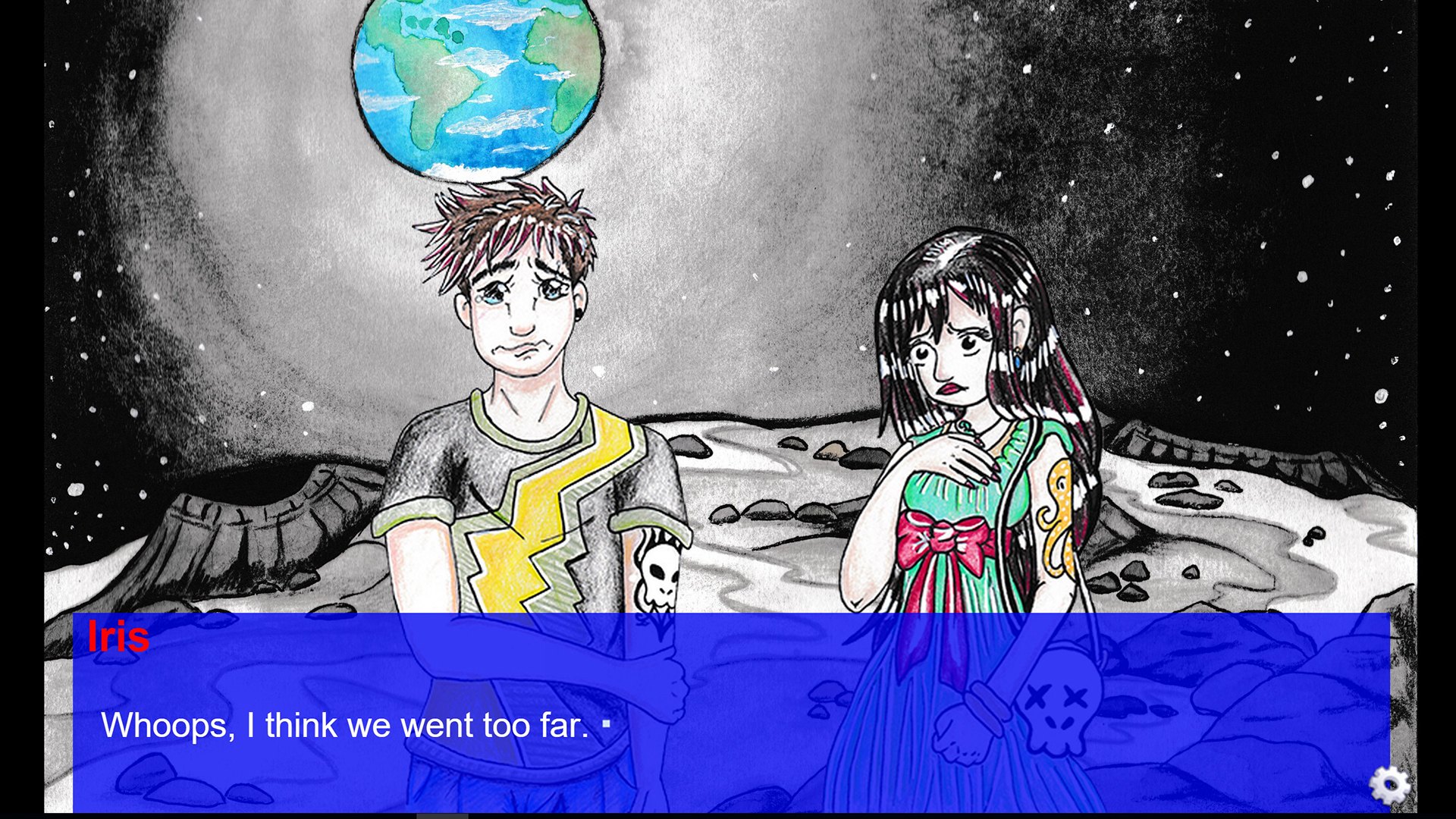
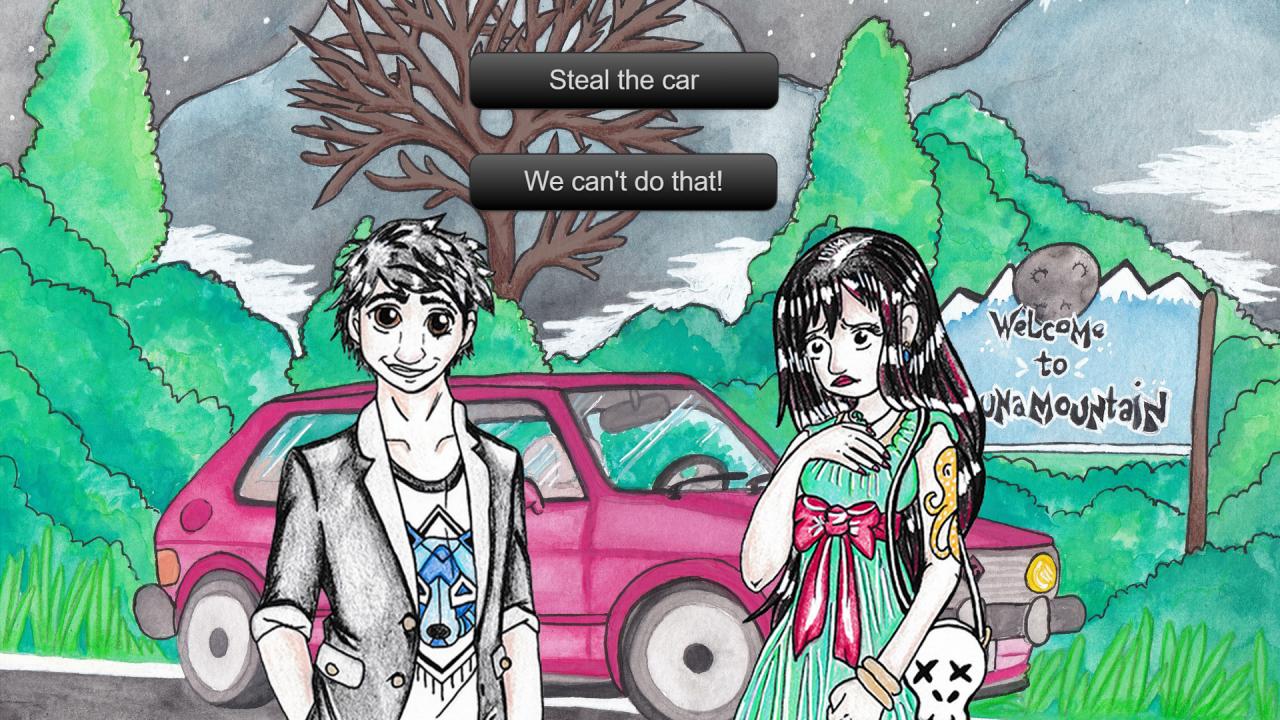
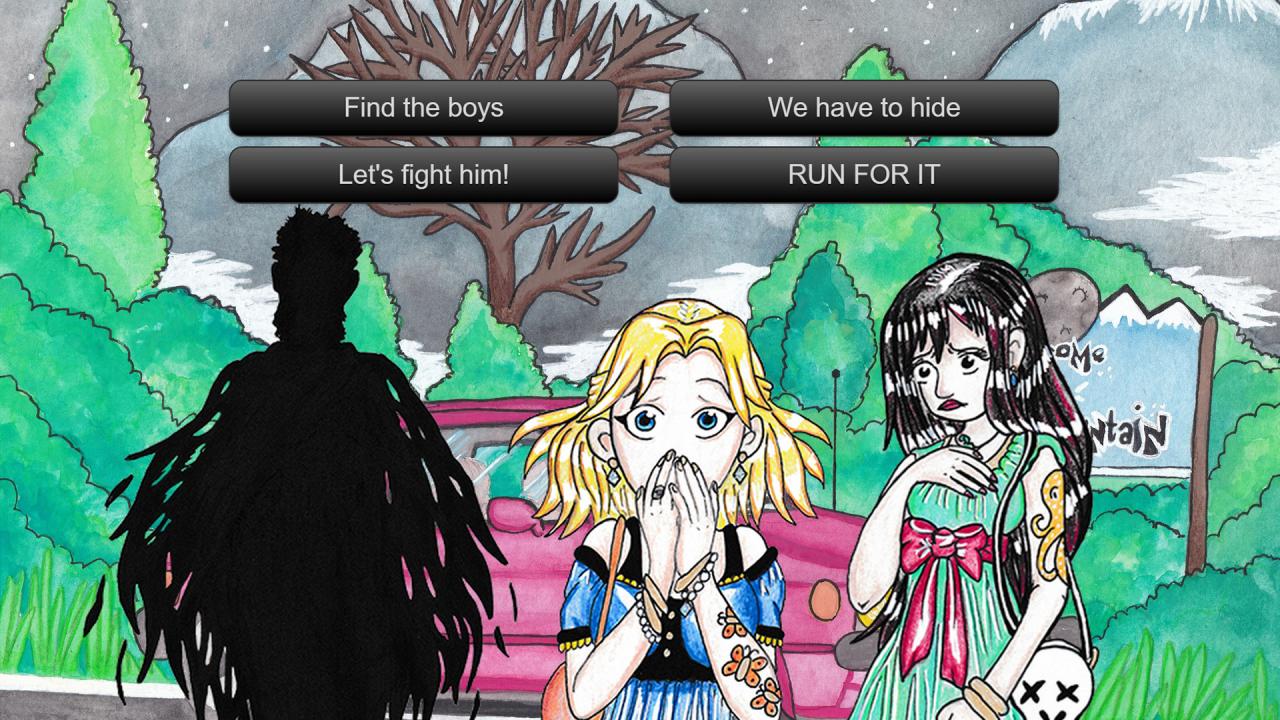
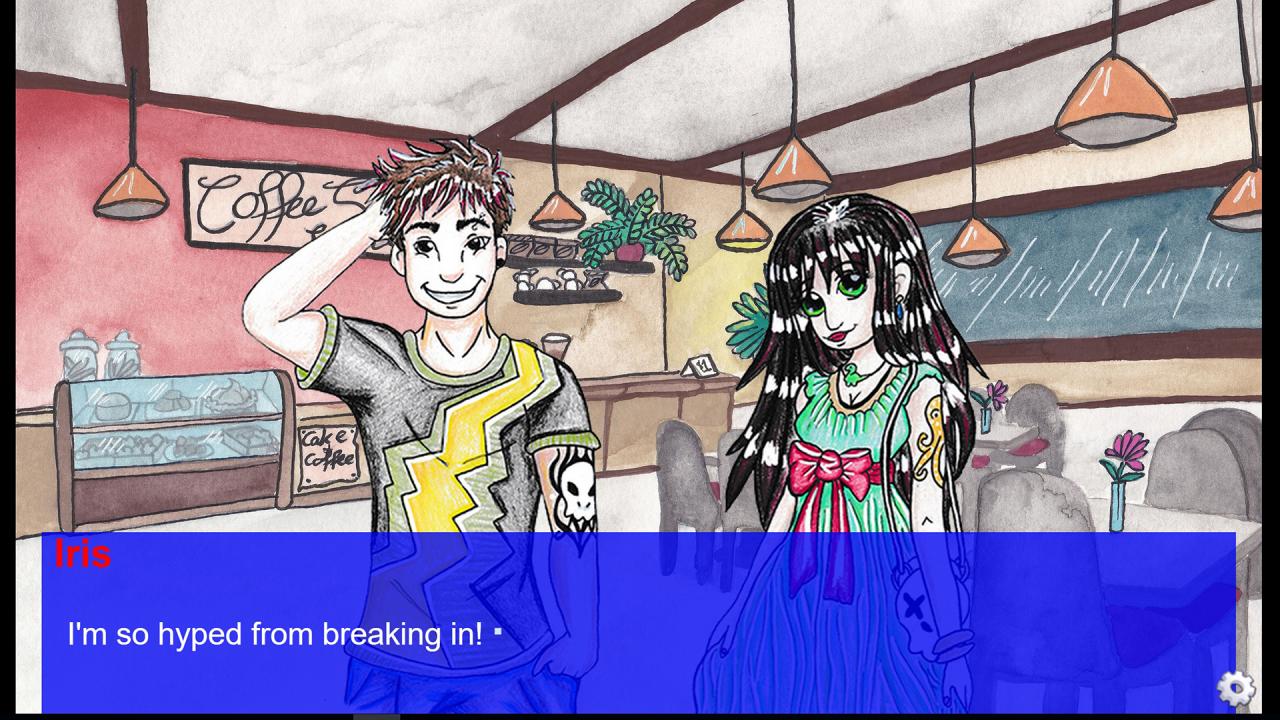
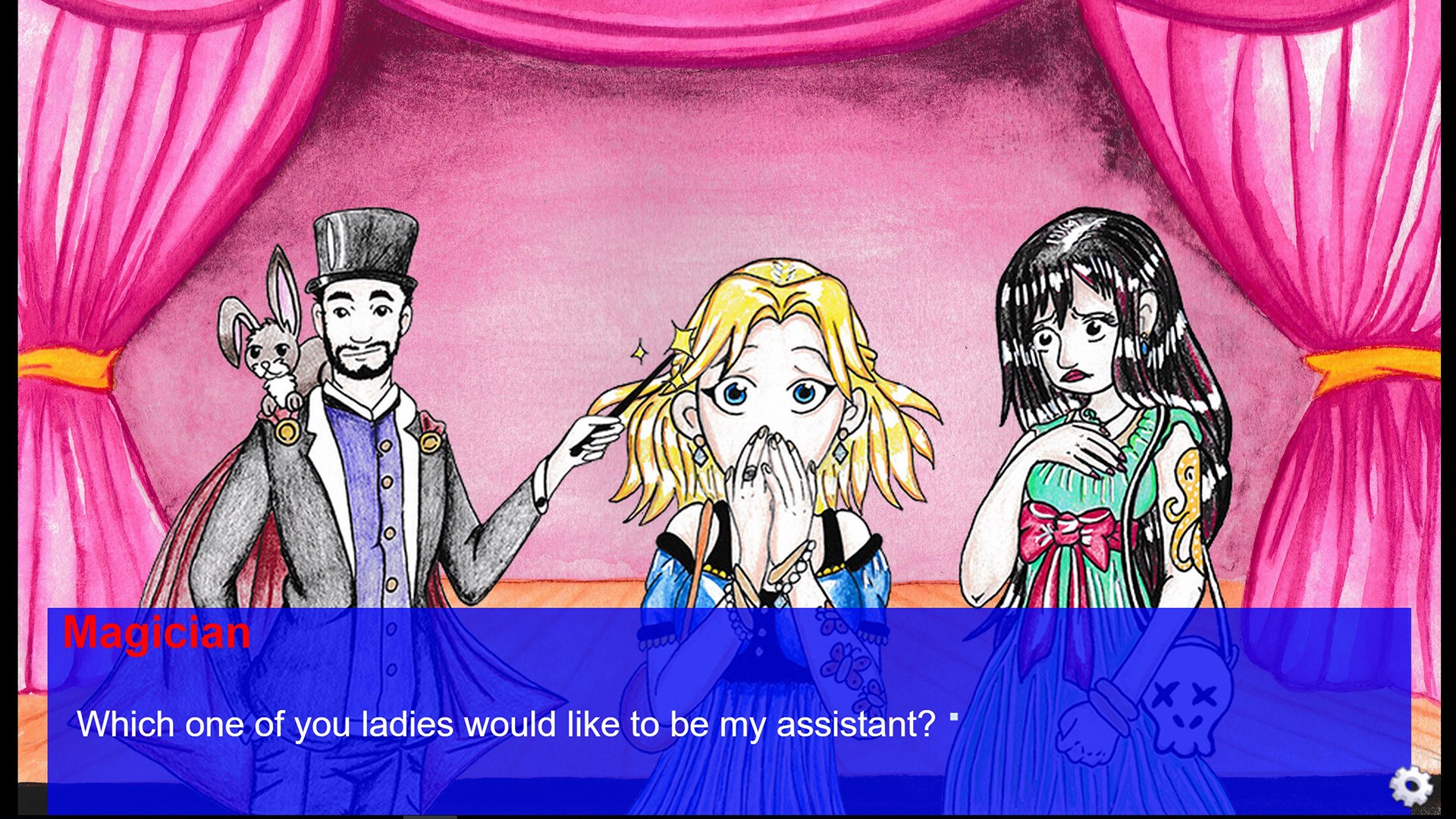
You play as Iris, who is on her to way to a hot vacation with her best friend and both their boyfriends. They drive up a mountain only to have their car break down in a small strange town. The gang decides to split up and you choose which friend you want to go with and where you want to go on Luna Mountain - a place that can be either charming, fun or creepy as hell. Features Choose which of Iris’ friends you want to go with and how you’ll spend your night on Luna Mountain Choose how Iris responds to questions changing the dialogue on repeat play-throughs All 24 endings are available from the beginning – it’s all up to you Keep track of everything using the official guide Game comes with a free printable guide All characters are hand drawn and colored to give the game a unique storybook appearance All 13 different backgrounds are hand-drawn and water-colored In addition to the four main characters, you’ll come across six more side characters Experience good, bad, scary and downright weird endings
Go to: http://store.steampowered.com/ and download STEAM client Click "Install Steam" (from the upper right corner) Install and start application, login with your Account name and Password (create one if you don't have). Please follow these instructions to activate a new retail purchase on Steam: Launch Steam and log into your Steam account. Click the Games Menu. Choose Activate a Product on Steam... Follow the onscreen instructions to complete the process. After successful code verification go to the "MY GAMES" tab and start downloading.