
SteamGlobal· Key
Medieval Battle:
€3.79
+€0.38 cashback eligibility in Relic Coins
Check before you play
- Platform
- Steam
- Region
- Global
- Product type
- Key
- Developer
- HexWar Games
- Publisher
- HexWar Games
- Supplier release date
- 2018-11-14
- Genres
- Strategy
SteamGlobal· Key
€3.79
+€0.38 cashback eligibility in Relic Coins
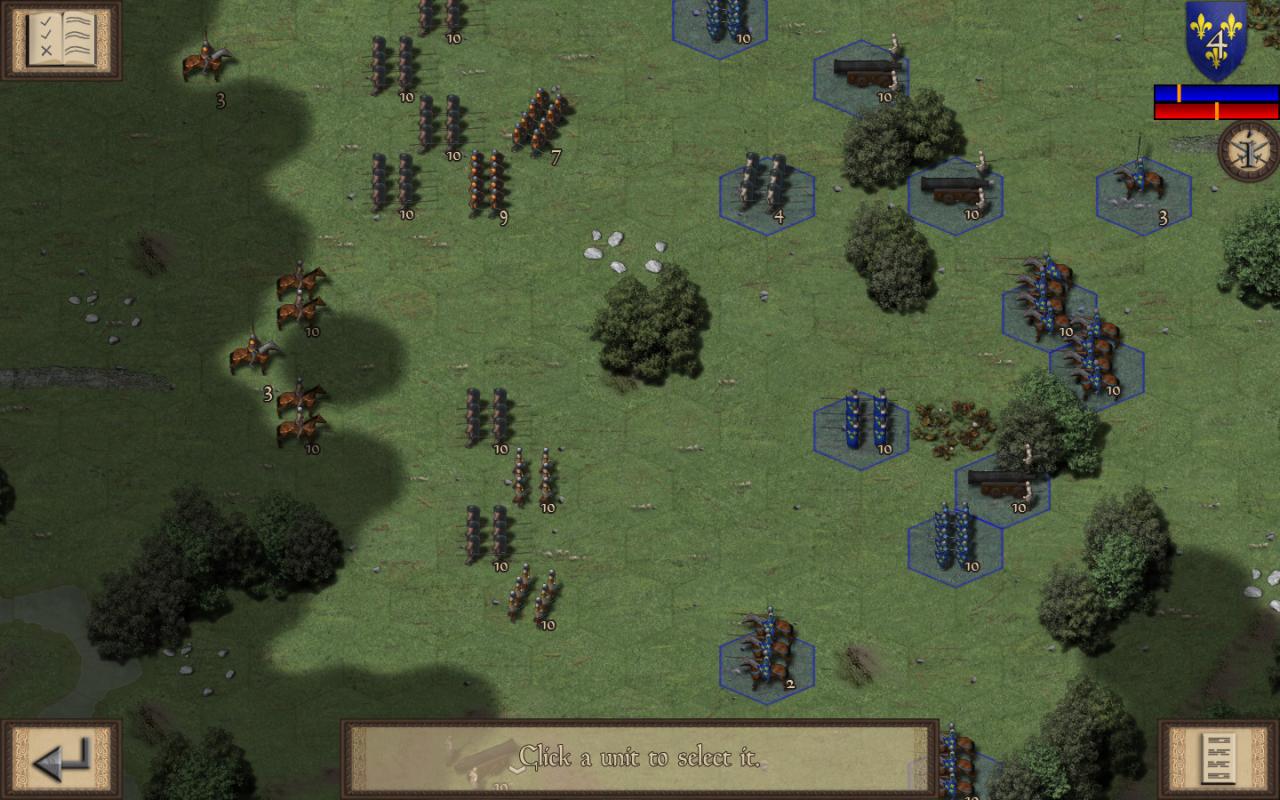
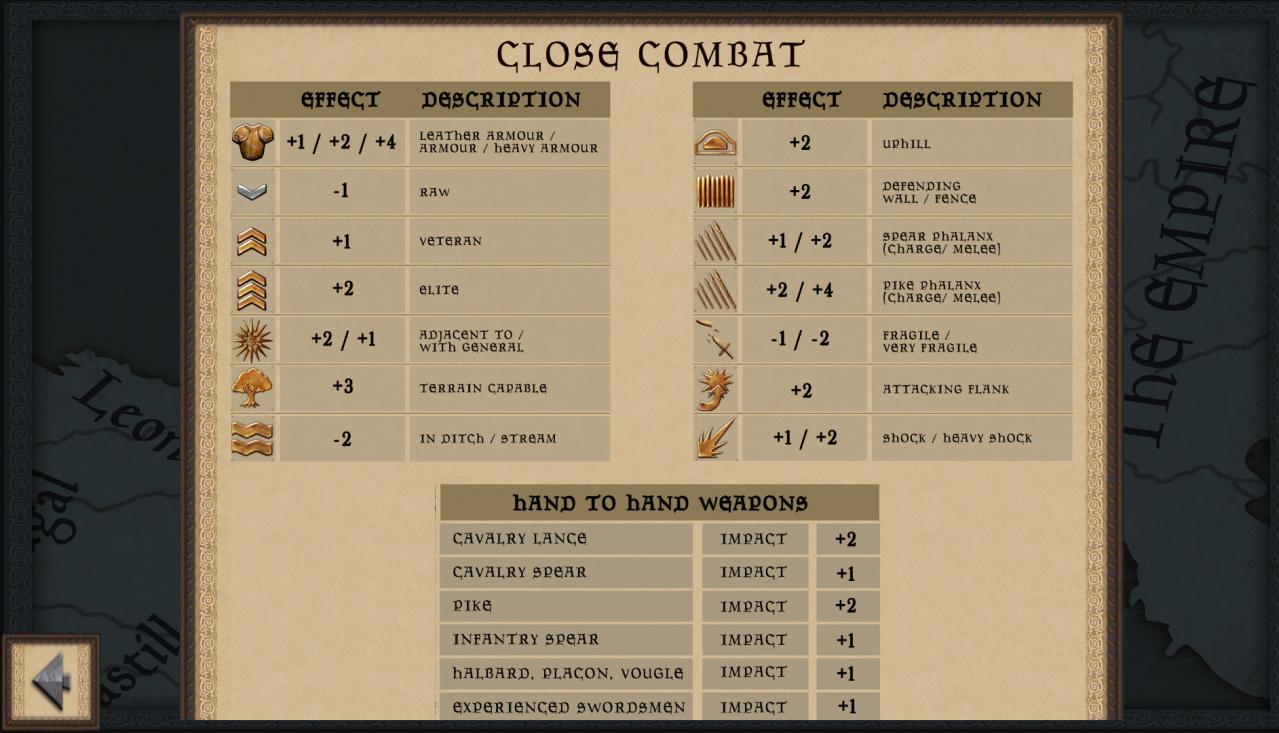
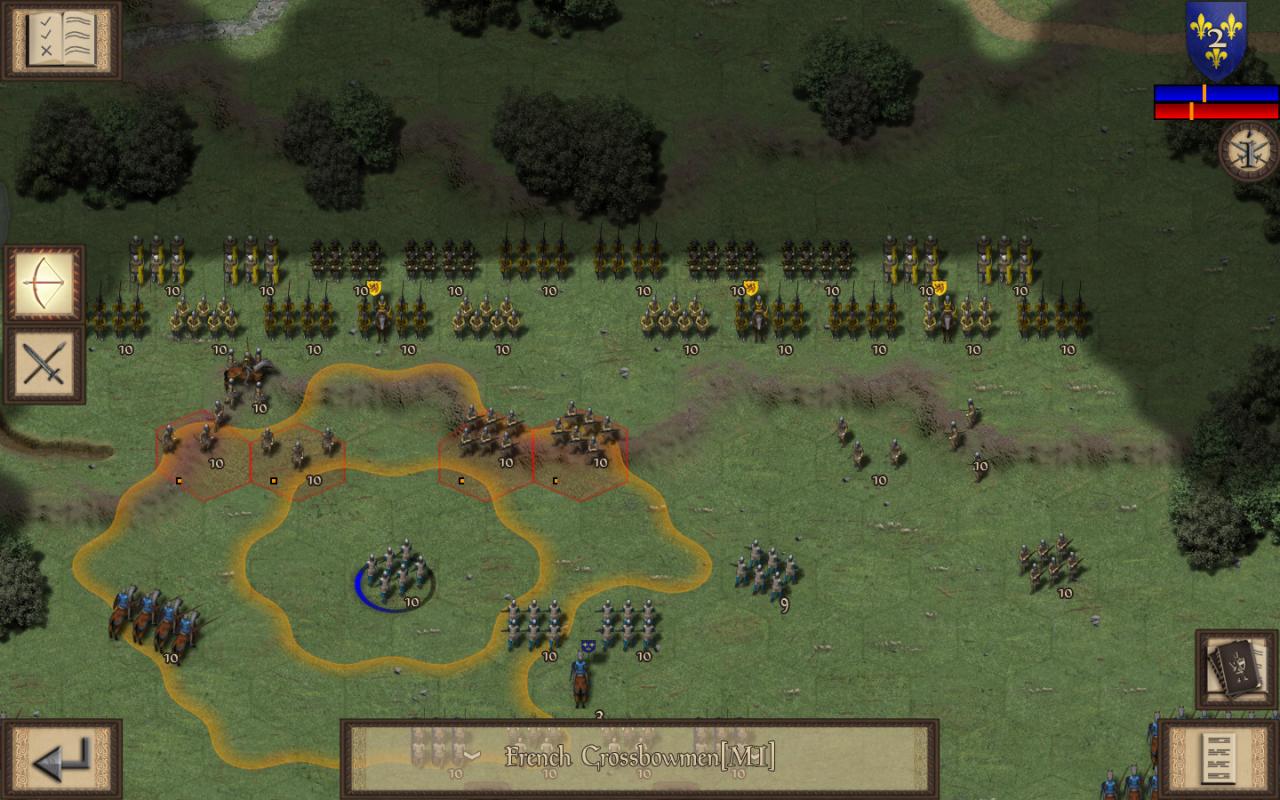
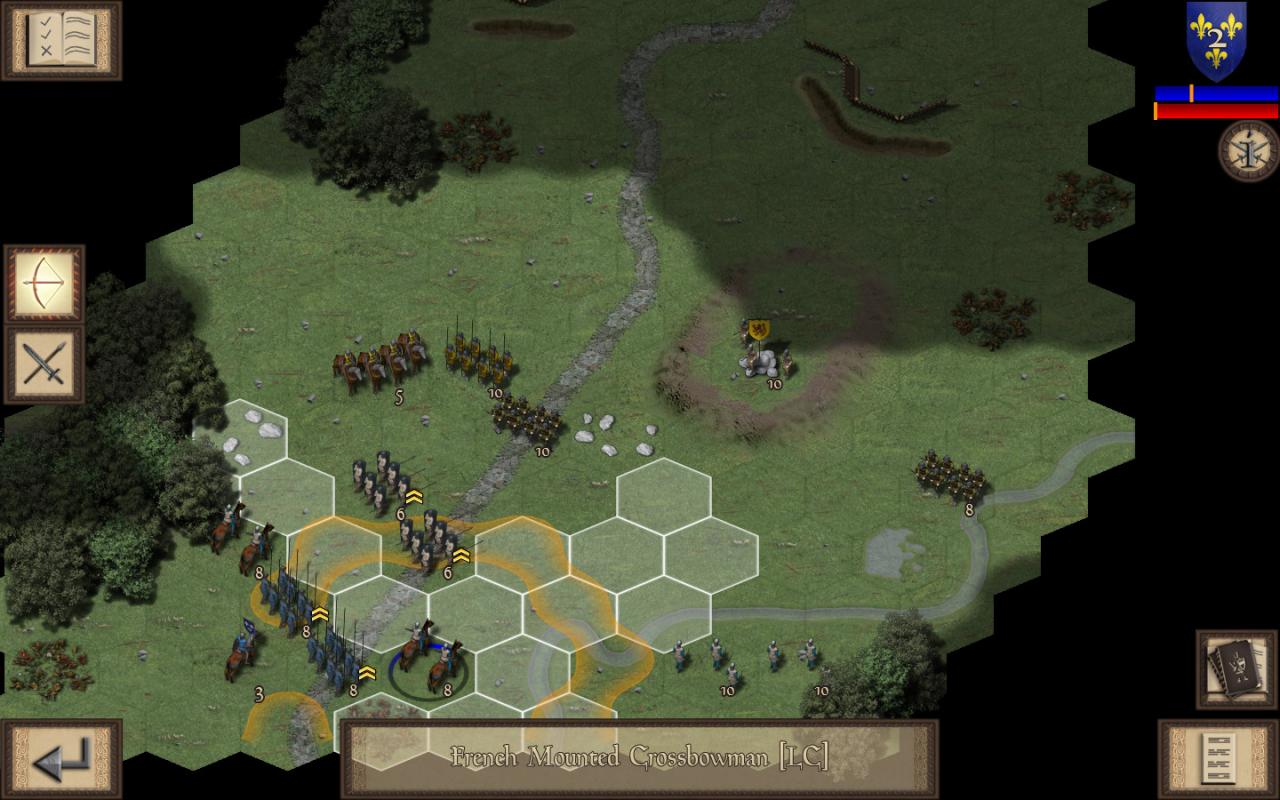
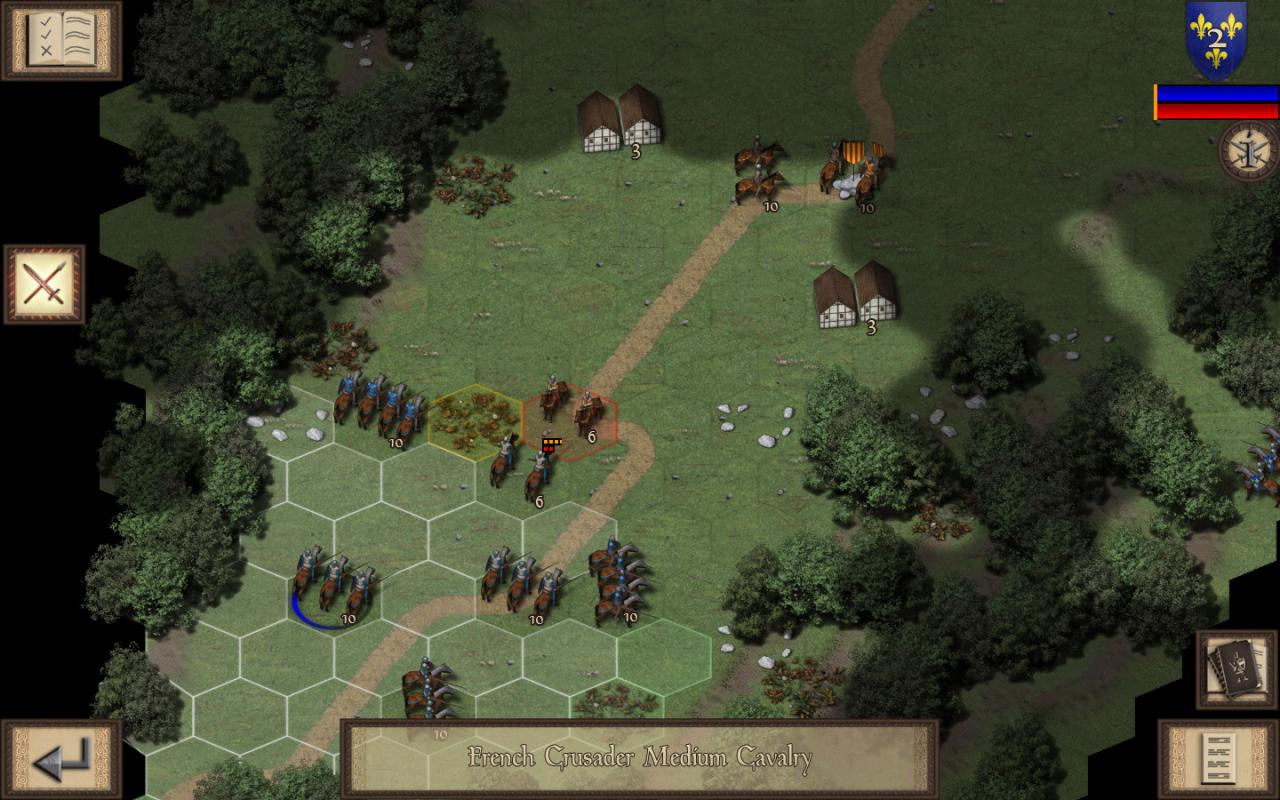
Fight various battles across Europe throughout the medieval ages. Each campaign is themed around battles between France and some of its various enemies in Flanders, Navarre, and Aragon. Capitalize on strategic advantages to turn the tide of war in your favor; ride down your foes with heavily armored knights, hold the line with bristling ranks of pikemen or strike from afar with crossbows and the famed English longbow. Will you emerge victoriously or become another casualty of war?Follow the treacherous scheming of Charles II of Navarre (known as Charles the Bad) as he attempts to gain more political power in France and for his Kingdom Navarre.Flanders has a blood-soaked history with France, featuring many different wars, battle, revolts, and rebellions. Join these two nations through the Franco-Flemish War (1297 to 1305).Join the Crown of Aragon as they defend against the French through two different crusades before taking the fight to them during the conquest of France’s ally Navarre. Features High Definition Medieval Era Graphics. 7 Mission Tutorial Campaign. 4 Mission Navarre Campaign. 8 Mission Flanders Campaign. 6 Mission Aragon Campaign. All missions, except the tutorial, can be played as both sides. Over 50 Unique Medieval Units. Detailed Combat Analysis. Flank Attacks. Strategic Movement. Hours of Gameplay. Detailed Reference Charts. Map Zoom.
Go to: http://store.steampowered.com/ and download STEAM client Click "Install Steam" (from the upper right corner) Install and start application, login with your Account name and Password (create one if you don't have). Please follow these instructions to activate a new retail purchase on Steam: Launch Steam and log into your Steam account. Click the Games Menu. Choose Activate a Product on Steam... Follow the onscreen instructions to complete the process. After successful code verification go to the "MY GAMES" tab and start downloading.