

SteamGlobal· Key
Helicopter Simulator 2014: Search and Rescue
€0.74
+€0.07 cashback eligibility in Relic Coins
Check before you play
- Platform
- Steam
- Region
- Global
- Product type
- Key
- Supplier release date
- 2014-02-28
- Genres
- Simulation
SteamGlobal· Key
€0.74
+€0.07 cashback eligibility in Relic Coins
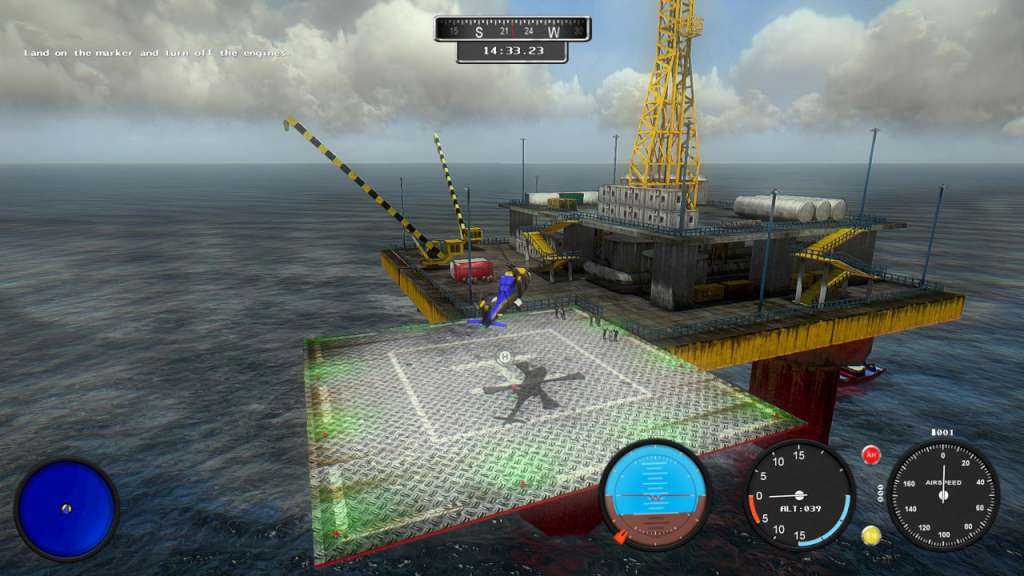
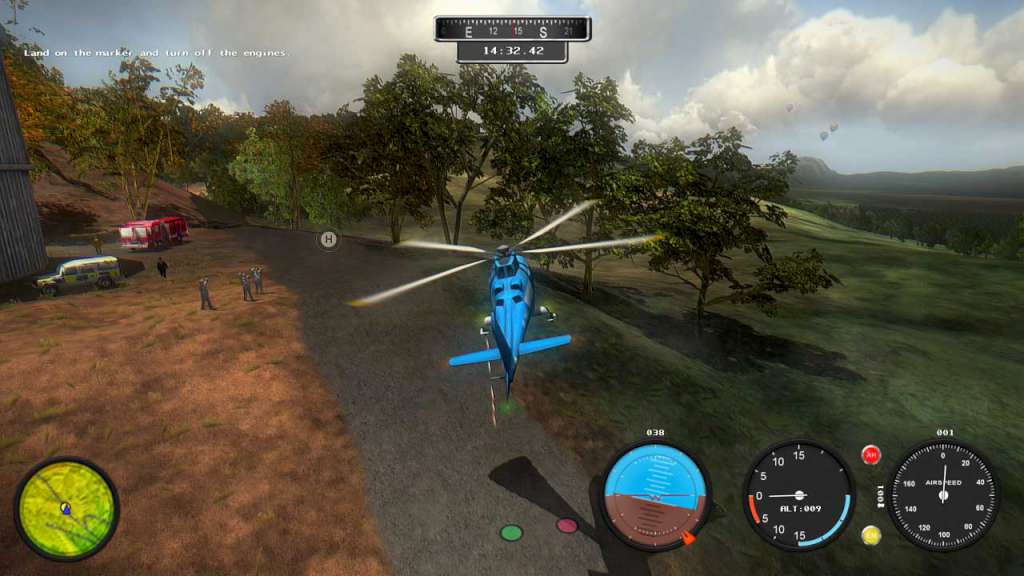
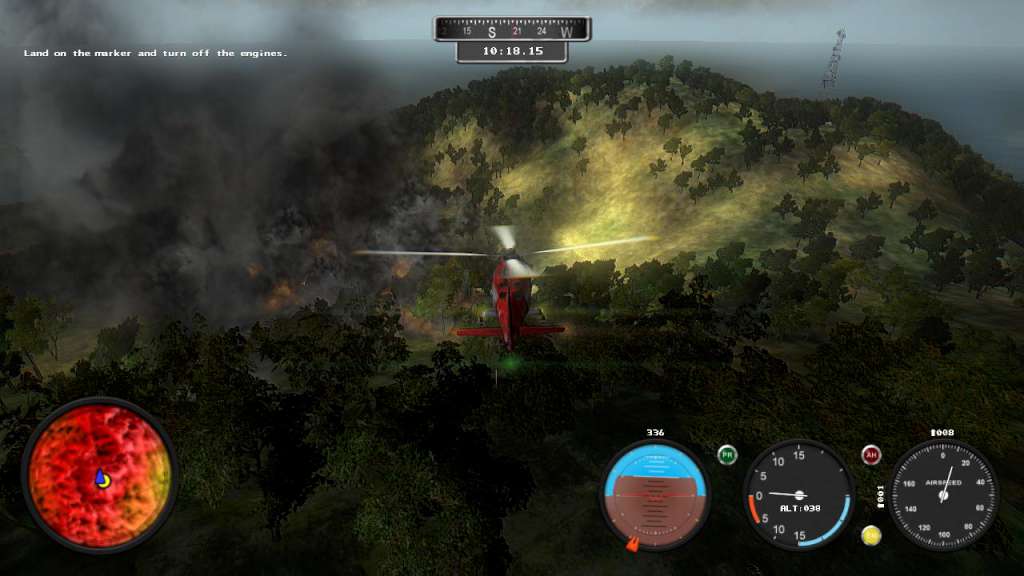
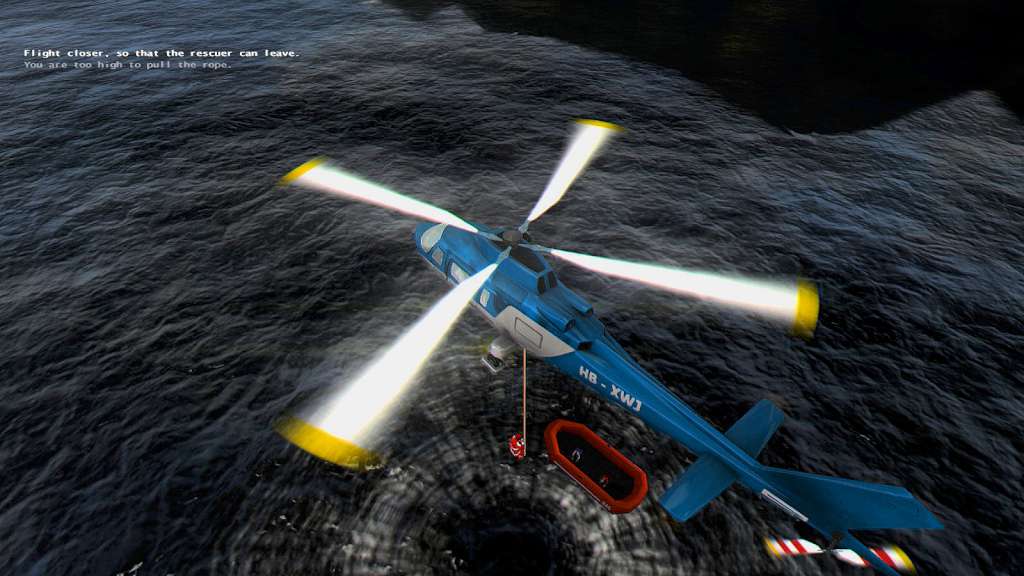
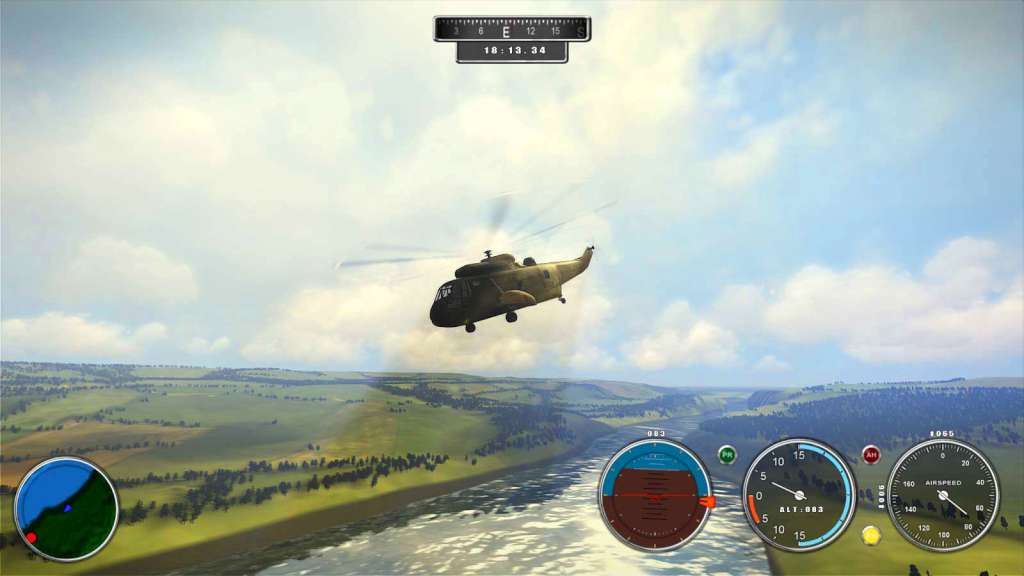
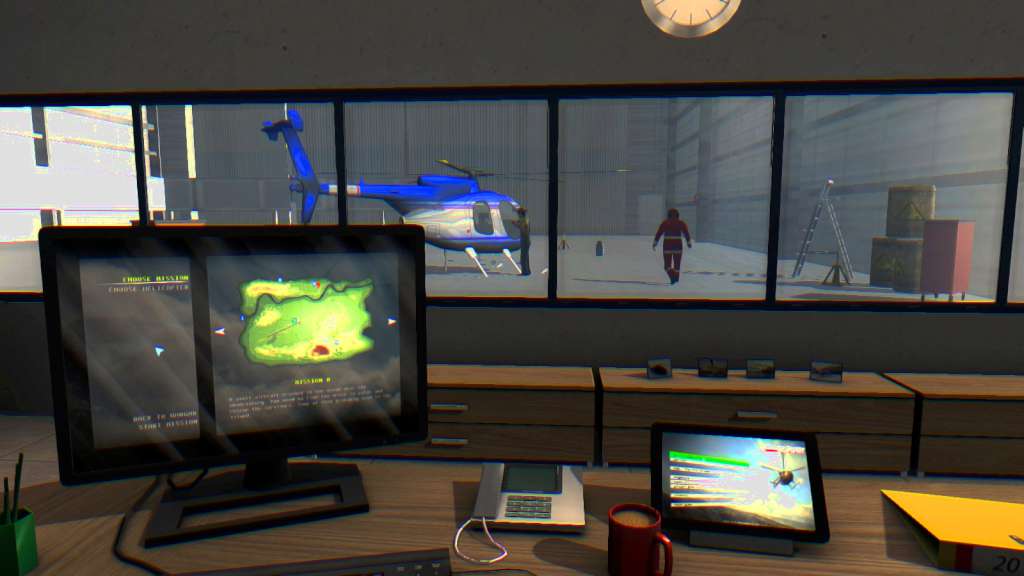
Become an emergency pilot and test your skills to their limits, as you sit in the cockpit of an emergency helicopter, across more than 40 challenging missions. Choose from 8 models of 'copter, each varying in size, ability and specs. Fighting forest fires, communication failures, and conducting perilous search and rescue missions are just the start... you'll face many more natural disasters throughout your missions. 2014 edition comes with brand new Sightseeing Mode Challenge, that will allow pilots to explore each island in search of beautiful, but sometimes hard to reach spots with ultra-light helicopter. And if that's not enough there are lots of achievements to unlock. Game engine was also upgraded with newer shader effects to achieve even more stunning visual quality. Features 10 different helicopters 45 various missions over 400km2 of terrain changing weather conditions well-balanced flight controls fully configurable controller support sightseeing mode in free play Steam achievements
Go to: http://store.steampowered.com/ and download STEAM client Click "Install Steam" (from the upper right corner) Install and start application, login with your Account name and Password (create one if you don't have). Please follow these instructions to activate a new retail purchase on Steam: Launch Steam and log into your Steam account. Click the Games Menu. Choose Activate a Product on Steam... Follow the onscreen instructions to complete the process. After successful code verification go to the "MY GAMES" tab and start downloading.